Aloita mallin avulla
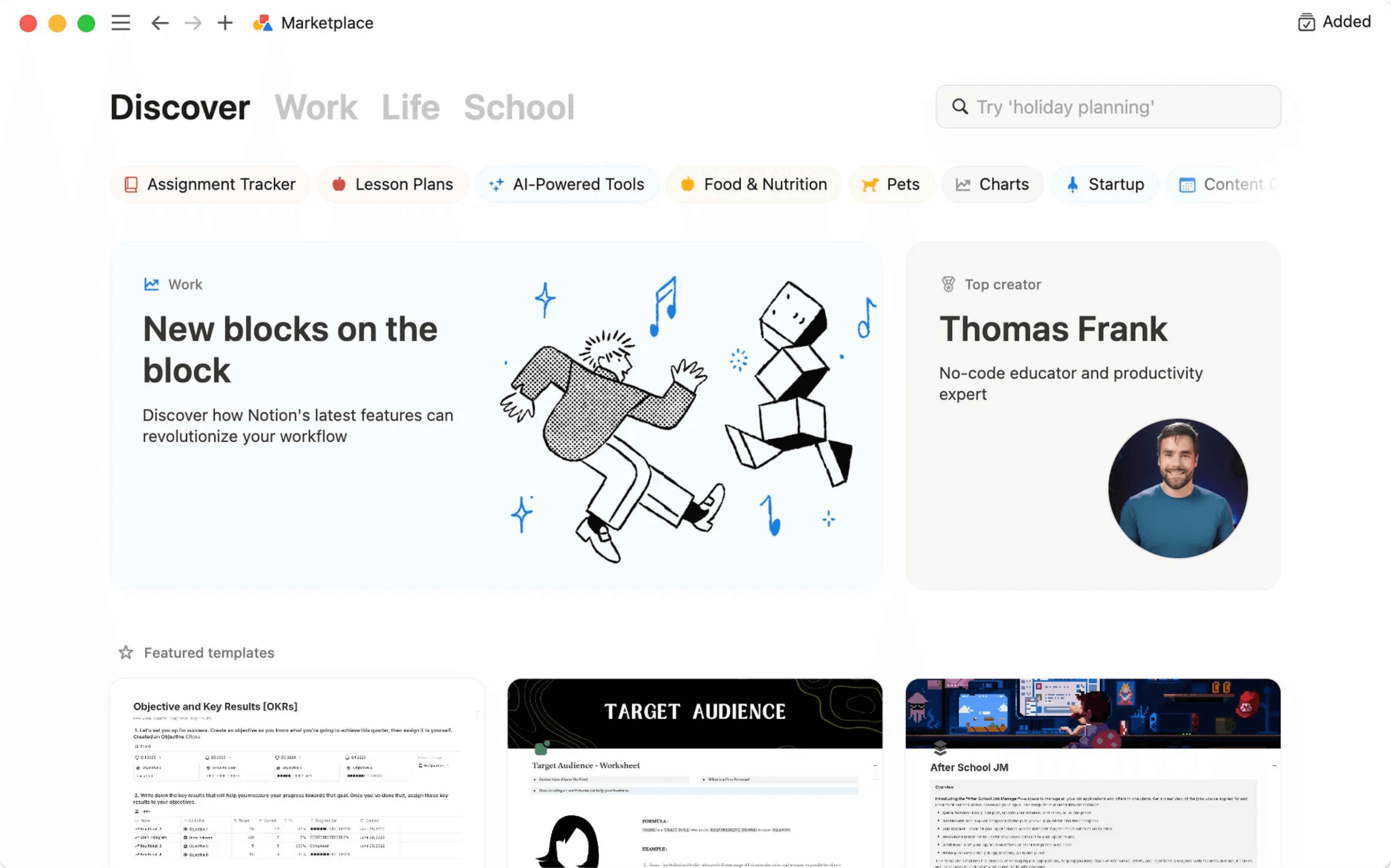
To help you take on a variety of challenges with Notion, we've created lots of templates that you can adopt and customize as your own — including some starter templates already in your workspace! Here's how to use them 💾
Siirry usein kysyttyihin kysymyksiinWhen you first sign up for Notion, you'll see a collection of templates in your sidebar. These are selected for you based on what you tell us during onboarding. You can choose to add them to your workspace and use them, or you can delete them.
To delete a template:
Click the
•••to the right of the page name.Click
Delete.
Notion's Marketplace includes thousands of templates built for many purposes by Notion users around the world, which you can use to get started in Notion or get inspired.
To access Marketplace, look for templates, and add them to your workspace:
Find and select
Templatesin your sidebar.Once you find a template you like, you can select
Add(if the template is free) or selectBuy for {price}at the top of the page to add the template to your workspace.
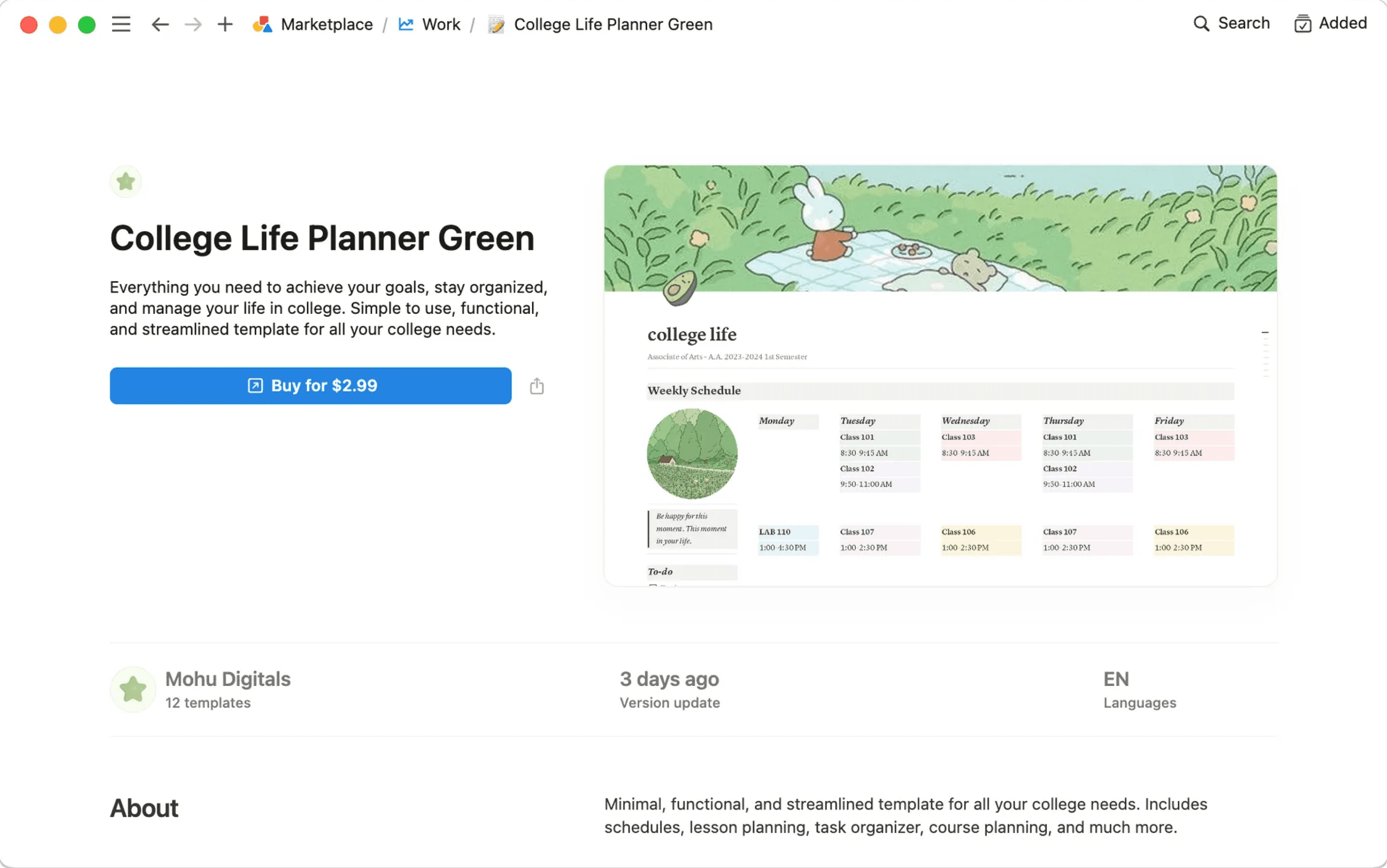
When the template is added to your workspace, you can tweak it to fit your exact needs. Learn more about finding templates on Marketplace here →
Usein kysytyt kysymykset
Voinko tehdä sivustani mallin ja käyttää sitä muualla työtilassani?
Voinko tehdä sivustani mallin ja käyttää sitä muualla työtilassani?
Mallin valitsinta ei valitettavasti voi muokata. Kannattaakin toimia siis seuraavasti:
Pidä tyhjä versio mallisivustasi saatavilla vasemmanpuoleisessa sivuvalikossa.
Napsauta sivuvalikossa kyseisen sivun nimen vieressä olevaa kohtaa
•••ja valitse sittenKopioiaina, kun tarvitset uuden kopion.
Nämä vinkit voivat olla hyödyllisiä kulloisenkin käyttötarpeesi mukaan.
Mallipainikkeella voit kopioida nopeasti suuren määrän sisältöä. Kätevä toiminto varsinkin päiväkirjan pitämiseen! Lue lisää täältä →
Voit luoda tietokannoissa uusia tietokantamerkintöjä käyttämällä ominaisuuksia ja sivujen sisältöjä, jotka on luotu aiemmin tietokantamalleilla. Lue lisää täältä →
Voinko pyytää mallia johonkin tiettyyn tarkoitukseen?
Voinko pyytää mallia johonkin tiettyyn tarkoitukseen?
Se sopii! Olisi hienoa kuulla, millaisia ideoita sinulla on. Twiittaa ne meille (@NotionHQ, käytä tunnistetta #template) tai lähetä osoitteeseen [email protected].