產品
功能
查看所有功能
→
收集
將所有內容彙整至一個系統。
搜尋
馬上找得到解答,並清楚標註出處。
自動化
透過代理程式,讓工作全天候持續不間斷。
資源
Notion,適用於
企業
小型企業
新創公司
開發人員
探索
最新消息
客戶故事
網路研討會
範本
顧問
學習
學院
產品導覽
幫助中心
定價
申請產品示範
登入
免費取得 Notion
幫助中心
Notion 基本知識
← Notion 基本知識
Notion 基本知識
指南
Adding members, admins & guests
指南
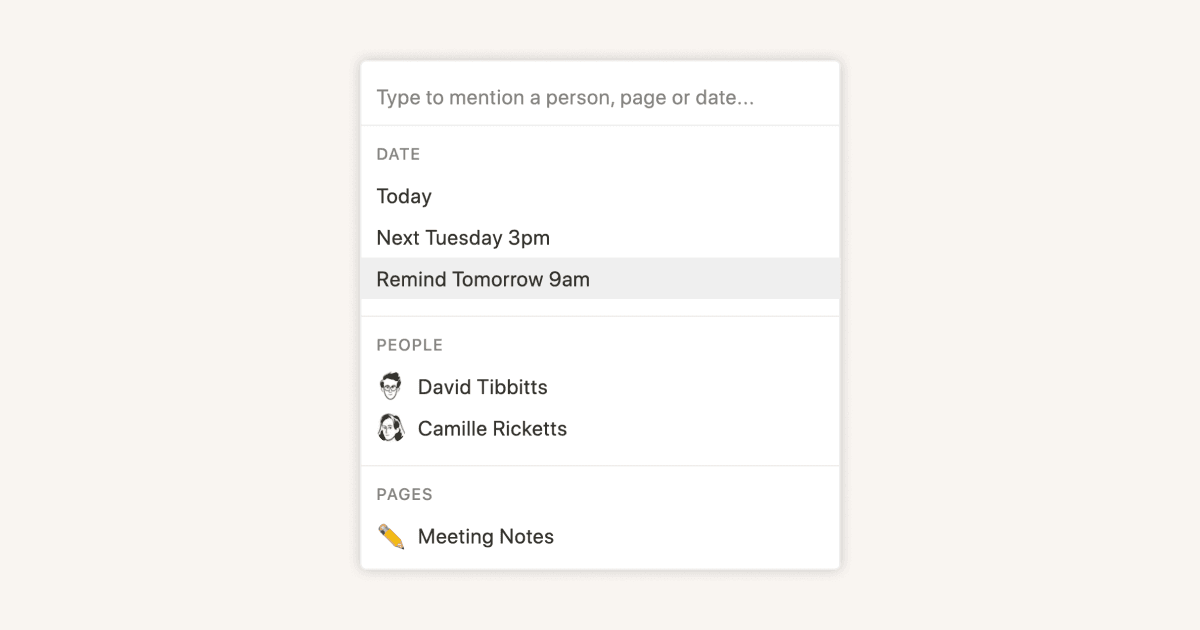
Reminders & @mentions
指南
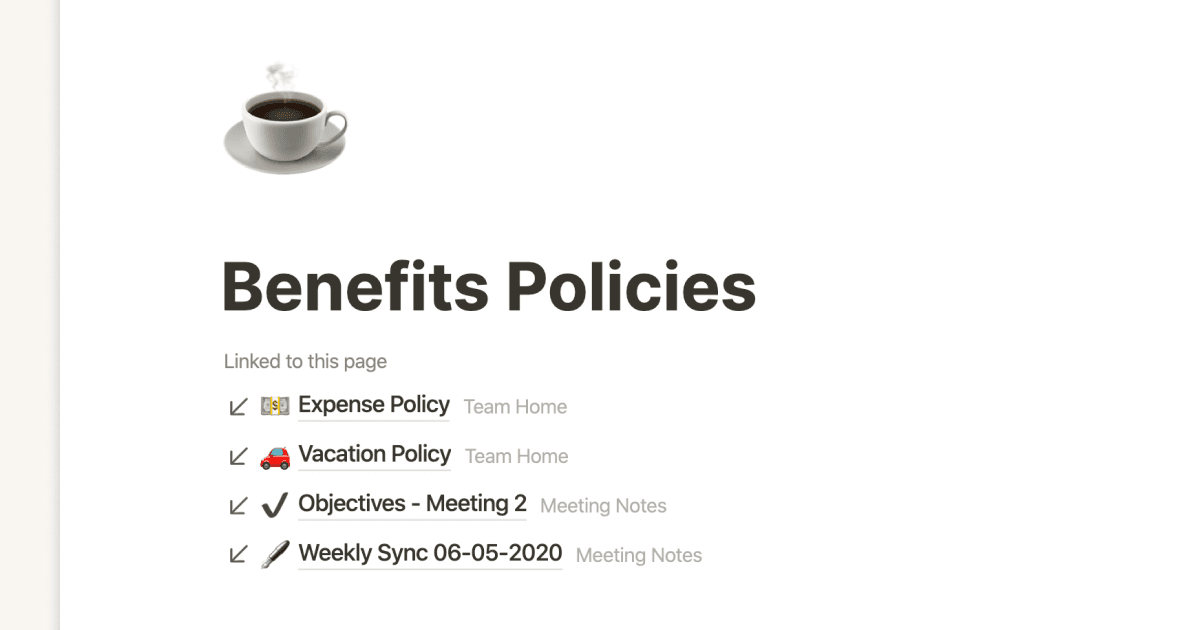
Creating links & backlinks
指南
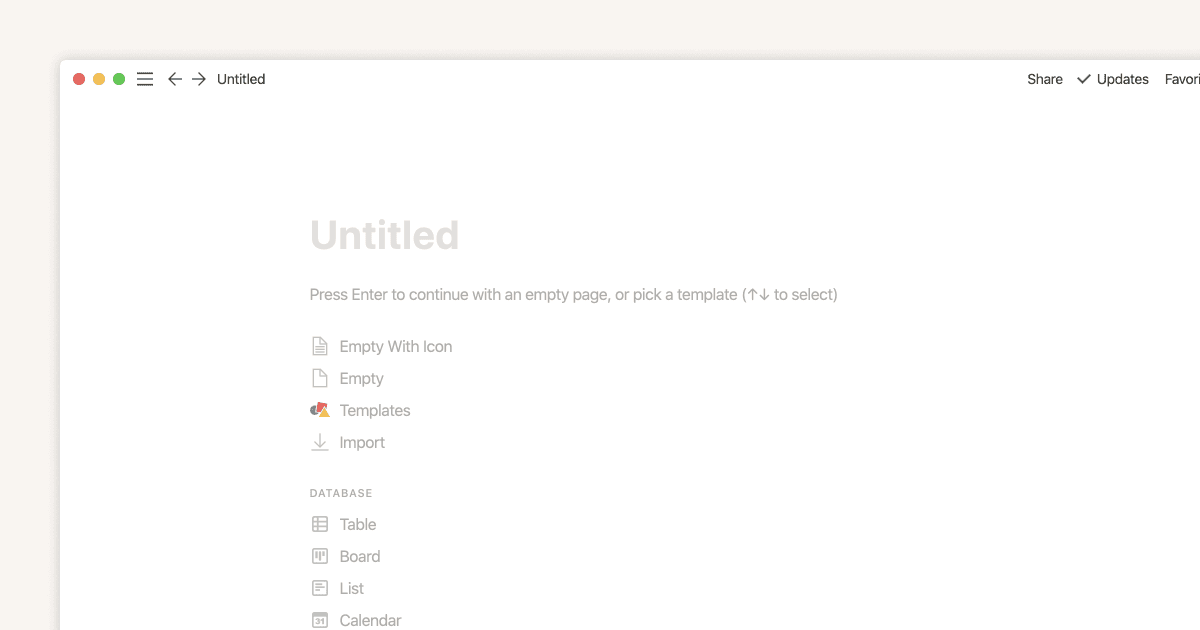
Creating a page
指南
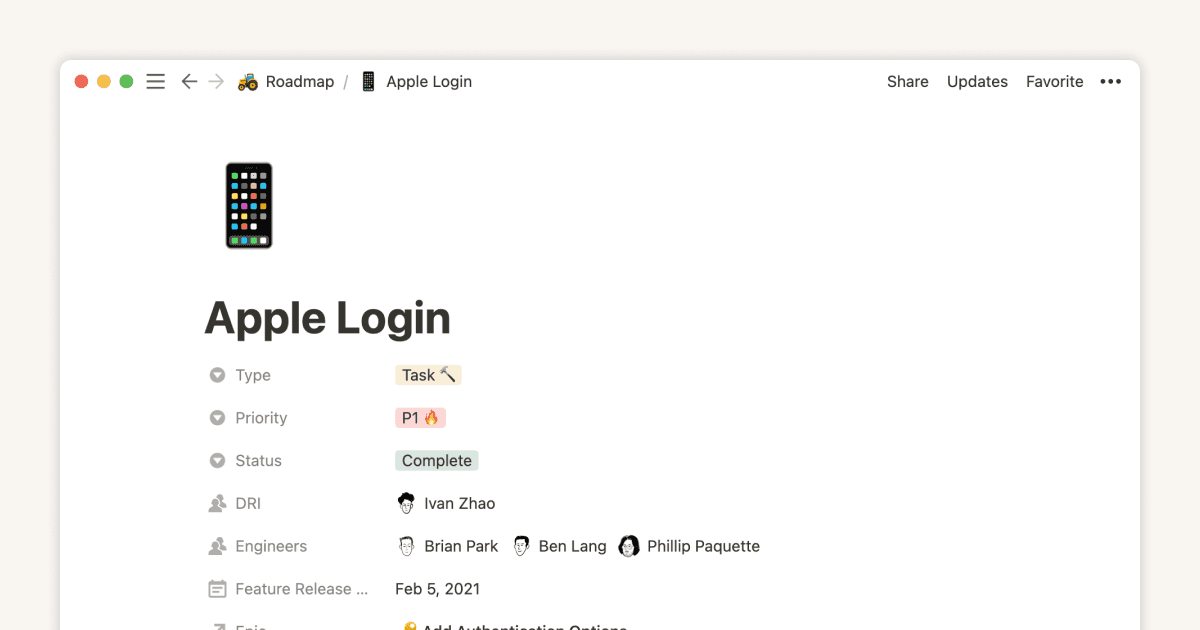
Database properties help organize your team’s information
指南
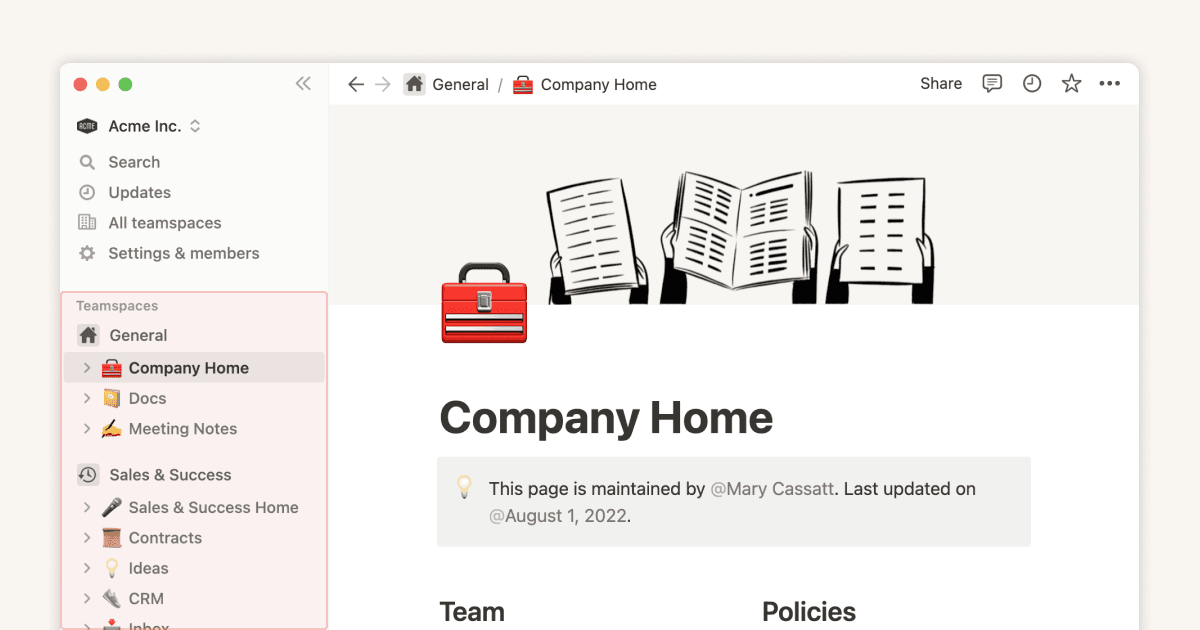
Teamspaces give every team a home for important work
指南
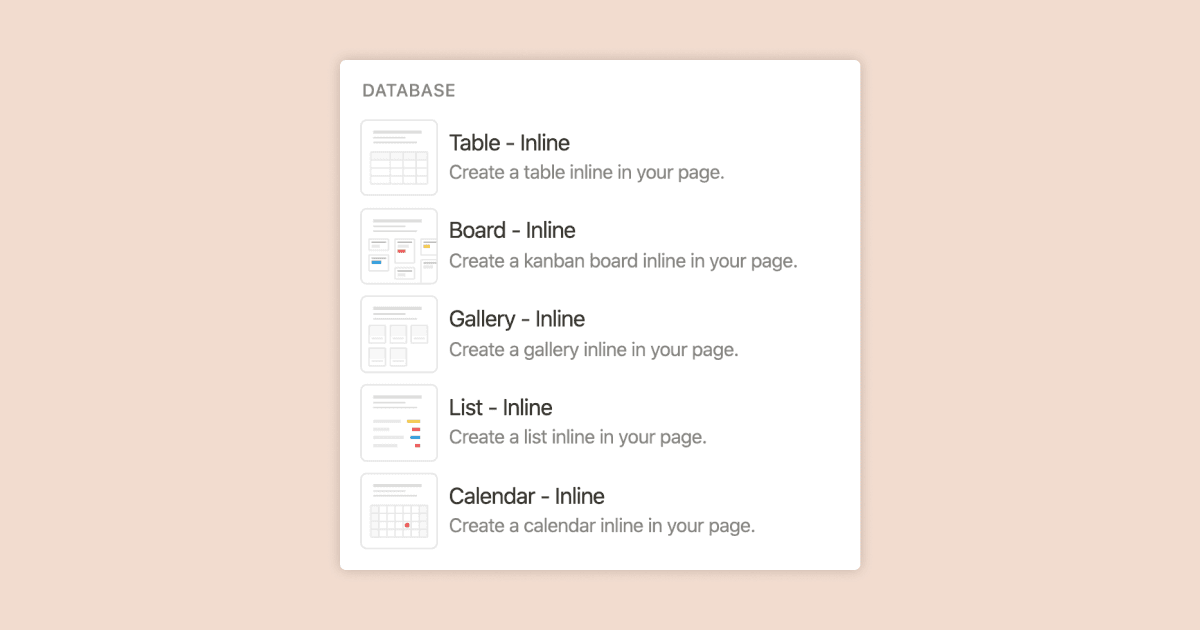
Full page vs. inline databases
指南
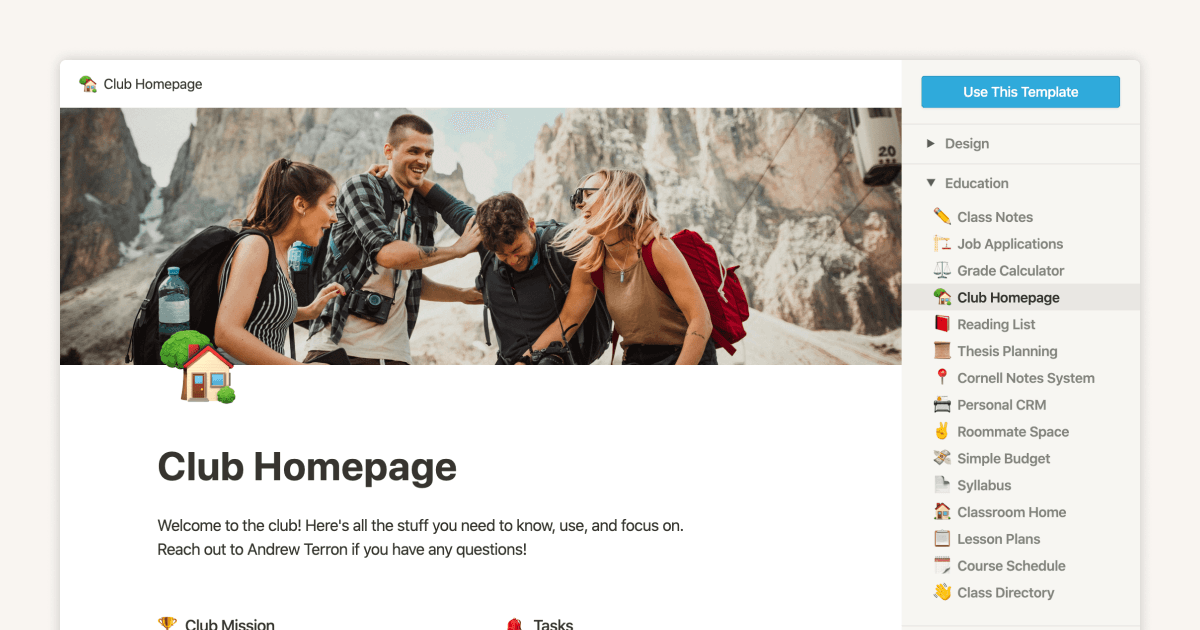
Start with a template
指南
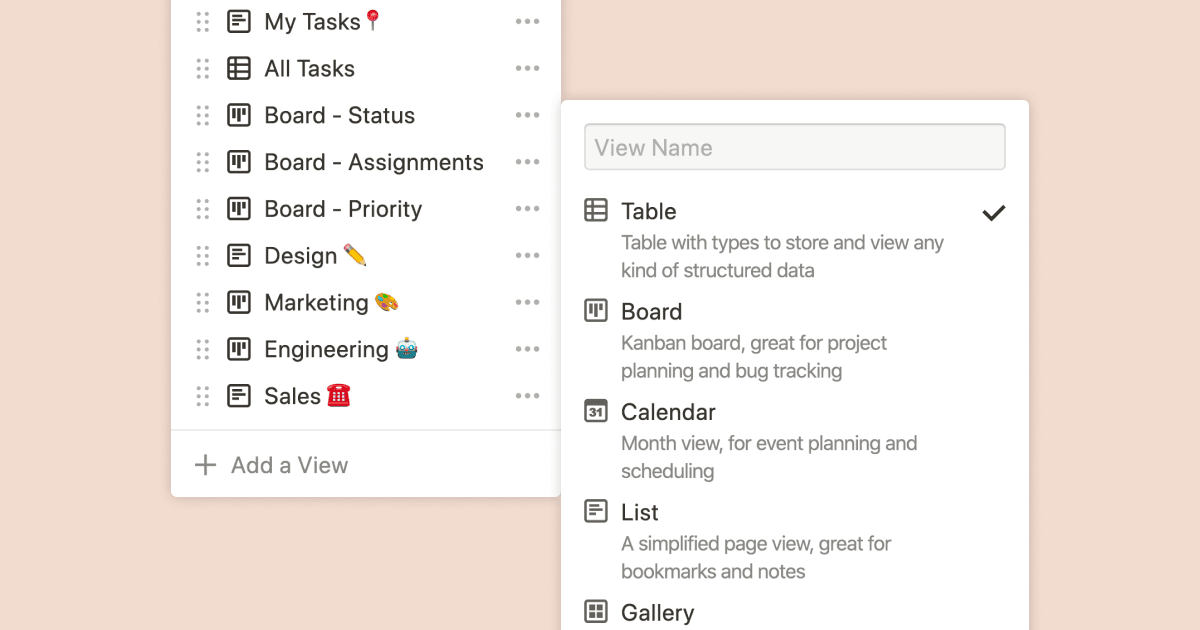
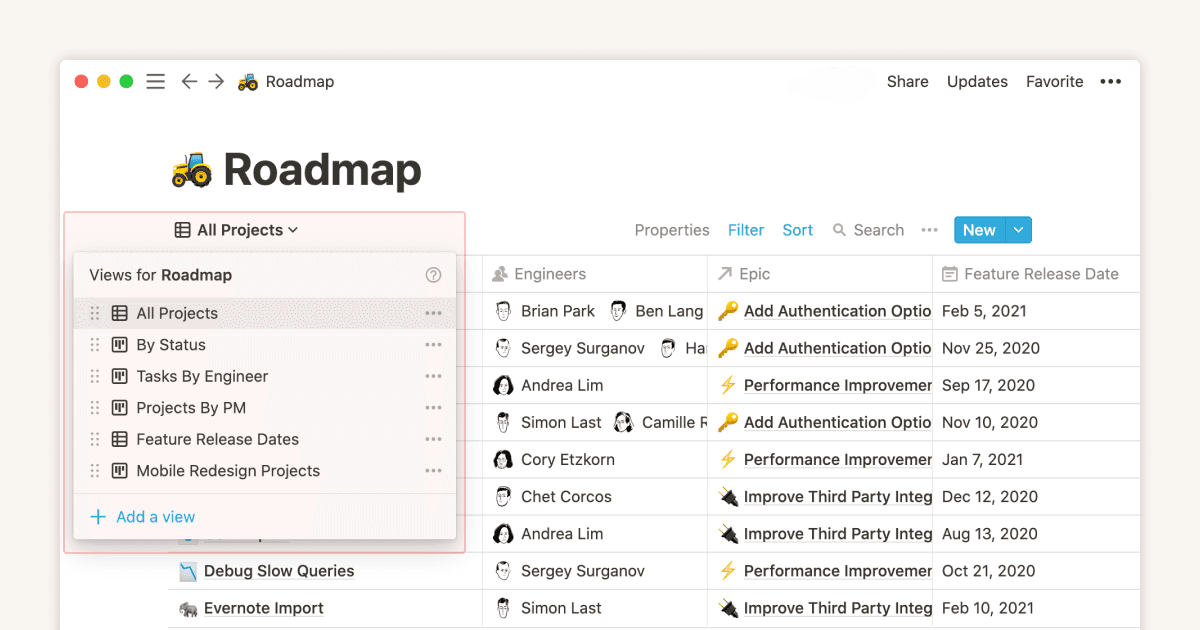
Using database views
指南
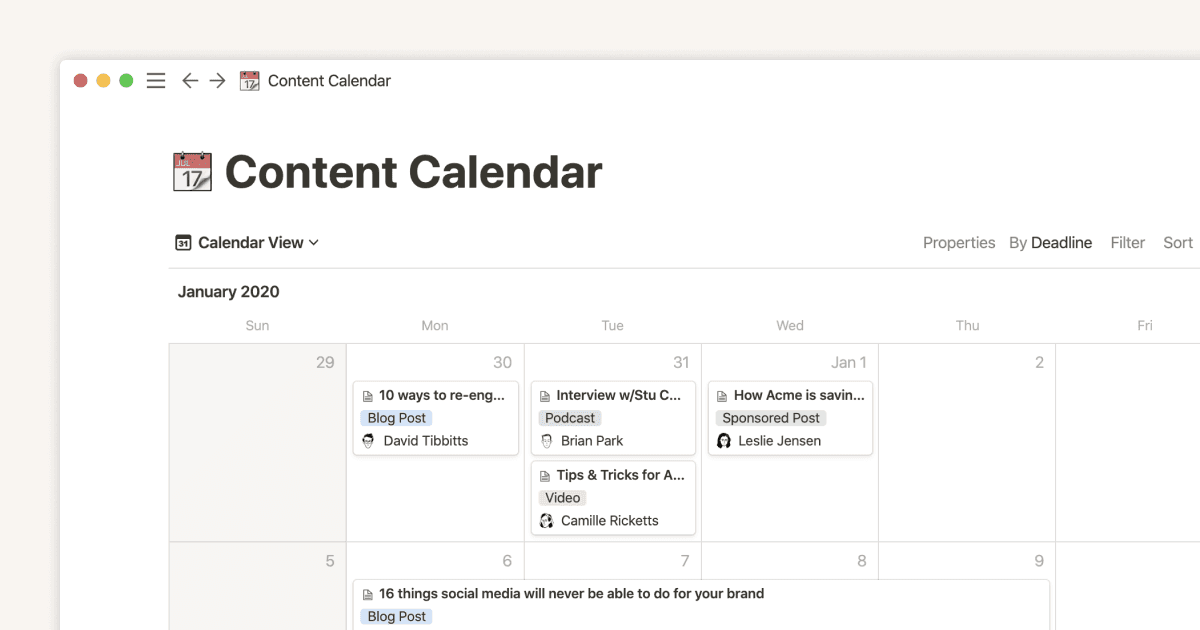
Calendar view databases
指南
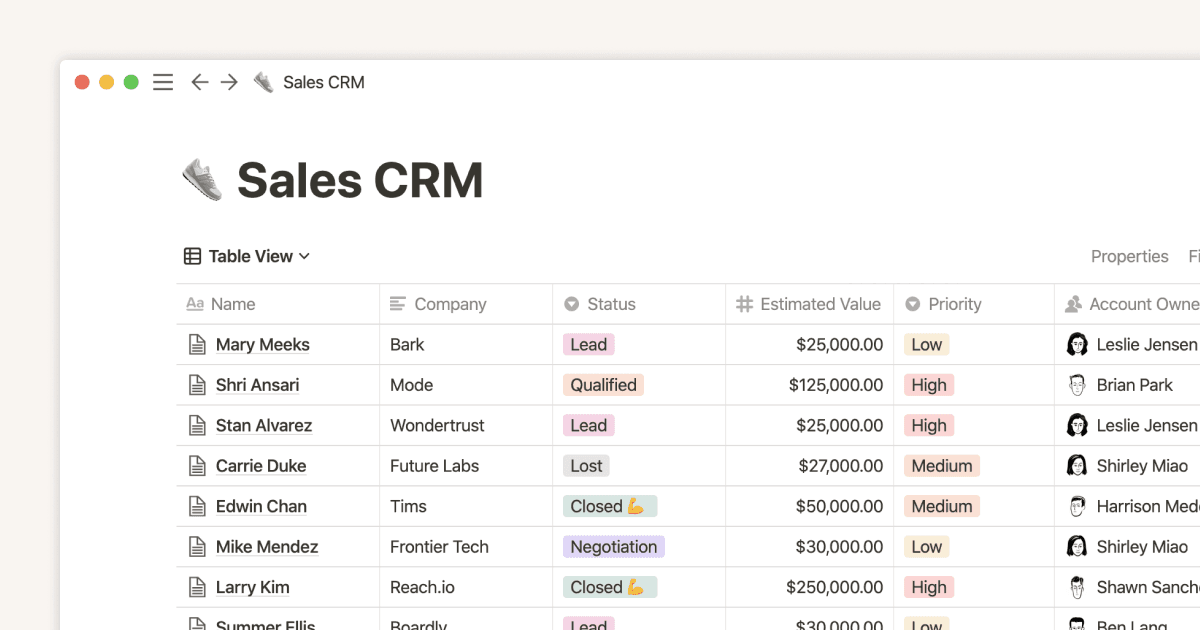
Table view databases
指南
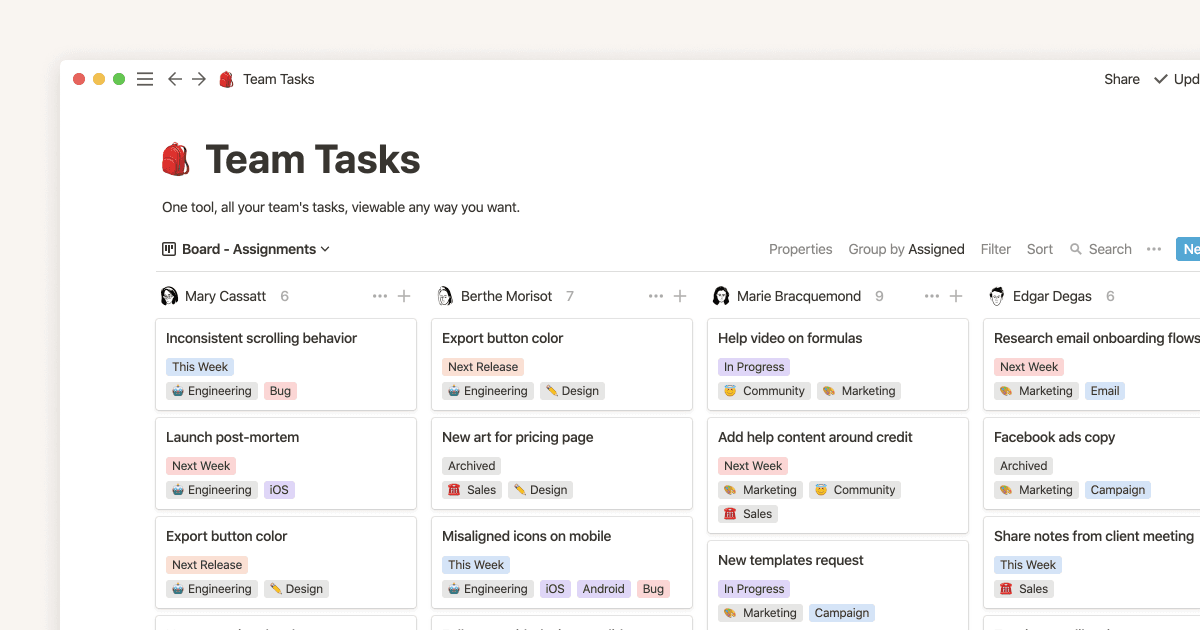
Board view databases
指南
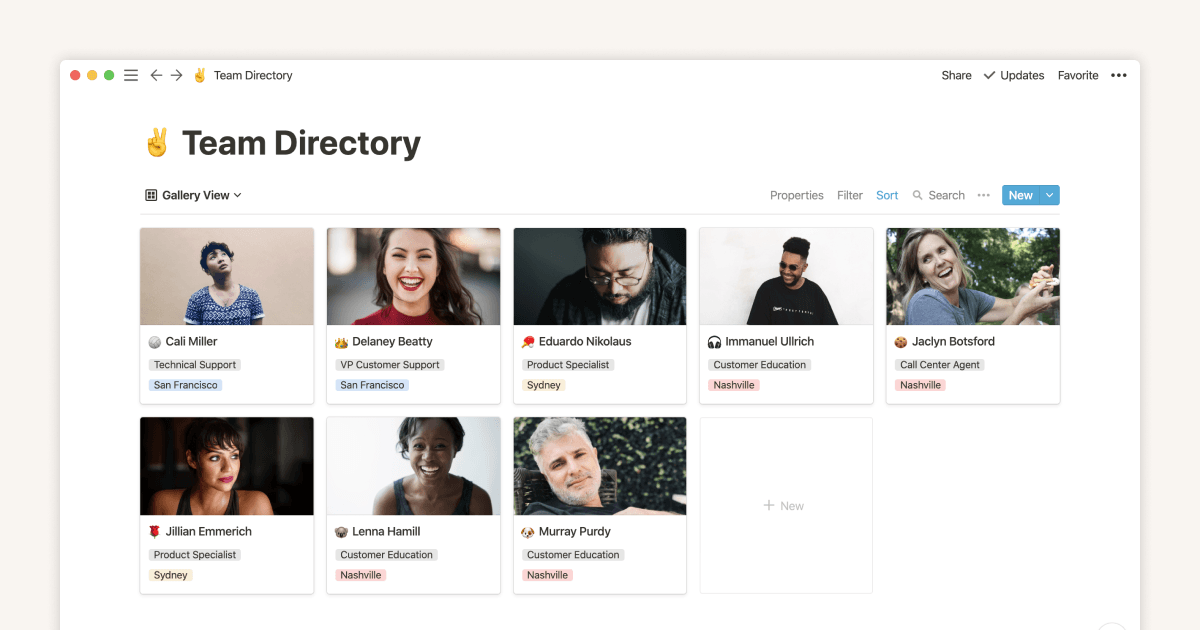
Gallery view databases
指南
Creating a database
指南
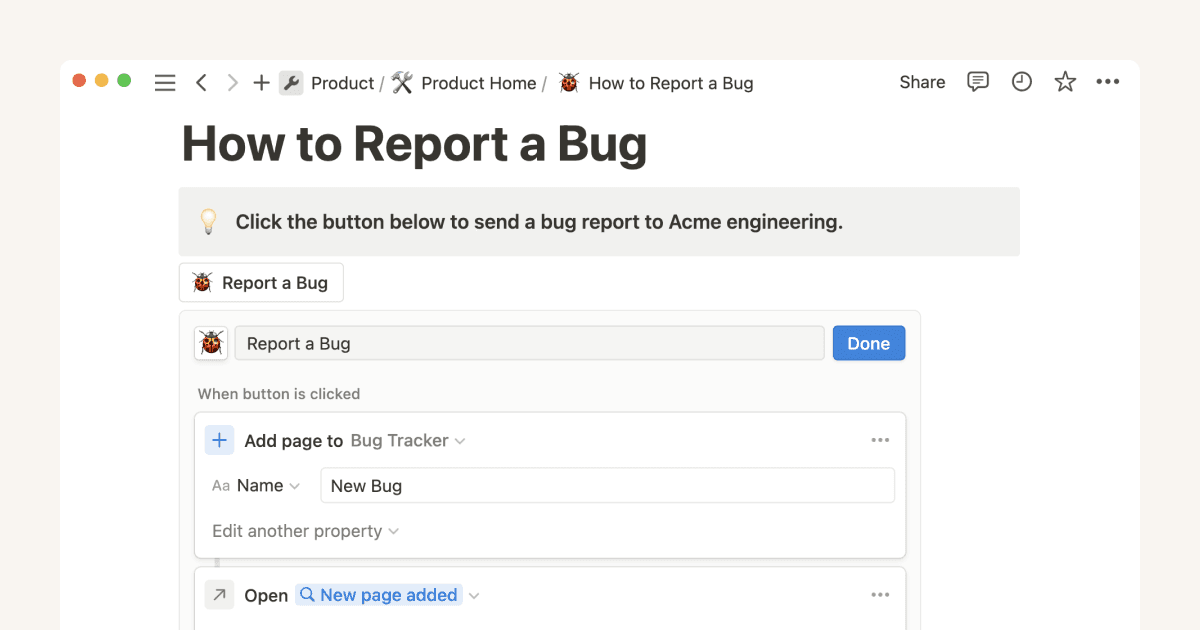
Automatically generate blocks, pages and more with the click of a button
指南
When to use each type of database view
指南
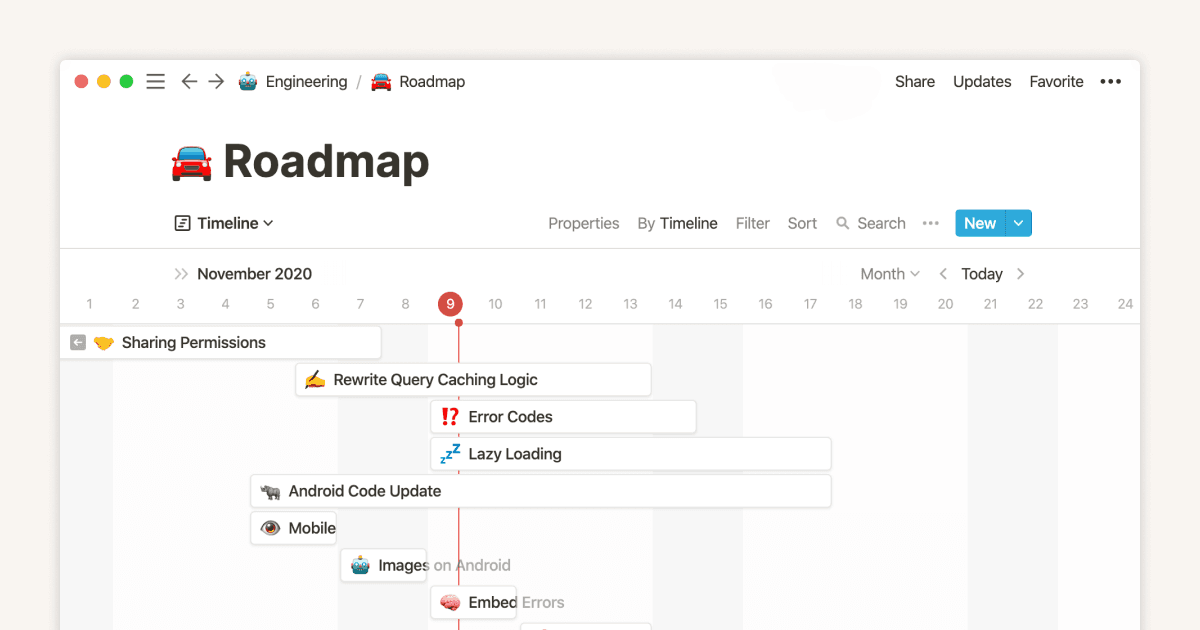
Timeline view unlocks high-output planning for your team
指南
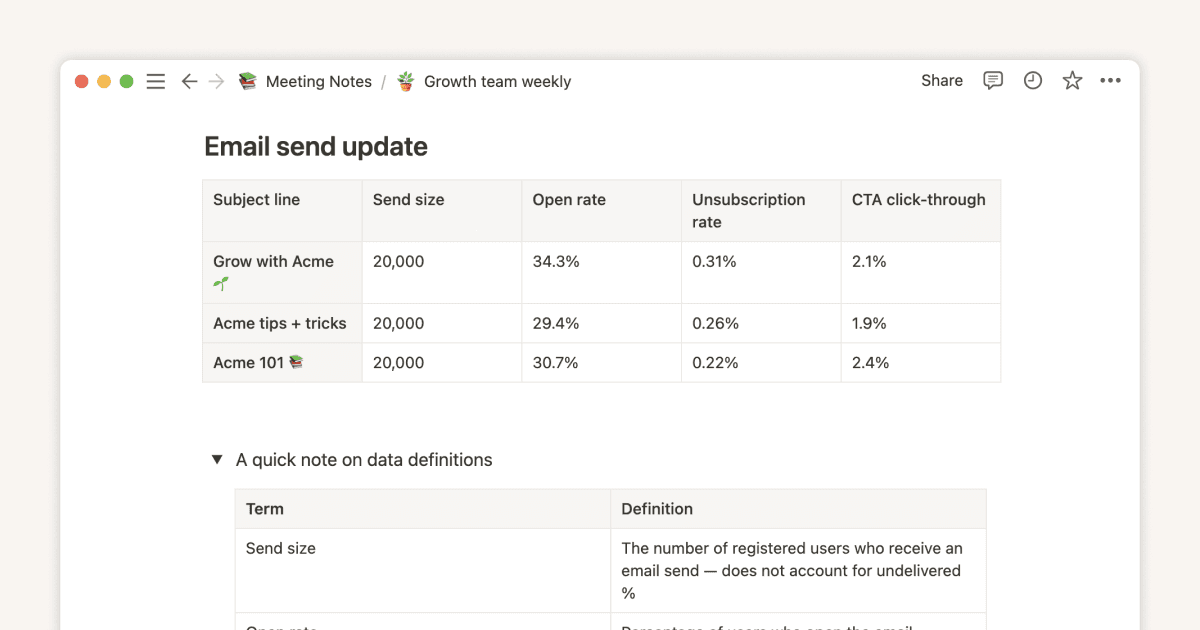
The best ways to use simple tables in your Notion pages (and when not to)
指南
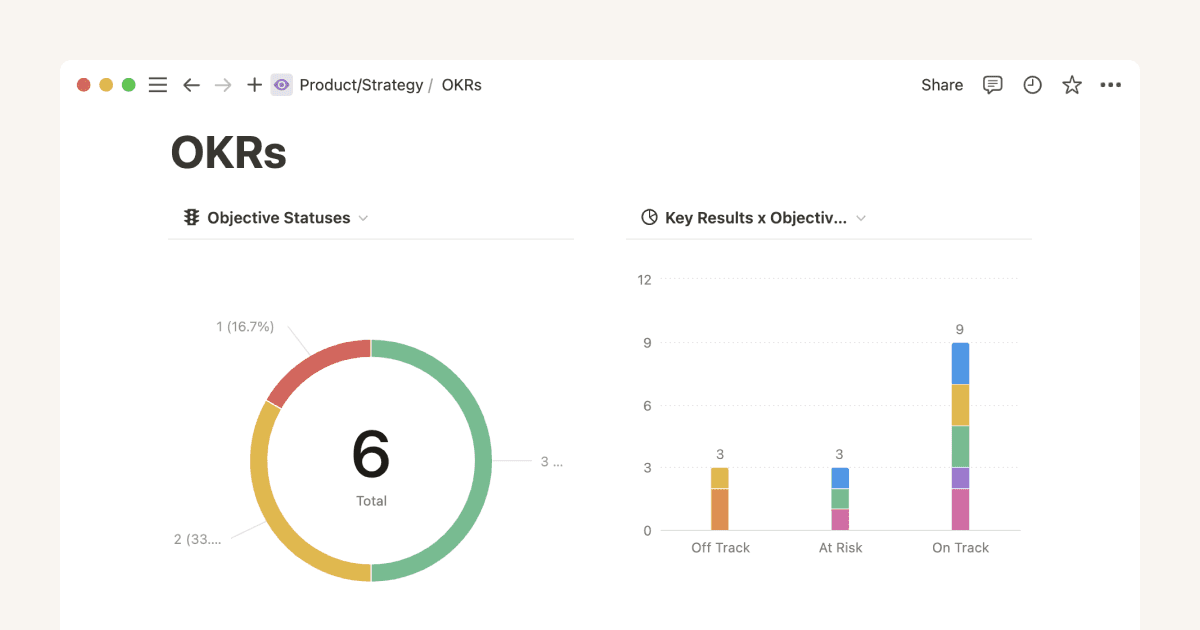
Use charts to visualize data and track progress directly in Notion
指南
Where does Notion fit into your company’s tool ecosystem?
指南
Unleashing productivity with Notion's Slack integration
指南
Writing & editing basics
指南
How teams can use comments for better collaboration
指南
Types of content blocks
指南
Bring live links into your Notion workspace with link previews
指南
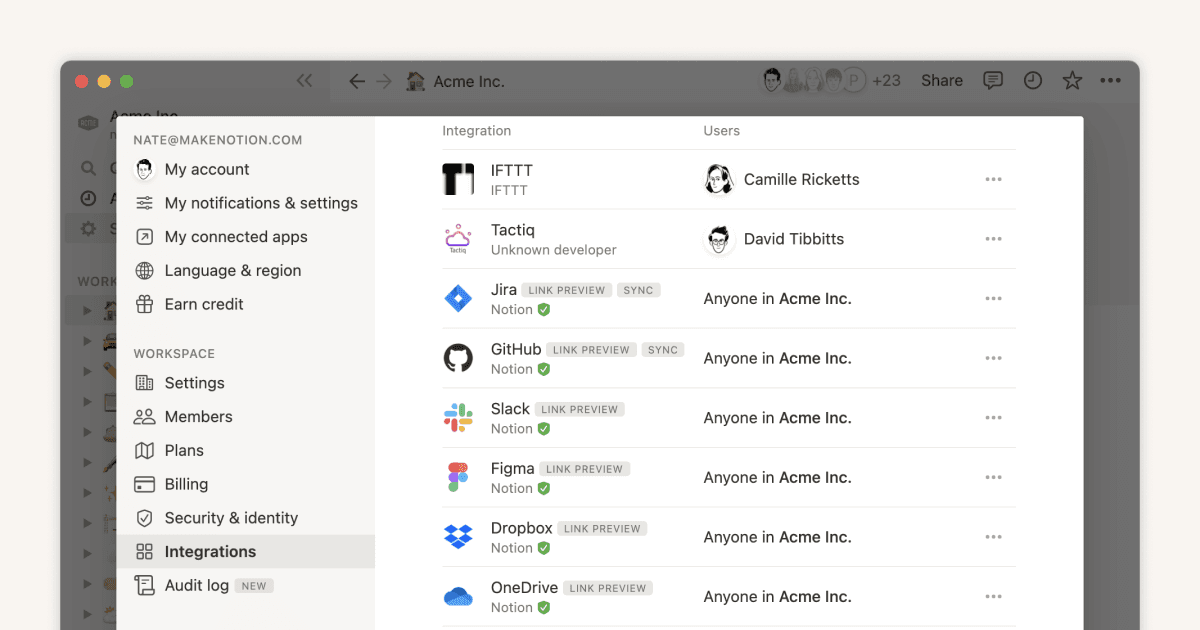
Connecting tools to Notion
指南
What is Notion?
指南
利用重複資料庫範本,讓工作自動化
指南
Getting started with page customization
指南
Assign custom database permissions to make your life easier
指南
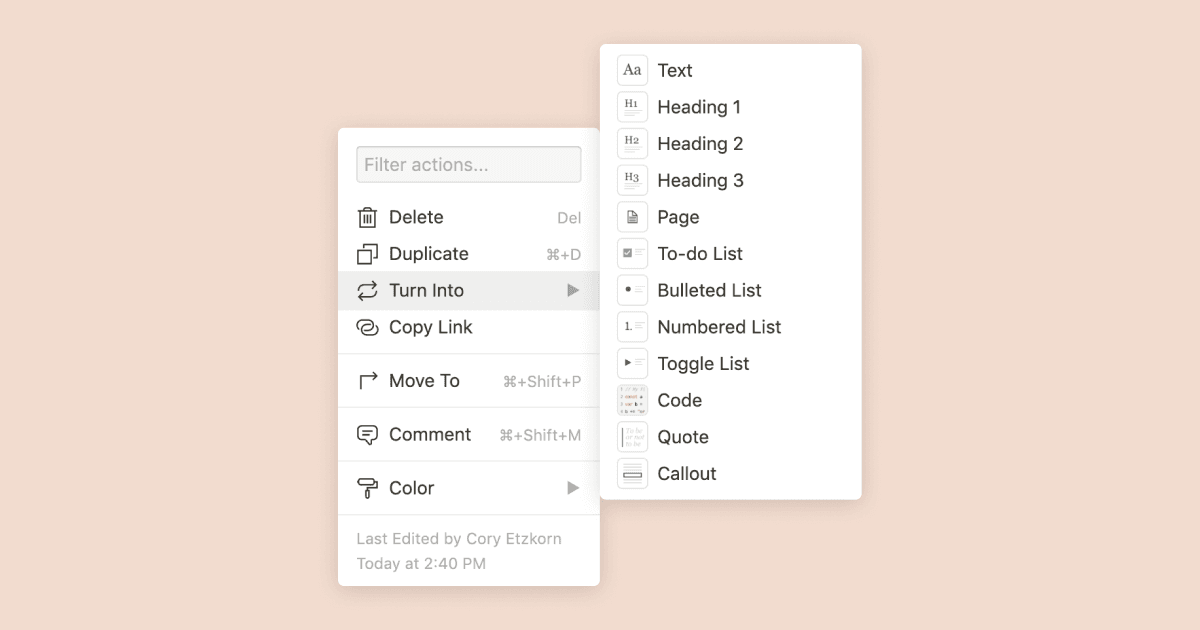
Transforming content blocks in Notion
指南
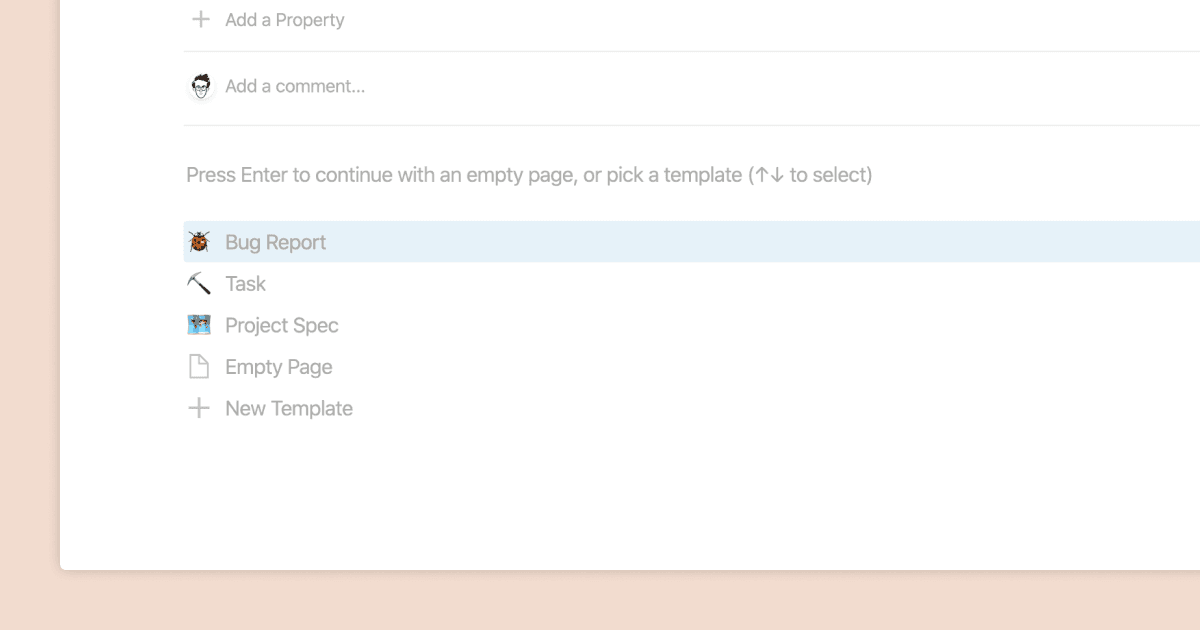
Using database templates
指南
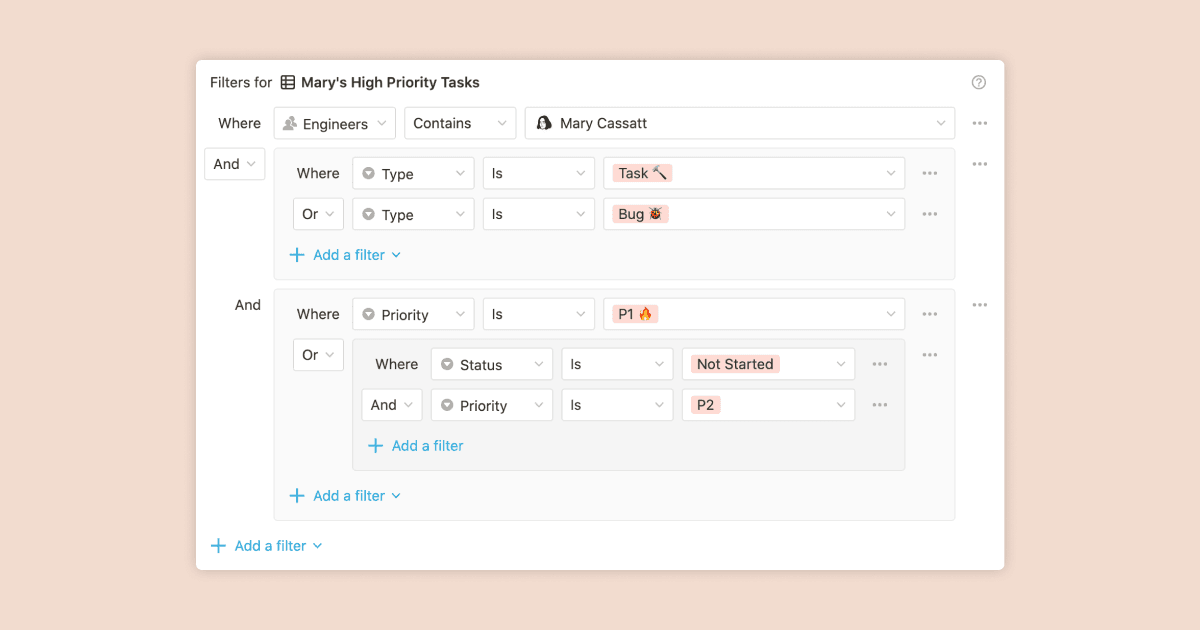
Using advanced database filters
指南
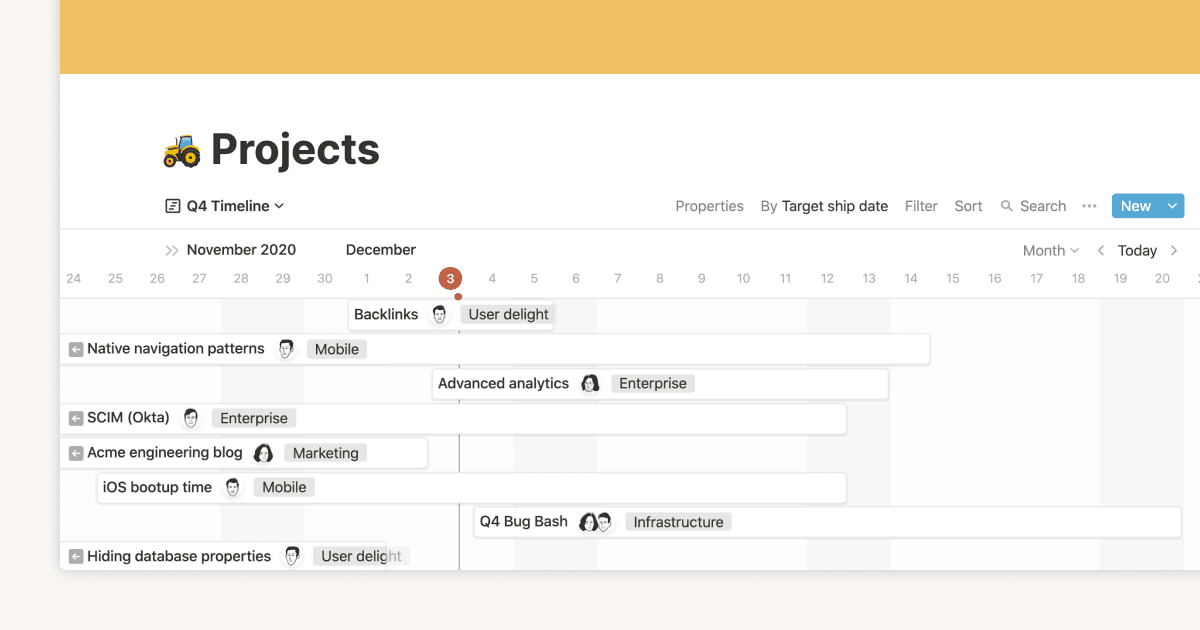
Intro to Timeline view
指南
How to create new pages as you type
指南
Using linked databases
指南
Using relation & rollup properties
指南
Using slash commands
指南
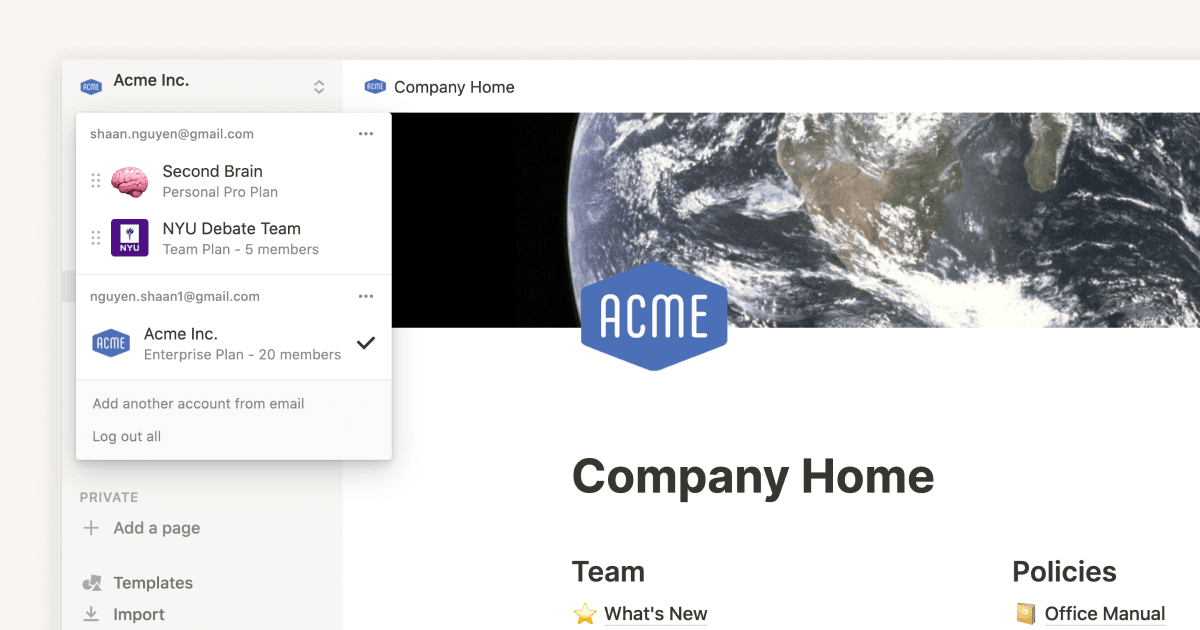
A Notion guide on switching between work and personal accounts
指南
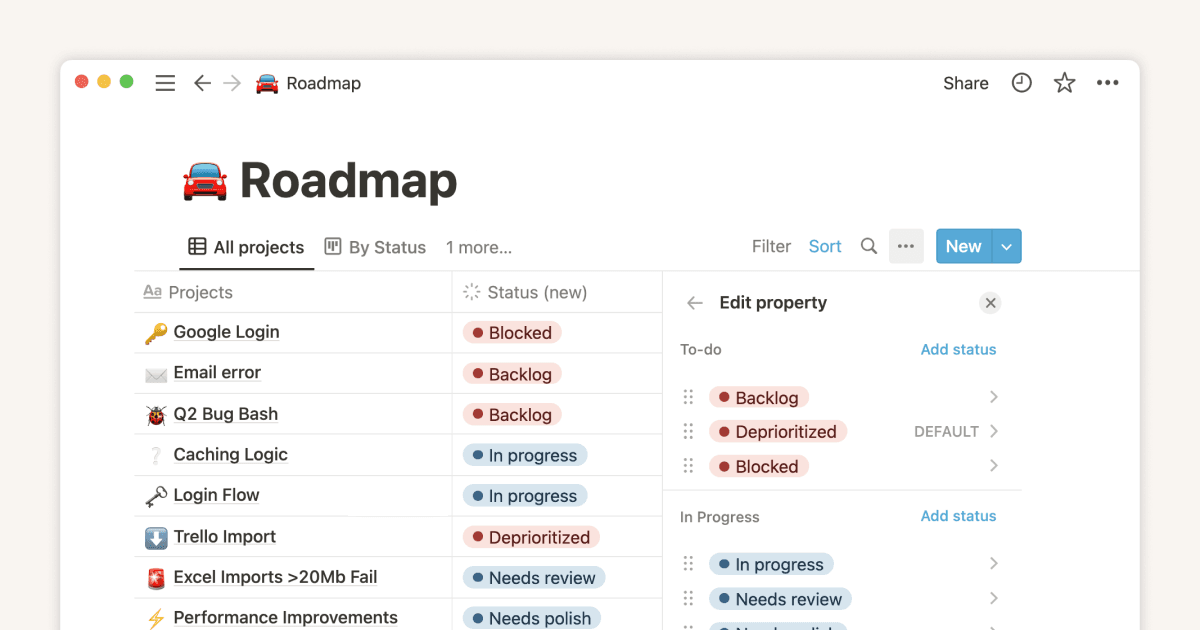
The status property gives you clarity on task progress