

Notion你的 AI 工作空間
Notion 日曆
Notion 郵件
Notion AI幫忙處理工作的 AI 工具
代理程式新將繁瑣工作自動化
AI 筆記寫手AI 完美撰寫
企業版搜尋功能快速找到答案
知識庫集中管理知識
文件操作容易,功能強大
專案管理任意專案
整合連接你的應用程式
安全性安全且可擴展
. 查看最新消息→
下載 Notion 應用程式→

AI 功能

Notion AI幫忙處理工作的 AI 工具
代理程式新將繁瑣工作自動化
AI 筆記寫手AI 完美撰寫
企業版搜尋功能快速找到答案

探索使用案例

用於工作
用於生活

團隊

工程與產品
設計
行銷
IT

公司規模

新創公司
小型企業
企業

使用案例

教育
個人
專業
AI 使用案例

瀏覽

範本
顧問
整合

探索

最新消息
客戶故事
部落格
網路研討會

學習

學院
產品導覽
幫助
企業定價要求產品示範
登入免費取得 Notion
  1. 幫助中心
  2. 說明文件
  1. ← 說明文件
哈囉!感謝你拜訪我們的幫助中心。目前我們的幫助中心還在建設中。我們將在不久的將來呈現幫助中心的內容。感謝你的理解,我們未來再見!

2. Sidebar navigation

Sidebar navigation
在本章內

Find your way around Notion using the sidebar to organize and access your work and tasks.


文章

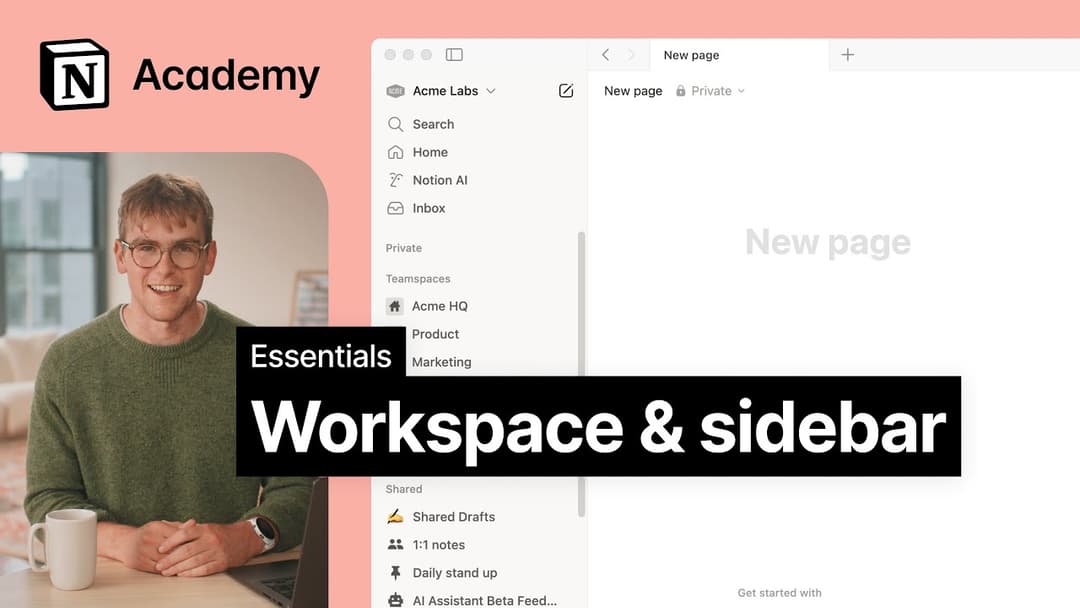
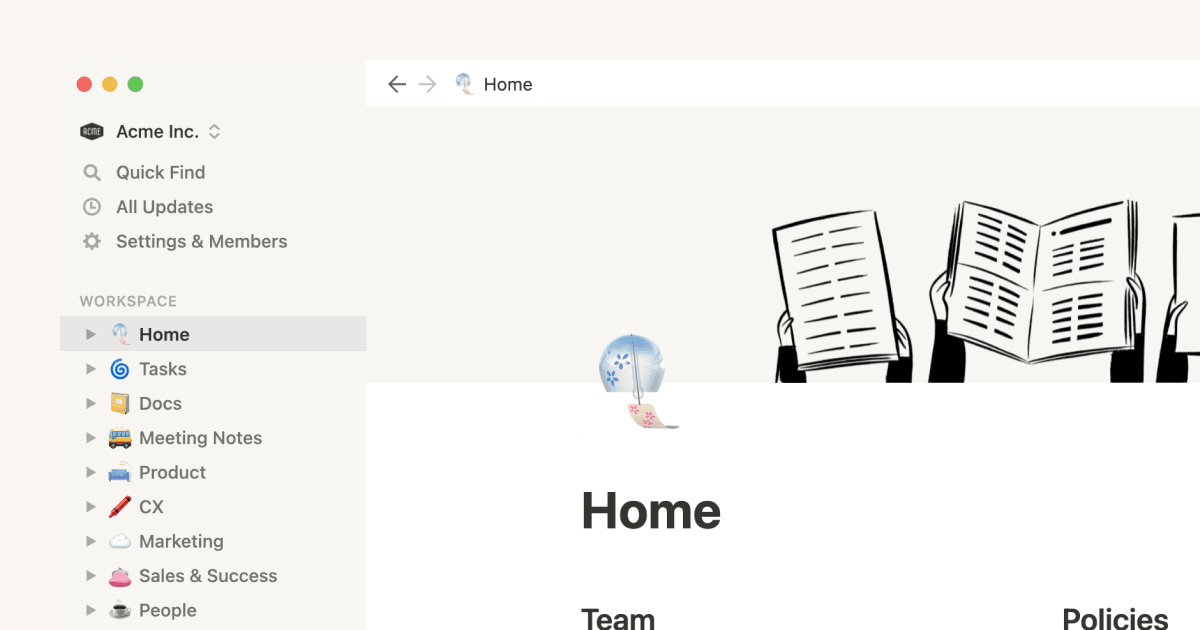
使用側邊欄導航

Notion 的左側邊欄使您可以輕鬆構建工作區中的所有內容。這是您需要了解的有關如何在側邊欄中組織、重新排列和查找頁面的所有信息 🧭

5:00

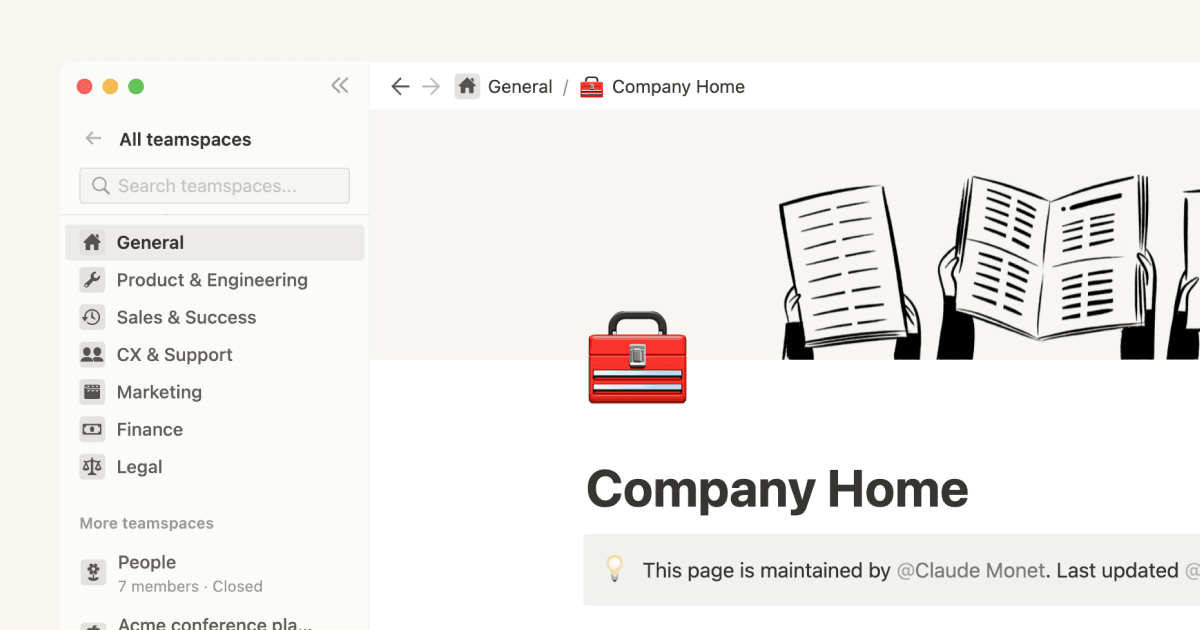
Manage your Library

Use Library to find, organize, and manage pages across your workspace, including customizing what shows up in your sidebar 📚

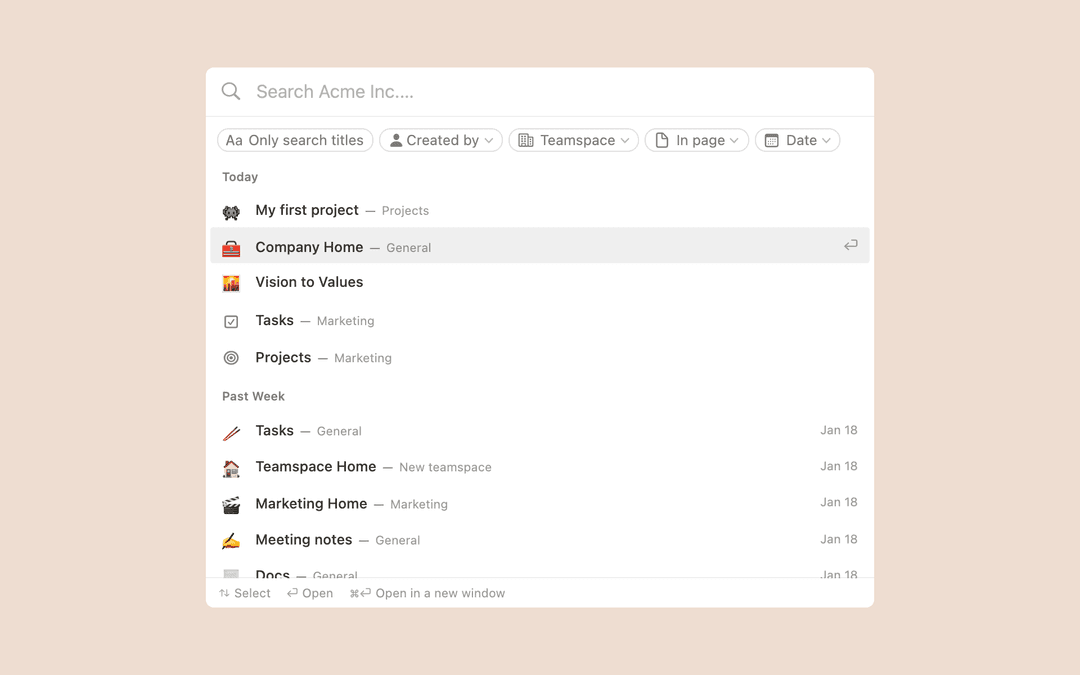
使用快速查找進行搜索

Notion 旨在讓您根據您和您的團隊解決任何問題的需要添加盡可能多的信息層。快速查找確保 Notion 中的這個“第二大腦”是一個易於搜索的信息存檔🧠

Home & My tasks

Home gives you quick access to Notion AI, important pages, upcoming events, and your tasks 🏡

5:00

仍有疑問嗎?

👋

加入我們的社群

尋找答案

💼

聘請認證顧問

尋找能幫助你的專家

Help Center Contact Illustration
  • 說明文件
      • 在此開始
      • 工作區簡介
      • 什麼是區塊?
      • Create a page
      • 建立子頁面
      • 什麼是資料庫?
      • 建立資料庫
      • 從範本開始
      • 分享你的作品
      • 與他人合作
      • Badges & certifications
      • 查看全部內容
      • 使用側邊欄導航
      • Manage your Library
      • 使用快速查找進行搜索
      • Home & My tasks
      • 查看全部內容
      • 創建、刪除和切換工作區
      • 工作區設置和安全
      • Create, join & leave teamspaces
      • 移動工作區
      • Delete a workspace
      • 查看全部內容
      • Account settings & preferences
      • 通知設置
      • Two-step verification
      • HIPAA configuration
      • 數據訪問同意
      • 刪除您的整個帳戶
      • Passkeys
      • Notion Faces
      • Secondary emails
      • Log in & out
      • Change your language
      • 查看全部內容
      • 寫作和編輯基礎
      • 列、標題和分隔符
      • 自定義和样式您的內容
      • Images, files & media
      • 創建鏈接和反向鏈接
      • Wikis & verified pages
      • Move & duplicate content
      • 複製、刪除和恢復內容
      • 同步塊(測試版)
      • Code blocks
      • 數學方程式
      • 鍵盤快速鍵
      • Archive pages
      • Use pages offline
      • 重複的公共頁面
      • Presentation mode
      • 查看全部內容
      • Intro to formulas
      • Intro to databases
      • Formula syntax & functions
      • Database properties
      • 關係和匯總
      • Database settings
      • 數據庫模板
      • Sub-items & dependencies
      • Task databases & sprints
      • 鏈接數據庫
      • Optimize database load times & performance
      • Unique ID
      • 查看全部內容
      • Views, filters, sorts & groups
      • 表
      • 板
      • 時間線
      • 日曆
      • 列表
      • Dashboards view
      • Gallery view
      • Chart view
      • Forms
      • Layouts
      • Feed view
      • Map view
      • 查看全部內容
      • 共享和權限
      • 添加成員、管理員、訪客和群組
      • 在工作空間內協作
      • 更新和通知
      • 留言、提及和提醒事項
      • Reminders
      • Suggested edits
      • Page analytics
      • Intro to teamspaces
      • People profiles
      • People Directory
      • Who’s who in a workspace
      • Create & manage groups
      • 查看全部內容
      • 公共頁面和網絡發布
      • Edit & customize your Notion Sites
      • Manage your Notion Sites
      • Connect a custom domain with Notion Sites
      • Notion Sites availability & pricing
      • 查看全部內容
      • 將數據導入 Notion
      • 導出您的內容
      • 備份您的數據
      • Import from Asana
      • Import from Confluence
      • Import from Monday.com
      • 查看全部內容
      • 與 Slack 集成
      • Add & manage connections
      • Notion API integrations
      • Link previews
      • Synced databases
      • Connected properties
      • Connect GitHub
      • Integrate Slack
      • Connect Jira
      • 查看全部內容
      • 模板按鈕
      • Database buttons
      • Database automations
      • Webhook actions
      • 查看全部內容
      • What is Notion AI?
      • Notion Agent
      • Notion AI for databases
      • AI Meeting Notes (beta)
      • Enterprise Search
      • Notion MCP
      • Salesforce AI Connector
      • Skills for Notion Agent
      • Instructions for Notion Agent
      • Create & edit images with Notion AI
      • Research Mode
      • 查看全部內容
      • Notion AI Connectors
      • GitHub AI Connector
      • Google Drive AI Connector
      • Linear AI Connector
      • Jira AI Connector (beta)
      • Microsoft Teams AI Connector
      • Microsoft SharePoint & OneDrive AI Connector
      • Slack AI Connector
      • Notion Calendar AI Connector (beta)
      • Microsoft Outlook AI Connector
      • Notion Mail AI Connector (beta)
      • Google Calendar AI Connector
      • Asana AI Connector
      • Box AI Connector
      • Gmail AI Connector (Beta)
      • 查看全部內容
      • Custom Agents
      • Best practices for creating and optimizing a Custom Agent
      • MCP connections for Custom Agents
      • Connect Calendar to Custom Agents
      • Custom Agents sharing and permissions
      • Connect Mail to Custom Agents
      • Mobile Custom Agents
      • 查看全部內容
      • SAML SSO 配置
      • Set up Identity Provider (IdP) for SAML SSO
      • Manage your Enterprise workspace
      • Domain management
      • Provision users & groups with SCIM
      • Set up Identity Provider (IdP) for SCIM
      • Content search
      • Transfer content from a deprovisioned user
      • Audit log
      • Add security & compliance integrations
      • Workspace analytics
      • Enterprise connection settings
      • Managed users
      • Deploy Notion for macOS
      • Custom data retention settings
      • Organization level controls
      • Manage teamspaces
      • Deploy Notion for Windows
      • Set up Microsoft Intune with Notion (iOS and Android)
      • Network control
      • IP address restrictions
      • Legal holds
      • 查看全部內容
      • 安全與隱私
      • Privacy practices
      • 概念上的 GDPR
      • Security best practices for Agent connections
      • Custom Agents security features
      • Notion IP addresses & domains
      • Data accessible by your workspace owner
      • Report inappropriate content
      • Data residency for Notion
      • Dormant account policy
      • Shared Responsibilities Model
      • How Notion 3.0 protects against prompt injection risks
      • How to protect yourself from malvertising
      • 查看全部內容
      • Notion AI security & privacy practices
      • Notion’s commitment to AI safety
      • Enterprise Search security & privacy practices
      • Notion AI complimentary responses
      • 查看全部內容
      • Notion 桌面版
      • Notion for web
      • 手機的概念
      • System requirements for Notion
      • Notion beta program
      • Mobile widgets
      • 網頁剪輯器
      • Notion New Tab extension
      • 查看全部內容
      • Get started with Notion Mail
      • Navigate your inbox
      • Compose an email
      • Views, groups, filters & properties
      • Schedule meetings with Notion Mail
      • Use Notion AI with Notion Mail
      • Notion Mail settings
      • Notion Mail keyboard shortcuts
      • Notion Mail security practices
      • Notion Mail for mobile
      • 查看全部內容
      • Create a Notion Calendar account
      • Manage your calendars & events
      • Scheduling & availability
      • Blocking
      • Time zones
      • Manage your linked Notion account
      • Notion Calendar settings
      • Notion Calendar connections & API
      • Use Notion Calendar with Notion
      • Notion Calendar for teams
      • Notion Calendar keyboard shortcuts
      • Notion Calendar apps
      • Notion Calendar security practices
      • 查看全部內容
      • Finding templates on Marketplace
      • Selling templates on Marketplace
      • Getting featured in Marketplace
      • Marketplace guidelines & terms
      • Finding services on Marketplace
      • Offering services on Marketplace
      • Become a Notion Solutions Partner
      • Template localization on Marketplace
      • 查看全部內容
      • 計劃和定價
      • Billing
      • How adding & removing members impacts billing
      • Invoices
      • Buy & track Notion credits for Custom Agents
      • Payment methods
      • Refunds
      • 學生和老師的概念
      • Notion for startups
      • Notion for creators
      • Paid plan trials
      • Understanding block usage
      • What happens when I downgrade my plan?
      • Sales tax
      • Can’t upgrade to the Plus Plan for students and educators
      • 查看全部內容
      • 重置觀念
      • I can't log in
      • I can’t access Notion
      • Common formula errors
      • I can't access my own page
      • I can’t upload or view a file
      • Common Notion errors
      • Record HAR files for troubleshooting
      • Can’t log into Notion Mail
      • Common Jira Sync issues
      • 查看全部內容
  • 使用手冊
      • Notion AI
      • 文書資料
      • 筆記
      • 專案管理
      • Wiki
      • Product
      • Engineering
      • Design
      • HR & people
      • 行銷
      • 個人
      • Enterprise
      • 新創公司
      • Demo
      • 範本庫
      • Automations
  • 與 Notion 一起成長

  • Notion 學院
  • API

  • 建立整合
  • 支援

  • 加入我們的社群
  • 尋找顧問

    © 2026 Notion Labs, Inc.
    • 公司

    • 關於我們
    • 職涯
    • 安全性
    • 狀態
    • 條款和隱私權
    • 你的隱私權
    • 下載

    • iOS 與 Android
    • Mac 和 Windows
    • 郵件
    • 日曆
    • 網頁擷取器
    • 資源

    • 幫助中心
    • 定價
    • 部落格
    • 社群
    • 整合
    • 範本
    • 合作夥伴計畫
    • Notion,適用於

    • 企業
    • 小型企業
    • 個人
    • 探索更多功能→