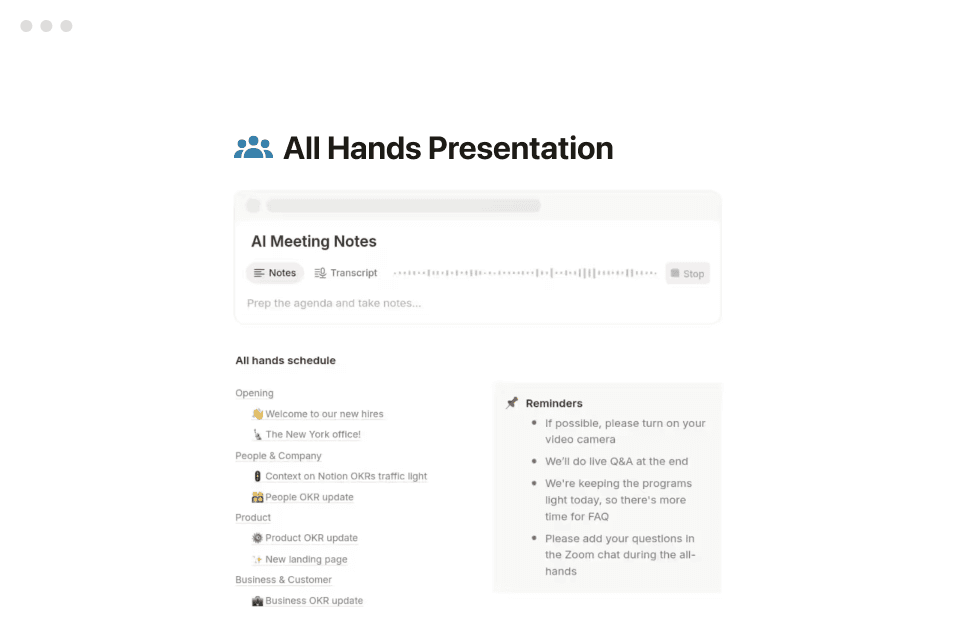
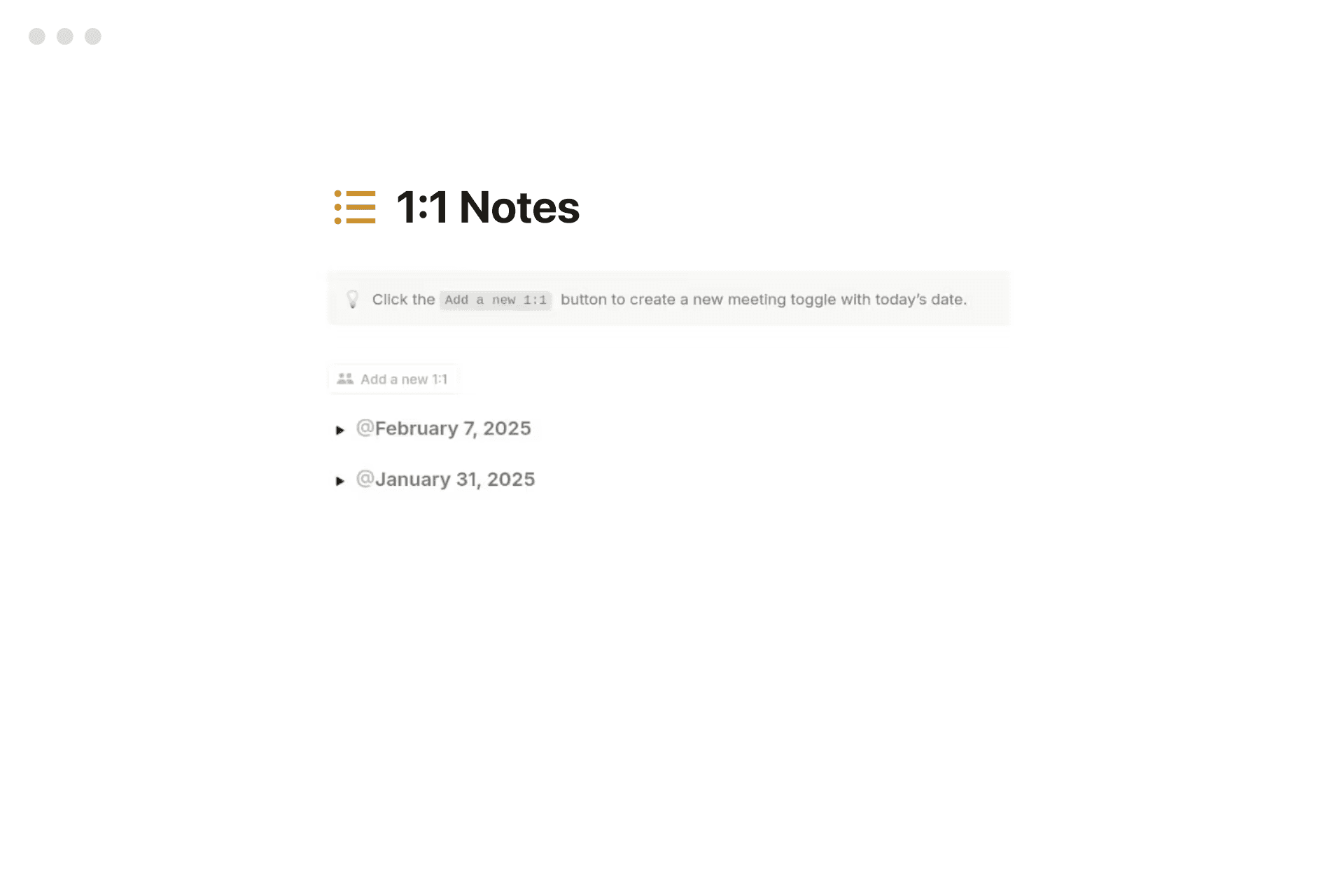
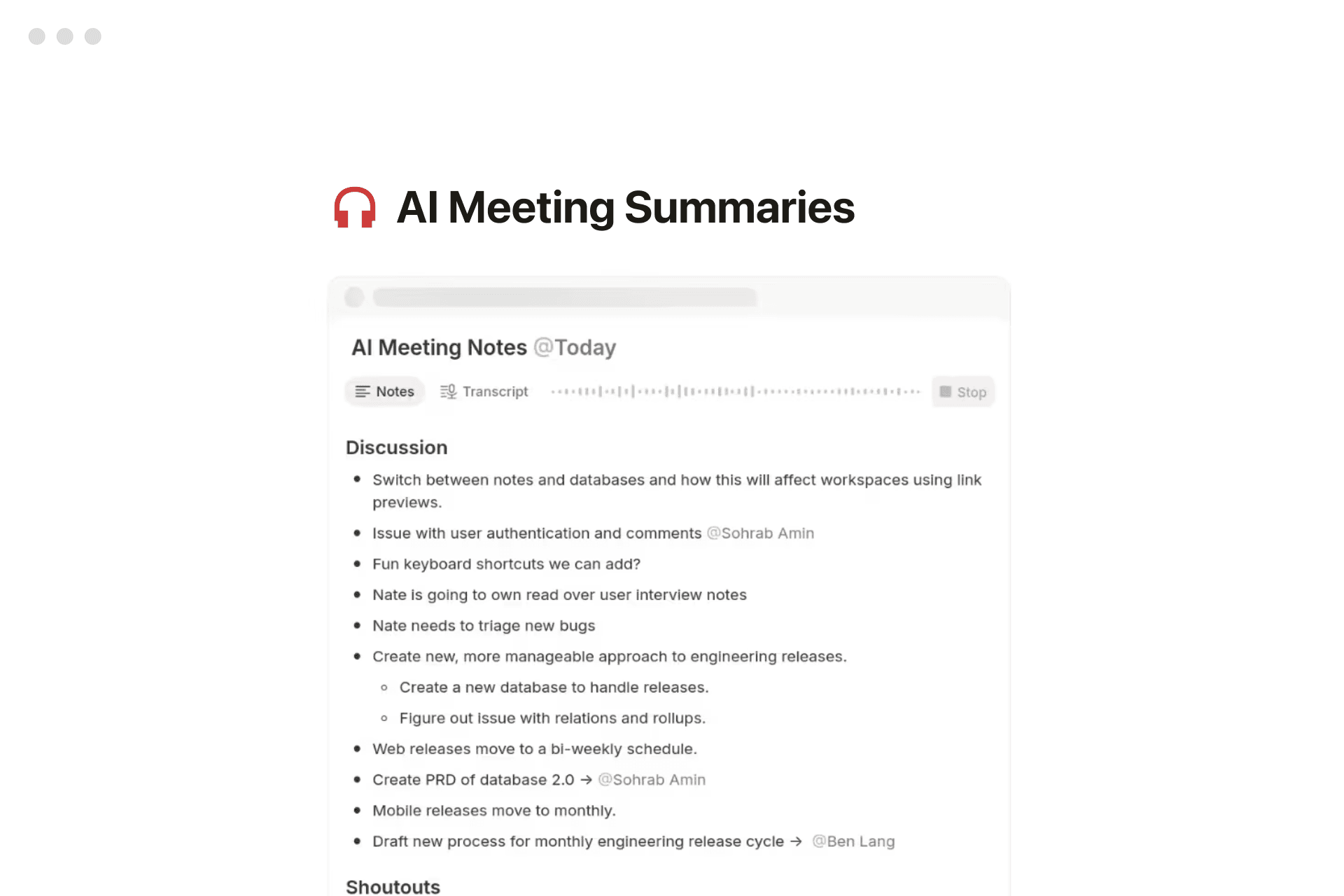
One workspace for every type of note.
Whether you’re jotting a grocery list, drafting a product spec, or logging board-meeting minutes, Notion keeps it all together—fully searchable and shareable.
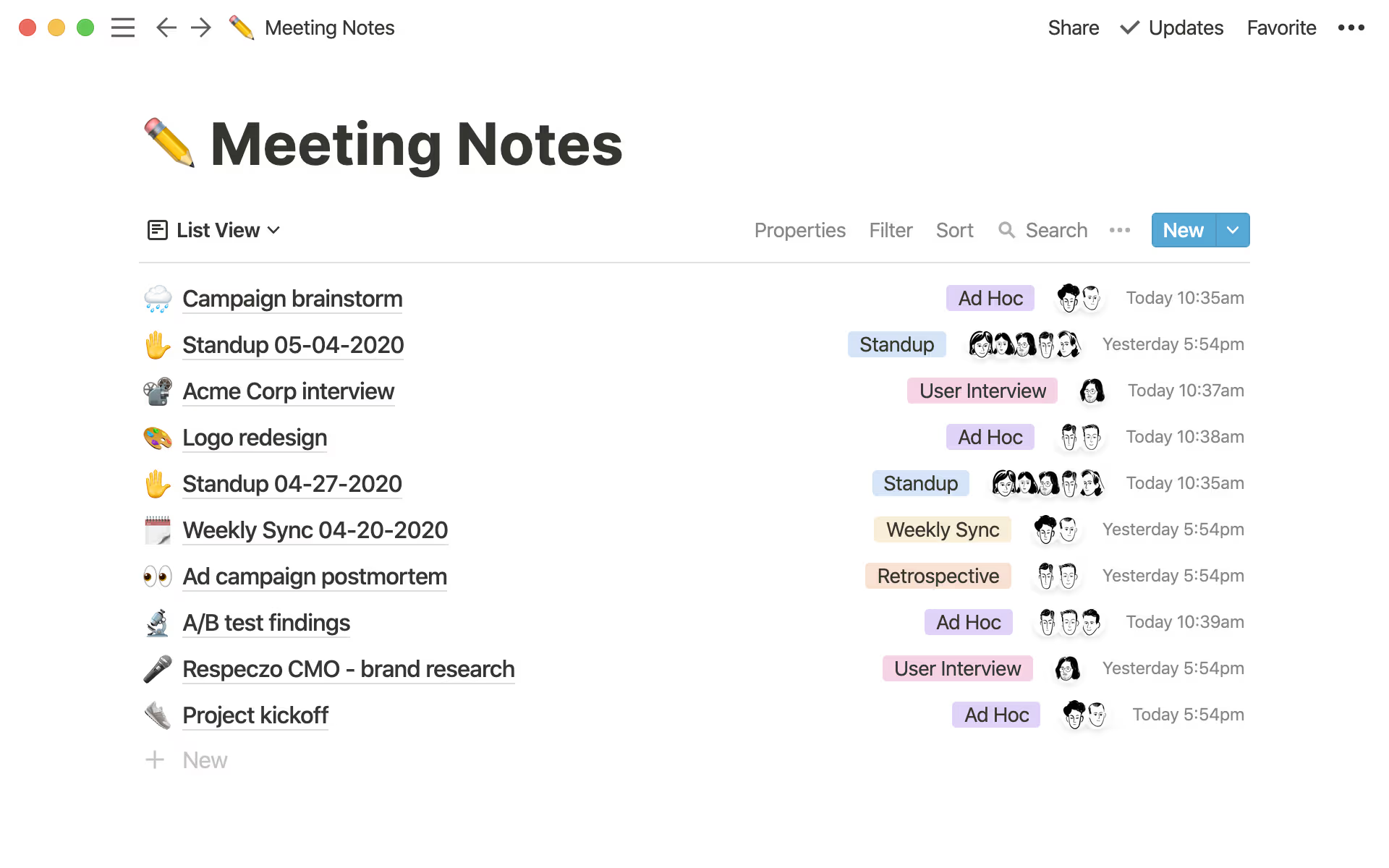
One connected workspace to capture, organize, and share every note.

Whether you’re jotting a grocery list, drafting a product spec, or logging board-meeting minutes, Notion keeps it all together—fully searchable and shareable.
Notion gives us the flexibility to create content — from docs and notes to a full employee handbook — and then rearrange it as needed to let us do our best work.

Notion lets me move around at the speed of thought, as opposed to having to rewrite everything.

Every page is a fresh canvas where we can structure our thoughts and writing however we want. It's helped us capture so many ideas.
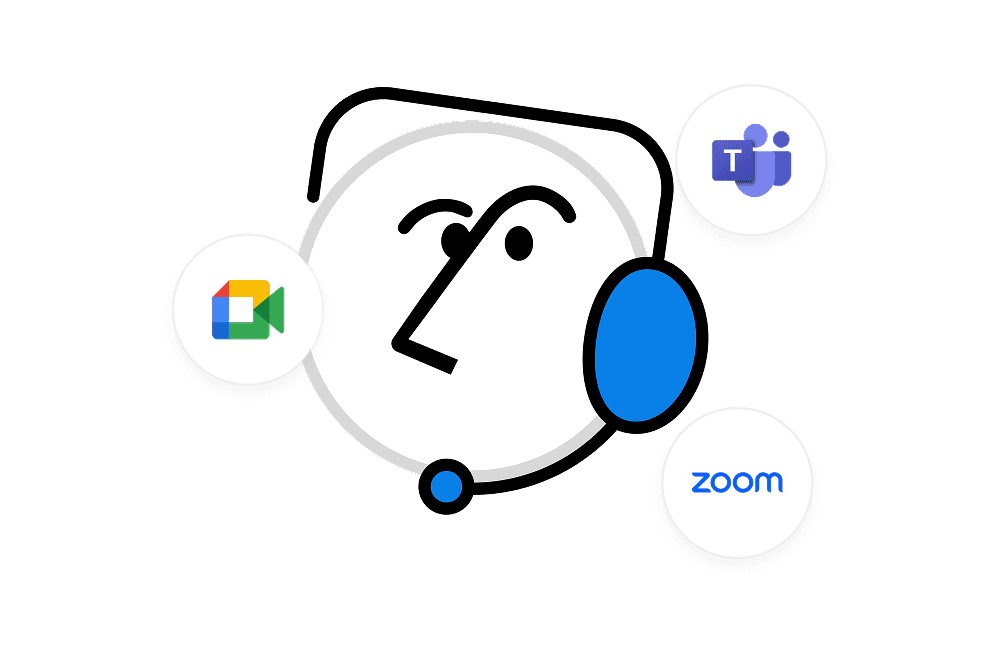
Notion’s AI Meeting Notes captures, transcribes, and instantly summarizes every call right inside the workspace where your team already works.
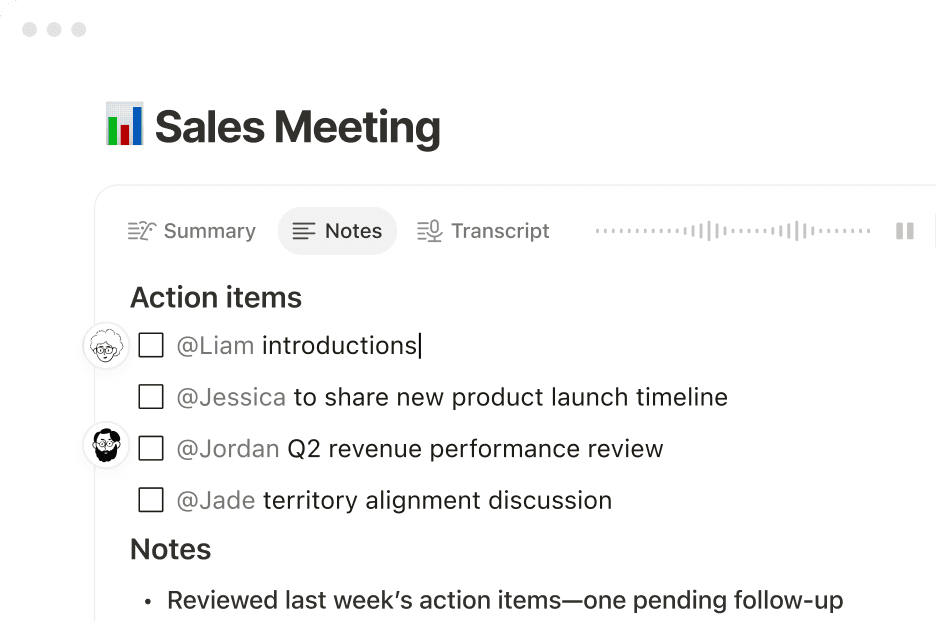
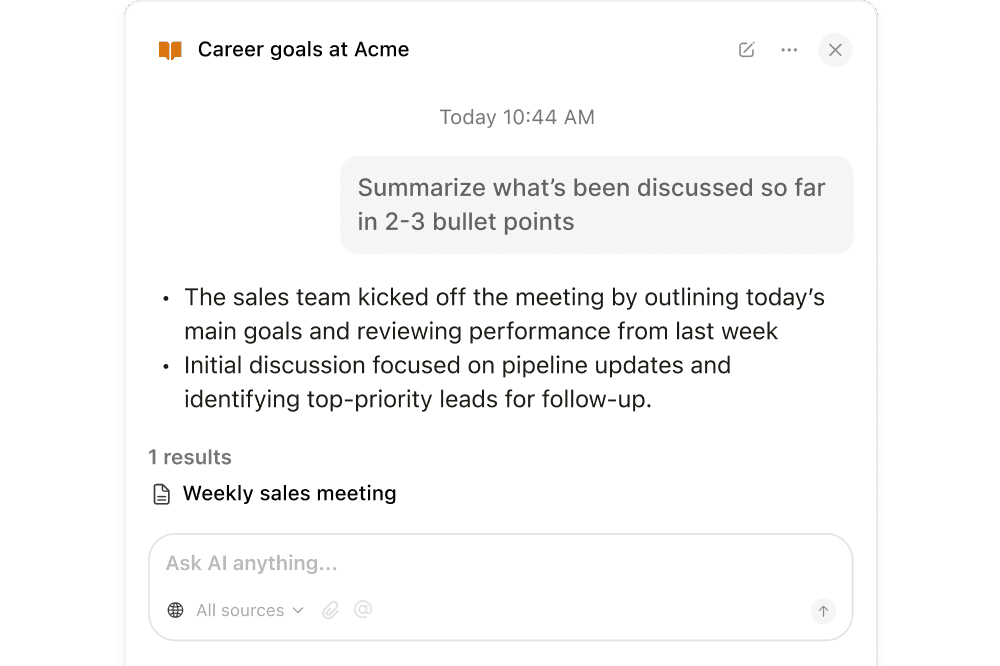
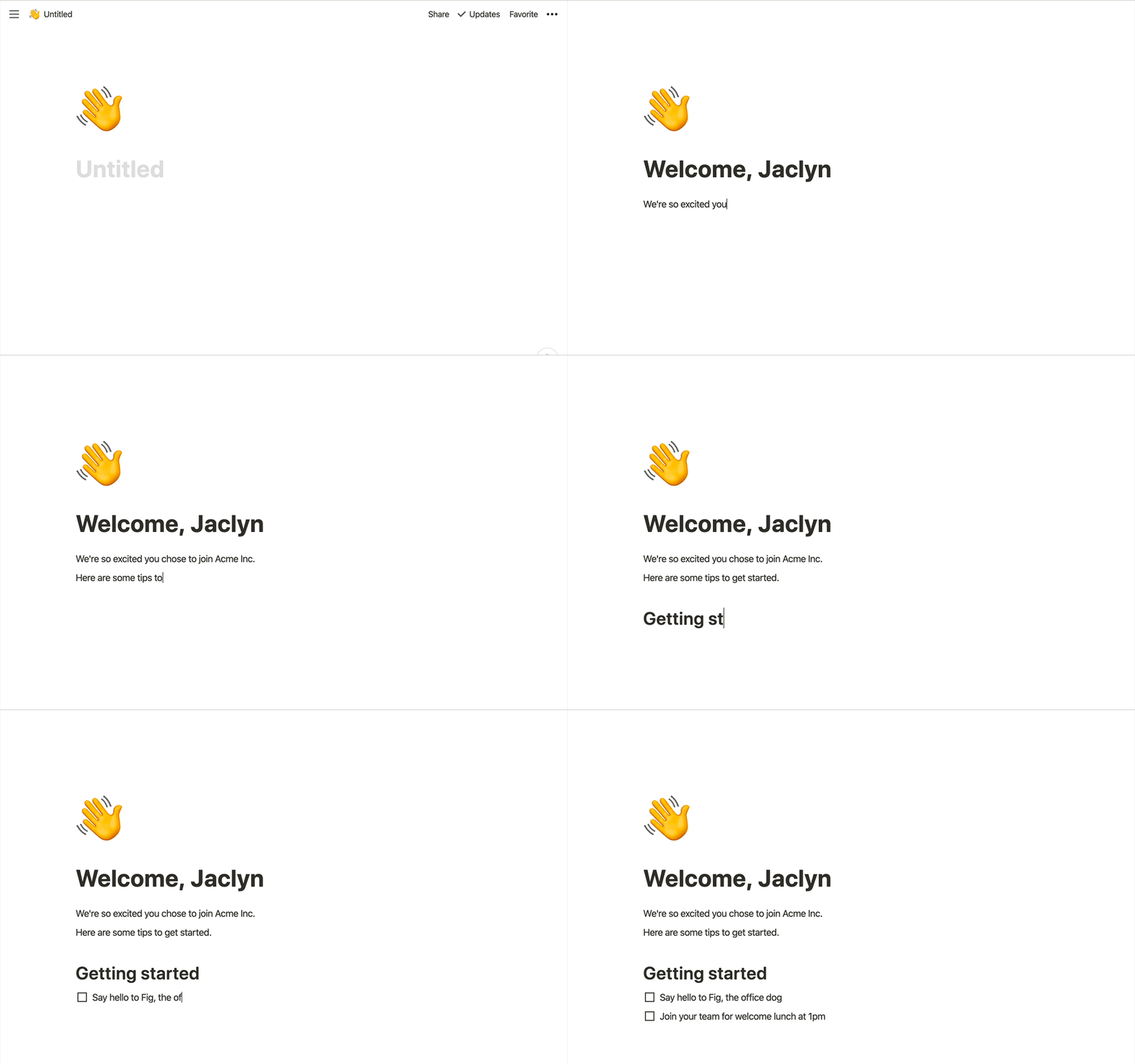
Just start typing. Everything else fades away so you can concentrate on the task at hand-no distractions.

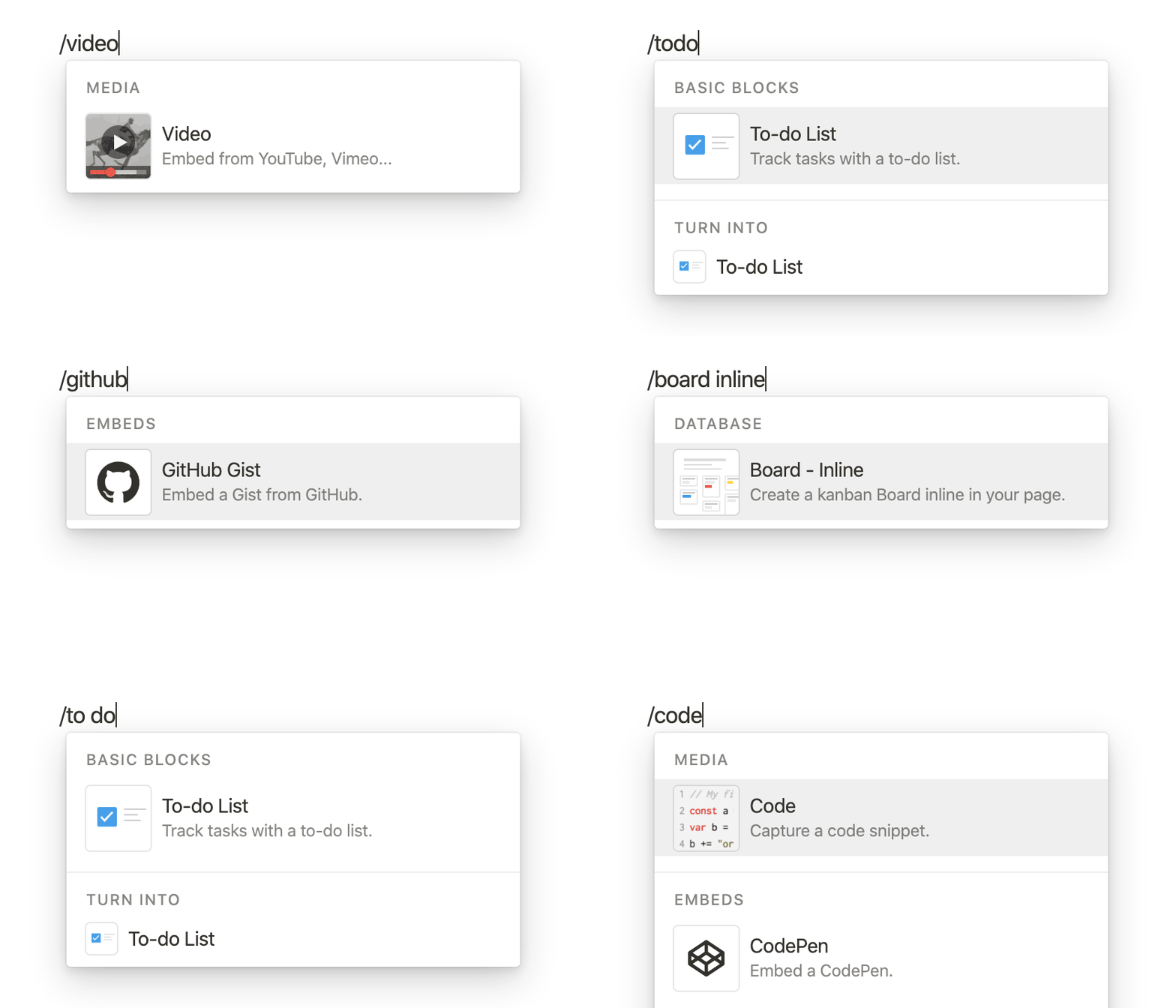
Type "/" for a list or "#" for a heading—stay in flow without touching your mouse.
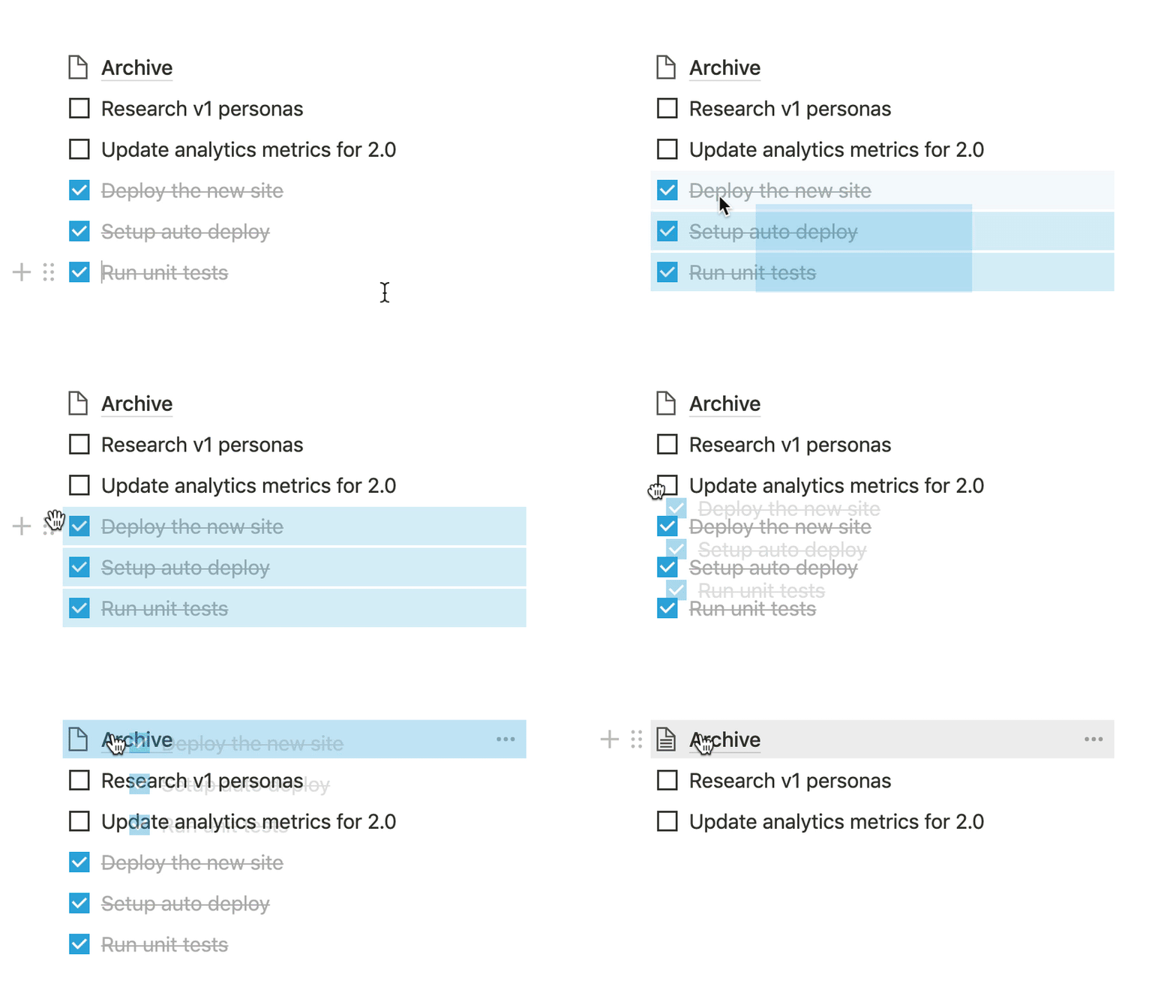
Re-order blocks, embed Looms, or drop spreadsheets right next to your notes with a simple drag.
Add images, bookmarks, videos, code, and more without touching your mouse. Stay in the flow.
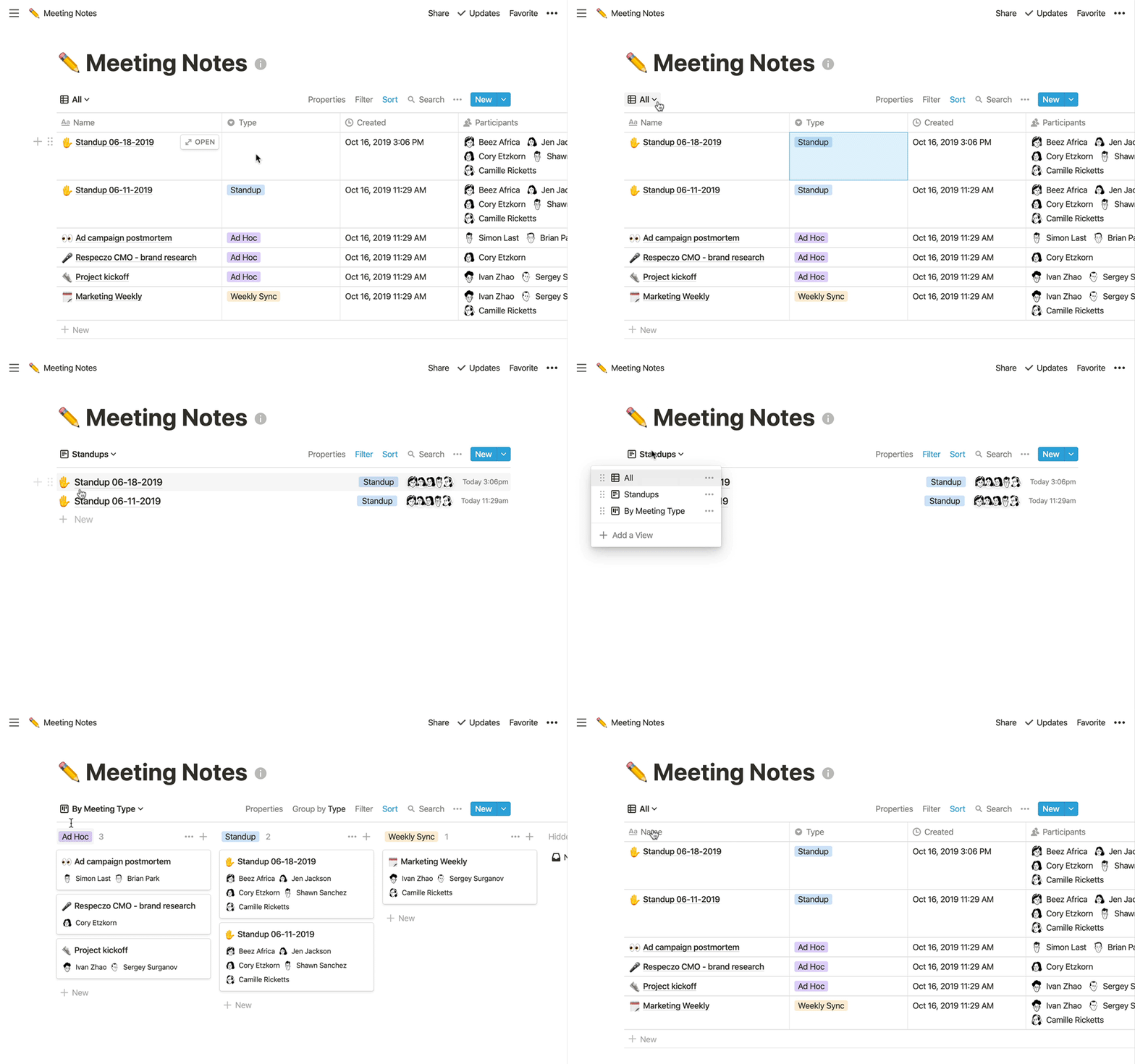
Notion is more than a text editor. Use powerful databases to categorize meeting notes, tag teammates, set due dates, and connect them to projects.

Convert any bullet into an actionable task and track it in Kanban board, a calendar, or a timeline view.
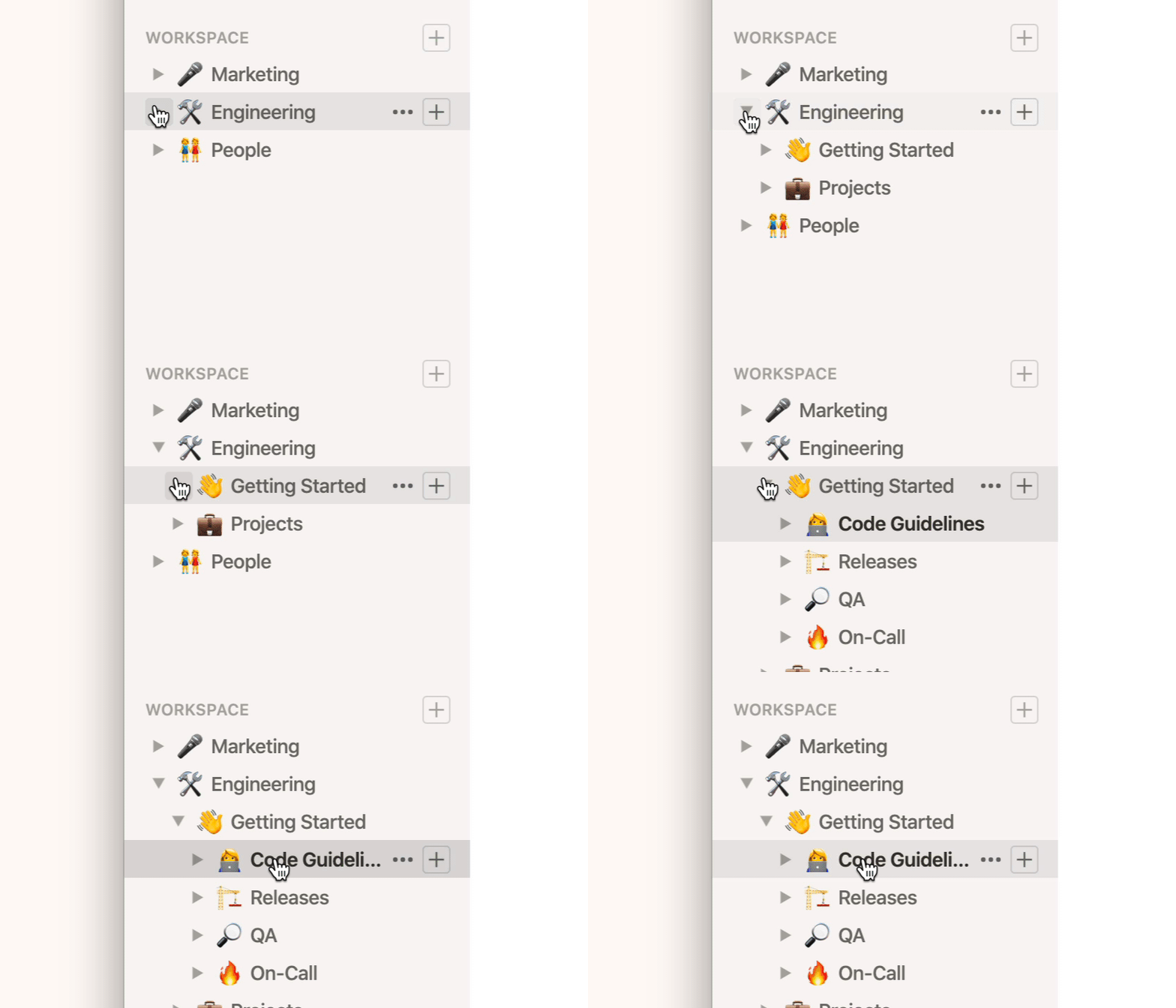
Never lose track of a note again. Everything lives in the sidebar for immediate access.
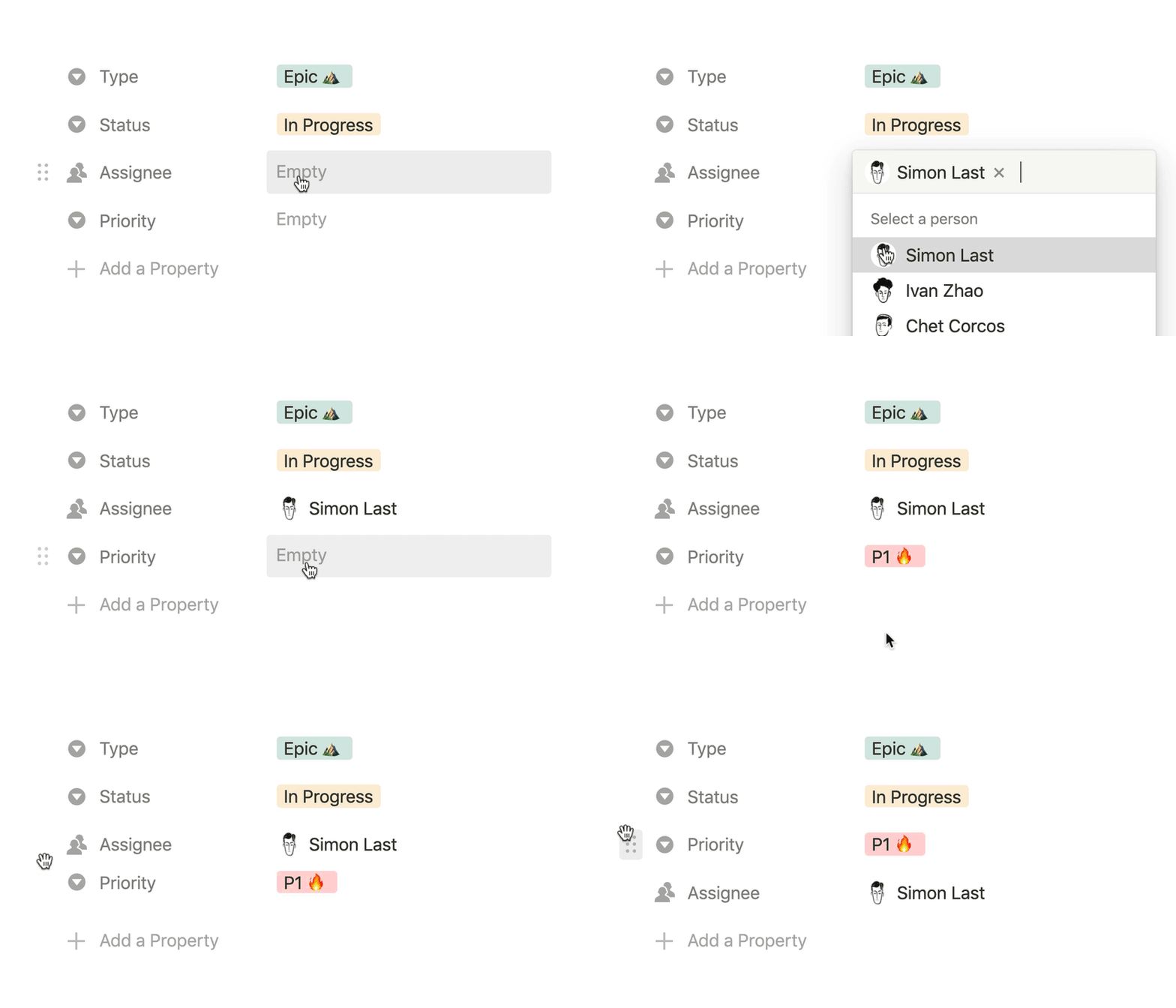
Define and add your own tags. Organize your information the way you want to work.
Keep your notes private or share them with your team (or the entire web). Collaborative editing and inline comments help you accomplish more.

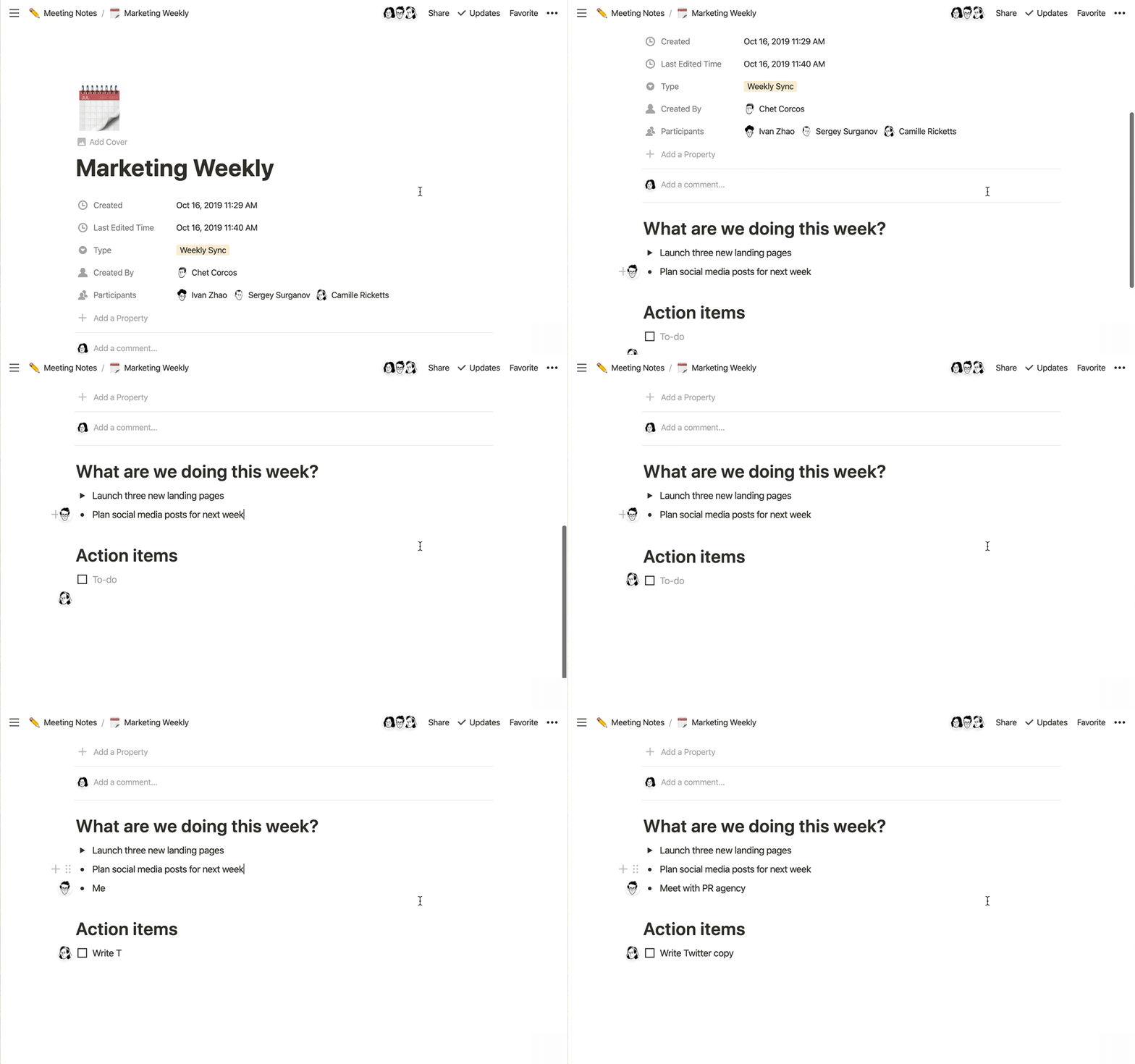
Multiple teammates typing in the same note? No problem. Cursor presence shows who’s editing.
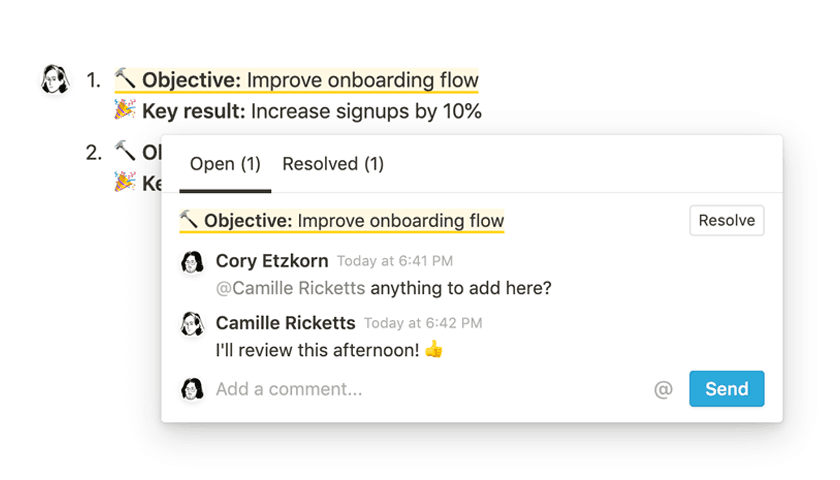
Type @ to mention someone in a doc or comment. They'll be notified to take a look.
Share any page with the world in one click. Notion doubles as a drag-and-drop website builder.

Notion is committed to staying compliant and providing you all the features you need to manage access across your organization.
SAML-based SSO integration for secure employee access.
Easily create, remove, update, or retrieve any user or group.
Centralized security, compliance, analytics, and auditing tools.
GDPR, CCPA, and HIPAA certifications
SOC 2 Type 2, BSI C5, and ISO (27001, 27701, 27017, 27018)
No training or storage of your data by LLM providers.
AES-256 encryption at rest and TLS 1.2+ in transit
Options in EU and US data centers
Integrate with your SIEM, DLP, and compliance platforms.
Browse thousands of meeting notes templates to customize for your needs.
Get started for free, then add your whole team.
How do I take meeting notes quickly?
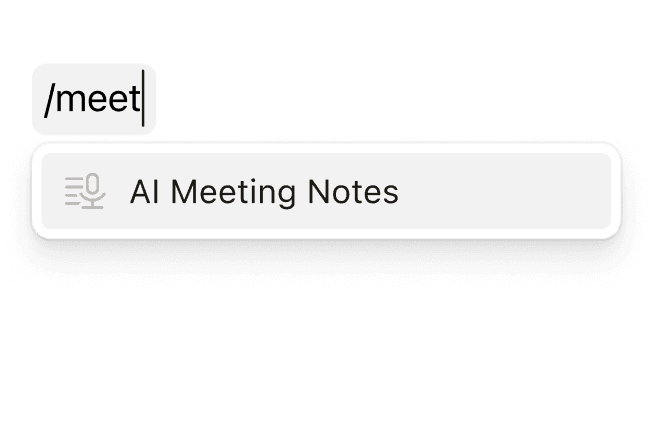
Type /meet during your call or open the Meeting Notes template from the sidebar. Notion AI starts capturing instantly. Learn more about AI Meeting Notes here.
Can I import notes from Evernote or Google Docs?
Yes, our importers allow you to bring existing content into Notion in one click.
Are my notes secure?
All data is encrypted in transit (TLS 1.2+) and at rest (AES-256). You control sharing permissions at the page or workspace level.
What makes Notion different from other note-taking apps?
Notion combines notes, docs, databases, and AI in one flexible workspace. Unlike traditional note apps, you can turn any note into a task, connect it to projects, and collaborate in real-time—all without switching tools..
What should be included in meeting notes?
Stick to the must-haves: agenda topic → key points → decisions → action items with owners and due dates. Anything else can live in sub-pages or comments.