GPT-5.4 is now in Notion

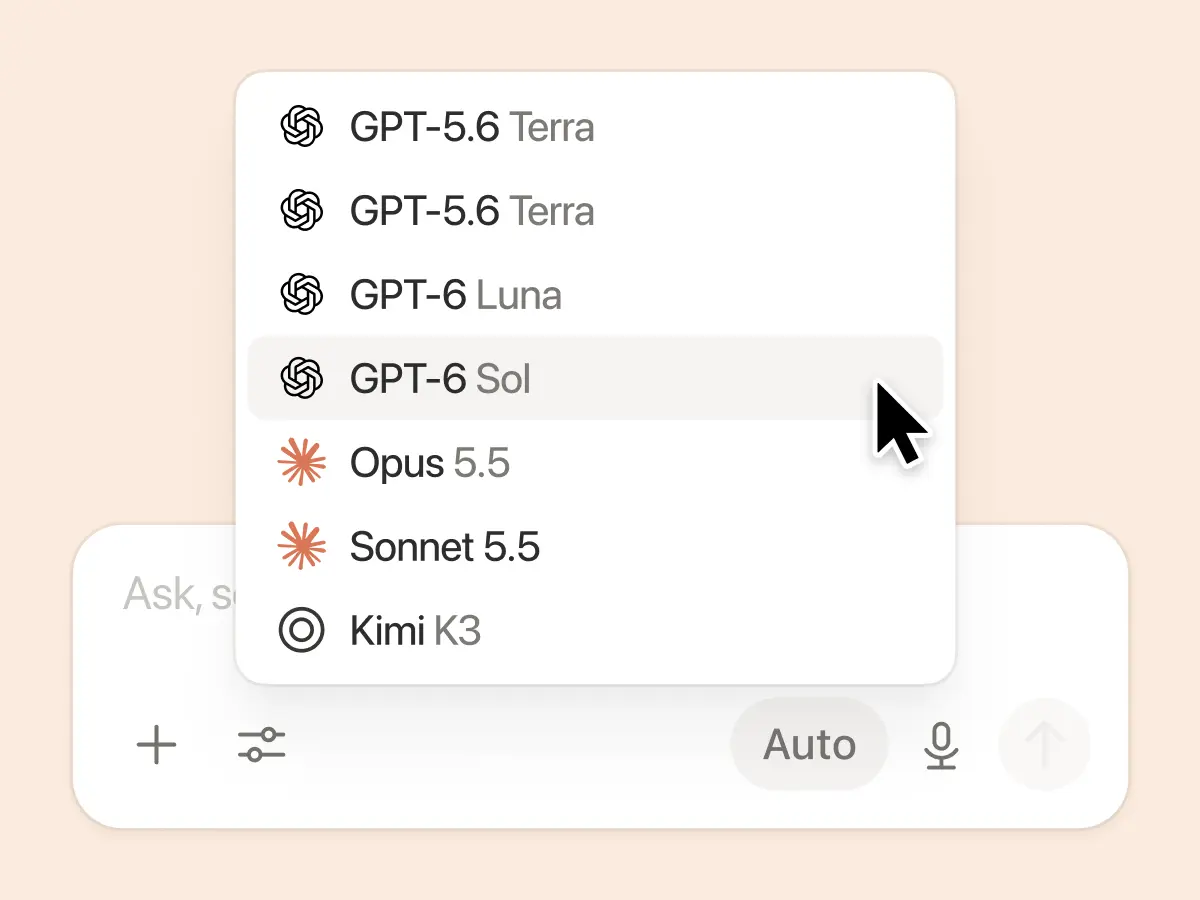
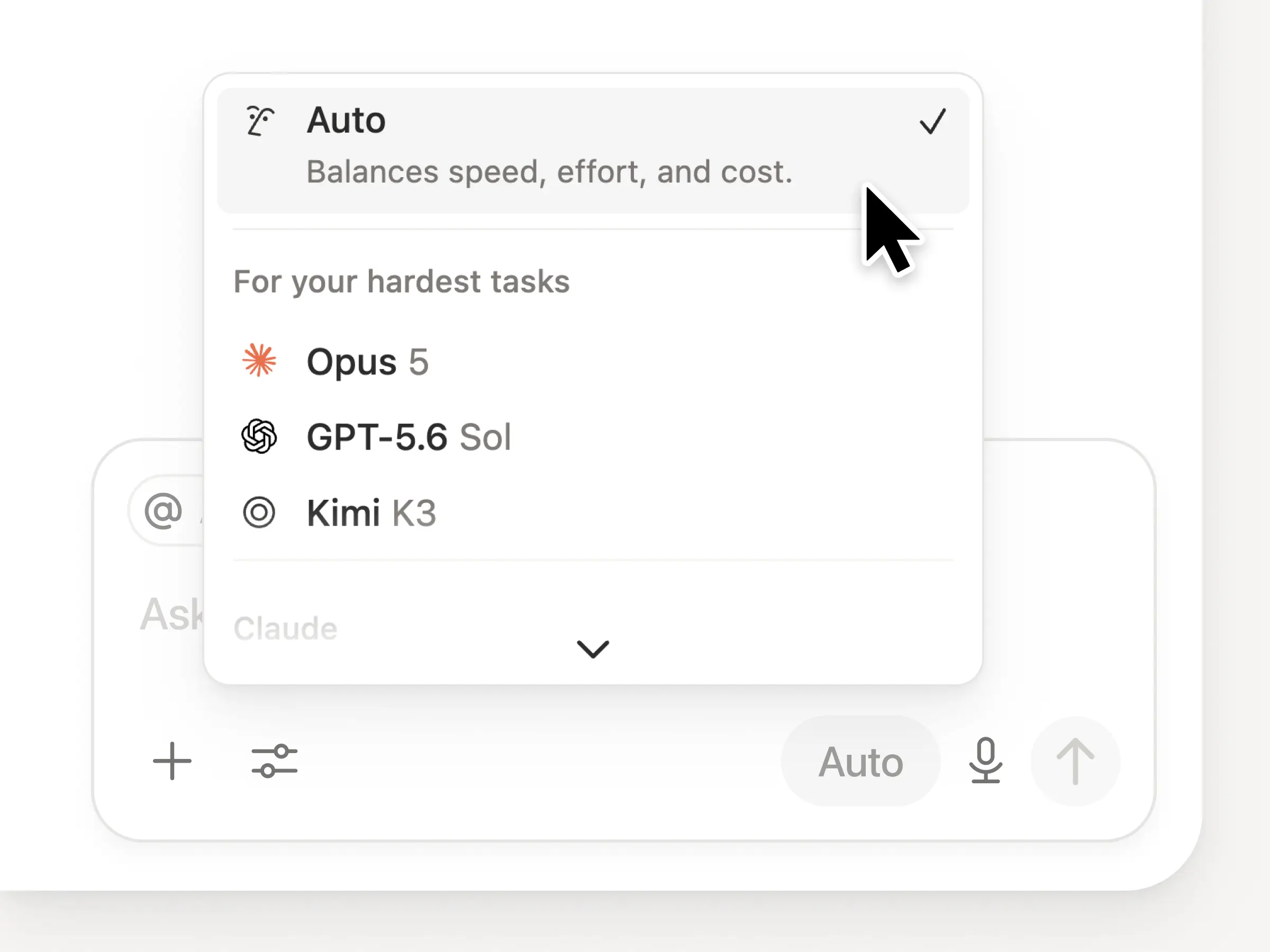
GPT-5.4 is now available in Notion’s model picker. This is OpenAI’s latest and most capable model for professional work. Expect faster responses and better token efficiency for your most demanding tasks.

Keep up with the latest releases, improvements, and fixes.

GPT-5.4 is now available in Notion’s model picker. This is OpenAI’s latest and most capable model for professional work. Expect faster responses and better token efficiency for your most demanding tasks.

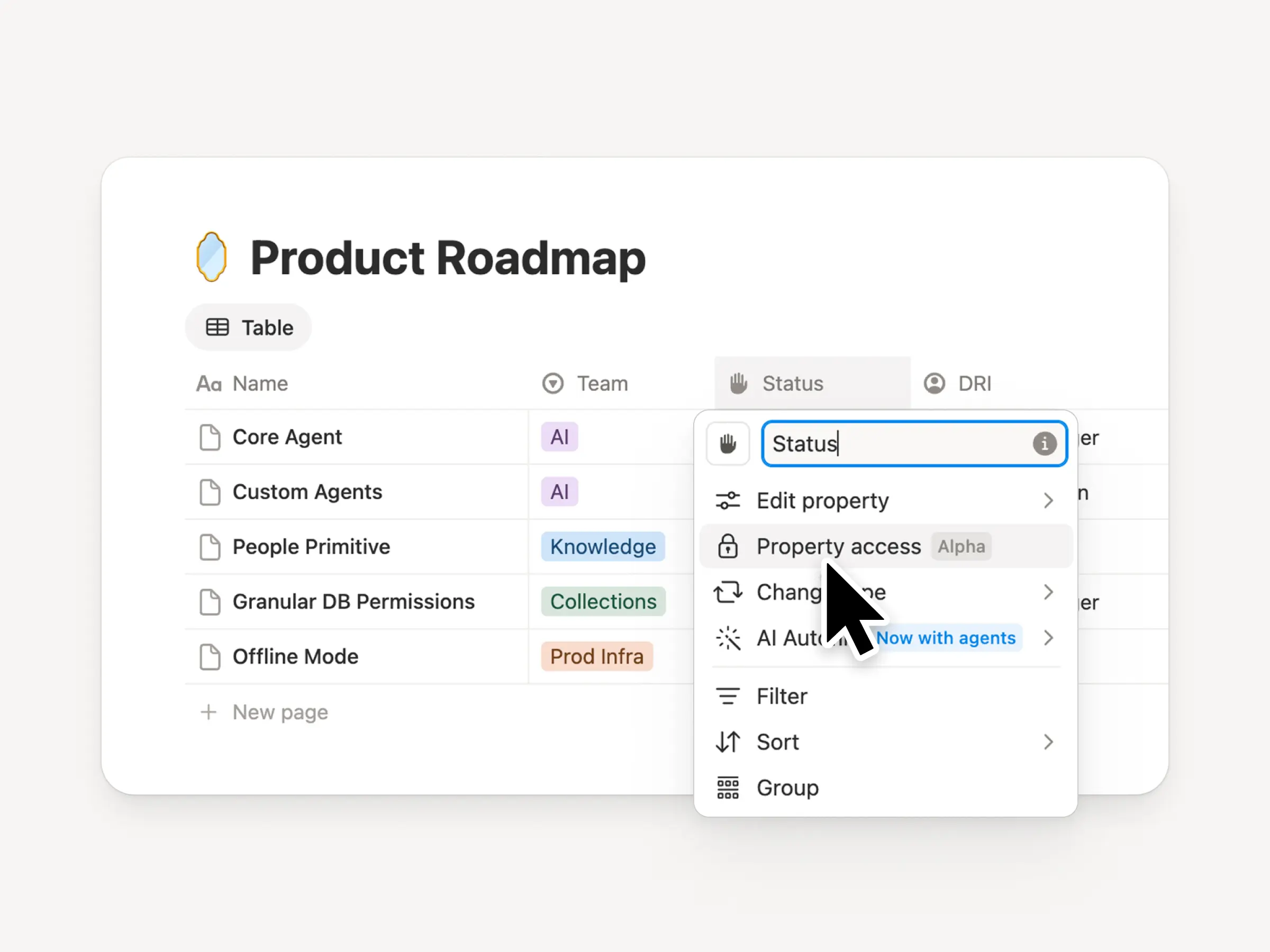
The new “can create pages” database permission lets users create new pages in a database, while still being restricted from viewing or editing other contents they should not have access to.
Let’s imagine a meetings database where a teammate should be able to access their own meeting notes and create new meetings, without being able to view anyone else’s.
This feature provides more granular control over database permissions. Try it in cases where your team is working with external contributors or sensitive information.
Uh-oh! It looks like your ad blocker is preventing the video from playing.
Please watch it on YouTube
Custom Agents now support MiniMax M2.5, an open weight model that’s up to 10x more cost-efficient for basic tasks. Available in the Custom Agent model picker.
Uh-oh! It looks like your ad blocker is preventing the video from playing.
Please watch it on YouTube
Turn any Notion page into a fullscreen presentation. Just add dividers to separate your slides, then hit ⌘⌥P (Mac), Ctrl+Alt+P (Windows), or Present from the ••• menu. Your content auto-scales to fit the screen, with a clean title slide and fully functional toggles. Available on Plus plans and above.

Big news today: Custom Agents are finally here! And they’re pretty different from other AI tools you’ve tried.
First, they’re completely autonomous (no manual prompting). Just give them a job, set a trigger or schedule, and they’ll get it done, 24/7. Your agents can automate task triaging, internal Q&A, daily standups and status reports, and even get you to inbox zero.
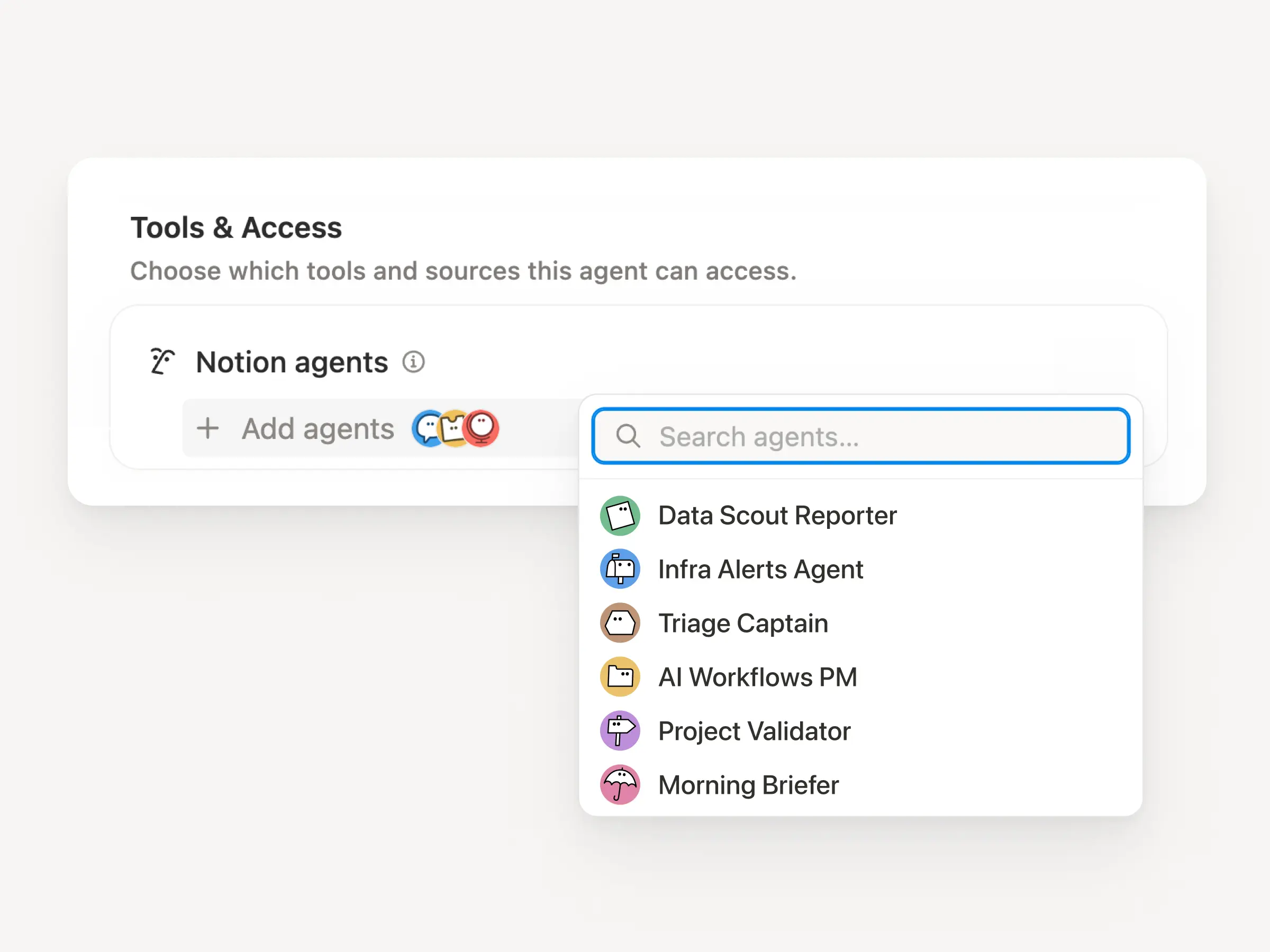
Second, they’re designed for teams. Create and share them together. Control all their permissions, just like a real teammate. And integrate them with the tools your teams already use (Slack, Figma, and more!).
Finally, Custom Agents are super easy to create. Spin one up and let it work while you sleep! Here are a few examples on what they can do:

Instead of answering the same questions in Slack manually, over and over again, you can now give your Custom Agent access to the right sources (Notion, Slack, Mail, Calendar, MCP integrations) so agents can answer those questions autonomously. We’ve seen tons of examples with great names like Onboarding Eddie, IT Hero, and Sales Detective.
Ben Levick leads Ops and Internal AI at Ramp and has built lots of Custom Agents. “Our agents answer dozens of nuanced product and enablement questions every day with a high success rate. Teams that used to monitor those channels now just audit responses and feed improvements back into the Custom Agent.” Watch Ben’s full story →

Instead of triaging across multiple systems, Custom Agents can capture incoming requests, turn them into tasks, and route them to the right owner, so nothing slips and the team stays focused.
Remote’s IT Ops Manager, James Lawley, saved the team 20 hours per week. “We replaced an overgrown system with Custom Agents that triage with >95% accuracy and resolve 25%+ of tickets autonomously, all while keeping Slack and Notion in sync.”
Watch Simon’s demo of our “all product feedback” agent (it handles bugs + tickets end-to-end). Or meet Scruff, the agent that saved our security team 6+ hours a week.

No more manually writing updates that take hours. An agent can automate your daily standups, weekly sprint recaps, or monthly OKR reports. Give it the right context across your tools, and it will make sense of it all.
Morgane Palomares, VP of Marketing at Braintrust, says Custom Agents get her to faster decisions. “One competitive agent posts daily updates, and our customer reference agent sends a weekly summary of top new logos to me and the CEO. Each update saves me 20 minutes a day.”

Our early testers made over 21,000 Custom Agents, and we have 2,800 agents working around the clock at Notion. Just describe what you want in plain language, and Notion AI builds your agent for you. Adjust your triggers, instructions, and sources, and even pick the AI model you want to use. We also have agent templates for the most common workflows!
Custom Agents have been a massive unlock for Brian Emerick, a Technical Program Manager at Vercel. “It’s a great way to spin up something quickly and elegantly without over-cooking a custom solution.”

Custom Agents work across your daily tools too! Connect to Slack, Notion Mail, Notion Calendar, and tools like Linear, Figma, and HubSpot via MCP.
Triage your inbox and draft email responses with the Email assistant. Find time across multiple participants with the Team scheduler. Or connect FigJam and Notion to turn boards into docs and docs into diagrams.

Trusting AI with real workflows can feel like a leap. So we built Custom Agents to be safe and transparent by design. You’ve got full control over their access and can disable them any time. Every run is logged, so changes are visible and reversible. Business and Enterprise admins can control who can create Agents. Learn more →

Custom Agents work at a scale that wasn’t possible before—an unlimited bench of teammates, running 24/7. Notion credits give teams the flexibility to match that to their needs.
Custom Agents are free to try through May 3, 2026, so your team has time to explore and see what works for you. Starting May 4, 2026, they’ll use Notion credits, available as an add-on for Business and Enterprise plans. Admins can buy as many or as few as your team needs. Learn more about AI credits →
“Our team is starting to move 100% away from managing work themselves in a @NotionHQ
database and moving to only chatting with Notion Agents.” –@bran_don_gell, COO at Every
”Soon, there will probably be more agents running at Vercel than people. We have a Slack-mentionable agent that grades and rewrites drafts intended for the CEO, using our Chief of Staff’s guidance on how to communicate with them.” –Brian Emerick, Technical PM at Vercel
“I've built 15 agents in the past week… It’s been incredible.” –@MattSilver, Co-founder at Cargado
“I spent quite a bit of time combing through Slack channels and reading through all materials to make sure I’m up to date on things. With Custom Agents, a summary automatically pushes to me.” –Willie Yao, Head of Engineering at Clay
“We’ve had access to Custom Agents for a couple of weeks, and they’ve become viral across the company. Business software is changing rapidly, and Notion is out front.” –@samlambert, CEO at Planetscale
“The new Notion Custom Agents are impressive. This will be the way a lot of the world builds their first agent.” -@DBredvick, GTM Engineering at Vercel
“I’m ready to Venmo you money. I’m stoked about this.” –Head of Product
It’s just the beginning for Custom Agents. Try them, share them, and let us know your feedback!
Cheers,
Ivan
P.S. Learn more about building Custom Agents from the new Academy course and our playlist of top Custom Agent examples!

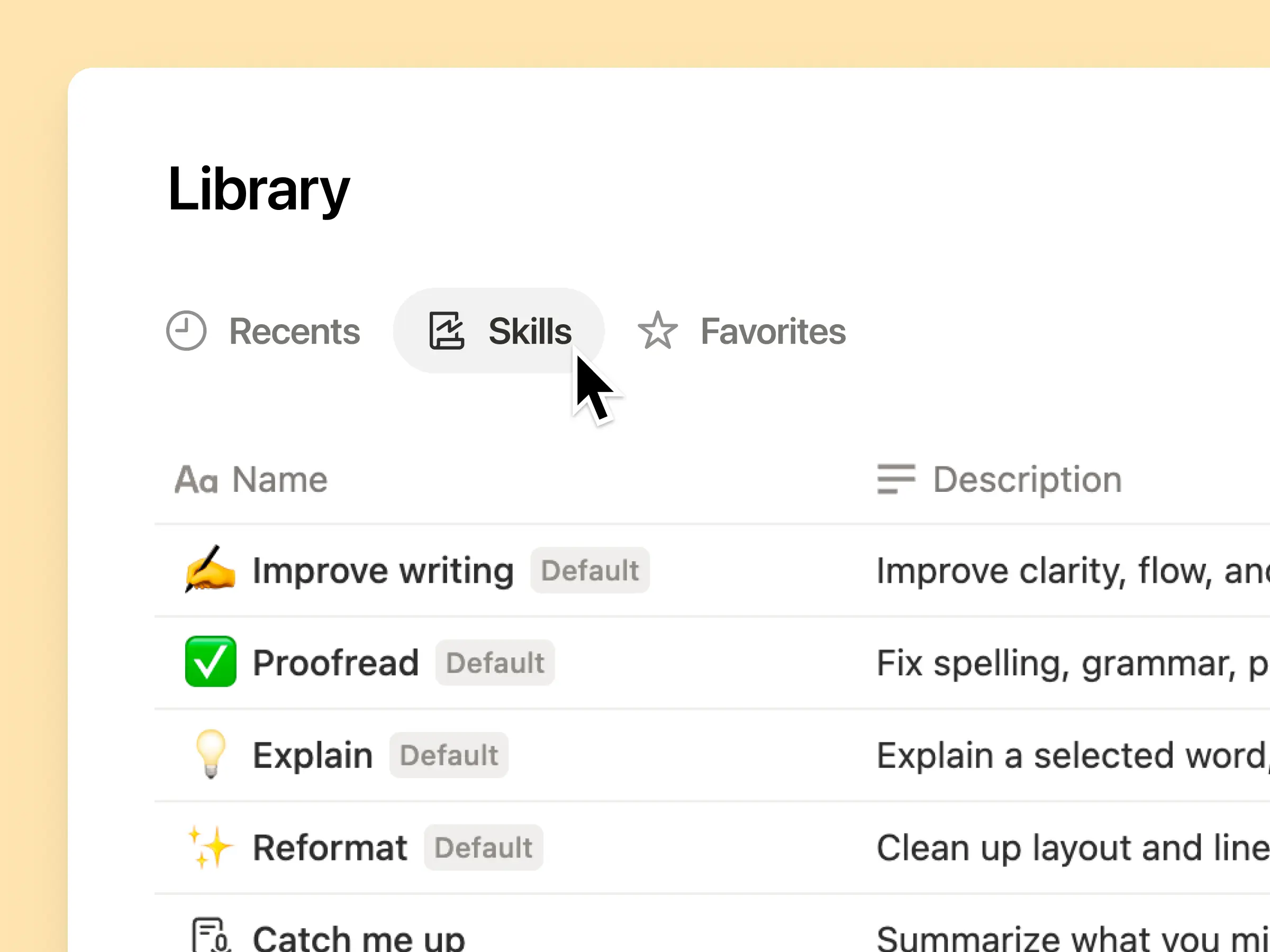
As your workspace grows, your sidebar can get crowded. Library solves this with a full-page view for your most important content: Teamspaces, Recents, Favorites, Private pages, and Shared pages, each in their own tab.
Start fresh. Customize your sidebar to show only what you use daily. The rest lives in Library, ready you need it.
Claude Opus 4.6 is the strongest model Anthropic has shipped. It takes complicated requests and actually follows through, breaking them into concrete steps, executing, and producing polished work even when the task is ambitious. For Notion users, it feels less like a tool and more like a capable collaborator.

Your Notion Agent can now find Asana projects and tasks in seconds. Ask things like “Show me overdue tasks, grouped by assignee” or “List open tasks for Project X and flag what’s blocked.”
Use it to check status, spot what needs attention, and see what’s coming up next, all without leaving Notion. Everything respects your existing Asana permissions.
First round of 2026 updates is in! This release helps Notion fit into your world even better. Work on the go, choose your AI models, track what matters to your team.

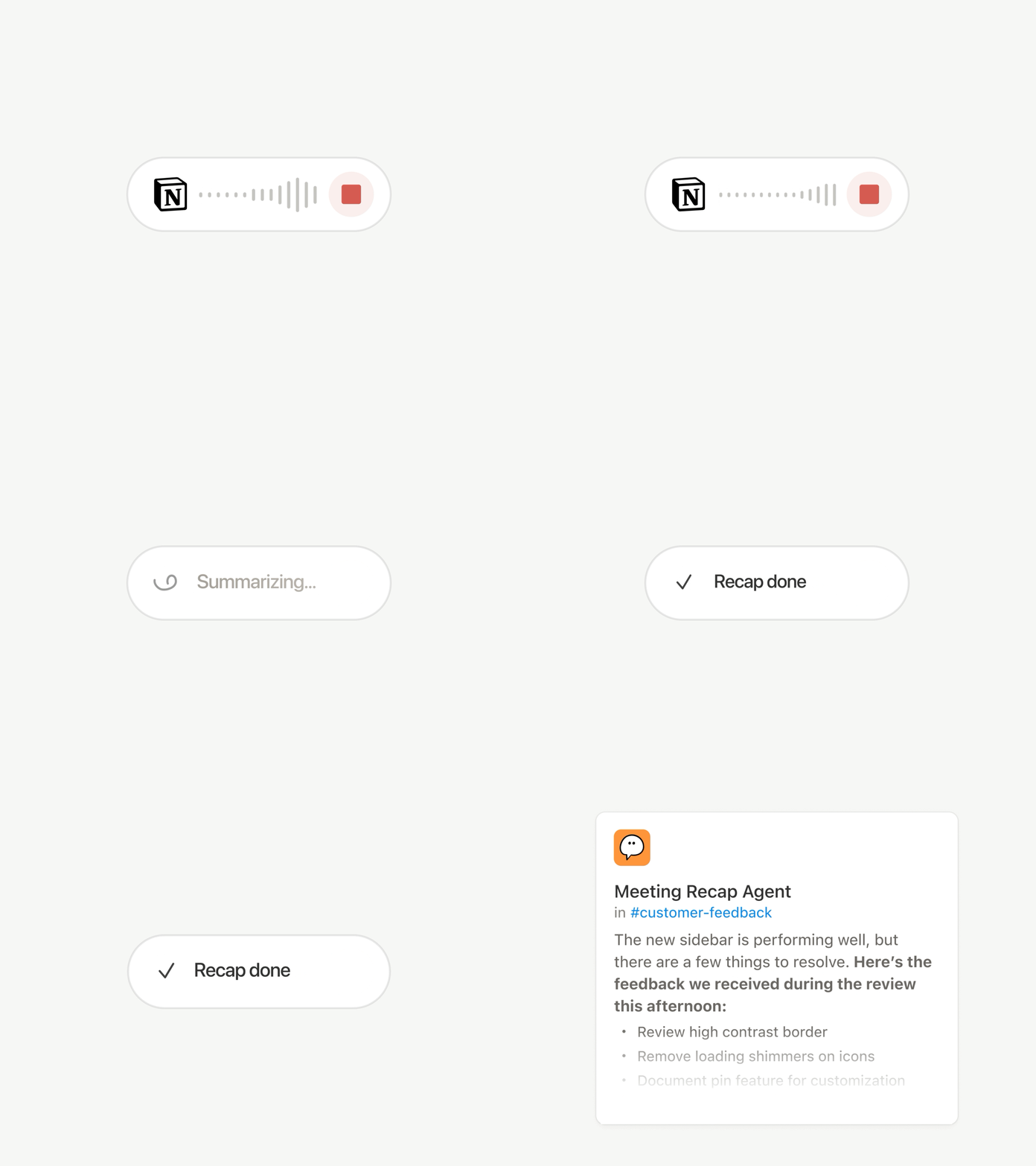
Whether you’re joining a call while commuting, brainstorming on your morning walk, or meeting without laptops, everything just works on mobile the way you’d hope. One tap starts AI note transcriptions (even when you switch apps or lock your screen) and summarizes everything into clear summaries, action items, and shareable docs in seconds.

Everything your Notion Agent can do on desktop, it now does on your phone. Build forms, create databases, search your company’s brain. Think of an item on your to-do list, hand it off to your agent, and it will work in the background while you move onto your next task. No more waiting. Here’s a live demo of what Notion Agent can do.

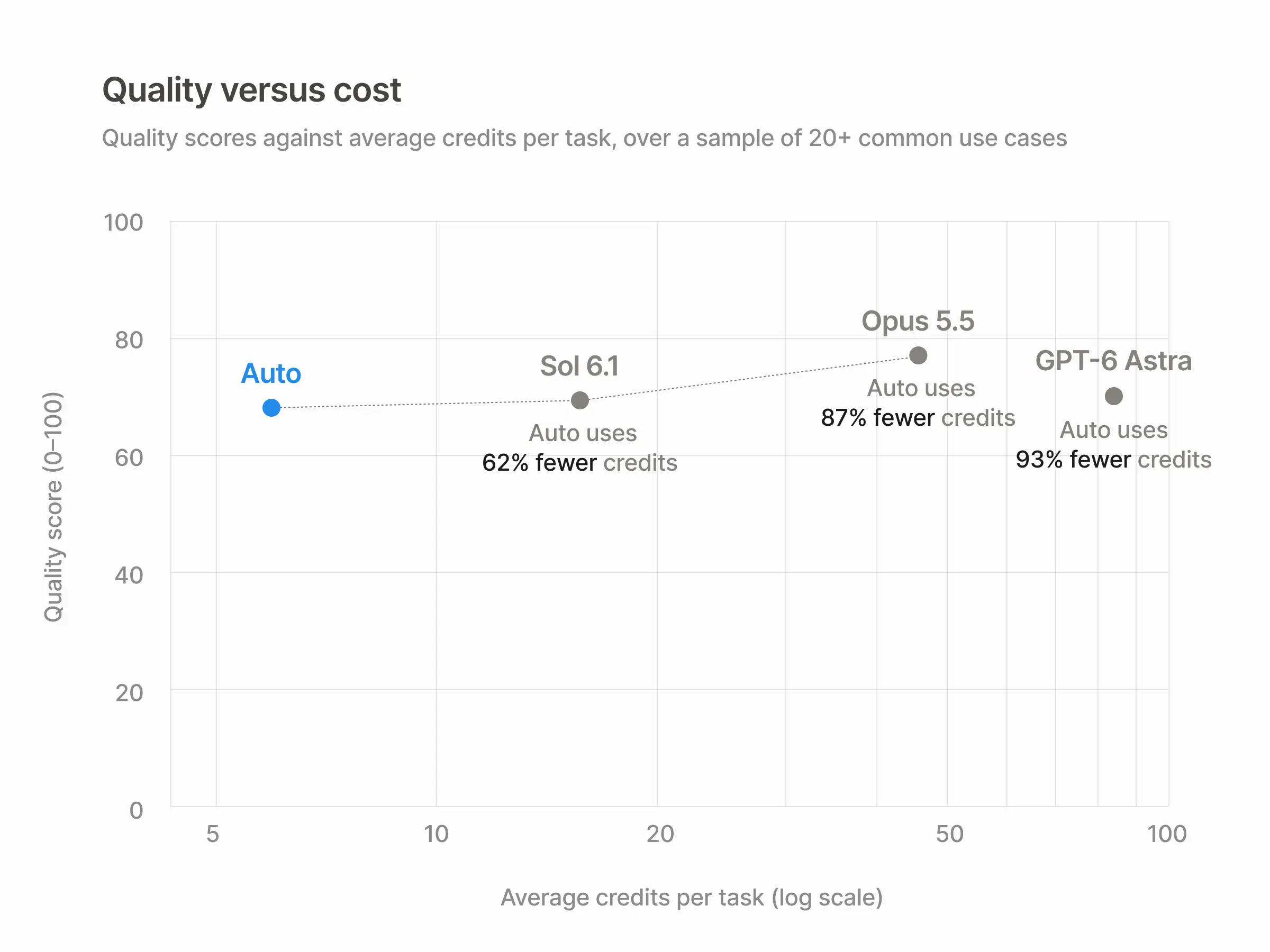
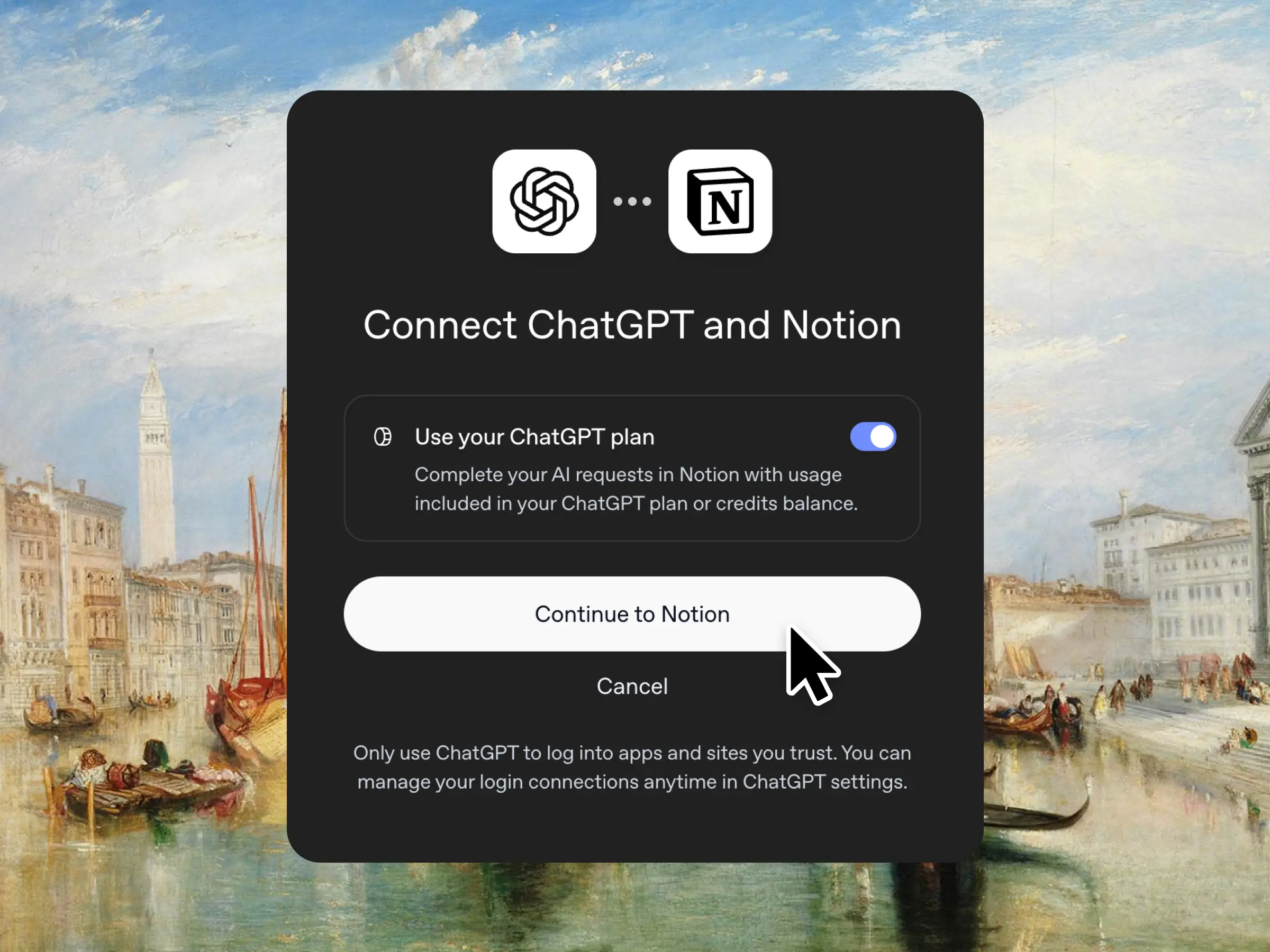
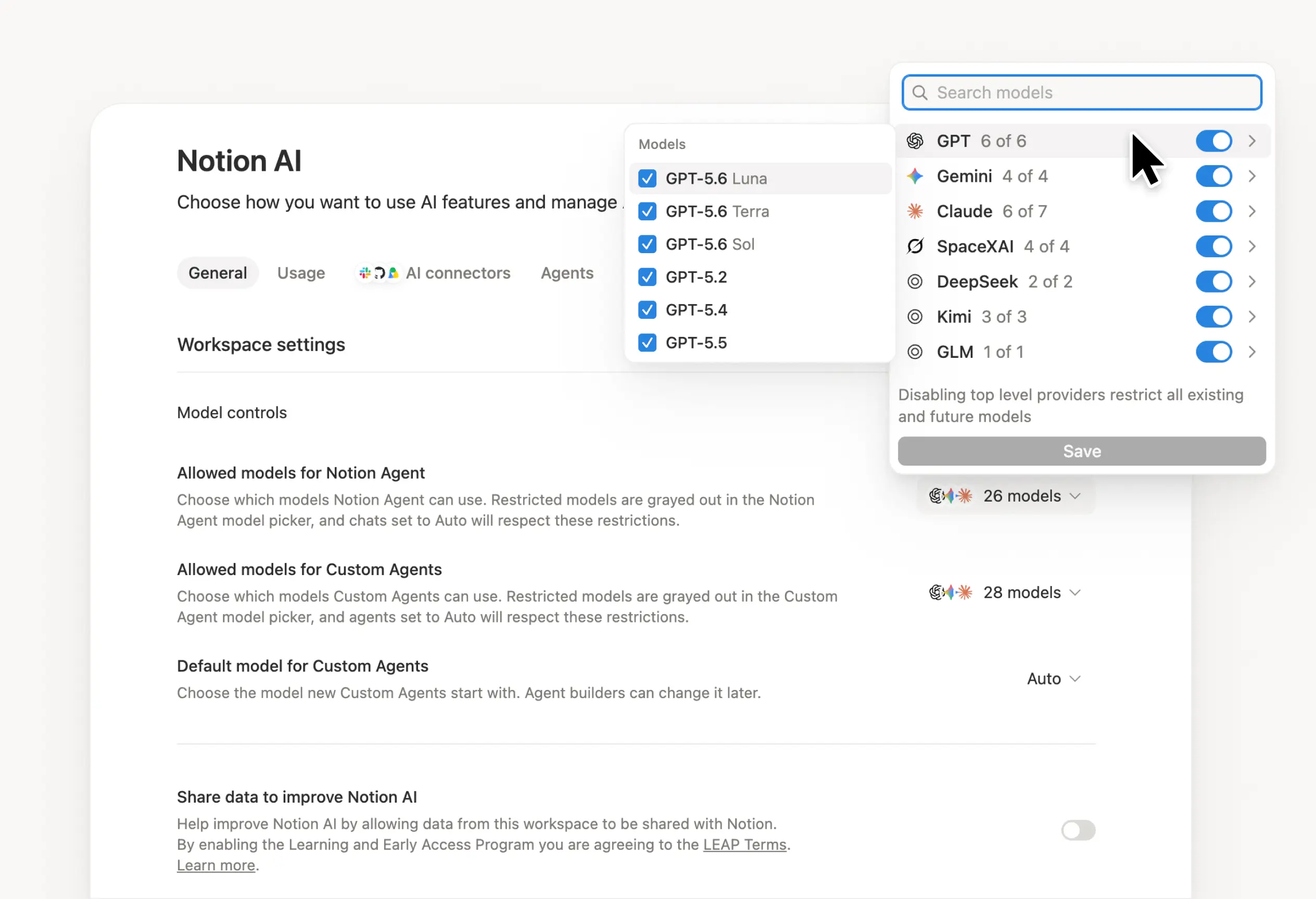
When a new model drops, it’s ready in Notion. You can now pick from GPT-5.2, Claude Opus 4.5, or Gemini 3. Or let Auto select the best model for the job. Switch between them freely while your context stays with you. Models will continue to change, but your memory in Notion doesn’t.

Enterprise admins now have clear visibility into AI usage over time. See who’s using it most, which features drive engagement, and where AI delivers value. Go to Settings → Analytics → AI to access. More insights coming soon.

The new People Directory shows everyone in your workspace. It’s a pre-built database you can customize or import from HR systems (learn more). Check it out by searching for “People” or go to Settings → Members → View People Directory (it’s on the top right).

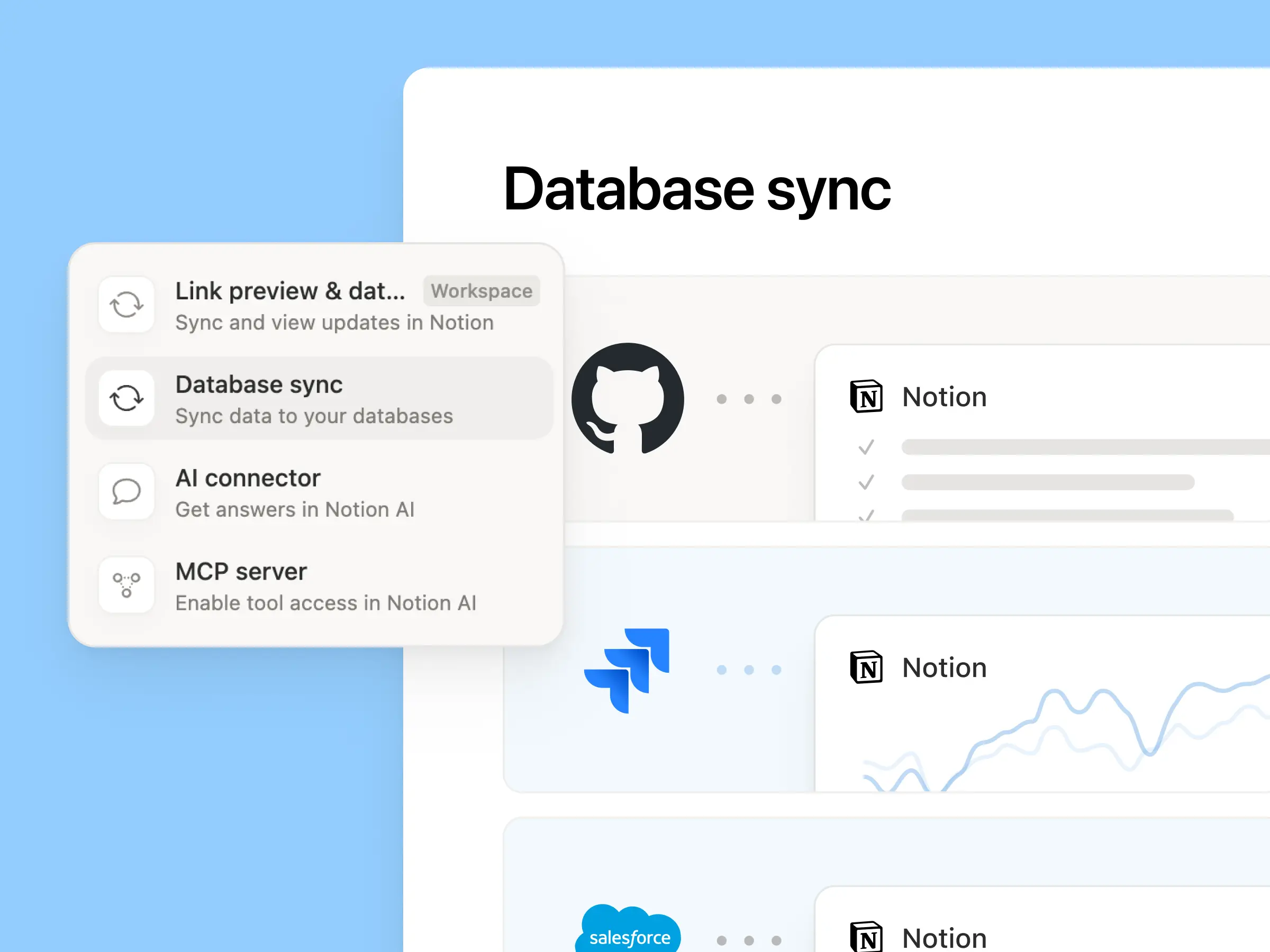
The improved Jira integration is for teams where engineers live in Jira, but everyone else plans in Notion. Sync development work from Jira, then add your own Notion properties right alongside it—quarterly goals, customer feedback, revenue impact. Build dashboards that combine both, so you see the full picture. On Enterprise, edit key Jira fields directly from Notion and sync changes back automatically.

Manage multiple email addresses under one Notion account. Switch between personal and work inboxes easily. A lot of you have been waiting for this one, so thank you for your patience. We hope you give Notion Mail try!
Big desktop performance improvements: Pages on Windows open 27% faster, Mac desktop is up +11%. This chart is one of our most meaningful from 2025. It shows pages now load in ⅓ less time. And we’ll keep improving!
Hide Calendar panel: You can hide the context panel now for a full view of your calendar (see the demo).
Mail to Notion pages: Save emails directly to Notion pages for project documentation and reference.
In-page find knows diacritics: Searching on a page for words with accents like “café” or “naïve” now works exactly how you’'d expect.
Confetti effect in automations: Add a little celebration for your automations — like this!
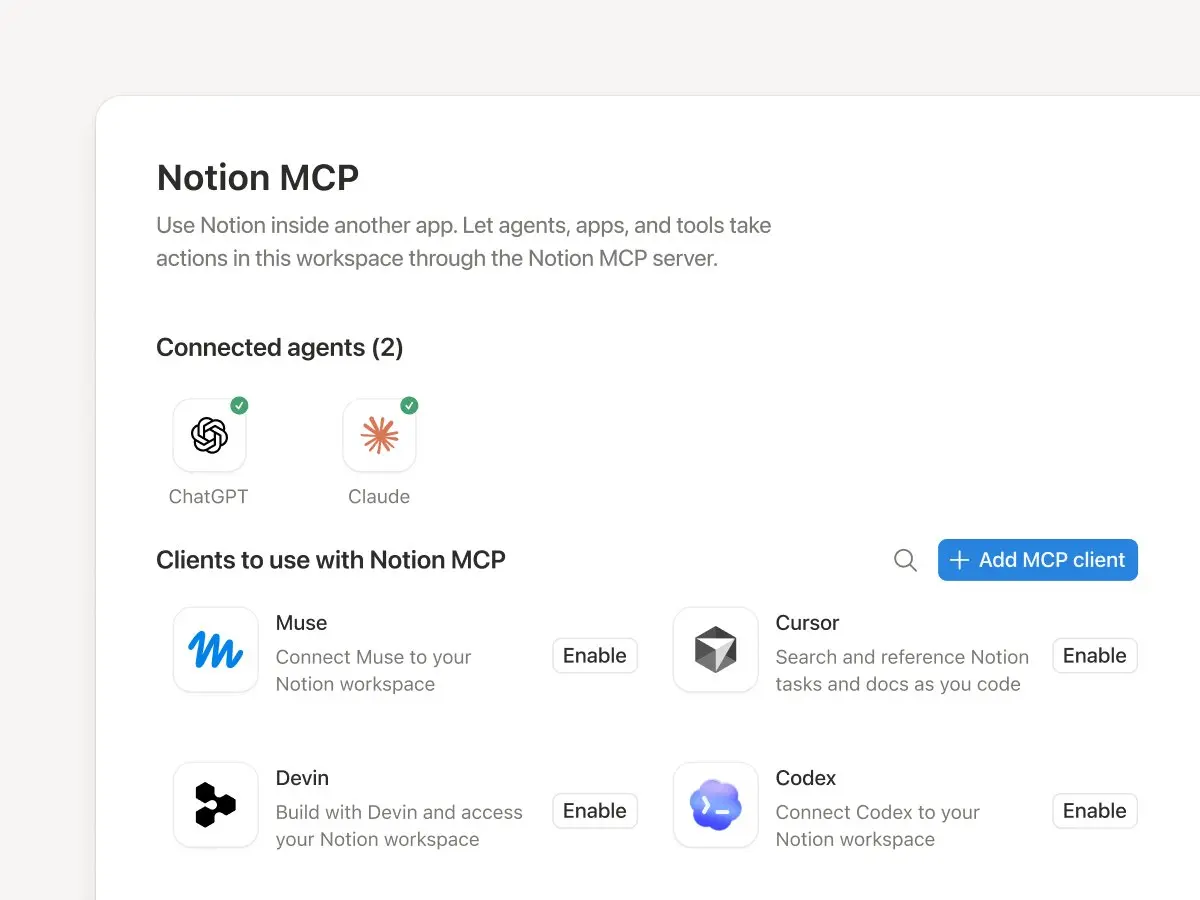
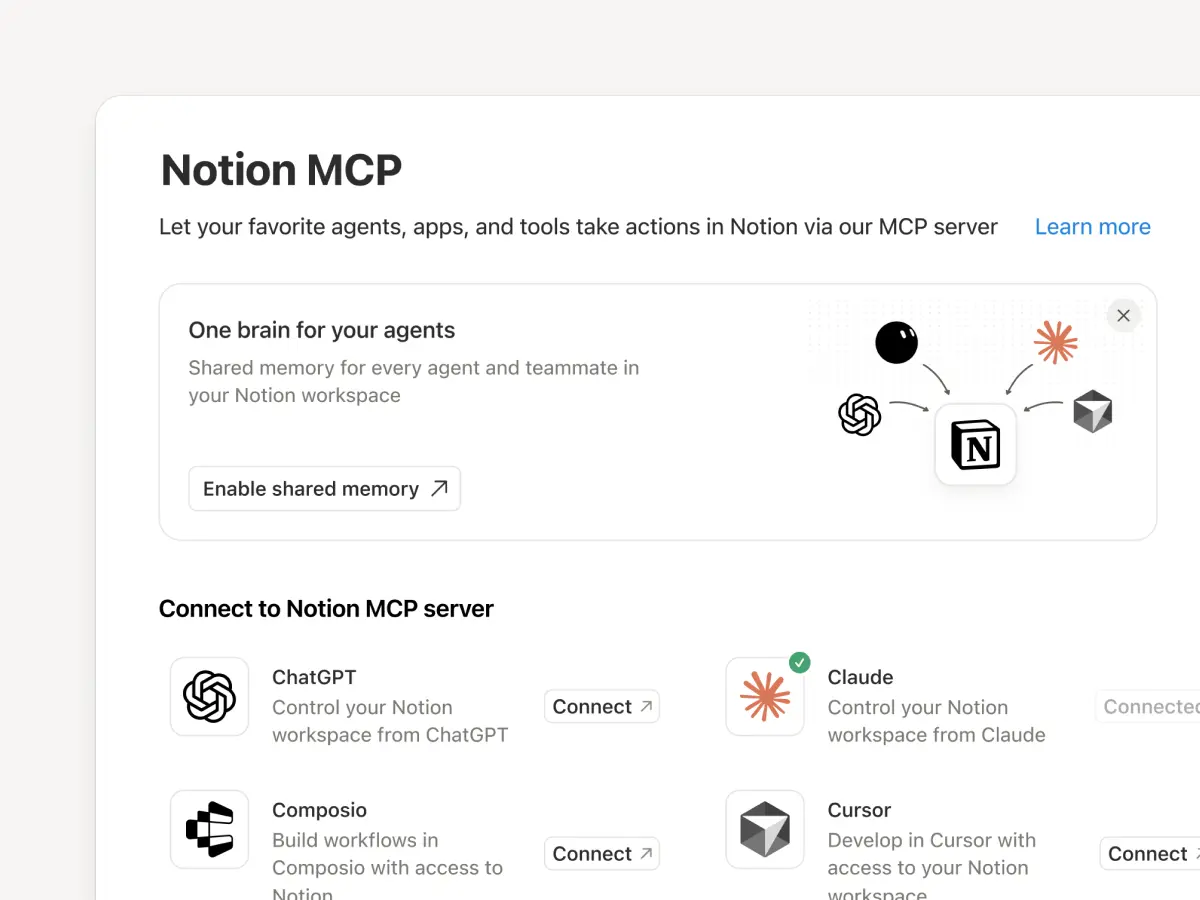
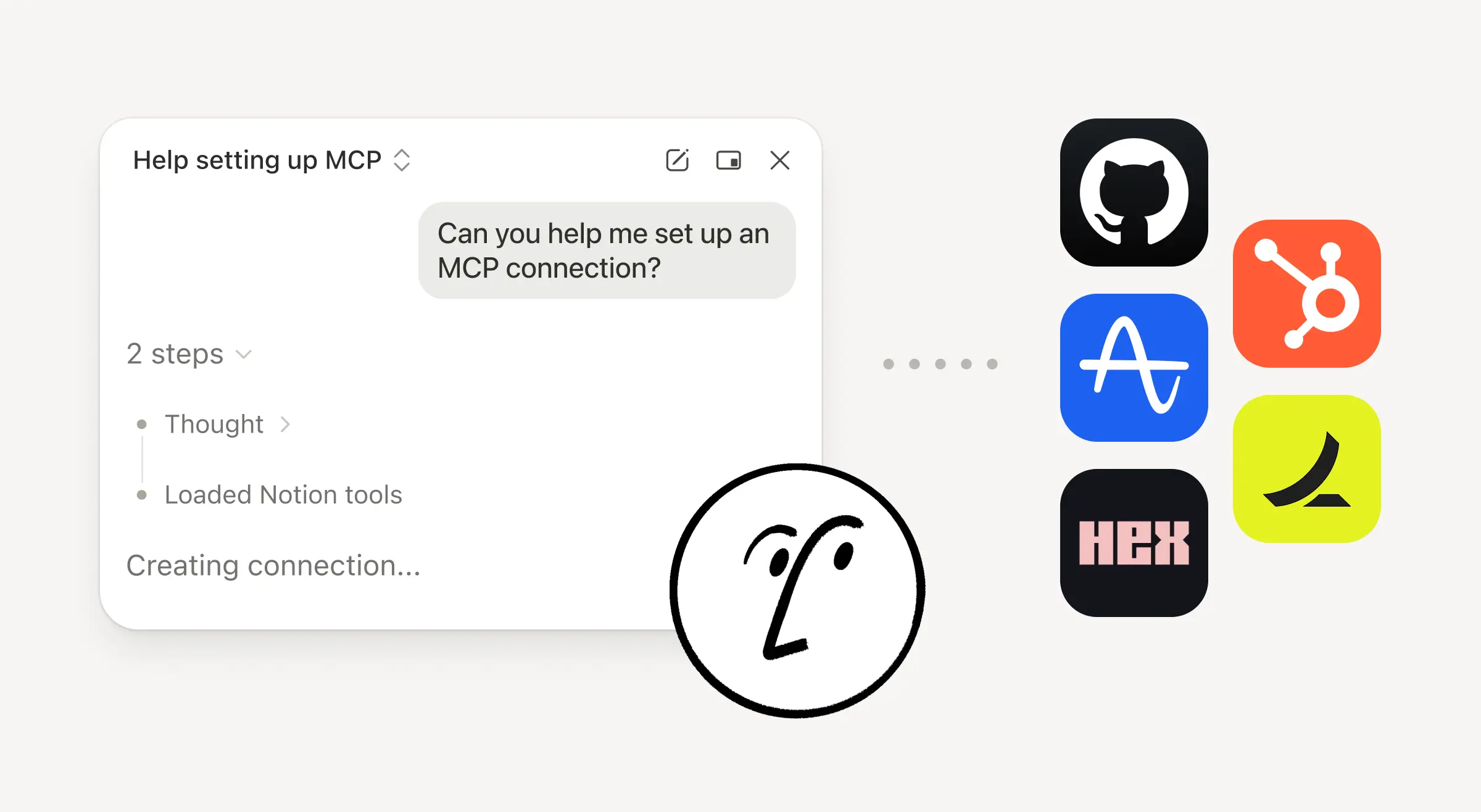
Notion MCP improvements for Enterprise: Track MCP activity in audit logs and query multiple databases. Soon, you’ll also be able to control which external AI tools can connect to your workspace.
P.S. Last year brought Agents, AI notes, enterprise search, offline mode, database permissions, and 90+ features. Here’s a database with everything released in 2025.
Uh-oh! It looks like your ad blocker is preventing the video from playing.
Please watch it on YouTube
Notion Agent can now build beautiful forms in seconds.
Collect requests, get feedback, send surveys, & more—no manual form building required.