Live knowledge, real adoption.
Notion stays up to date because teams actually enjoy using it. Connect docs, projects, and databases in one modern workspace, then let Notion AI summarize, update,and automate.

Notion vs. Asana
Unlike Asana, Notion is an all-in-one customizable workspace that combines project management with docs, knowledge hubs and AI, eliminating the need for multiple tools.






Say goodbye to juggling tools like Asana, Confluence, and Google Docs. Notion brings it all into one place.
Notion stays up to date because teams actually enjoy using it. Connect docs, projects, and databases in one modern workspace, then let Notion AI summarize, update,and automate.
With Notion, governance gets simpler—one data model, one permission system, one rollout—rather than juggling Linear, Jira, Rovo for AI, and Loom.

Notion is your all‑in‑one AI workspace with Meeting Notes, Enterprise Search, Deep Research, and more built in. And now powered by Agents that tie it all together and automate end‑to‑end work.
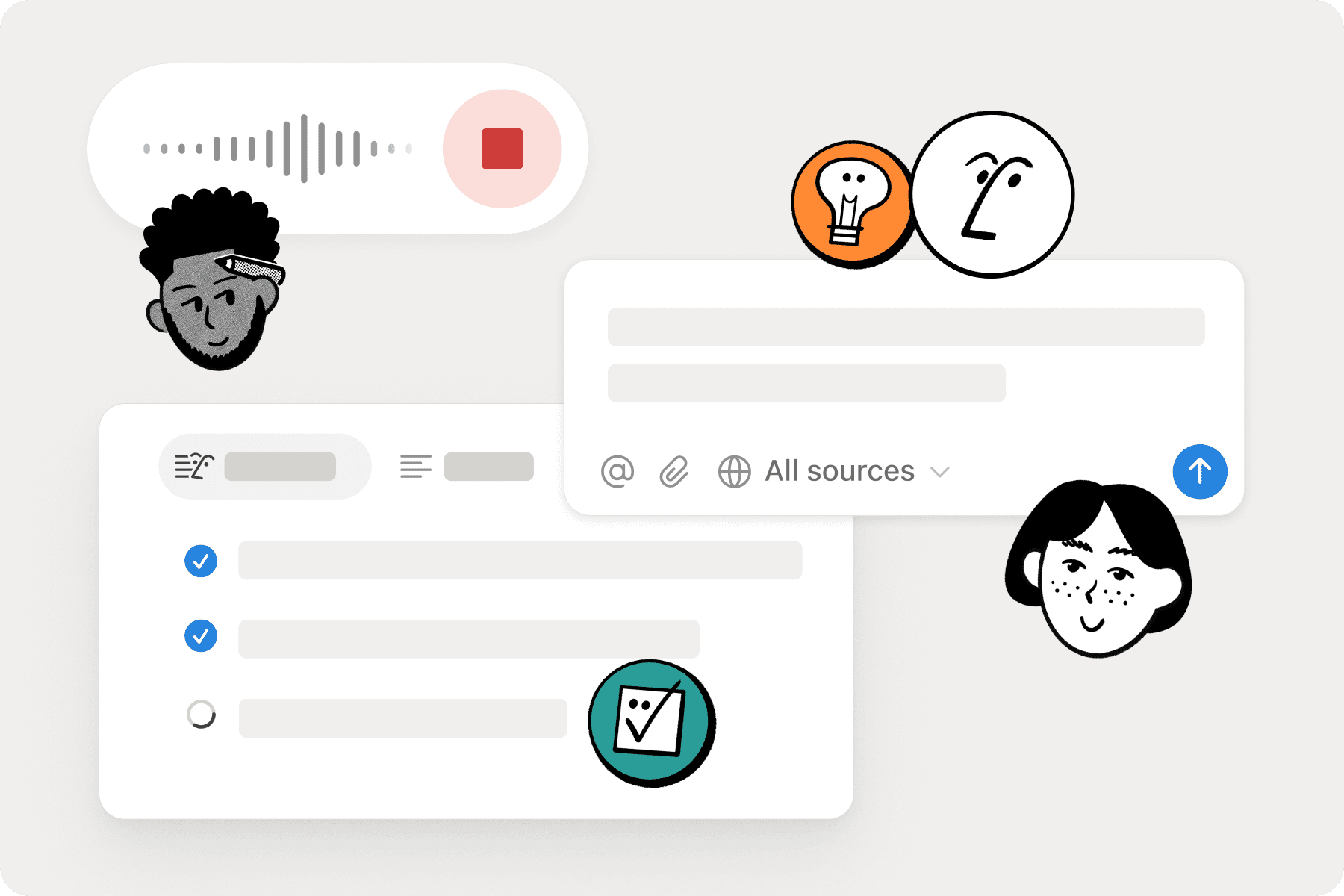
Compare Notion and Asana side-by-side, and you’ll see: Notion combines task tracking, documentation, collaboration, and AI in one connected workspace.
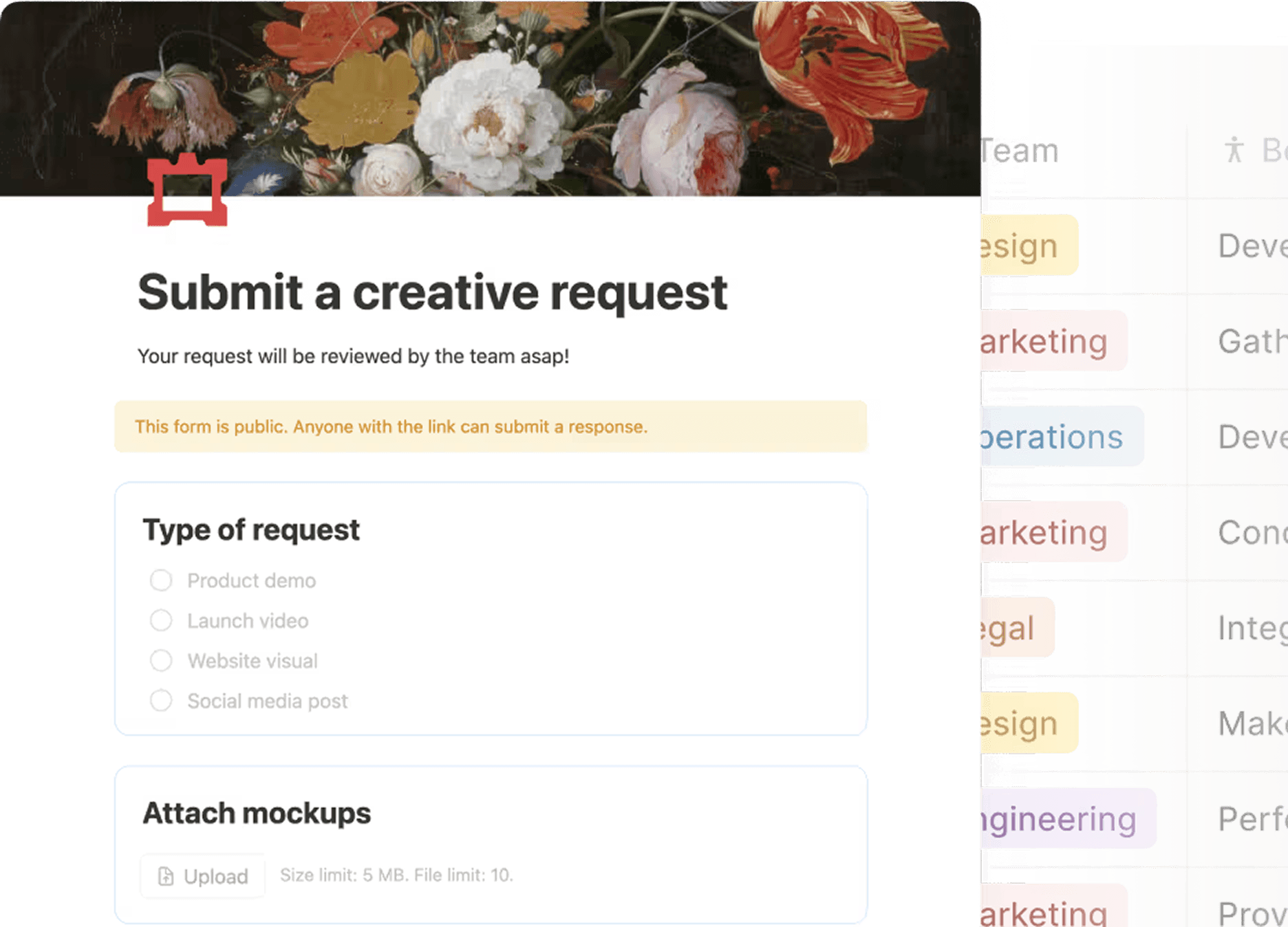
Collaborative docs, team wikis, AI search—so everyone can work together and find what they need.
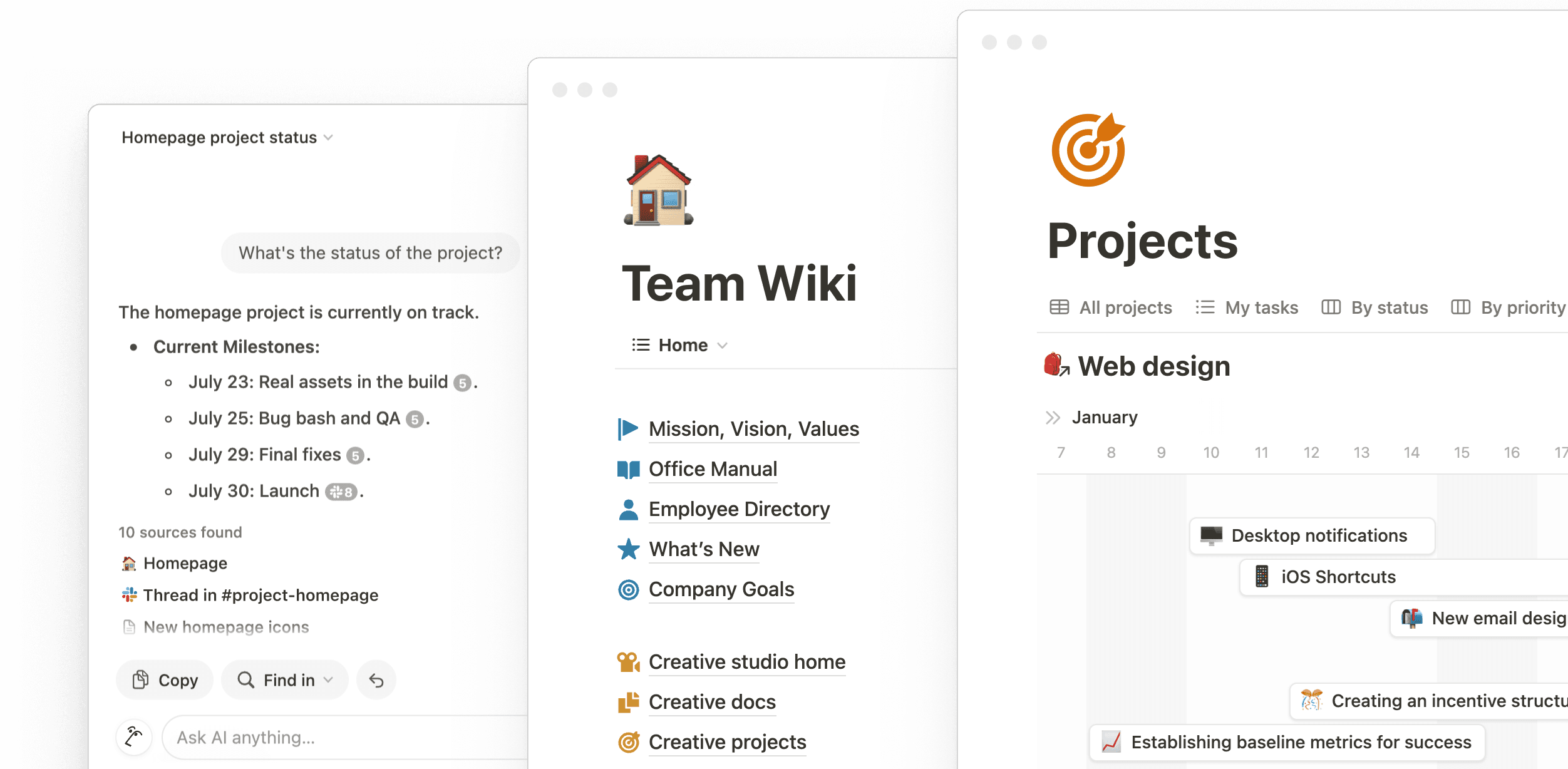
Real-time co-editing with presence indicators, threaded comments and @mentions, customizable spaces for teams.
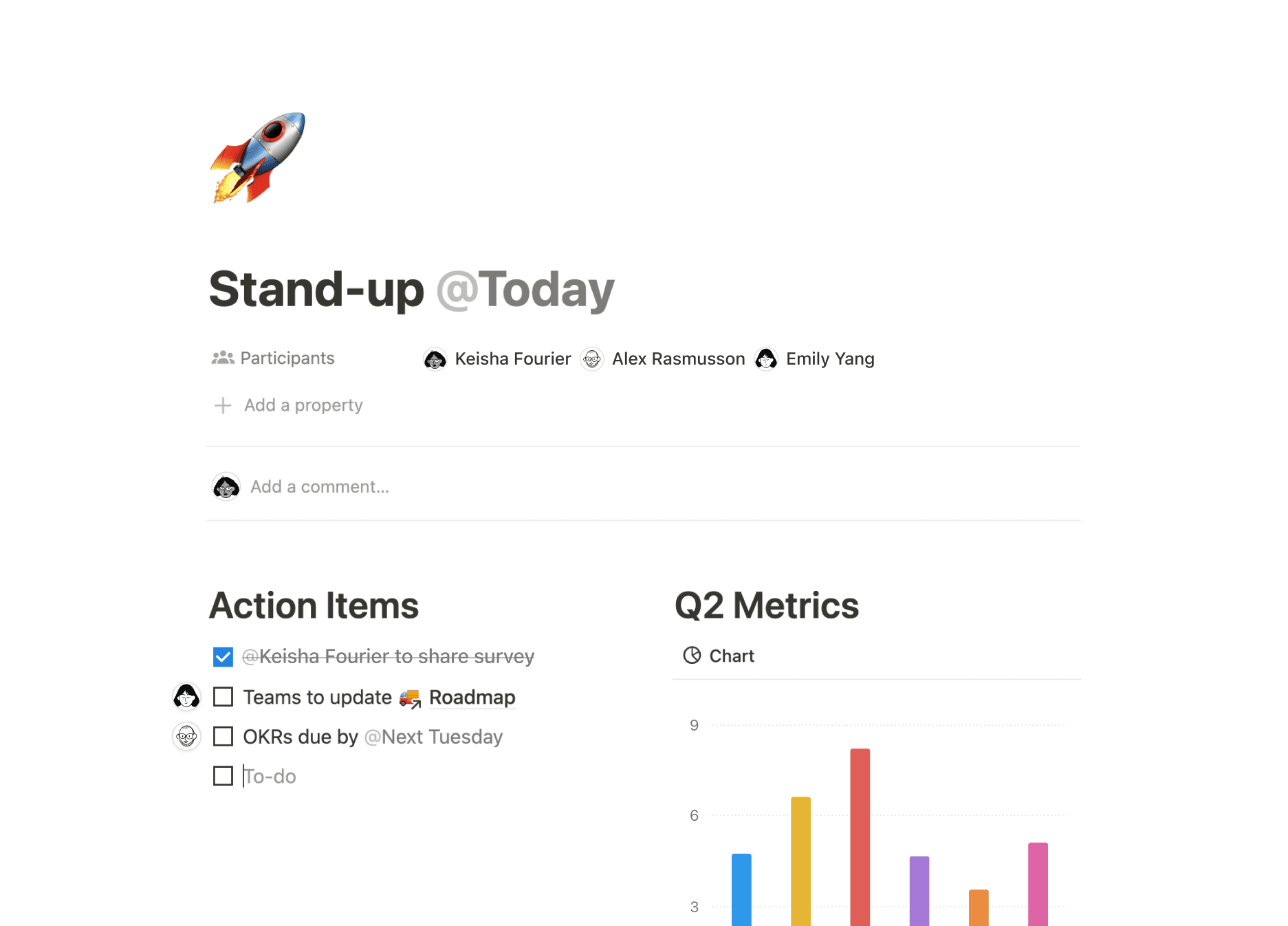
One place to manage all work. One less tool to worry about.
Native integrations with popular tools like Slack, GitHub, Jira, and more. API access for custom integrations.
Notion’s Asana importer makes switching seamless. Move your projects, tasks, and timelines from Asana to Notion in just a few clicks.
Try the importer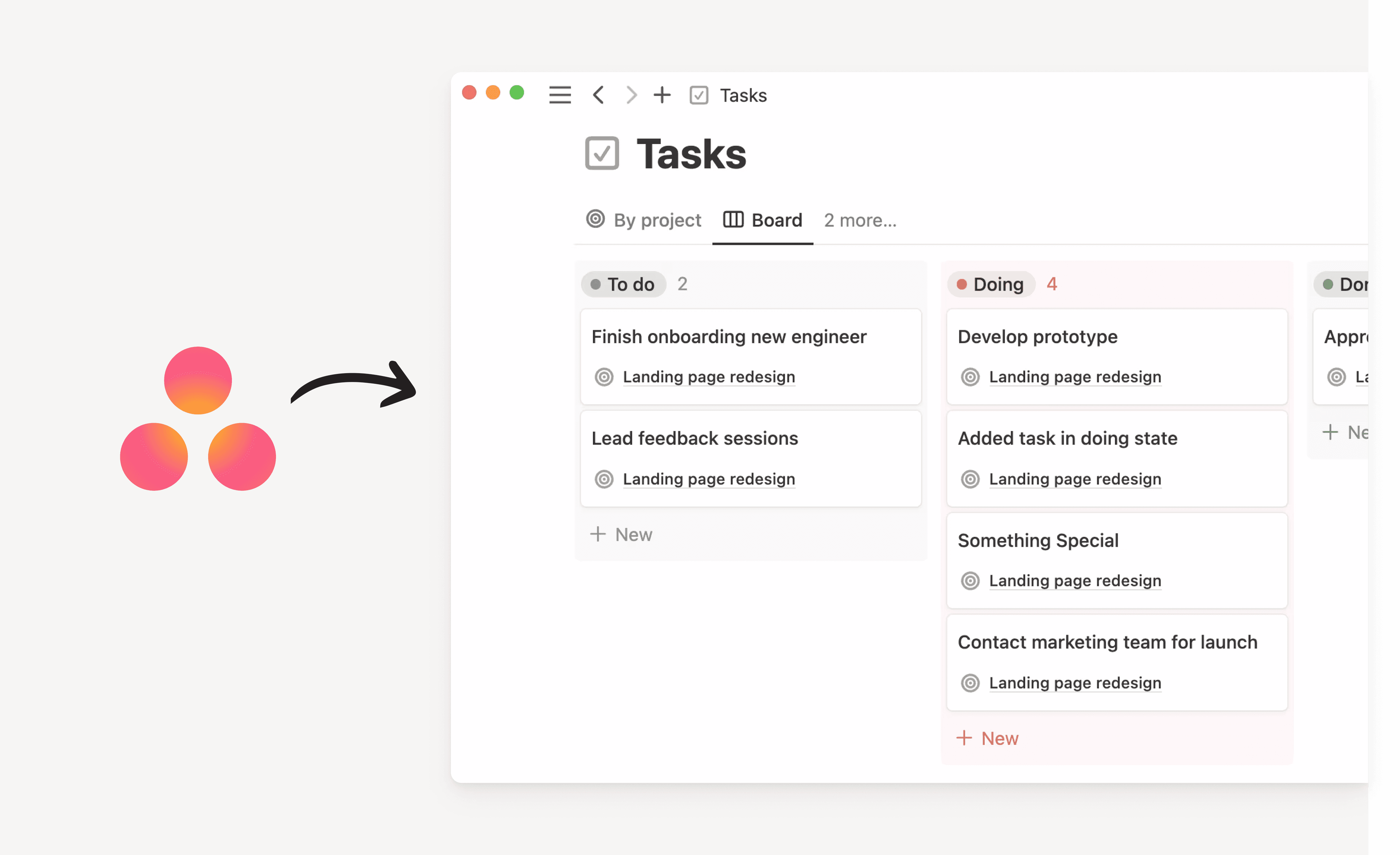
Notion helps us scale from running a few projects to hundreds of projects, and will support us with scaling to thousands of projects.
Unlike Asana’s rigid task views, Notion gives you full control over how your team works—boards, timelines, calendars, and customizable fields included.
Notion doesn’t lock you into Agile Scrum, or any other system. Take our building blocks – databases, pages, checklists, media, embeds – and create any workspace you want.
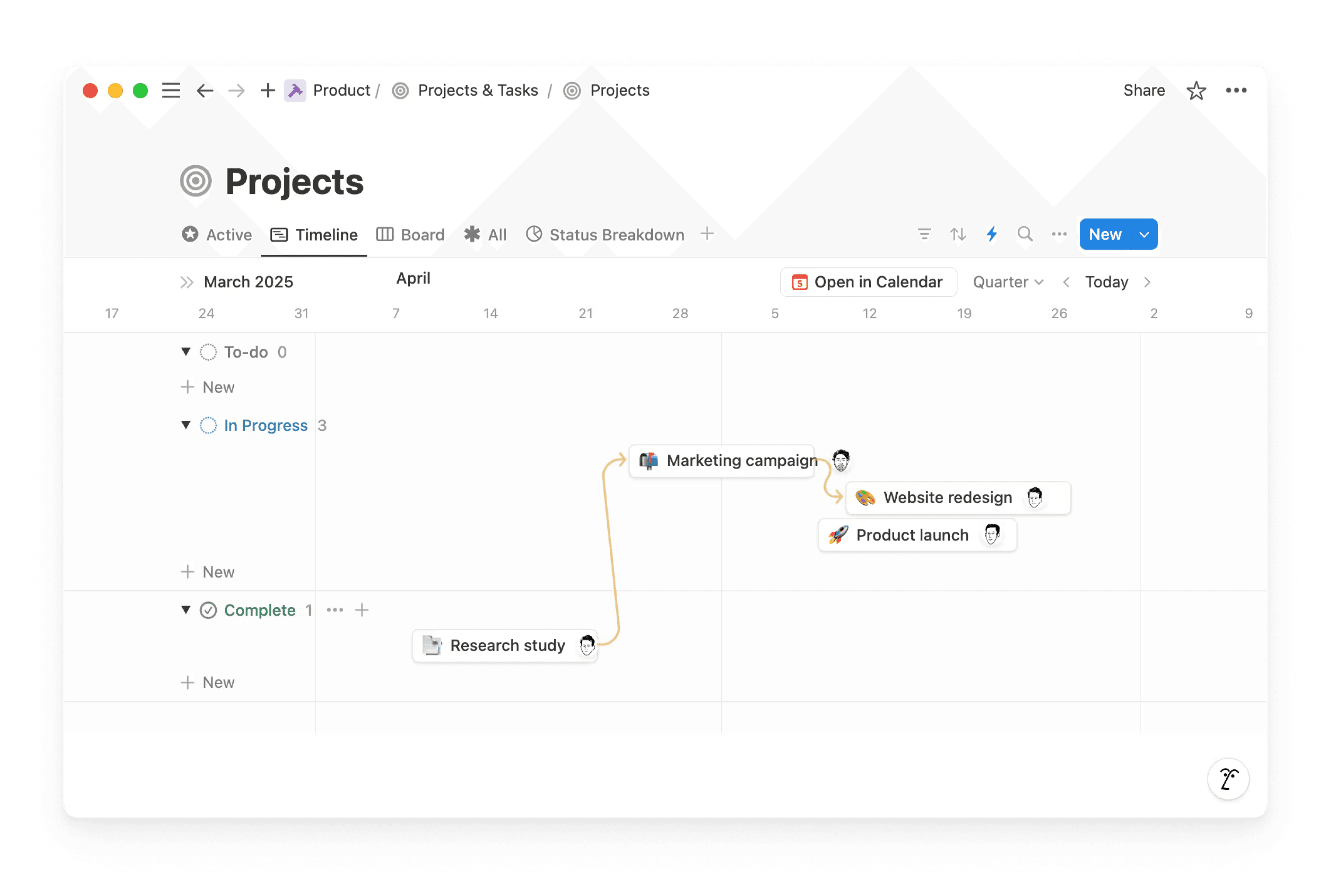
Show tasks as kanban boards, calendars, lists, or tables - whatever works best for your team's workflow.
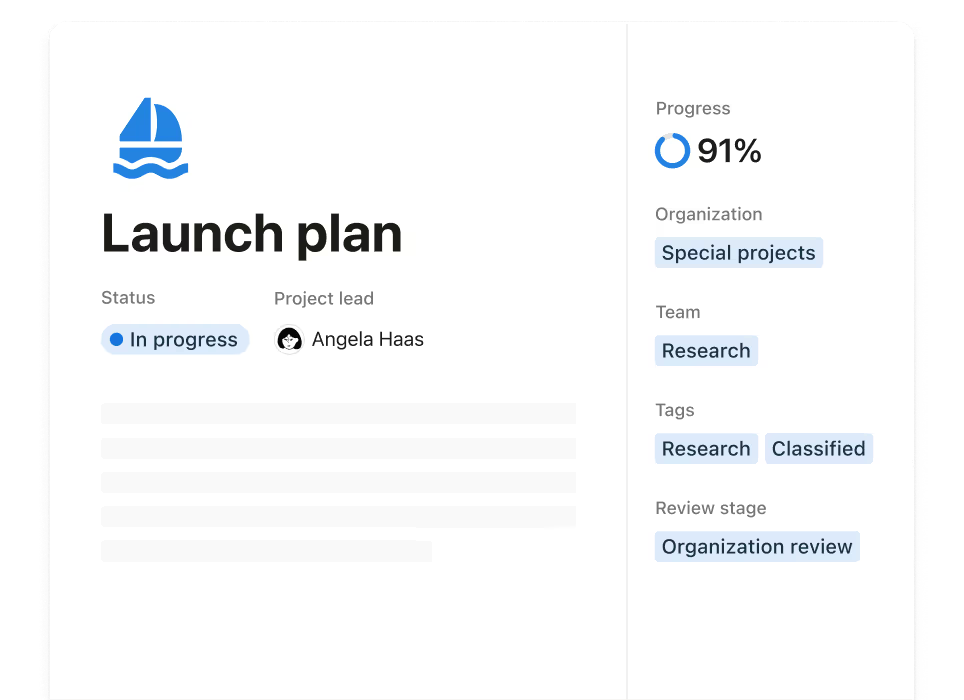
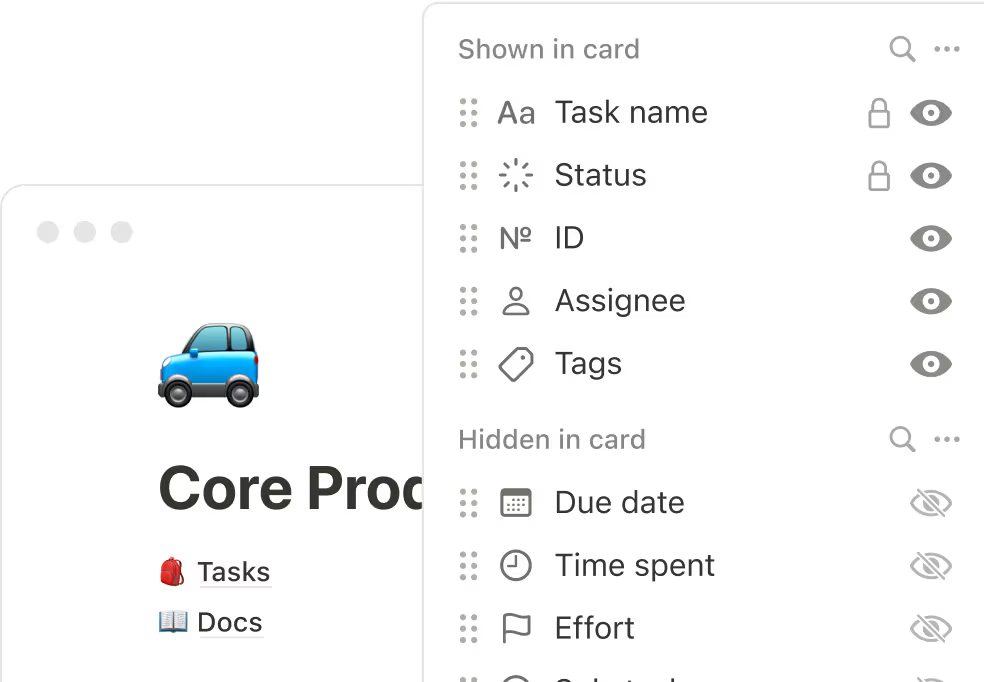
Track exactly the information that matters for your specific projects, rather than being limited to preset options.
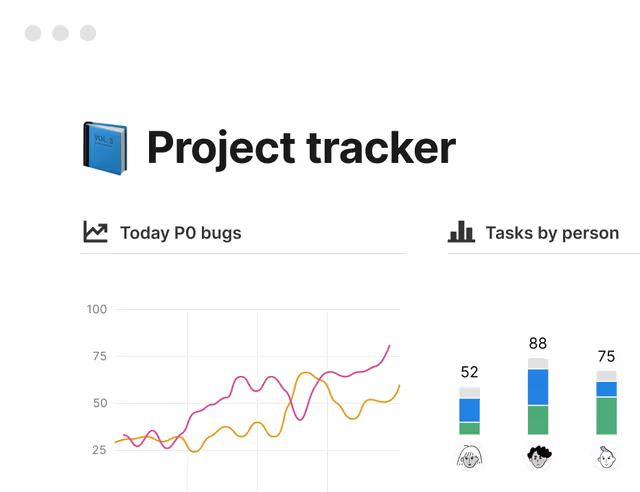
Combine different blocks and views in ways that match how your team actually works.
We keep hearing the same thing: “We're paying a lot for Asana, but adoption is low.” Be the one who brings in a tool people love.
Say goodbye to tools you have to wrestle with to get work done – whether you’re a product, engineering, marketing, or sales team.
Keep all your docs directly in your project management system so everything is findable and at your fingertips. No confusion, no duplicate work, total transparency, and clear organization.
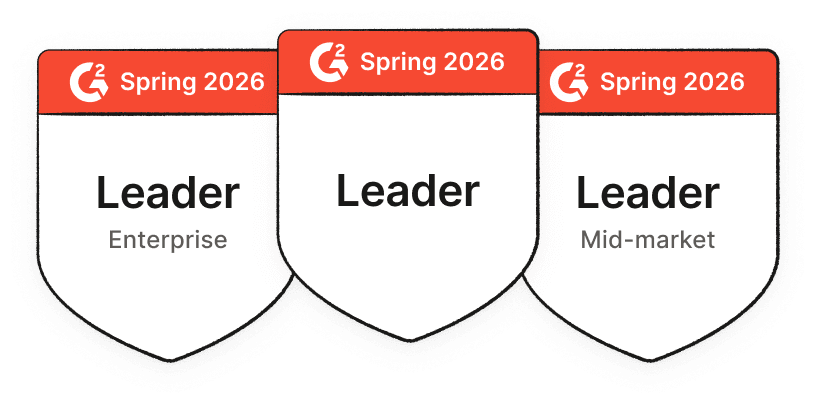
In G2’s comparison of Notion vs Asana, Notion ranks higher across product direction and quality of support. Notion users are more likely to recommend the tool than Asana.
Before Notion, we had to deal with a lot of tool fragmentation. Now we have one cross-department project management tool united with our company knowledge.
Our Enterprise plan has the features you need to move your large team from Asana and upgrade your workflows while you’re at it.
Your own customer success manager to help onboard large teams and create custom workflows. Reserved for teams larger than 100 paying annually.
Extra permission controls to prevent certain employees from sharing pages externally, disable guests, and set workspace-level rules.
We’ll work with you to create a custom contract and payment via PO/invoice. Reserved for enterprise accounts with over 100 users.
Access version history of any page indefinitely, not just 30 days.
Automate user provisioning and management. Create, remove, add, update, or retrieve any user or group.
Export all of your content at once as PDFs. Handy for legal or compliance backups.
Get started with templates for project management, task tracking, wikis, and more. Notion’s template ecosystem goes far beyond Asana—with full-page docs, databases, and community-made workflows.
Whether you're managing simple projects or complex client workflows, Notion adapts to fit your way of working.
Explore Notion templates for project management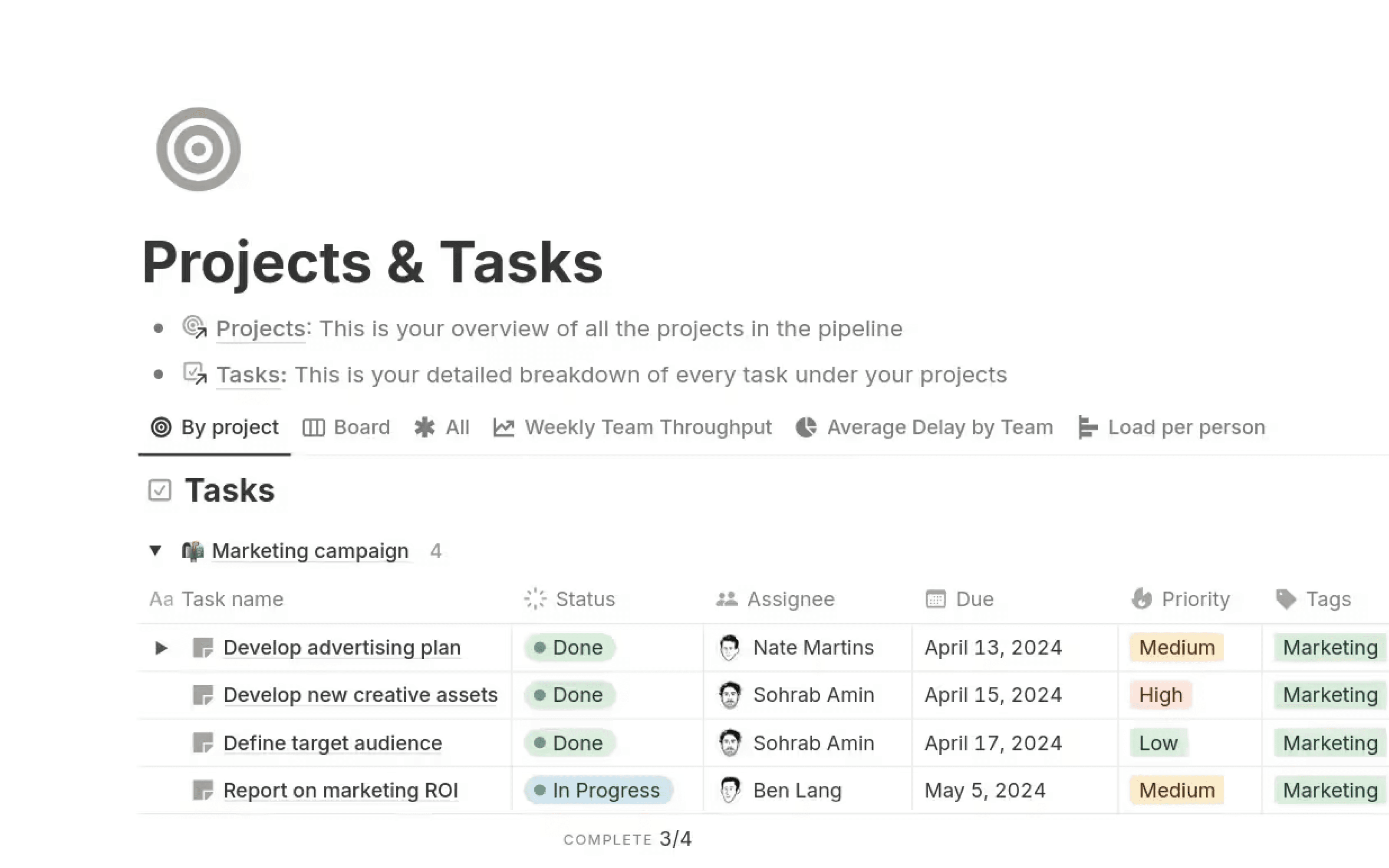
Streamline client communication and improve project visibility in one modern hub to delight clients.
Best task tracking templates on Notion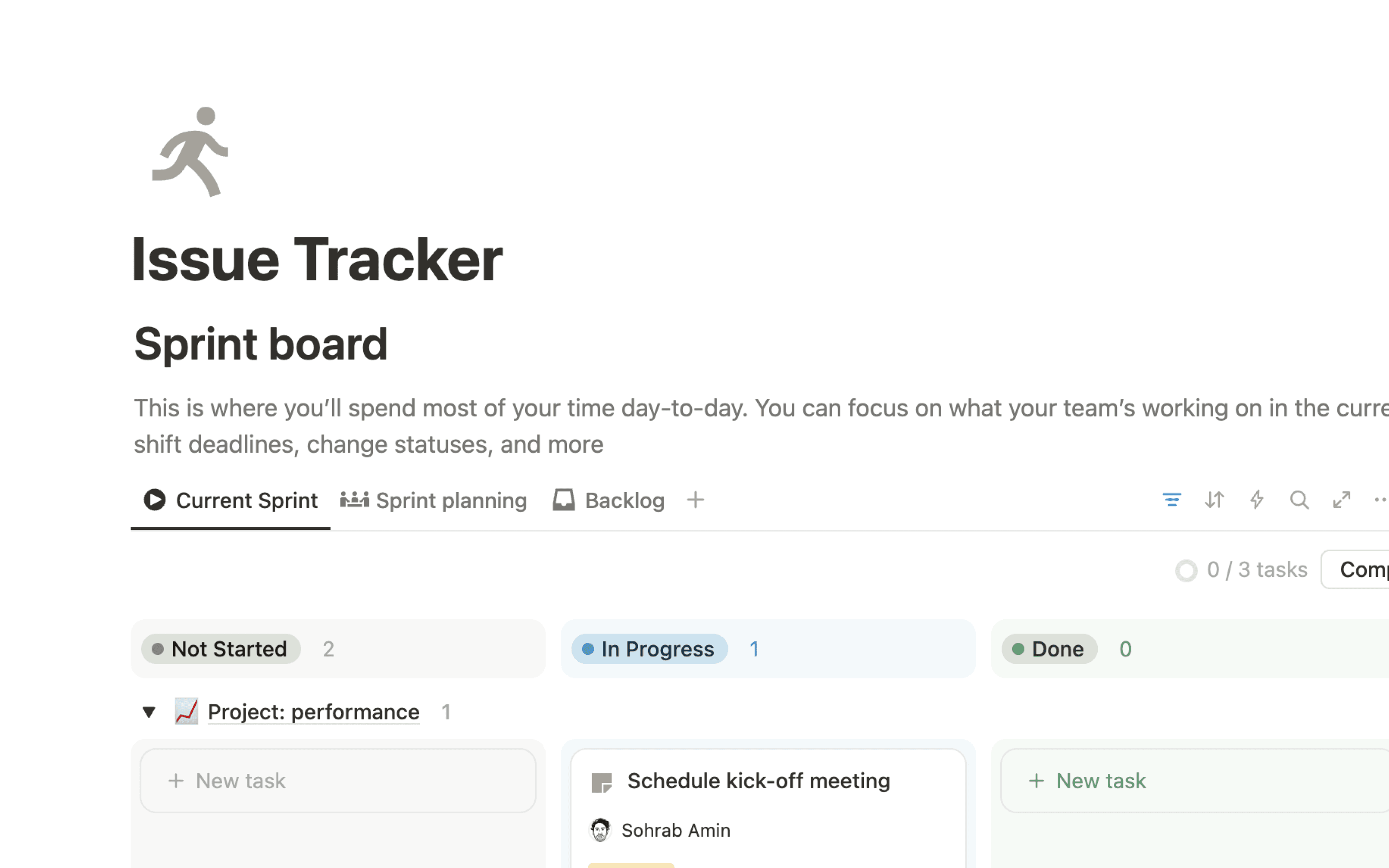
How does Notion compare to Asana for project and task management?
Notion combines project management and knowledge management in one connected workspace. While Asana focuses solely on tasks and timelines, Notion allows you to manage projects, organize your team's knowledge, and create customized workflows—all in one place. With integrated AI, you can automate tasks, find answers quickly, and keep information up to date.
Why is Notion the best Asana alternative?
Notion combines the best parts of Asana—like task tracking and timelines—with tools Asana doesn’t offer: wikis, collaborative docs, and AI-powered search. Instead of needing three different tools, you get one connected workspace.
Can Notion do everything Asana does for tracking tasks and projects?
Yes! Notion offers all the essential features for tracking tasks and projects, including boards, calendars, timelines, and due dates. However, it also provides advanced customization, so you can create workflows that adapt to your team’s unique needs. Unlike Asana, you can also integrate documentation and context directly into your project views.
Does Notion integrate with the tools my team already uses?
Absolutely. Notion integrates seamlessly with tools like Slack, Google Workspace, and Microsoft Teams. You can also embed files, sync calendars, and use our API for custom integrations. Notion often eliminates the need for additional tools like Google Docs or Confluence by centralizing your workflows and knowledge.
How does Notion’s AI help with project management?
Notion’s AI goes beyond simple automation by helping you:
Find answers fast: Search across tasks, documents, and databases.
Write smarter: Generate updates, meeting notes, or project summaries instantly.
Keep information up to date: Use AI to refine and organize your team’s knowledge effortlessly
Sign up now or connect with an expert to explore what's possible with Notion.