Produkt
Notion-KI
KI-Tools für die Arbeit
Agenten
Automatisiere Routineaufgaben
Smart Notes
Perfekt geschrieben von der KI
Enterprise Suche
Finde Antworten in Sekundenschnelle
Wissensdatenbank
Bündle dein Wissen
Dokumente
Einfach und leistungsstark
Projekte
Verwalte jede Art von Projekt
Verbindungen
Verbinde deine Apps
Sicherheit
Sicher und skalierbar
Notion Calendar
Es wird Zeit
KI
KI-Funktionen
Notion-KI
KI-Tools für die Arbeit
Agenten
Automatisiere Routineaufgaben
Smart Notes
Perfekt geschrieben von der KI
Enterprise Suche
Finde Antworten in Sekundenschnelle
KI-Anwendungsfälle entdecken
Für die Arbeit
Für das Leben
Ressourcen
Durchstöbern
Vorlagen
Beratung
Verbindungen
Entdecken
Neue Funktionen
Erfahrungsberichte von Kund/-innen
Blog
Webinare
Lernen
Entwickler/-innen
Academy
Produkt-Touren
Hilfe
Entwickler/-innen
Start-ups
Enterprise
Tarife
Demo anfordern
Anmelden
Nutze Notion kostenlos
Hilfe-Center
Notion Grundlagen
← Notion Grundlagen
Notion Grundlagen
Anleitung
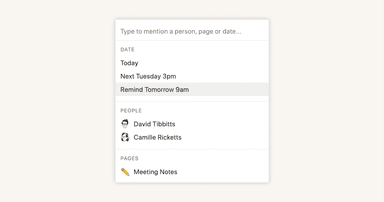
Reminders & @mentions
Anleitung
Mitglieder, Admins und Gäste hinzufügen
Anleitung
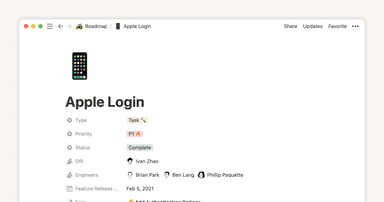
Database properties help organize your team’s information
Anleitung
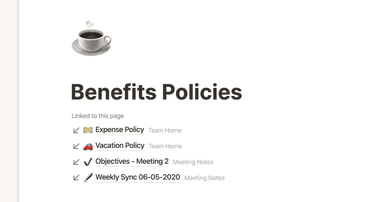
Creating links & backlinks
Anleitung
Creating a page
Anleitung
Full page vs. inline databases
Anleitung
Start with a template
Anleitung
Using database views
Anleitung
Calendar view databases
Anleitung
Table view databases
Anleitung
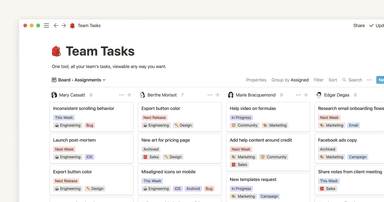
Board view databases
Anleitung
Gallery view databases
Anleitung
Creating a database
Anleitung
Generiere mit einem Klick automatisch Blöcke, Seiten und mehr
Anleitung
When to use each type of database view
Anleitung
Die Zeitleistenansicht ermöglicht eine hochproduktive Planung für dein Team
Anleitung
So nutzt du einfache Tabellen bei Notion am besten (und so nicht)
Anleitung
Verwende Diagramme, um Daten zu visualisieren und den Fortschritt direkt in Notion zu verfolgen.
Anleitung
Wie passt Notion in das Tool-Ökosystem deines Unternehmens?
Anleitung
Unleashing productivity with Notion's Slack integration
Anleitung
Writing & editing basics
Anleitung
How teams can use comments for better collaboration
Anleitung
Types of content blocks
Anleitung
Teamspaces give every team a home for important work
Anleitung
Bring live links into your Notion workspace with link previews
Anleitung
Connecting tools to Notion
Anleitung
What is Notion?
Anleitung
Automate work with repeating database templates
Anleitung
Getting started with page customization
Anleitung
Assign custom database permissions to make your life easier
Anleitung
Transforming content blocks in Notion
Anleitung
Using database templates
Anleitung
Using advanced database filters
Anleitung
Intro to Timeline view
Anleitung
How to create new pages as you type
Anleitung
Using linked databases
Anleitung
Using relation & rollup properties
Anleitung
Using slash commands
Anleitung
A Notion guide on switching between work and personal accounts
Anleitung
Die Statuseigenschaft verschafft dir Klarheit über Fortschritte