產品
功能
查看所有功能
→
收集
將所有內容彙整至一個系統。
搜尋
馬上找得到解答,並清楚標註出處。
自動化
透過代理程式,讓工作全天候持續不間斷。
資源
Notion,適用於
企業
小型企業
新創公司
開發人員
探索
最新消息
客戶故事
網路研討會
範本
顧問
學習
學院
產品導覽
幫助中心
定價
申請產品示範
登入
免費取得 Notion
幫助中心
文書資料
← 文書資料
文書資料
指南
Use Notion AI to give teams perfect memory, and save time
指南
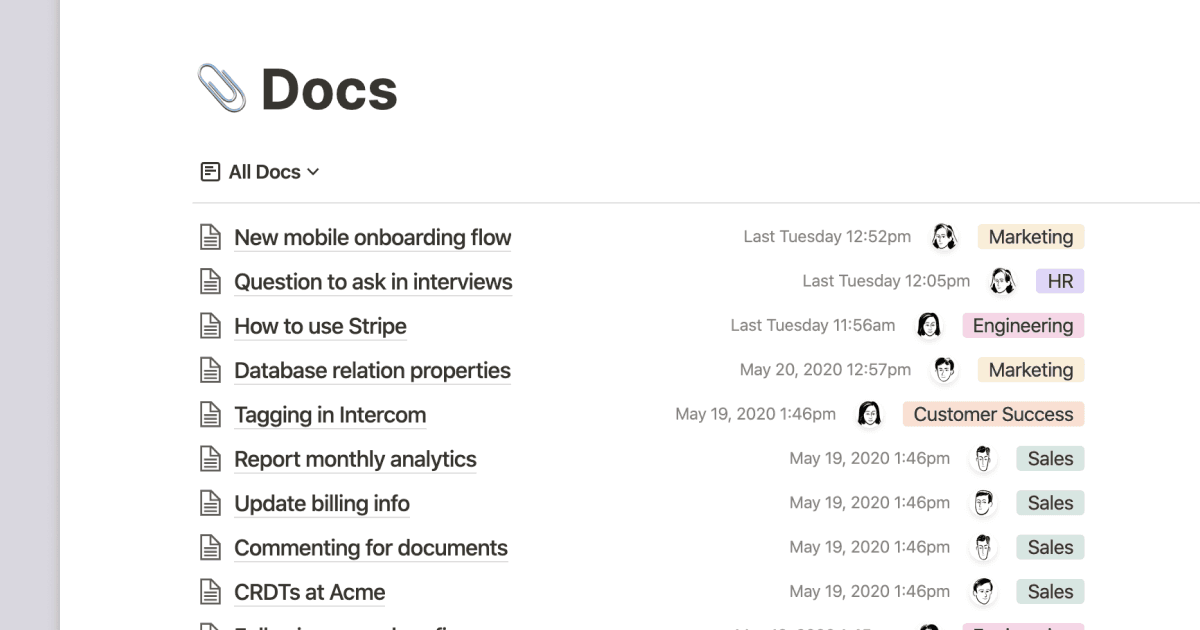
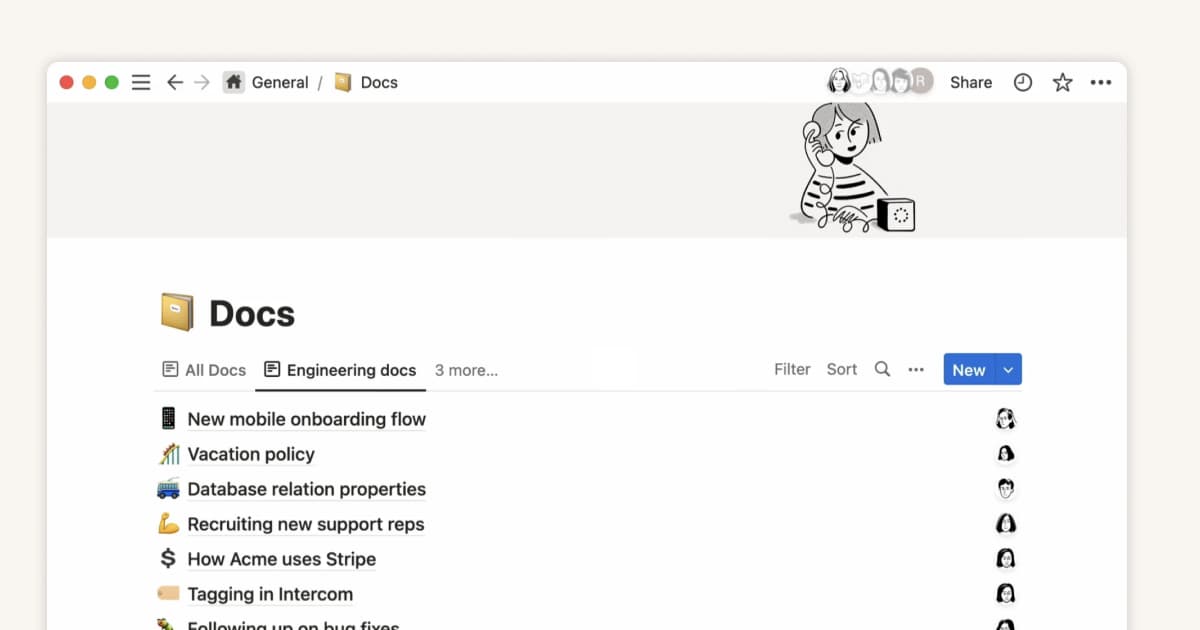
Building a comprehensive team notes & docs database
指南
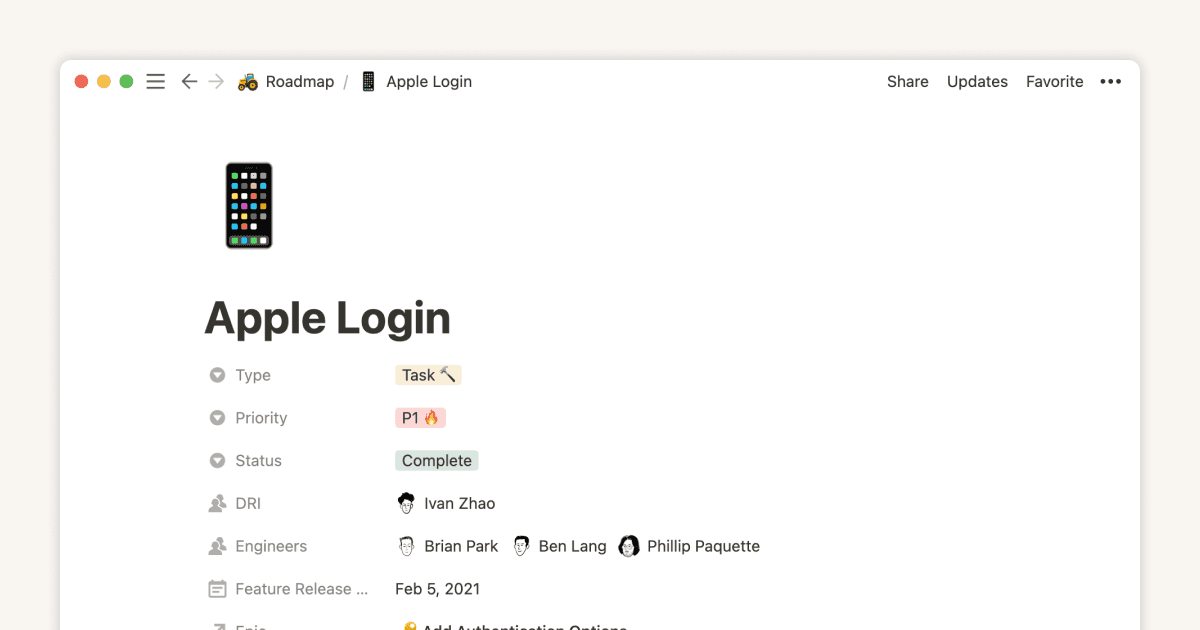
Database properties help organize your team’s information
指南
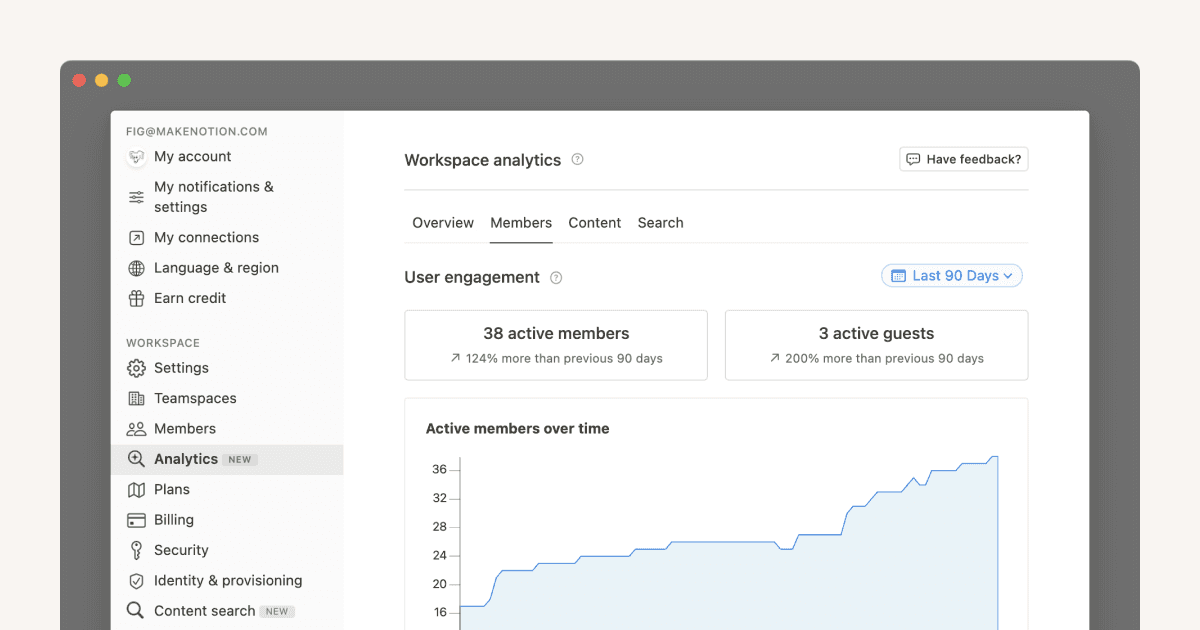
Get useful insights with workspace and page analytics
指南
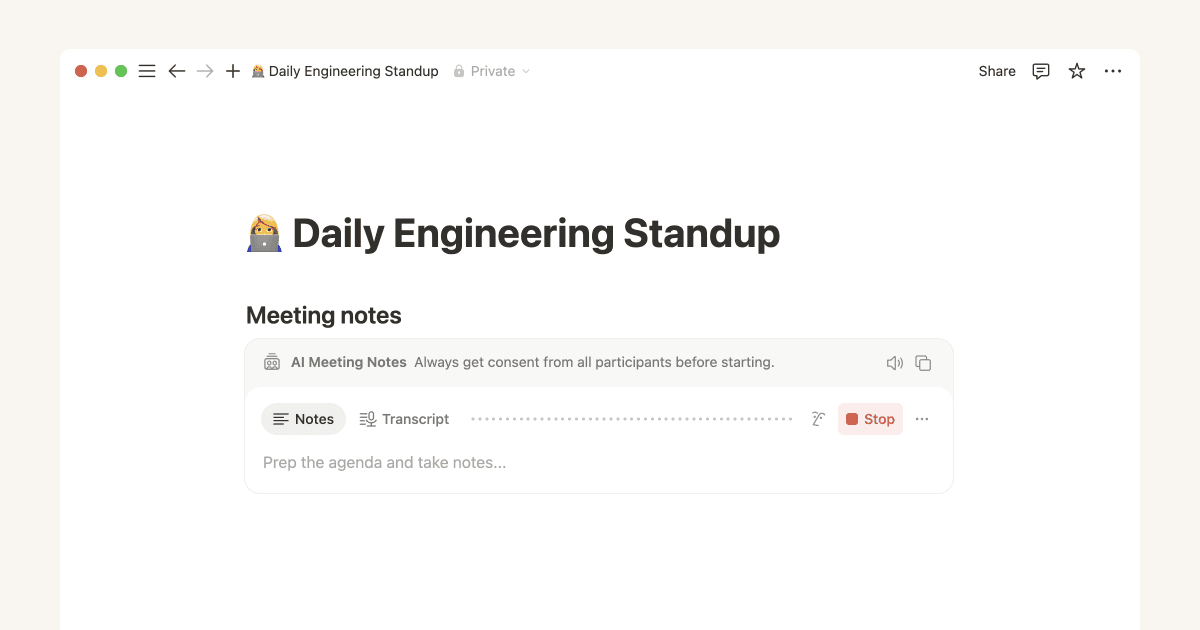
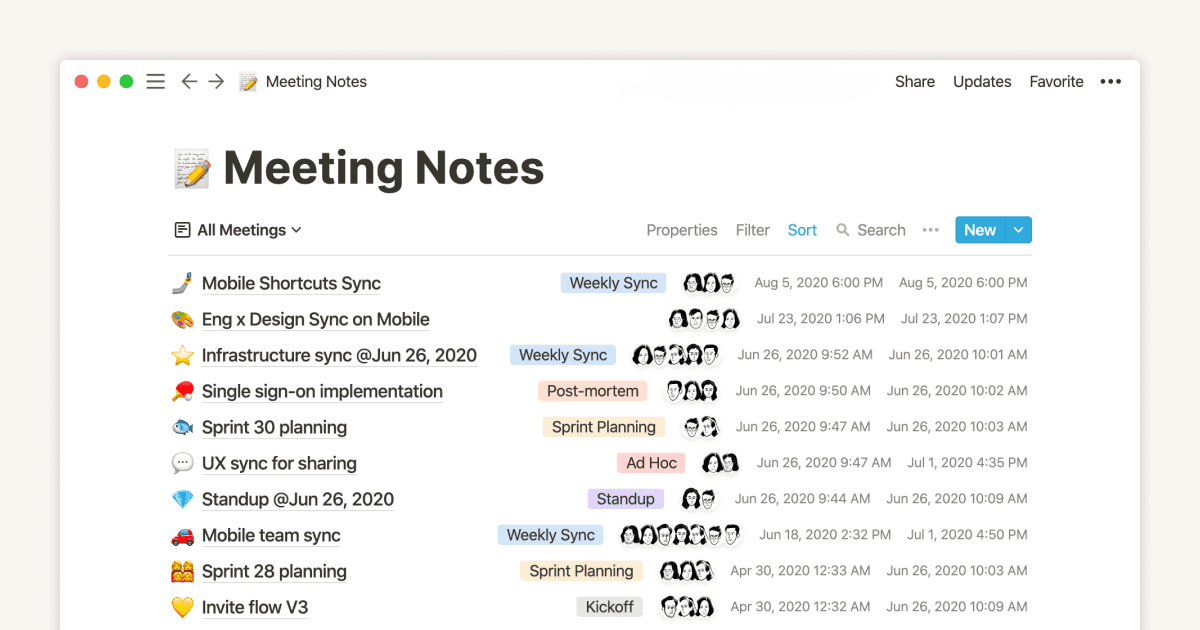
Preserve perfect meeting memory with AI Meeting Notes
指南
Creating links & backlinks
指南
Everything you need to know about working offline in Notion
指南
使用 Notion AI,更有效率地寫出更棒的筆記和文件
指南
How product teams boost productivity and spark new ideas with Notion AI
指南
How to use Notion for your startup: Templates and more
指南
This notes & docs system makes your design team more efficient
指南
Organize, connect, and scale your Notion knowledge management system
指南
How Notion can help your marketing team stay organized and efficient
指南
Getting started with templates for your team
指南
The best ways to use simple tables in your Notion pages (and when not to)
指南
How startups conduct user research using Notion
指南
A connected workspace for product teams to collaborate, ideate and launch
指南
Using Notion for tech specs
指南
Solidifying documentation for your startup
指南
使用 Notion AI 擴大你的影響力
指南
Using Notion for marketing campaigns
指南
Unleashing productivity with Notion's Slack integration
指南
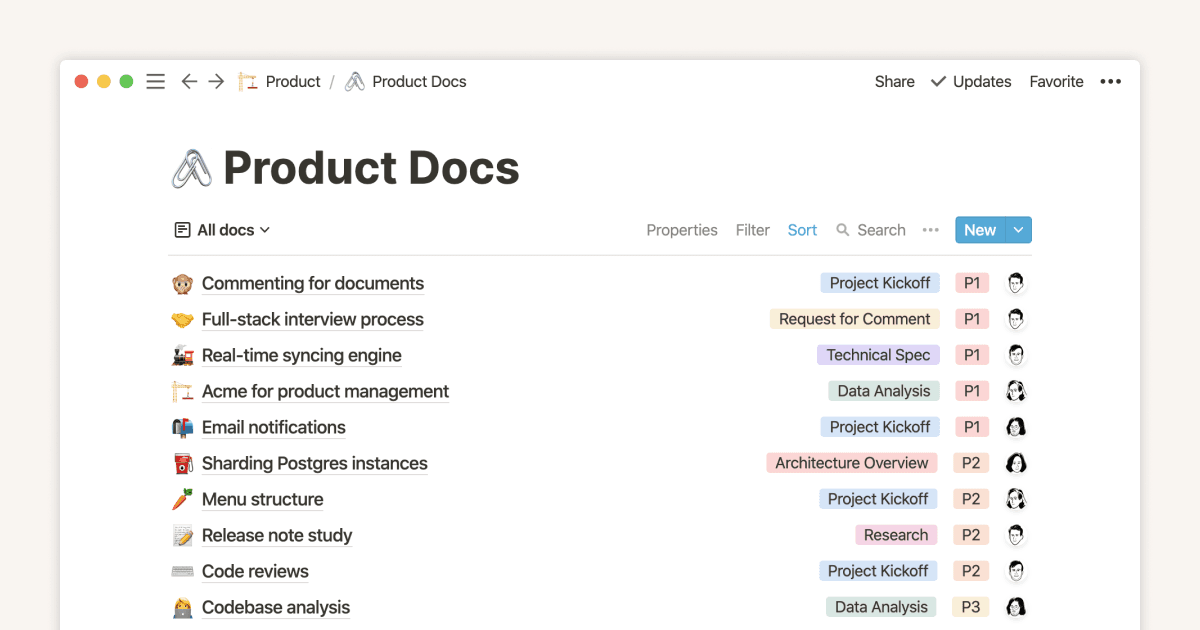
A documents database tailored for product teams
指南
Use link previews to collaborate, manage projects, and ship faster
指南
Product teams nail cross-functional collaboration with these notes and docs templates
指南
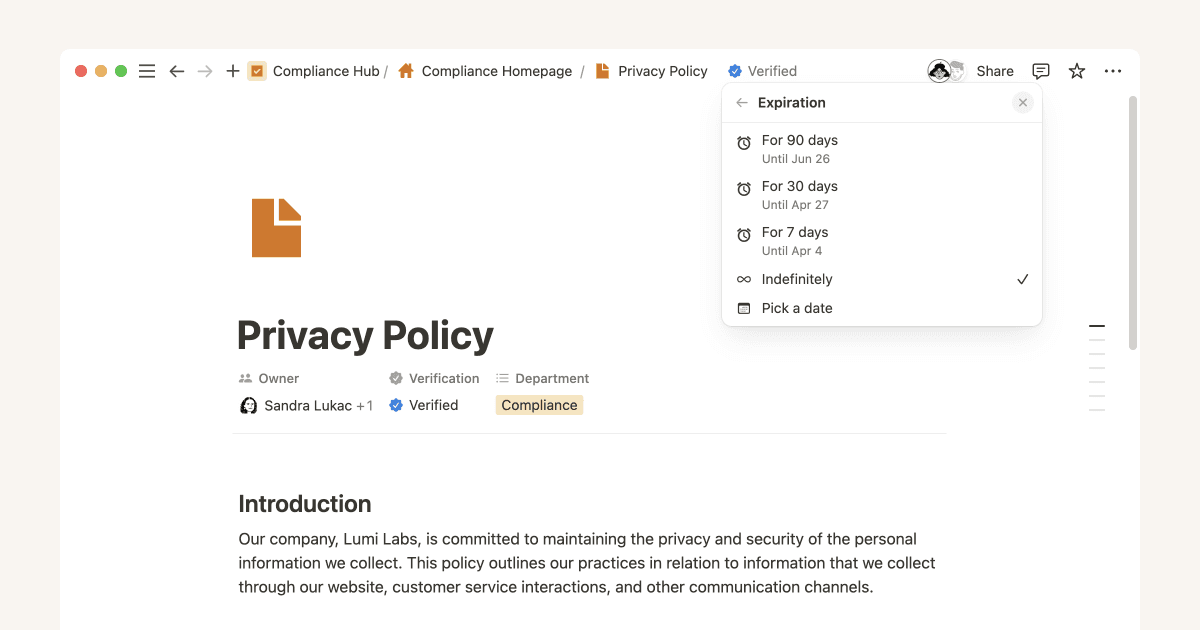
Verify knowledge your teammates can trust
指南
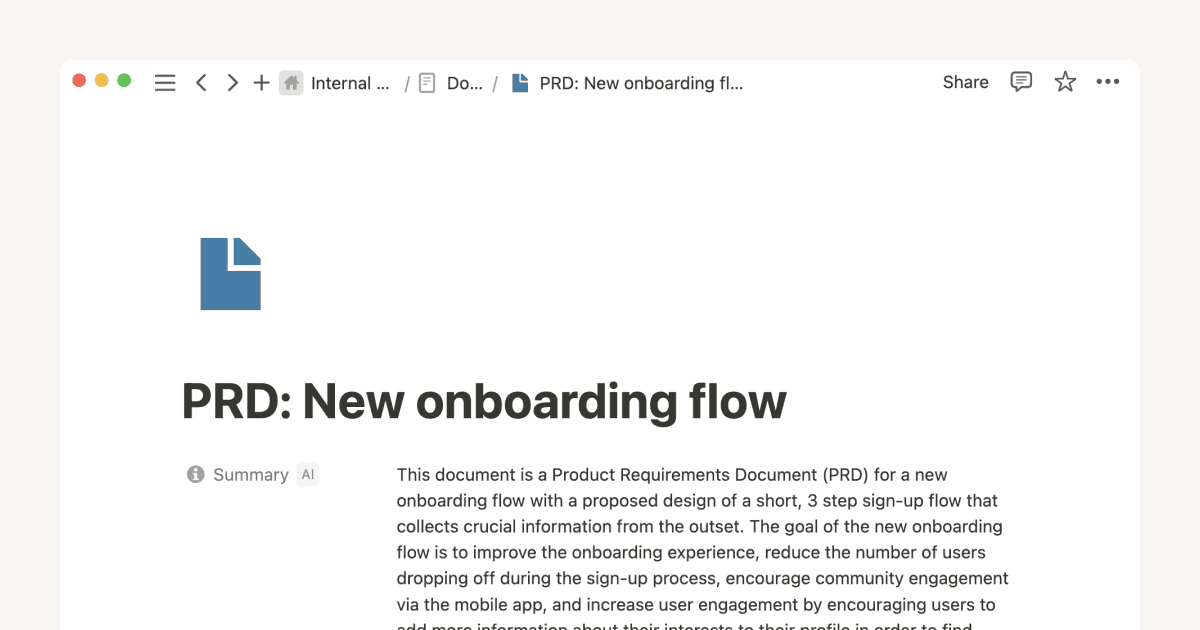
Using Notion for product requirement documents
指南
Three key databases for teams, and how to use them
指南
Two note taking systems to make your engineering team more transparent & productive
指南
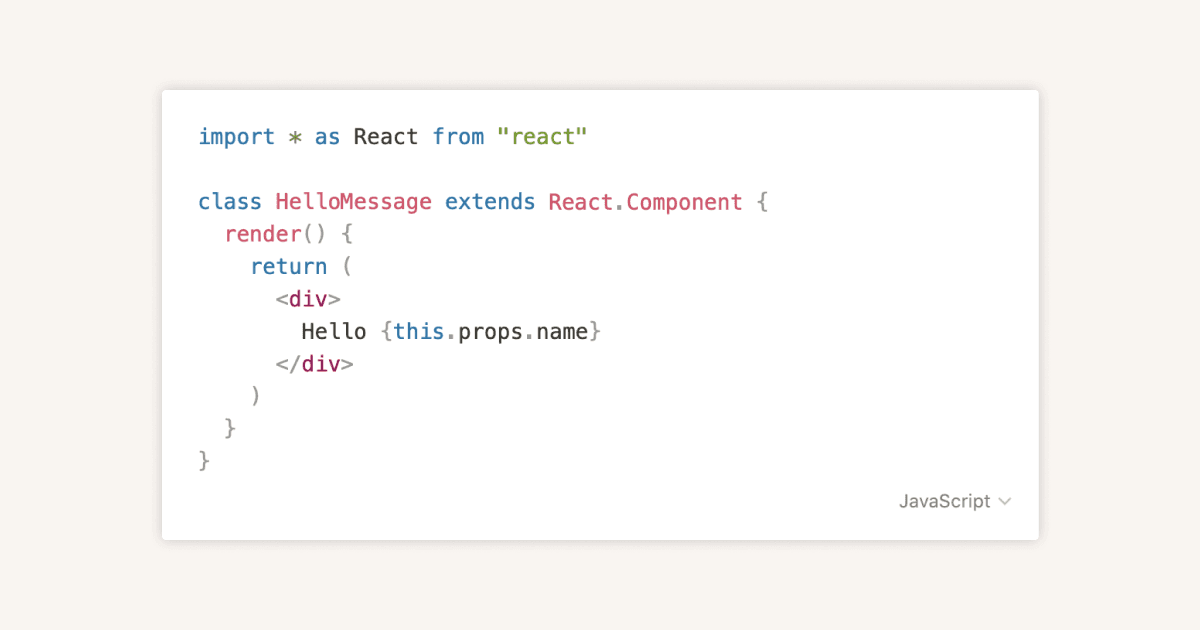
Code blocks
指南
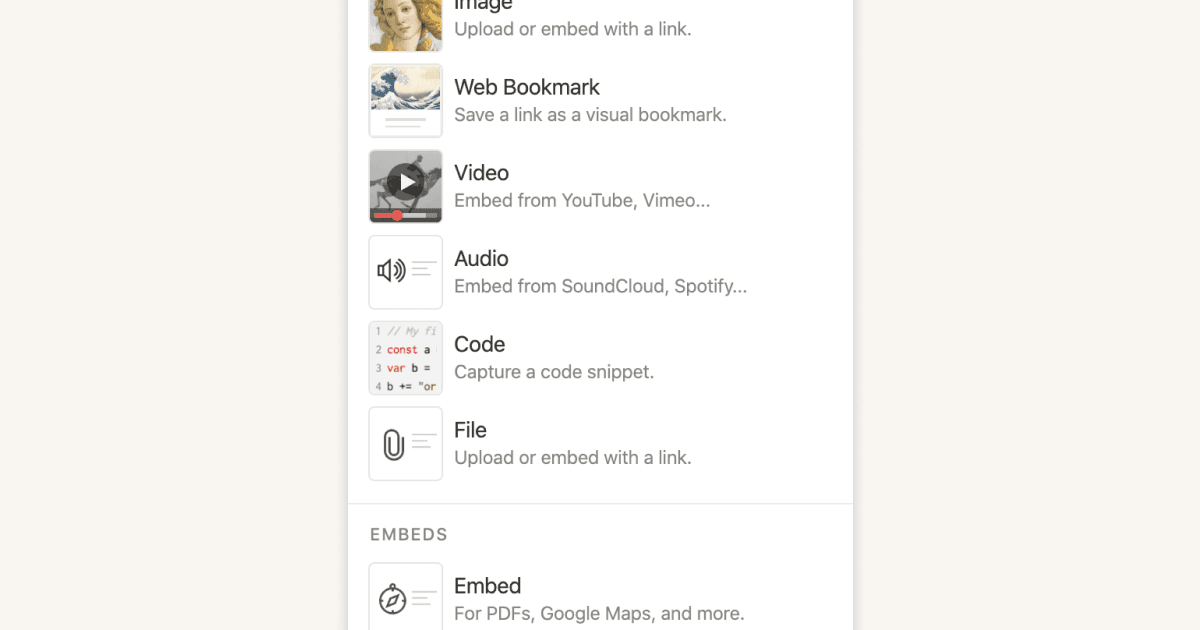
Types of content blocks
指南
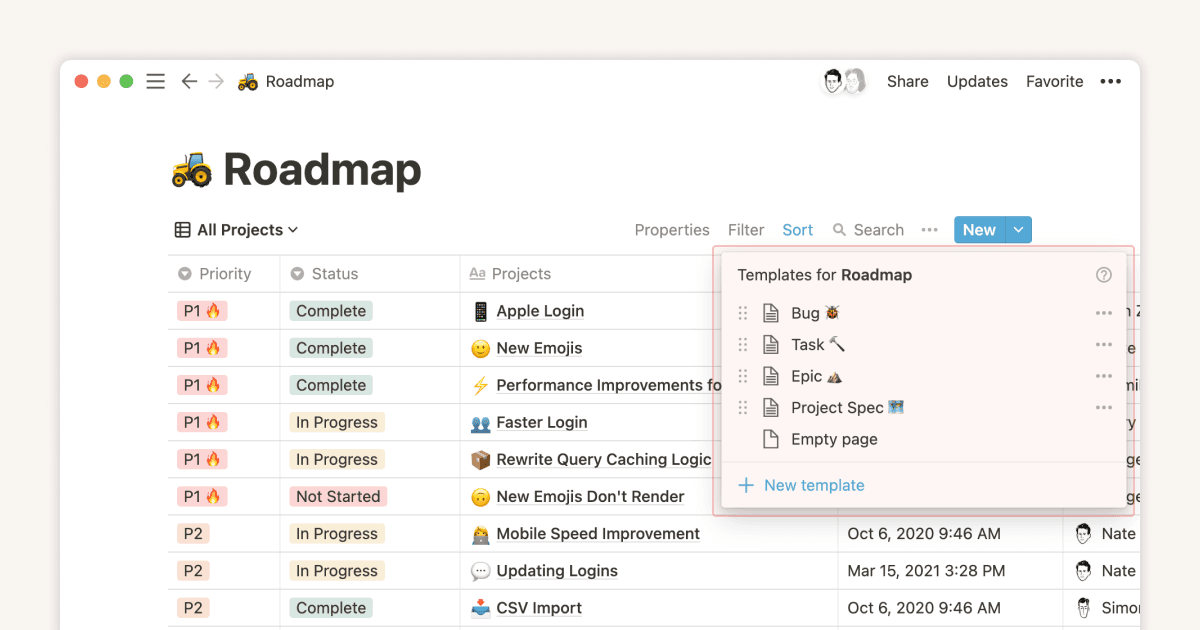
Using database templates to help cement your team's process
指南
Building a product requirement document in Notion
指南
How visual link previews can streamline team collaboration