產品
功能
查看所有功能
→
收集
將所有內容彙整至一個系統。
搜尋
馬上找得到解答,並清楚標註出處。
自動化
透過代理程式,讓工作全天候持續不間斷。
資源
Notion,適用於
企業
小型企業
新創公司
開發人員
探索
最新消息
客戶故事
網路研討會
範本
顧問
學習
學院
產品導覽
幫助中心
定價
申請產品示範
登入
免費取得 Notion
幫助中心
組織
← 組織
組織
指南
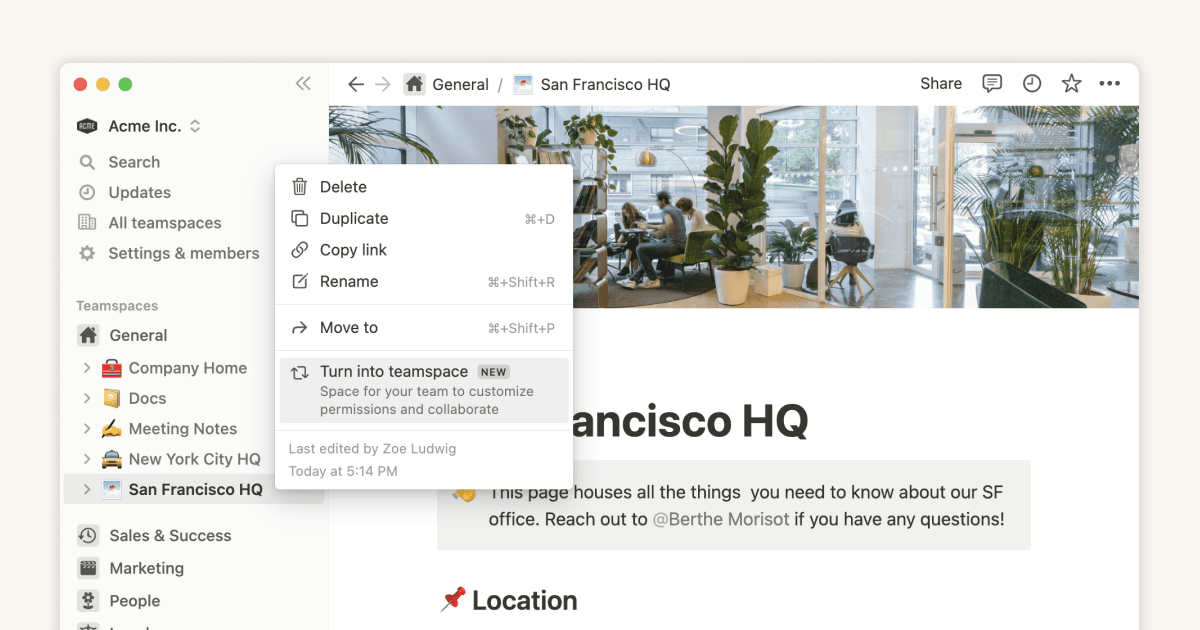
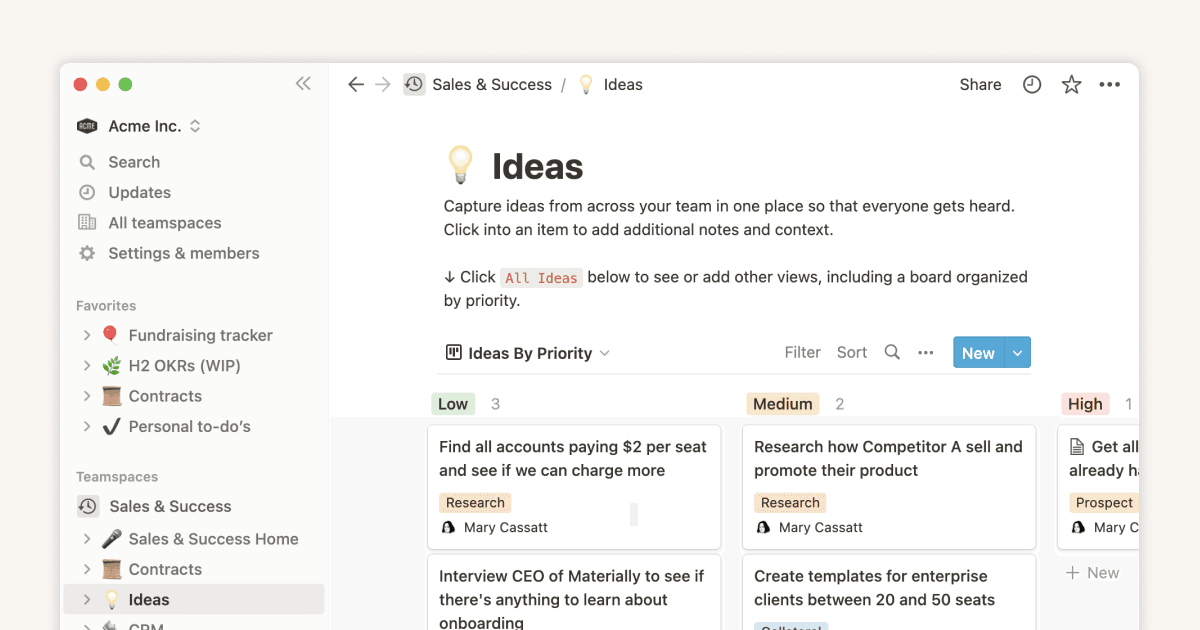
How workspace owners can set up teamspaces for their organization
指南
Teamspaces give every team a home for important work
指南
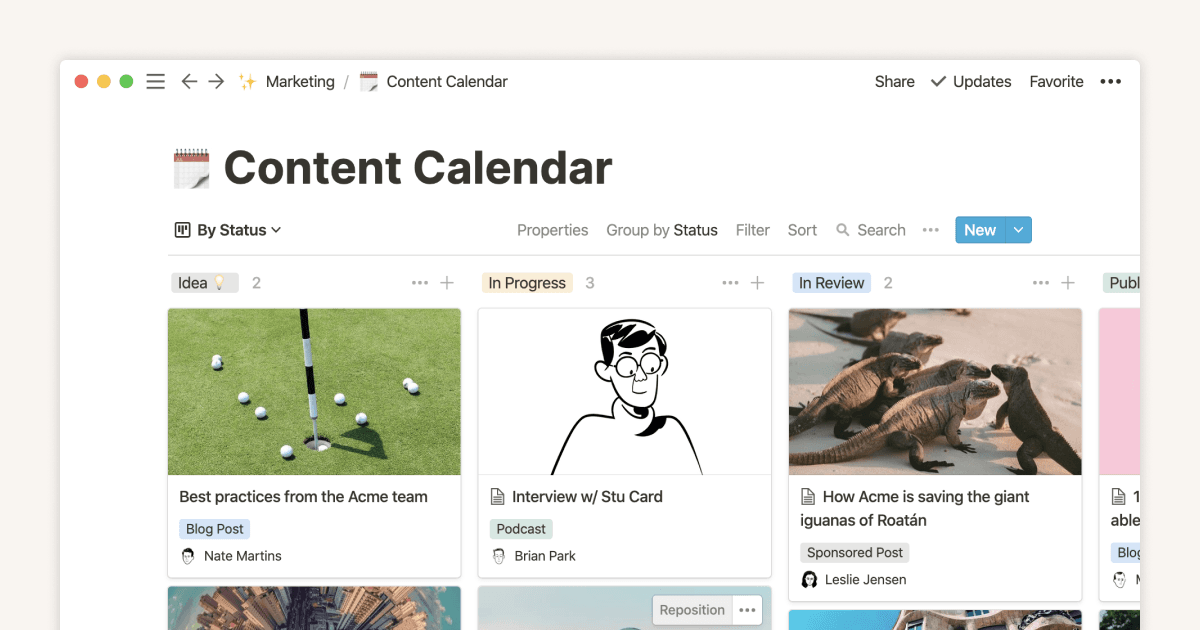
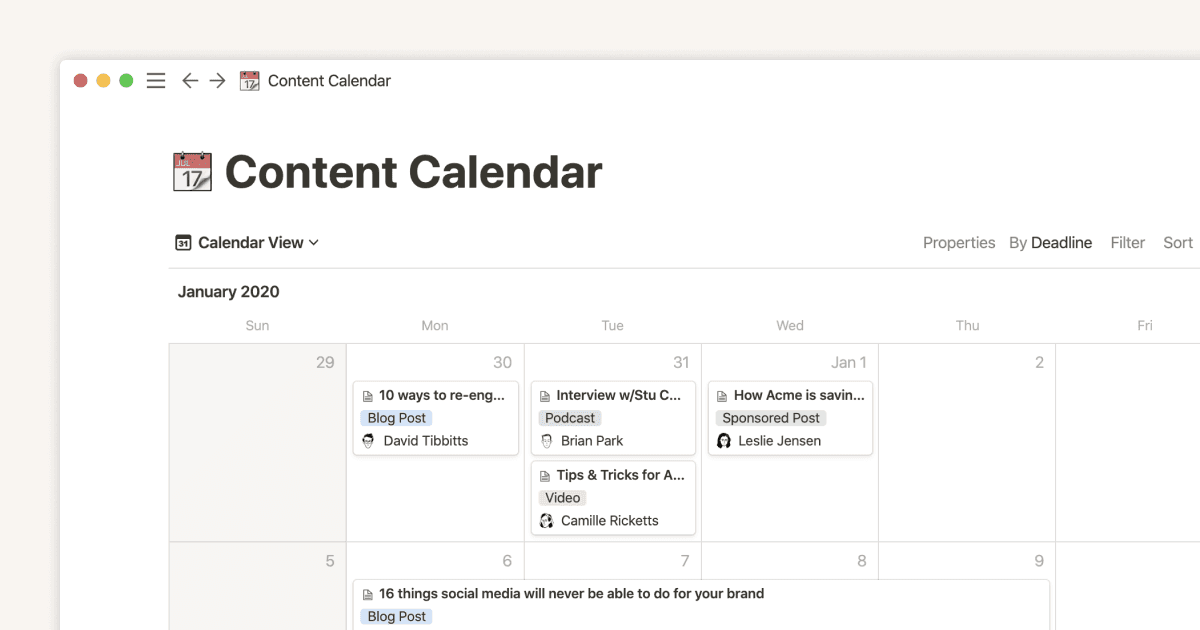
How to create a content calendar for your marketing team
指南
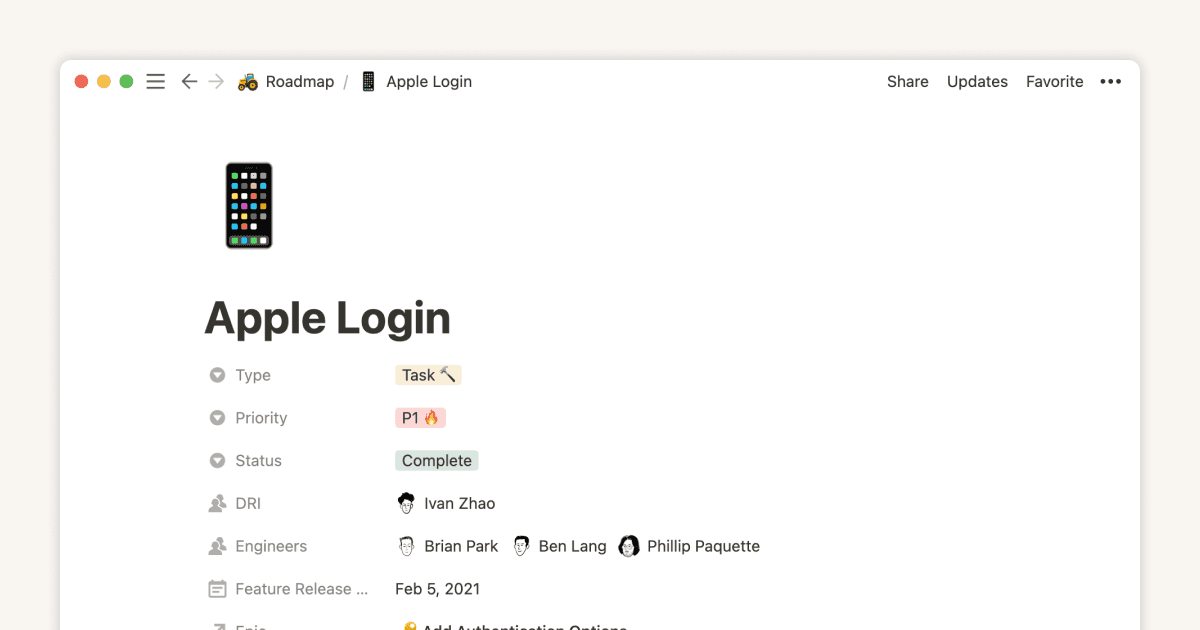
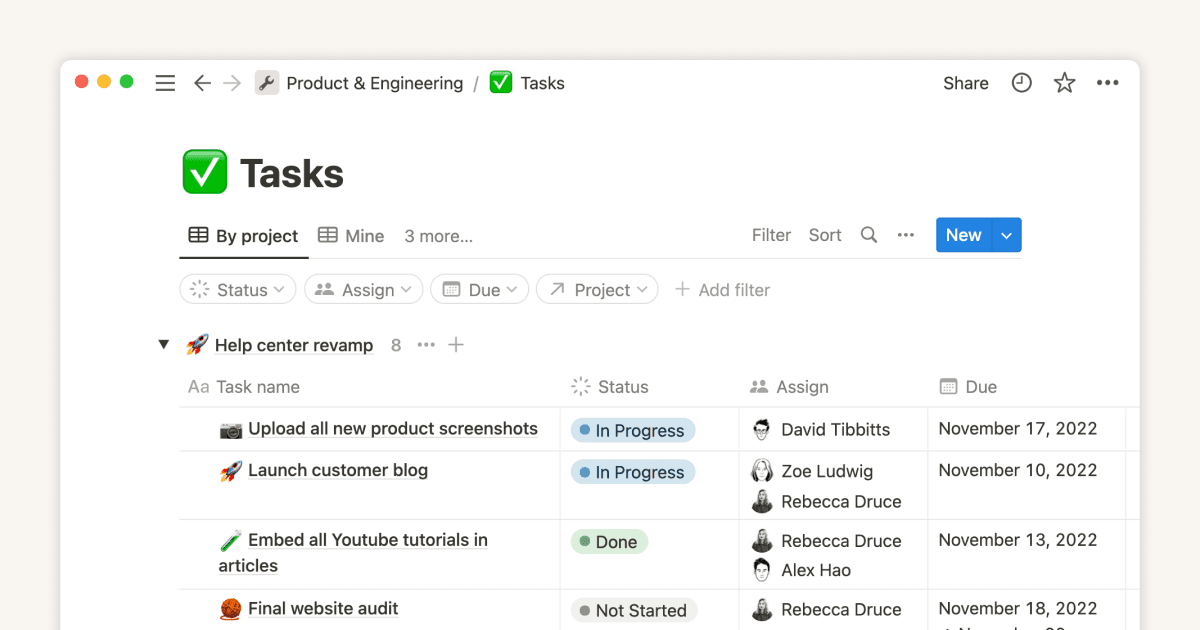
Database properties help organize your team’s information
指南
Creating a knowledge hub by organizing docs for large teams
指南
Tips to keep your team’s Notion pages up to date
指南
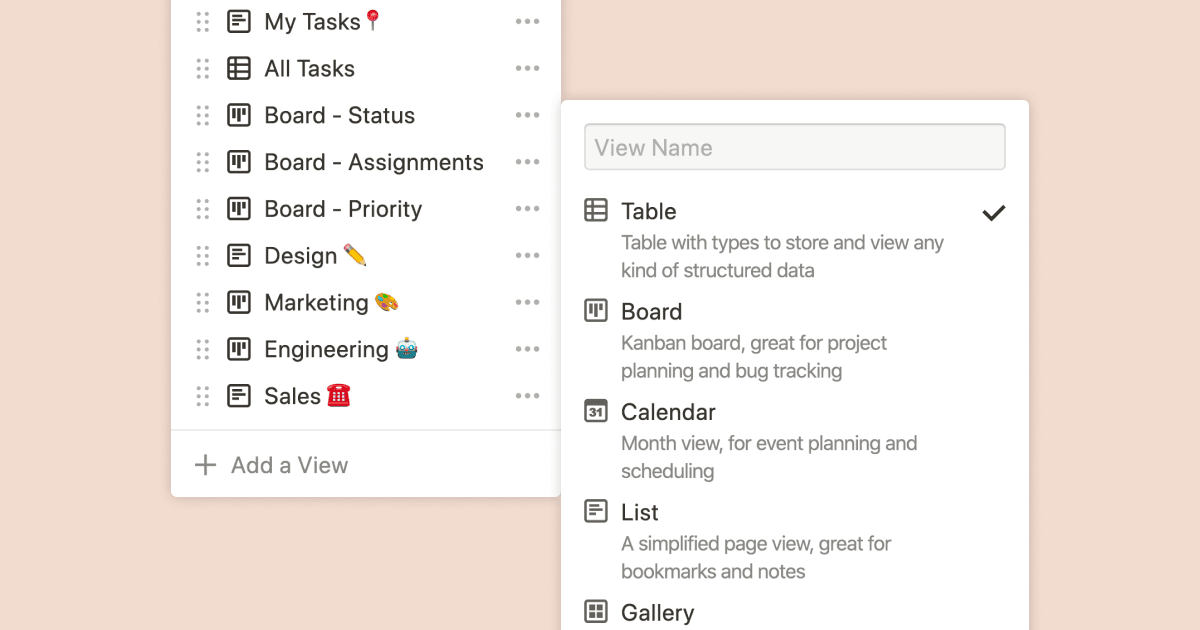
Using database views
指南
Calendar view databases
指南
Creating a database
指南
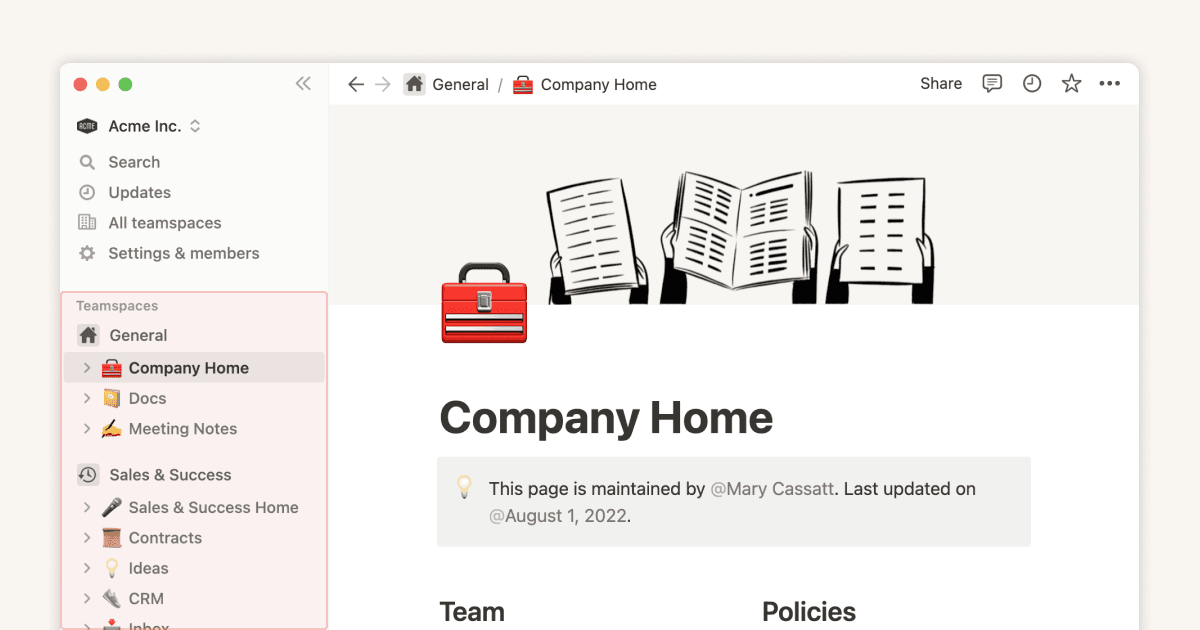
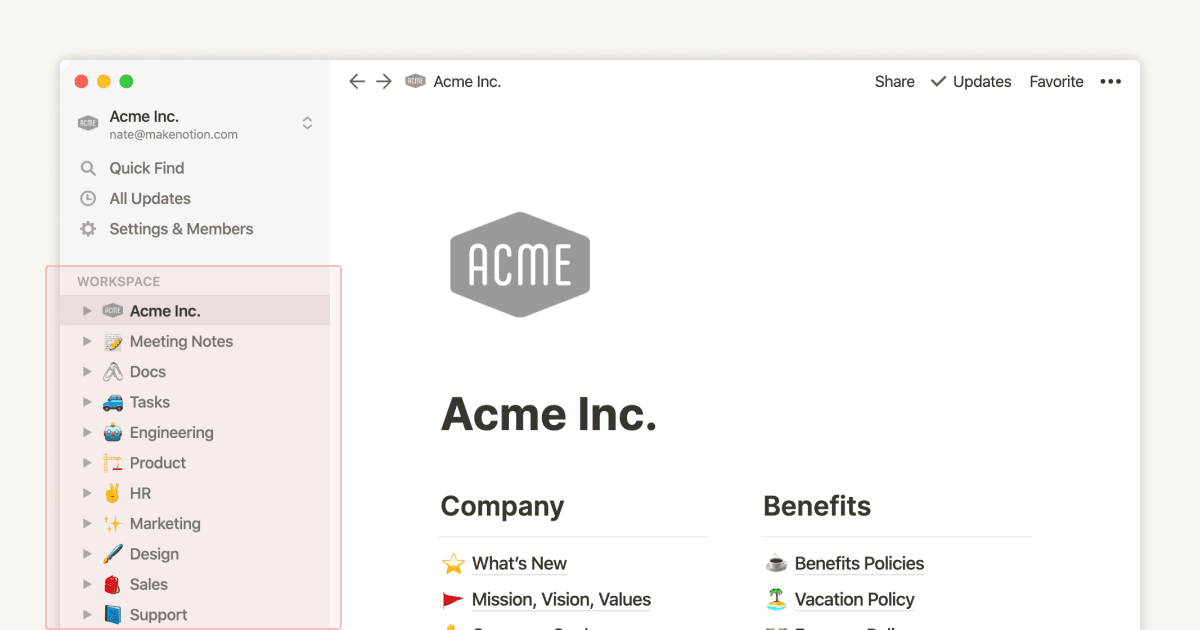
Structure your sidebar for more focused work with teamspaces
指南
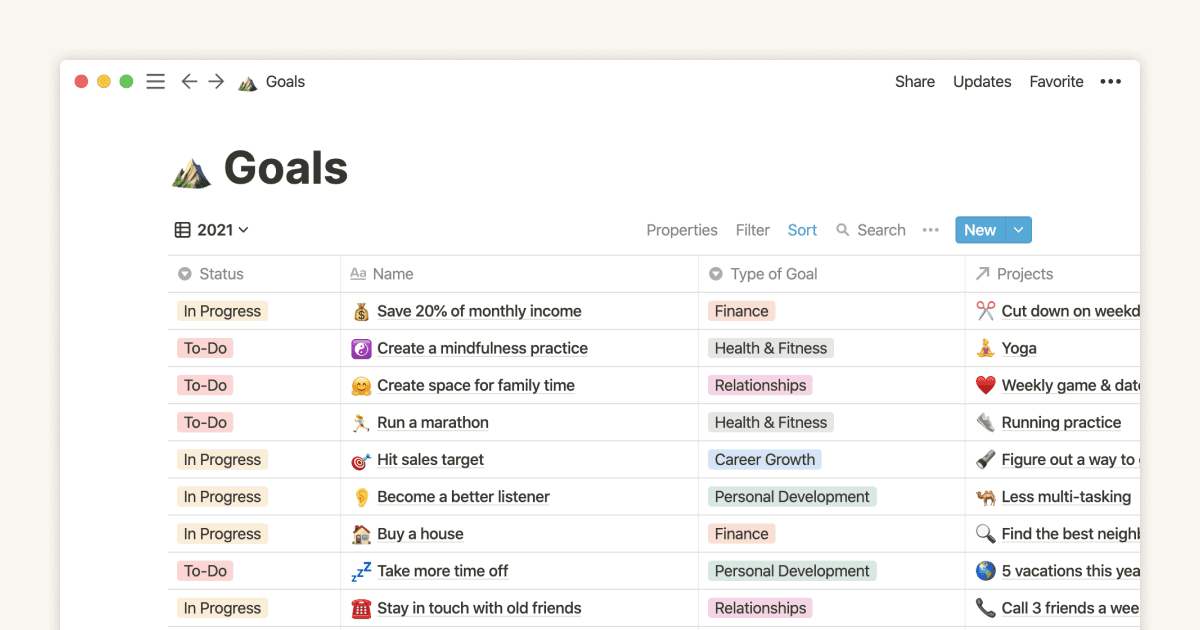
The only Notion setup you need for keeping New Year’s resolutions
指南
Show your team how to organize, track and manage work in Notion
指南
The best way to set up your team’s sidebar for clear organization
指南
Notion for creative agencies: managing internal and client work
指南
Organize, manage, and track all your work with a personal dashboard
指南
How to set up your Notion workspace for your team
指南
Using database templates
指南
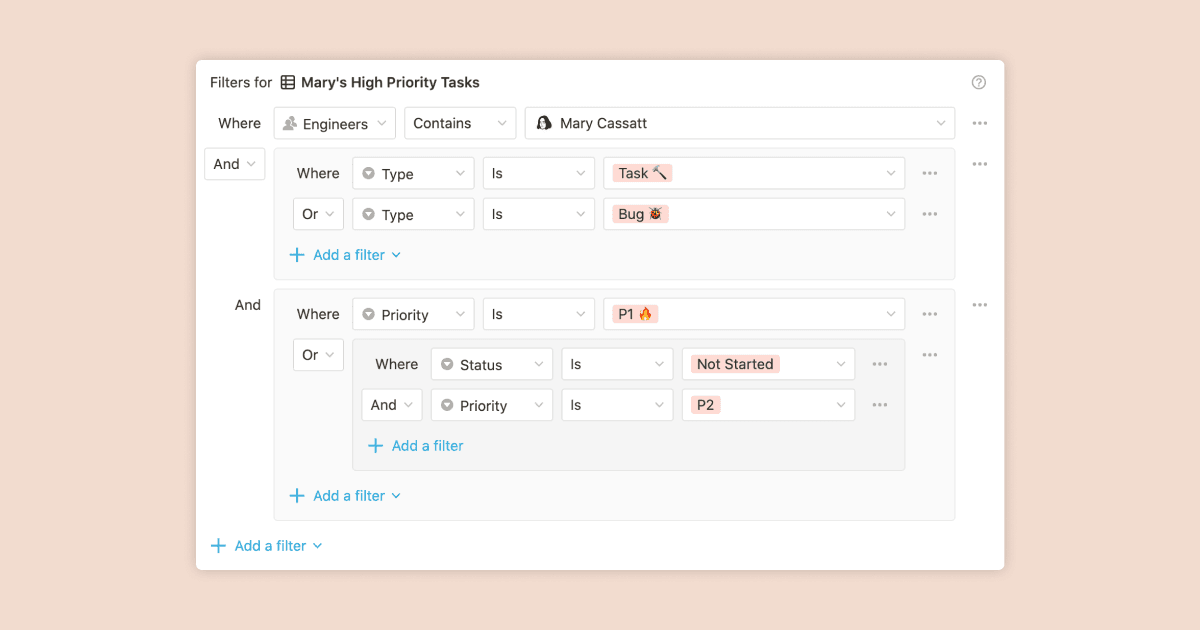
Using advanced database filters
指南
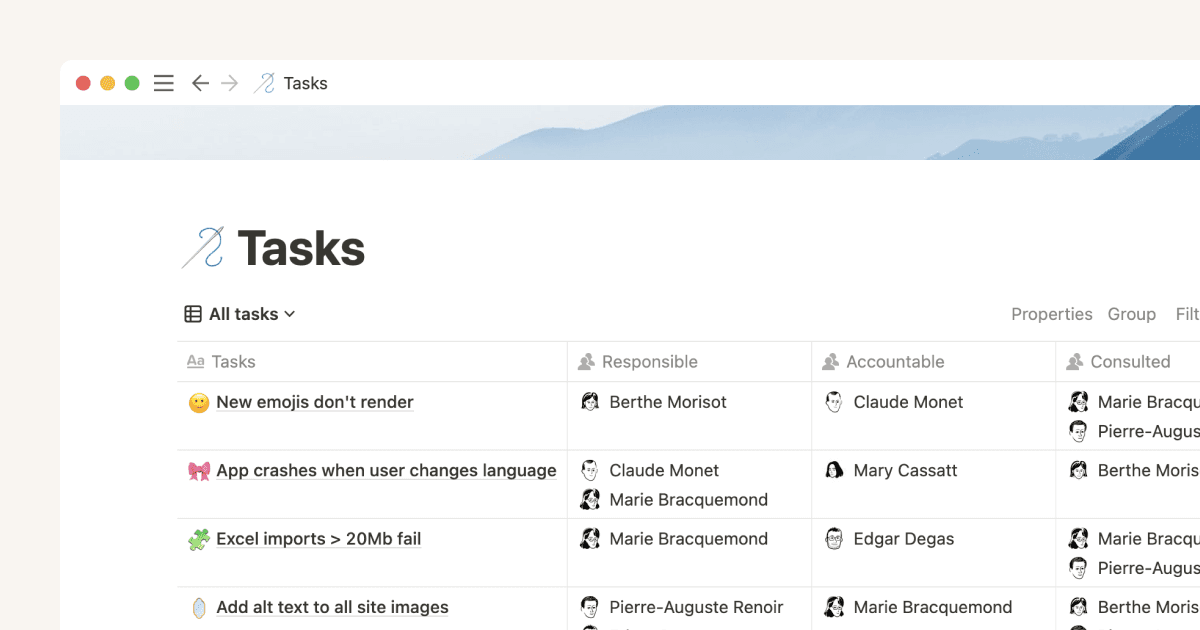
Mastering the RACI model for effective project management
指南
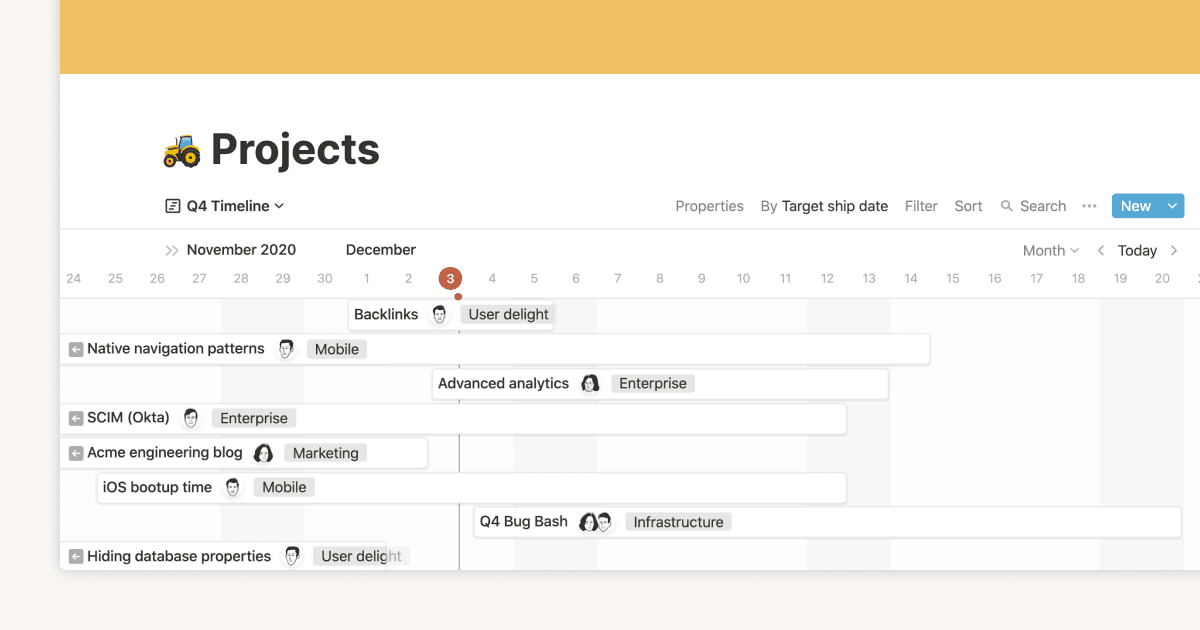
Intro to Timeline view
指南
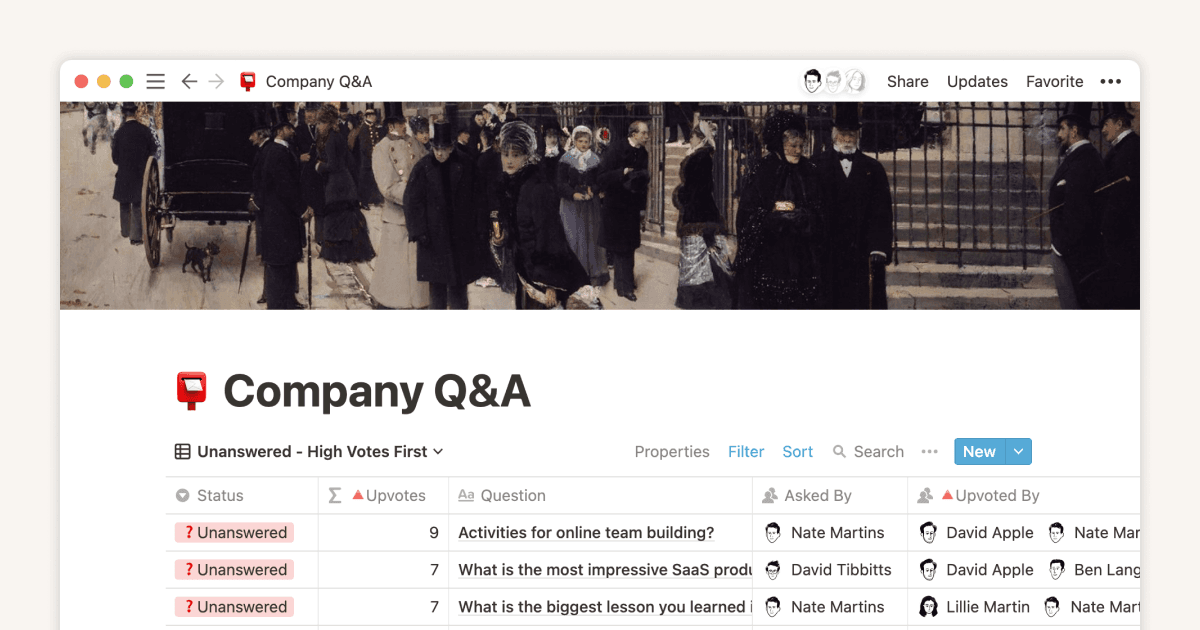
Create and use an upvote formula for team decisions
指南
Using linked databases
指南
How to use and customize the sidebar with teamspaces