產品
Notion AI
幫忙處理工作的 AI 工具
代理程式
將繁瑣工作自動化
AI 筆記寫手
AI 完美撰寫
企業版搜尋功能
快速找到答案
知識庫
集中管理知識
文件
操作容易,功能強大
專案
管理任意專案
連接
連接你的應用程式
安全性
安全且可擴展
Notion 日曆
是時候了
AI
AI 功能
Notion AI
幫忙處理工作的 AI 工具
代理程式
將繁瑣工作自動化
AI 筆記寫手
AI 完美撰寫
企業版搜尋功能
快速找到答案
探索使用案例
用於工作
用於生活
資源
瀏覽
範本
顧問
連接
探索
最新消息
客戶故事
部落格
網路研討會
學習
開發人員
學院
產品導覽
幫助
開發人員
新創公司
企業
定價
要求產品示範
登入
免費取得 Notion
幫助中心
筆記
← 筆記
筆記
指南
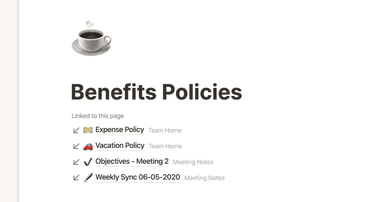
Creating links & backlinks
指南
Build a journal in Notion
指南
Building a comprehensive team notes & docs database
指南
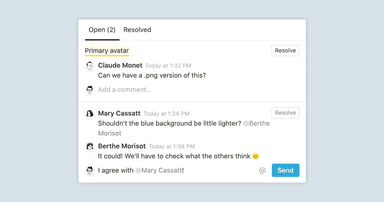
Comments & discussions
指南
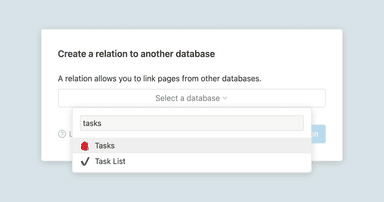
A guide to connecting projects and meeting notes
指南
使用 Notion AI,更有效率地寫出更棒的筆記和文件
指南
This notes & docs system makes your design team more efficient
指南
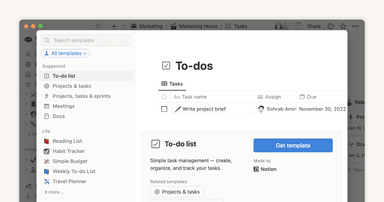
Getting started with templates for your team
指南
The best ways to use simple tables in your Notion pages (and when not to)
指南
Build a quick notes page in Notion
指南
Get organized for a new semester with Notion
指南
Best practices for internal communications on Notion
指南
Product teams nail cross-functional collaboration with these notes and docs templates
指南
Setting up Notion for school
指南
Writing & editing basics
指南
Two note taking systems to make your engineering team more transparent & productive
指南
Types of content blocks