Includes:
- Trial of Notion AI
- Basic forms
- Basic sites
- Notion Calendar
- Databases including subtasks, dependencies, custom properties and more
Infinite minds, built for teamwork. Answer questions, prioritize tasks, and write reports—all while you sleep.
Trusted by teams at



Agents
Enterprise search
AI Meeting Notes
Admin controls
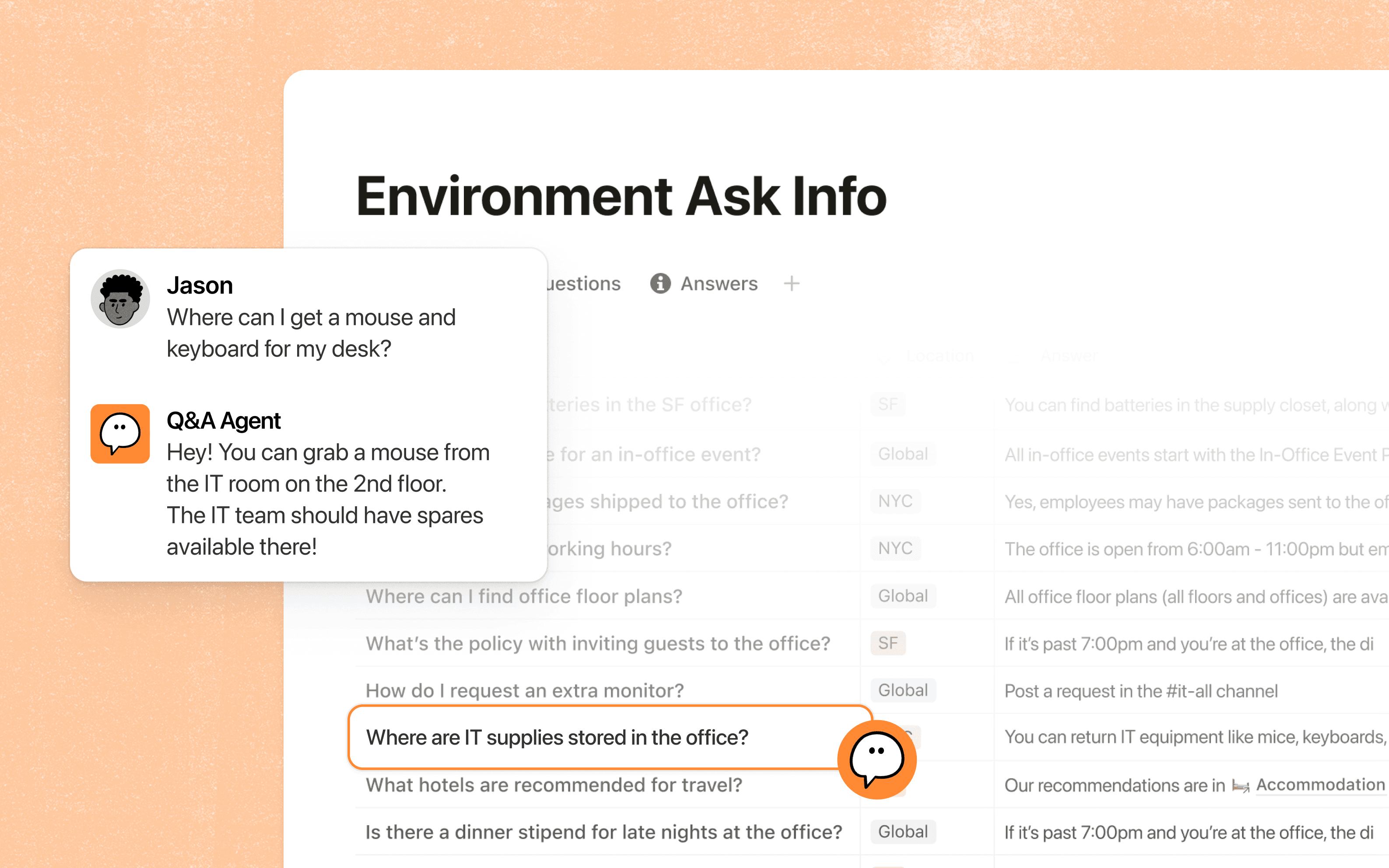
If it’s something that’s repetitive, we have a Notion Agent for it.
Includes:
Everything in Plus, and:
Set them up once, and the entire team benefits.
All our teams, docs, and workflows are in Notion, and it’s listening to Slack. When your agents have full context across the company, that’s what makes them useful.

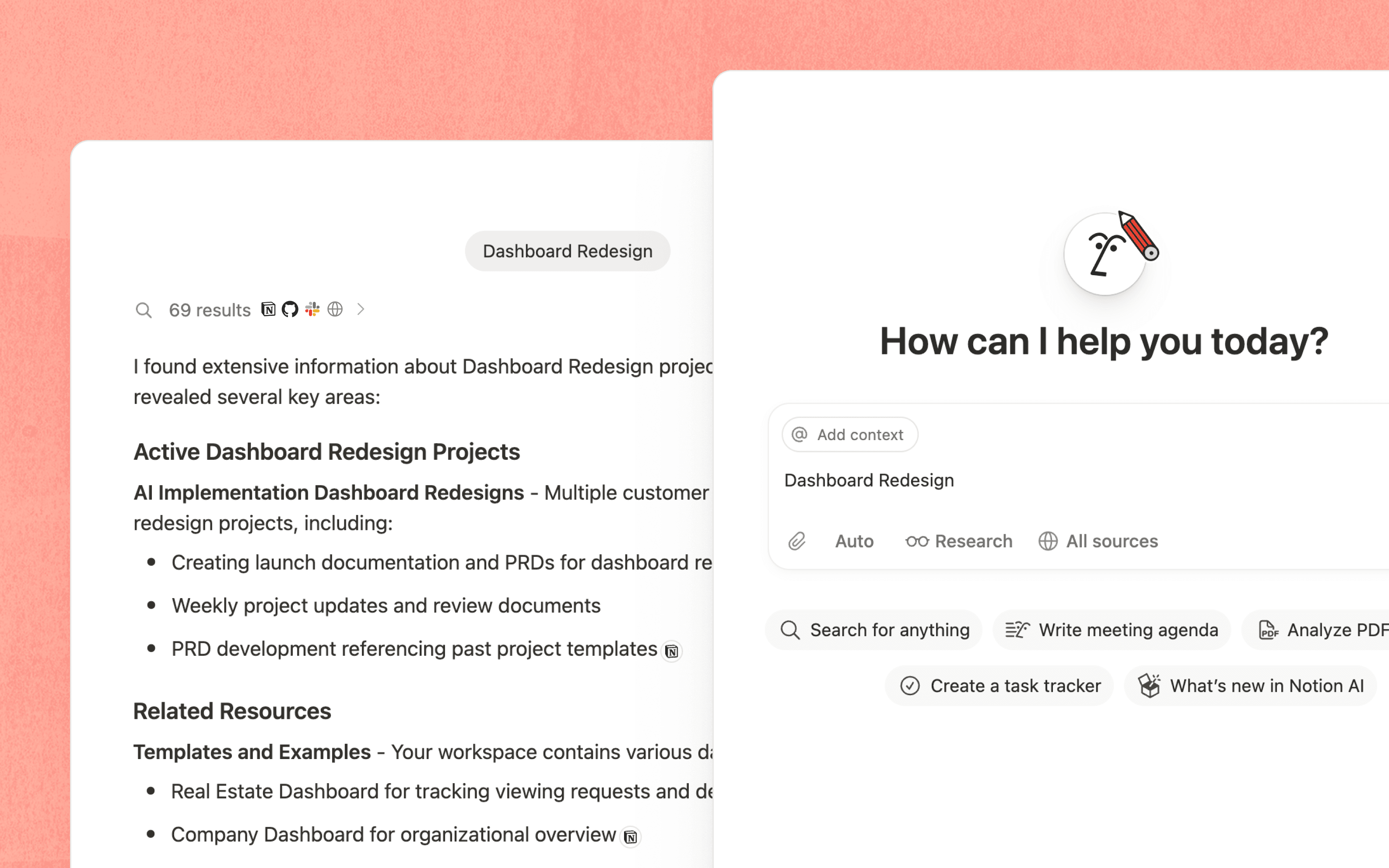
Anything you can do in Notion, your Notion Agent can do for you.

Search across Slack, Google Drive, GitHub & more—in seconds.

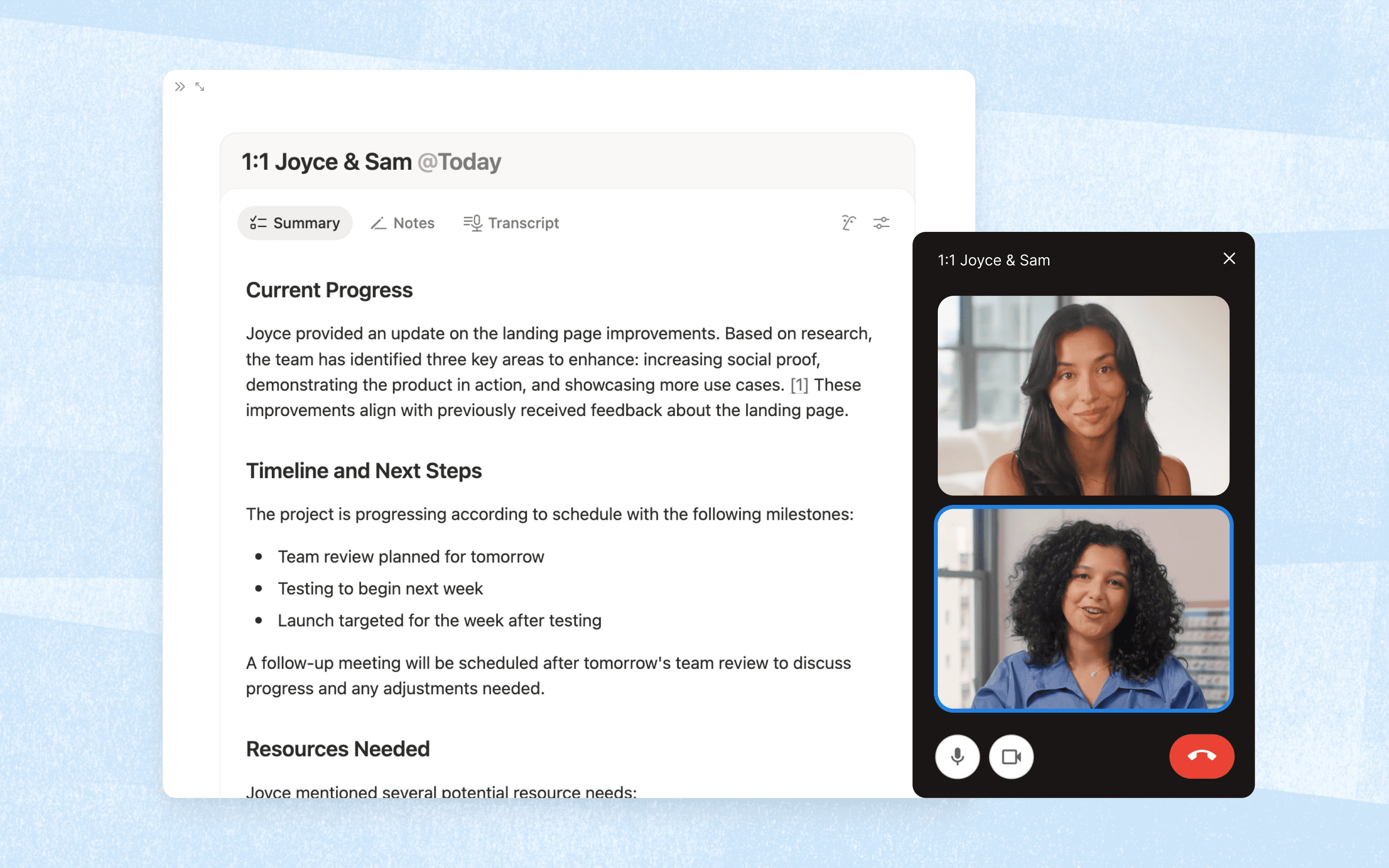
Capture every detail and actionable summaries, right where you work.

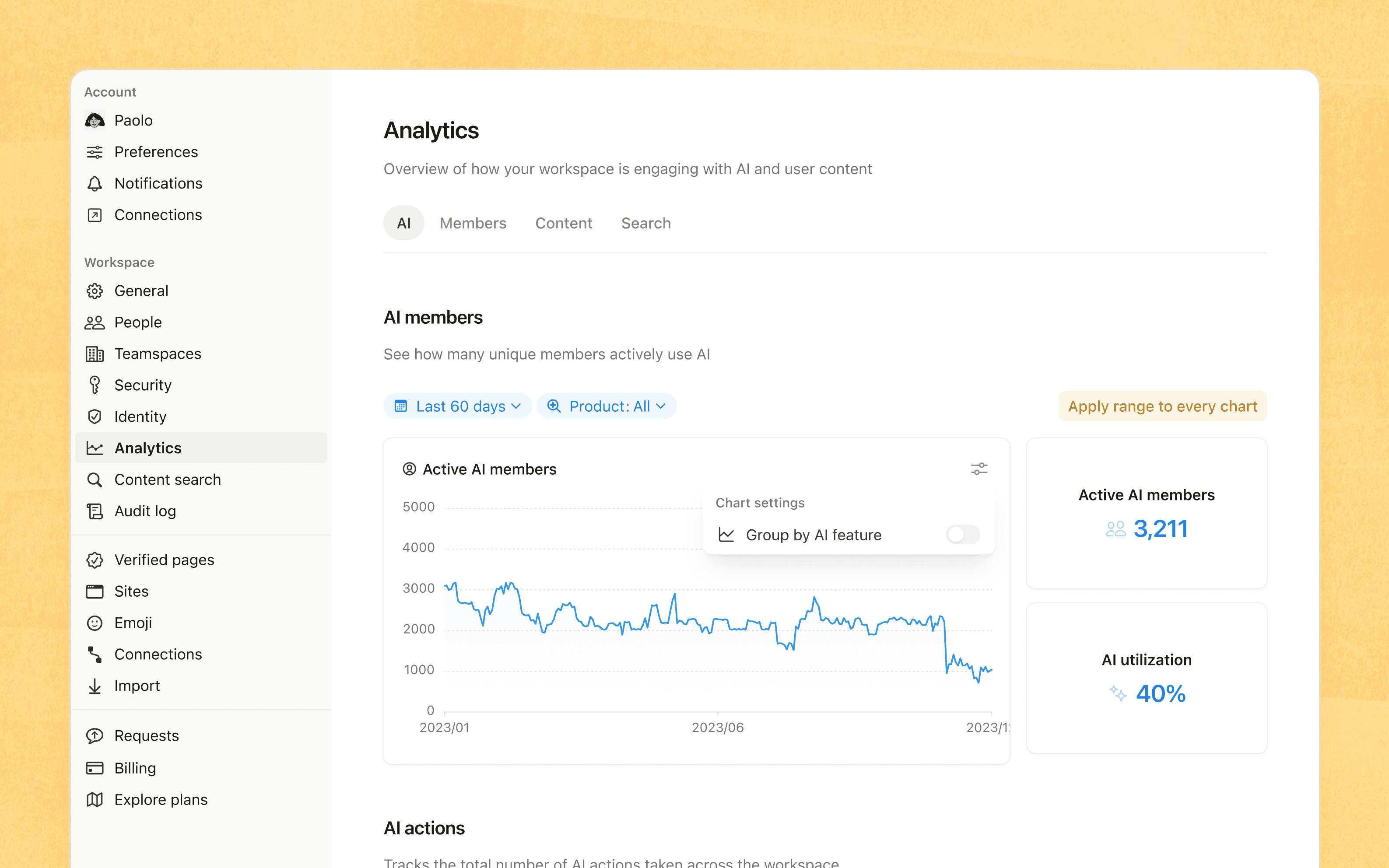
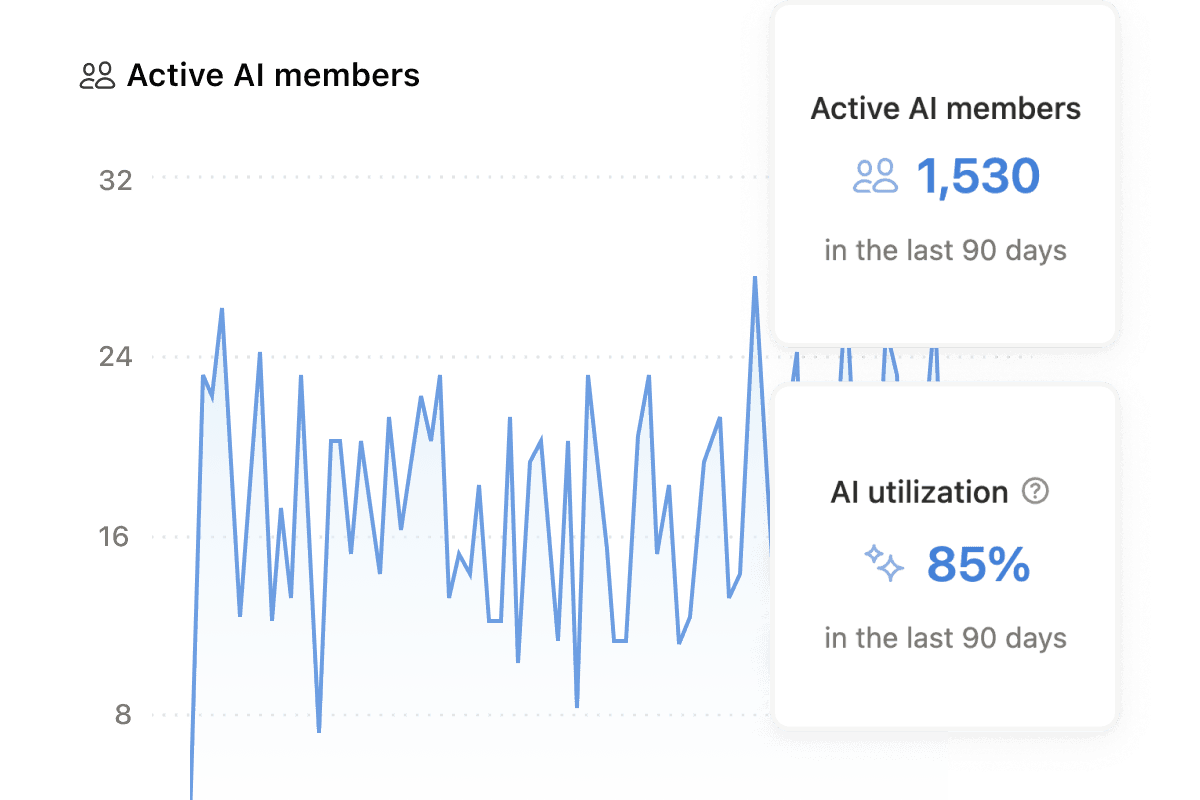
Track Notion credit usage, view detailed analytics and ROI insights.
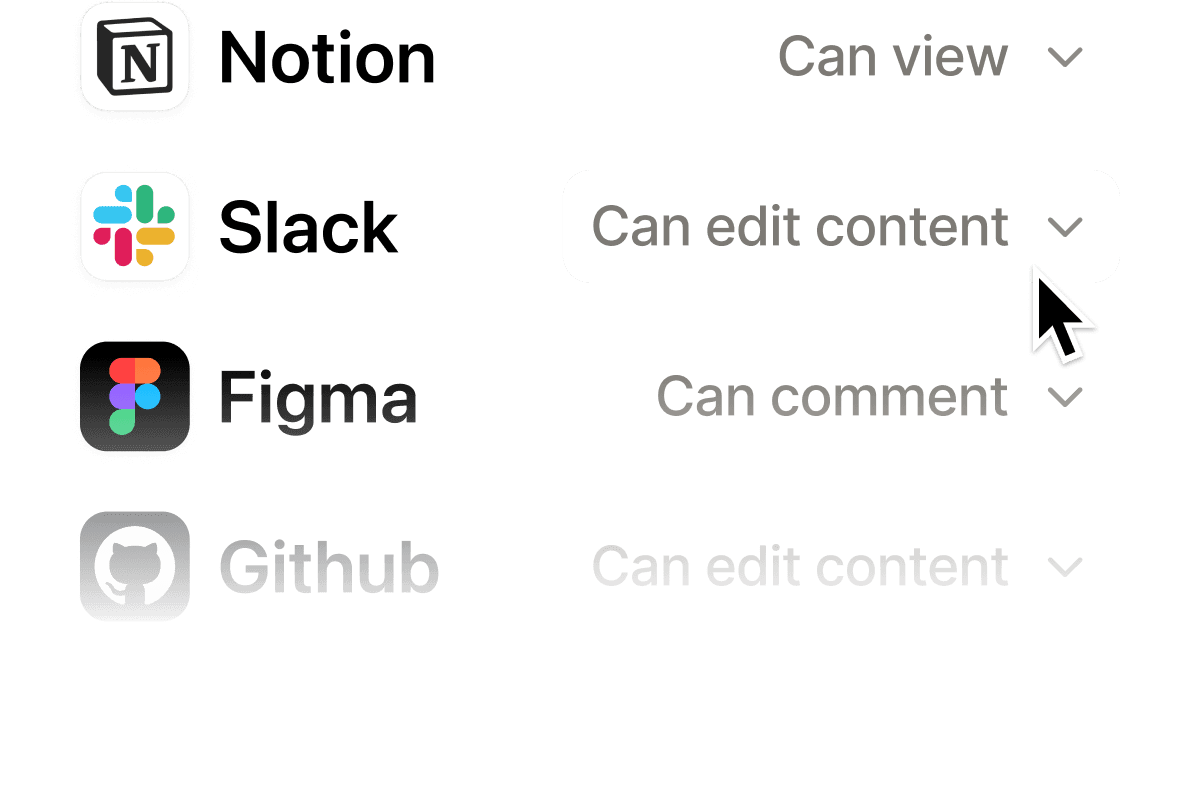
You’re in control of what Notion AI can see and do.
Switch any workflow to a different model or provider, without losing any context.
Learn how we evaluate AI models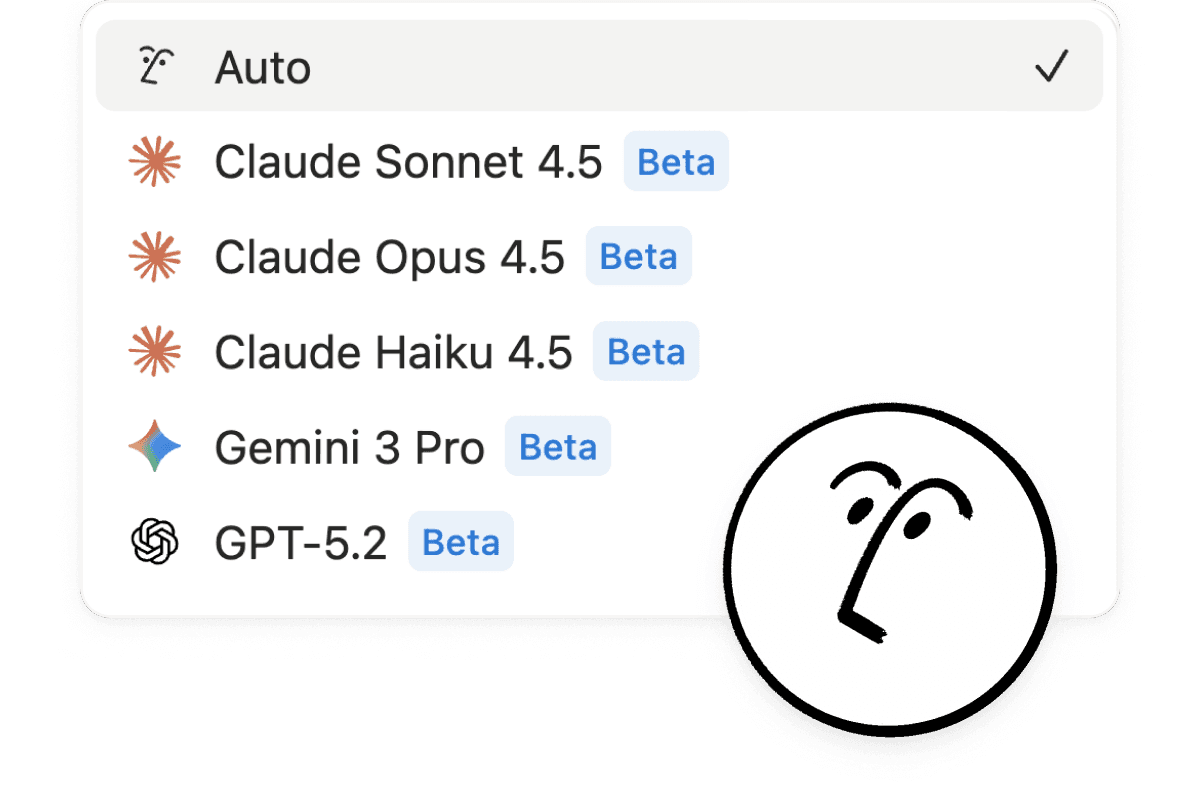
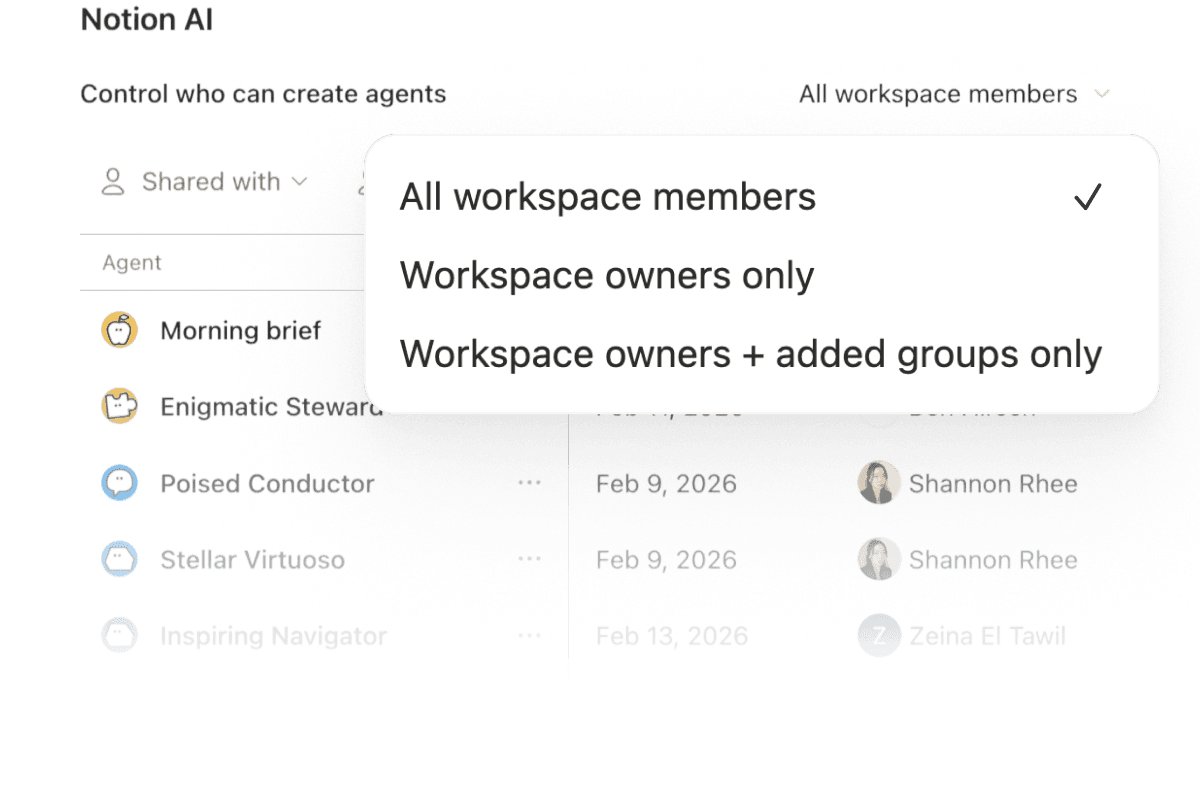
Get a bird’s eye view of AI actions across your workspace, with controls for who can do what.

We have contractual agreements with our AI subprocessors that prohibit the use of customer data to train their models.
Notion is committed to the highest requirements of information security.
We have mapped our privacy program to the GDPR and other global privacy regulations.
When you use Notion AI, your data is encrypted in-transit using TLS 1.2 or greater.
No data is stored with LLM providers. 30 day retention for non-Enterprise.
Contact salesNotion AI enables HIPAA compliance by utilizing LLM provider’s zero-retention APIs and allows for the processing of protected health information (PHI).
Contact sales
What can Notion AI help me do?
Notion AI is your built-in teammate inside Notion, working directly in your pages, docs, tasks, and databases so you can move faster without switching tools. Using context from your workspace and connected apps (when enabled), it helps you turn ideas into finished work all in one place.
Here’s what you can do with Notion AI:
Chat with Notion Agent to take on entire tasks, using context from your workspace and connected apps to create and edit pages and databases.
Use Custom Agents to automate recurring work for your team, like answering questions on Slack, routing tasks, and sharing project updates .
Search across your workspace and connected apps like Slack and Google Drive with Enterprise Search and Notion AI Connectors,, so you can find answers without jumping between tools.
Capture meetings with AI Meeting Notes, which transcribe conversations, summarize key points, and surface insights automatically.
Dive deep on a topic with Research Mode to generate detailed reports and summaries.
Improve writing or generate drafts with AI blocks directly in your pages.
Create databases, auto-populate properties with Autofill, and write formulas for smarter workflows and automations.
To ensure optimal performance and fair use across all Notion AI users, your access to AI features can be temporarily reduced depending on your usage. Learn more.
What are Custom Agents?
Custom Agents automate recurring work for your entire team. Set a trigger or schedule, and the agent handles it from there—24/7, whether you're online or not. One person builds it, and the whole team benefits. Learn more.
How does Notion AI use my data?
We follow our standard data protection practices to keep your data encrypted and private. Notion AI will not use your data to train our models unless you opt in to a request to share your data.
Any information used to power Notion AI will be shared with AI subprocessors for the sole purpose of providing you with the Notion AI features. We specifically have contractual agreements in place with our AI subprocessors that prohibit the use of customer data to train their models. Learn more about Notion AI security and privacy practices here.
How much does Notion AI cost? (and what are Notion credits)?
Business and Enterprise plans give each workspace member a set amount of Notion AI credits each month. Additional usage via Notion credits is a separate, workspace-managed balance your admin can turn on so you can keep going once your Standard or Select credits run out.
Standard credits: Used for work where Notion picks the model for you. Each member gets 1,500 Standard credits a month.*
Select credits: Used for work where you pick the model yourself, or use a Custom Agent that isn’t funded by your workspace. Each member gets 500 Select credits a month.*
* Your included amount may vary depending on your plan and purchase arrangement.
Learn more about Notion credits
Which credits do Notion Agent use?
On Auto, Notion Agent uses your Standard credits. When you pick a model yourself, it uses your Select credits.
How do Custom Agents use credits?
A Custom Agent you set up uses your Select credits, even when you share it with your team. Once your Select credits run out, it uses any extra credits your admin has given you. After that, it switches to your workspace’s Notion credits automatically (if your admin allows it). An admin can fund the agent with Notion credits at any time. You can also ask your admin to do this.
How can I learn more about Notion AI?
Visit our Help Center and Notion Academy for guides, examples, and best practices for using Notion AI and Custom Agents.