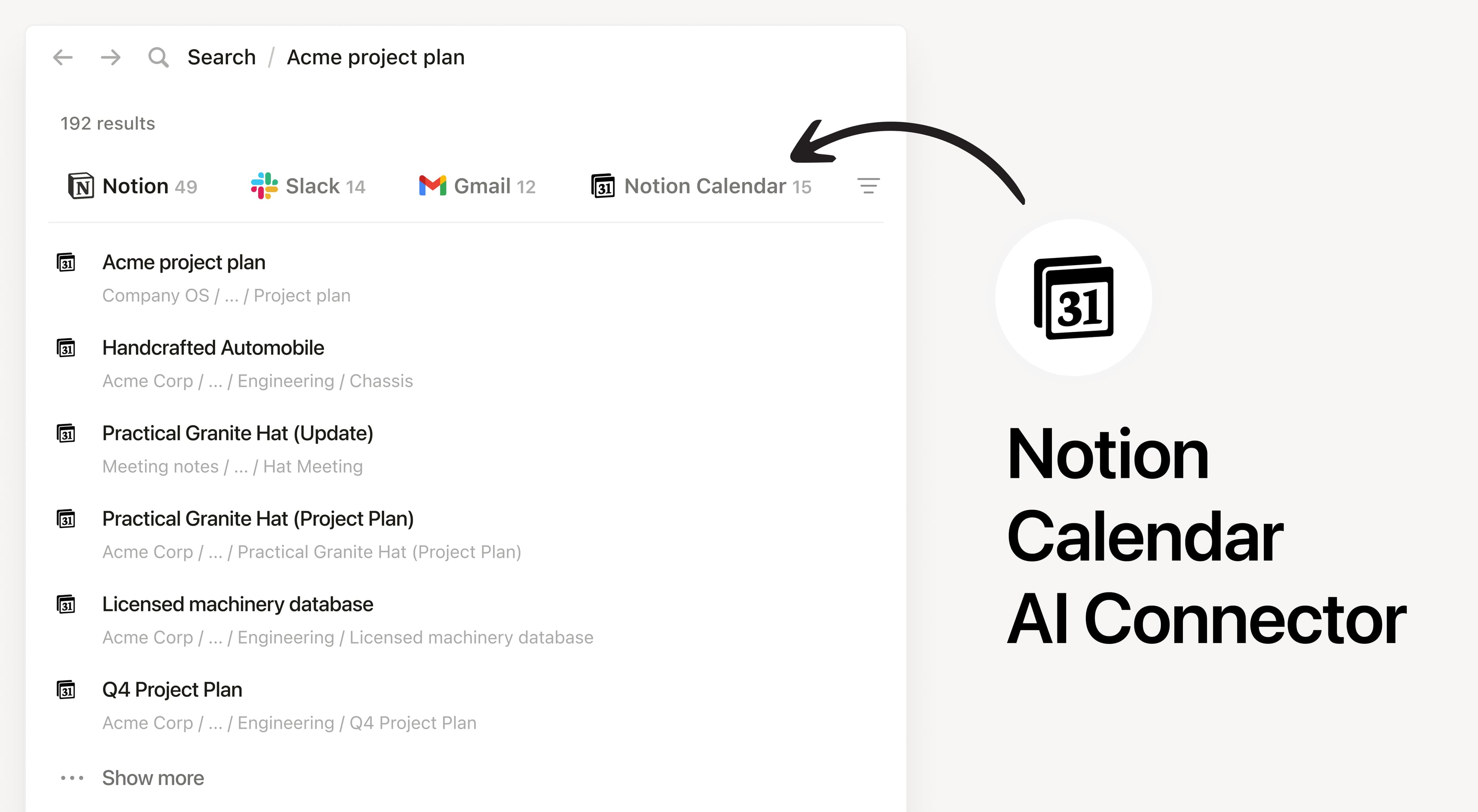
Install Notion’s AI Connector to your Notion Calendar to search and reference your calendar events directly in Notion. Notion AI only searches your own calendar events and won’t show other users’ events.
How to use
Anyone on any Notion plan can connect Notion Calendar to Notion AI, Users must create a Notion Calendar account. At this time, your Notion Calendar account must match the email you use to log into your Notion workspace.
In Notion, navigate to the Notion Calendar AI Connector by going to Settings → Notion AI → AI Connectors → Notion Calendar and follow the setup steps.
For detailed instructions, check out our Help Center.
After installation is complete, ask Notion AI to brief you on your schedule for the upcoming week or summarize action items from meetings you’ve attended.
Alle hier erwähnten Marken Dritter (einschließlich Logos und Icons) sind Eigentum der jeweiligen Inhaber/-innen. Sofern nicht ausdrücklich als „Erstellt von Notion“ gekennzeichnet, werden Einbindungen von Notion weder unterstützt noch verwaltet. Die Produkte oder Dienste von Drittanbietern, die durch Einbindungen verknüpft werden, sind Notion-unabhängige Anwendungen (wie im Abo-Rahmenvertrag oder in den persönlichen Nutzungsbedingungendefiniert, falls zutreffend). Indem du eine Einbindung aktivierst oder die Notion-Einbindungsgalerie anderweitig nutzt, akzeptierst du die Nutzungsbedingungen für die Einbindungsgalerie von Notion.