• NotionDit AI-arbejdsområde
  • Notion Kalender
  • Notion Mail
  • Notion AIAI-værktøjer til arbejde
  • AgenterAutomatiser rutinearbejde
  • AI-mødenotaterPerfekt skrevet af AI
  • VirksomhedssøgningFind svar med det samme
  • VidensbaseCentraliser din viden
  • DokumenterEnkel og effektiv
  • ProjekterAdministrer projekter
  • IntegrationerForbind dine apps
  • SikkerhedSikker og skalerbar
. Se hvad der er nyt→
Download Notion-appen→
  • AI-funktioner
  • Notion AIAI-værktøjer til arbejde
  • AgenterAutomatiser rutinearbejde
  • AI-mødenotaterPerfekt skrevet af AI
  • VirksomhedssøgningFind svar med det samme
  • Se brugstilfælde
  • Til arbejdet
  • Til privatlivet
  • Teams
  • Ingeniør og produkt
  • Design
  • Markedsføring
  • IT
  • Virksomhedens størrelse
  • Startups
  • Små virksomheder
  • Enterprise
  • Brugseksempler
  • Uddannelse
  • Personal
  • AI-brugseksempler
  • Gennemse
  • Skabeloner
  • Konsulenter
  • Integrationer
  • Opdag
  • Nyheder
  • Kundehistorier
  • Blog
  • Webinarer
  • Lær
  • Udviklere
  • Academy
  • Produktgennemgange
  • Hjælp
UdviklereEnterprisePriserAnmod om en demo
Log indFå Notion gratis
  • Hjælp
      • Ny i Notion
      • Sidebar navigation
      • Arbejdsområde og sidemenu
      • Settings & preferences
      • Sider og blokke
      • Databaser
      • Database views
      • Sharing & permissions
      • Notion Sites
      • Import & export your data
      • Connections
      • Automations
      • Notion AI
      • Notion AI Connectors
      • Custom Agents
      • External Agents
      • Administer your workspace
      • Privacy & security
      • Notion AI security
      • Notion on desktop, web, & mobile
      • Notion Mail
      • Notion Calendar
      • Marketplace & templates
      • Notion credits
      • Plans & billing
      • Troubleshoot
      • Explore developer tools
  • Bliv certificeret
  • Notion Academy
  • Support
  • Bliv en del af vores fællesskab
  • Find en konsulent
  1. Hjælp
  2. Organization
  1. ← Organization

Organization

Vejledning

How to create a content calendar for your marketing team

How to create a content calendar for your marketing team
Vejledning

Database properties help organize your team’s information

Database properties help organize your team’s information
Vejledning

How workspace owners can set up teamspaces for their organization

How workspace owners can set up teamspaces for their organization
Vejledning

Using database views

Using database views
Vejledning

Calendar view databases

Calendar view databases
Vejledning

Creating a database

Creating a database
Vejledning

Creating a knowledge hub by organizing docs for large teams

Creating a knowledge hub by organizing docs for large teams
Vejledning

Structure your sidebar for more focused work with teamspaces

Structure your sidebar for more focused work with teamspaces
Vejledning

The only Notion setup you need for keeping New Year’s resolutions

The only Notion setup you need for keeping New Year’s resolutions
Vejledning

Show your team how to organize, track and manage work in Notion

Show your team how to organize, track and manage work in Notion
Vejledning

The best way to set up your team’s sidebar for clear organization

The best way to set up your team’s sidebar for clear organization
Vejledning

Notion for creative agencies: managing internal and client work

Notion for creative agencies: managing internal and client work
Vejledning

Organize, manage, and track all your work with a personal dashboard

Organize, manage, and track all your work with a personal dashboard
Vejledning

Teamspaces give every team a home for important work

Teamspaces give every team a home for important work
Vejledning

How to set up your Notion workspace for your team

How to set up your Notion workspace for your team
Vejledning

Tips to keep your team’s Notion pages up to date

Tips to keep your team’s Notion pages up to date
Vejledning

Using database templates

Using database templates
Vejledning

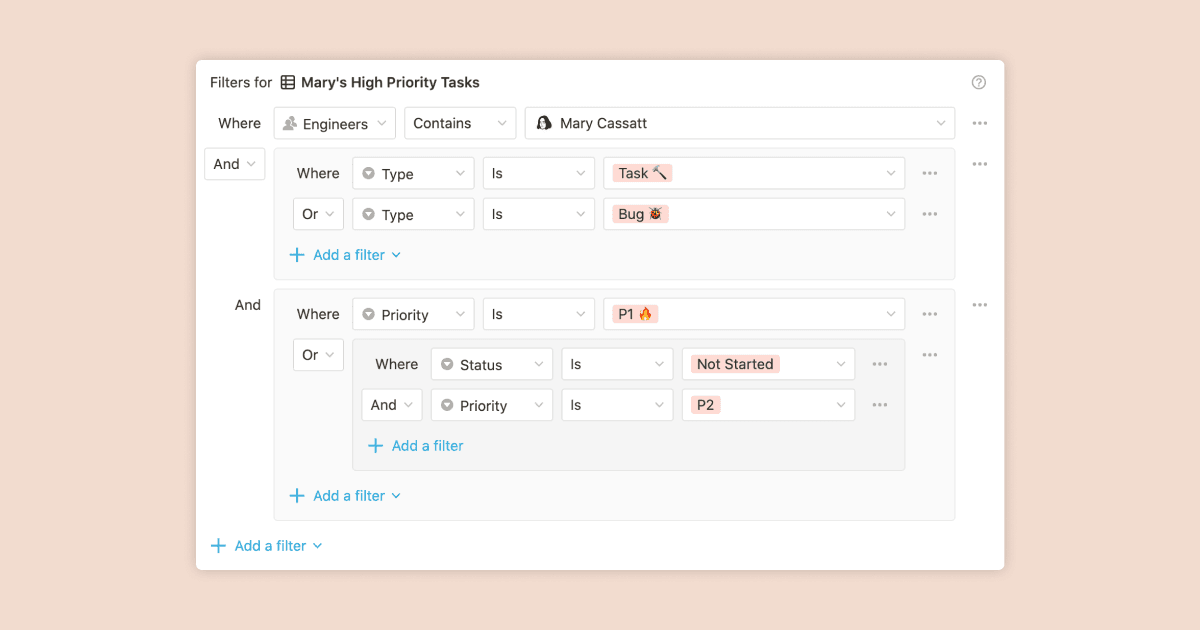
Using advanced database filters

Using advanced database filters
Vejledning

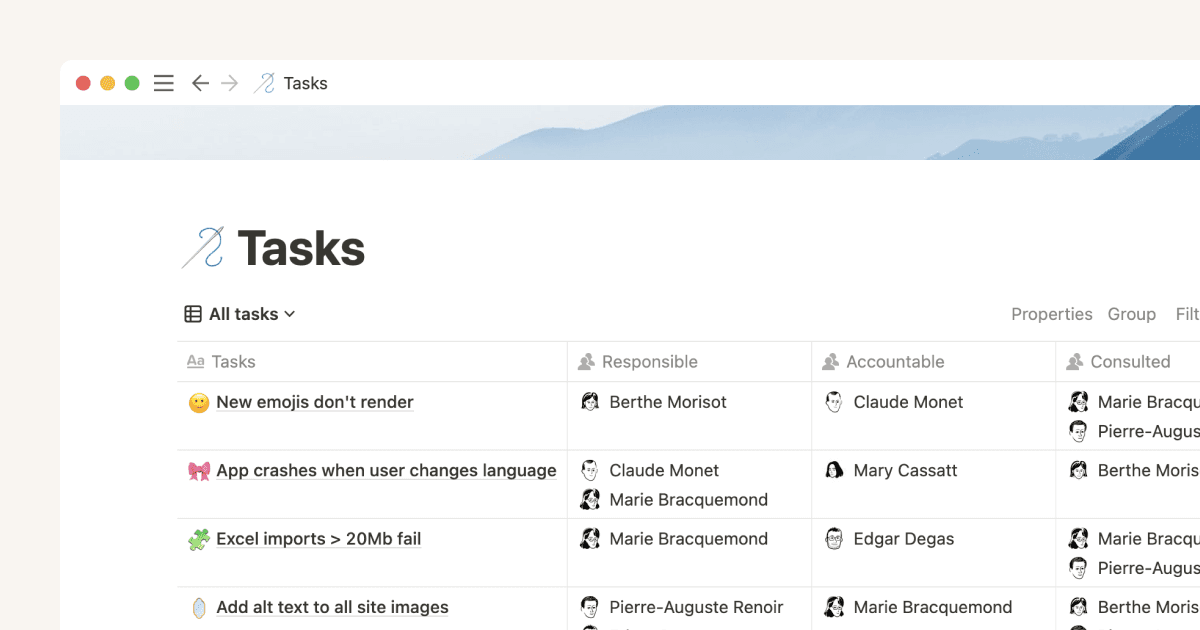
Mastering the RACI model for effective project management

Mastering the RACI model for effective project management
Vejledning

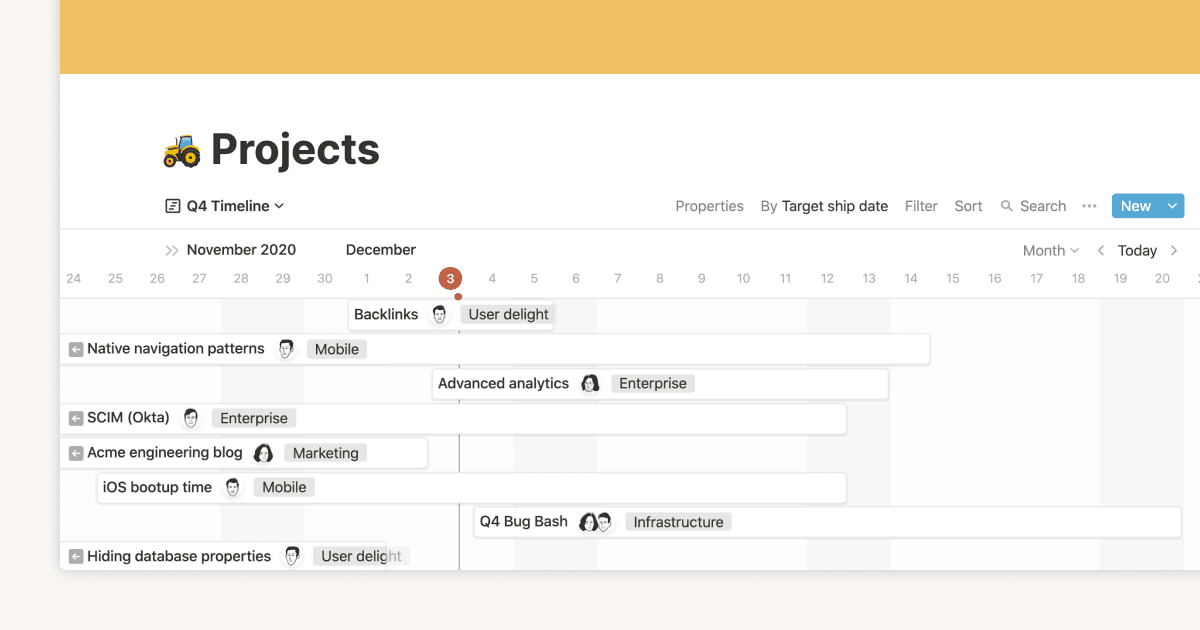
Intro to Timeline view

Intro to Timeline view
Vejledning

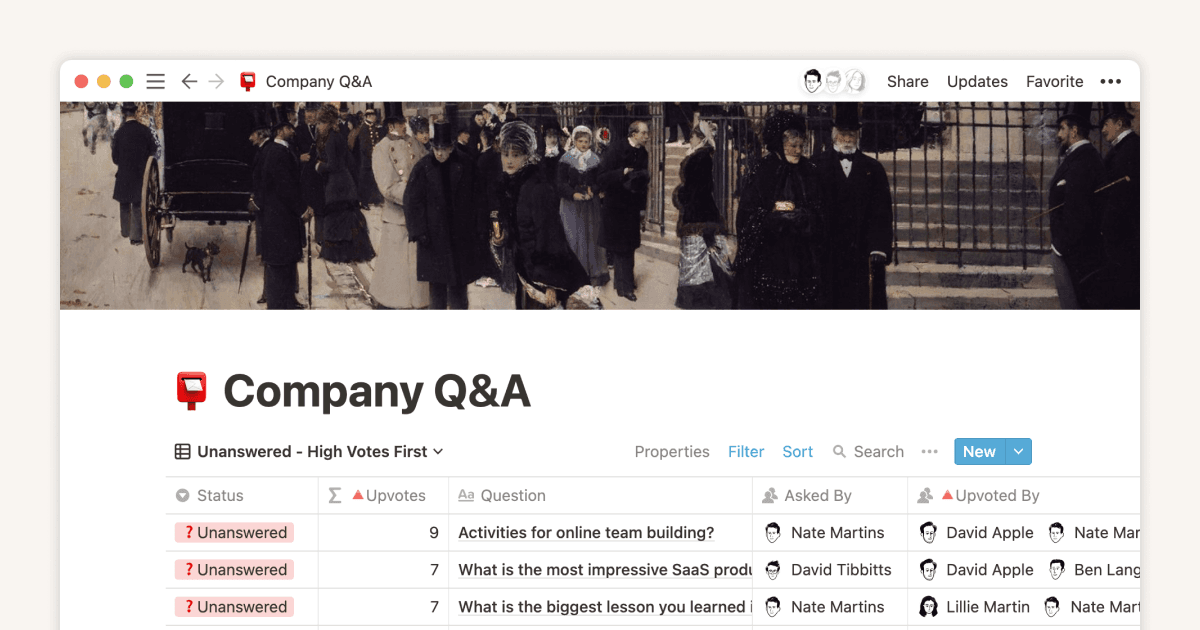
Create and use an upvote formula for team decisions

Create and use an upvote formula for team decisions
Vejledning

Using linked databases

Using linked databases
Vejledning

How to use and customize the sidebar with teamspaces

How to use and customize the sidebar with teamspaces

  • English (US)
  • Bahasa Indonesia
  • Dansk
  • Deutsch
  • English (UK)
  • Español (España)
  • Español (Latinoamérica)
  • Français (France)
  • Italiano
  • Nederlands
  • Norsk
  • Português (Brasil)
  • Suomi
  • Svenska
  • Tiếng Việt
  • עברית
  • العربية
  • ภาษาไทย
  • 한국어
  • 日本語
  • 简体中文
  • 繁體中文
© 2026 Notion Labs, Inc.
  • Virksomhed
  • Om os
  • Karriere
  • Sikkerhed
  • Status
  • Vilkår og beskyttelse af personlige oplysninger
  • Dine databeskyttelsesrettigheder
  • Download
  • iOS og Android
  • Mac og Windows
  • Mail
  • Kalender
  • Web Clipper
  • Ressourcer
  • Hjælp
  • Priser
  • Blog
  • Fællesskab
  • Integrationer
  • Skabeloner
  • Partnerprogrammer
  • Notion til
  • Enterprise
  • Mindre virksomhed
  • Personal
  • Udforsk mere→