产品
功能
查看所有功能
→
捕获
用一个记录系统整合所有内容。
查找
秒获答案,引用依据一目了然。
自动化
代理全天候接力,让工作持续运转。
资源
Notion适用于
企业版
小型企业
初创公司
开发者
探索
最近更新
客户故事
网络研讨会
模板
顾问
了解
学院
产品导览
帮助中心
价格
申请演示
登录
免费获取 Notion
帮助中心
Notion 基础知识
← Notion 基础知识
Notion 基础知识
使用手册
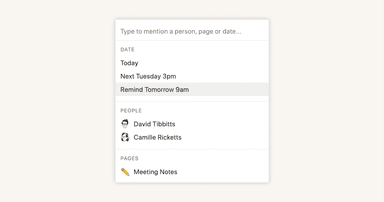
Reminders & @mentions
使用手册
Adding members, admins & guests
使用手册
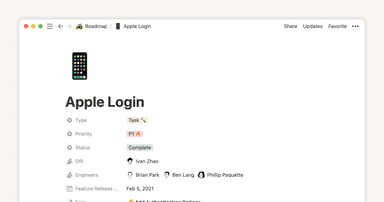
Database properties help organize your team’s information
使用手册
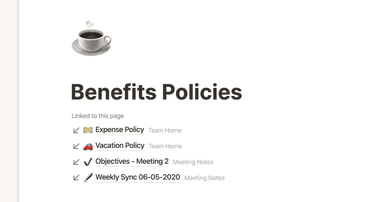
Creating links & backlinks
使用手册
Creating a page
使用手册
Full page vs. inline databases
使用手册
Start with a template
使用手册
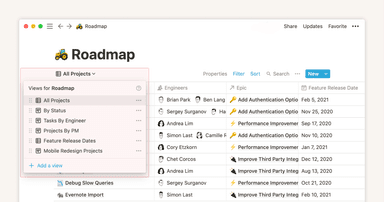
Using database views
使用手册
Calendar view databases
使用手册
Table view databases
使用手册
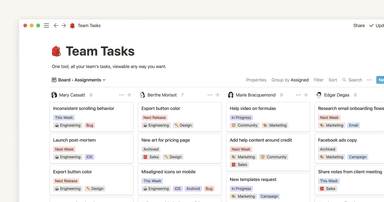
Board view databases
使用手册
Gallery view databases
使用手册
Creating a database
使用手册
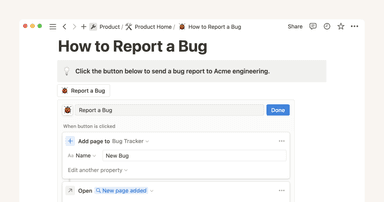
Automatically generate blocks, pages and more with the click of a button
使用手册
When to use each type of database view
使用手册
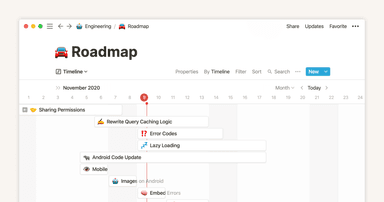
Timeline view unlocks high-output planning for your team
使用手册
The best ways to use simple tables in your Notion pages (and when not to)
使用手册
Use charts to visualize data and track progress directly in Notion
使用手册
Where does Notion fit into your company’s tool ecosystem?
使用手册
Unleashing productivity with Notion's Slack integration
使用手册
Writing & editing basics
使用手册
How teams can use comments for better collaboration
使用手册
Types of content blocks
使用手册
Teamspaces give every team a home for important work
使用手册
Bring live links into your Notion workspace with link previews
使用手册
Connecting tools to Notion
使用手册
What is Notion?
使用手册
自动处理可重复数据库模板
使用手册
Getting started with page customization
使用手册
Assign custom database permissions to make your life easier
使用手册
Transforming content blocks in Notion
使用手册
Using database templates
使用手册
Using advanced database filters
使用手册
Intro to Timeline view
使用手册
How to create new pages as you type
使用手册
Using linked databases
使用手册
Using relation & rollup properties
使用手册
Using slash commands
使用手册
A Notion guide on switching between work and personal accounts
使用手册
The status property gives you clarity on task progress