

数据库视图

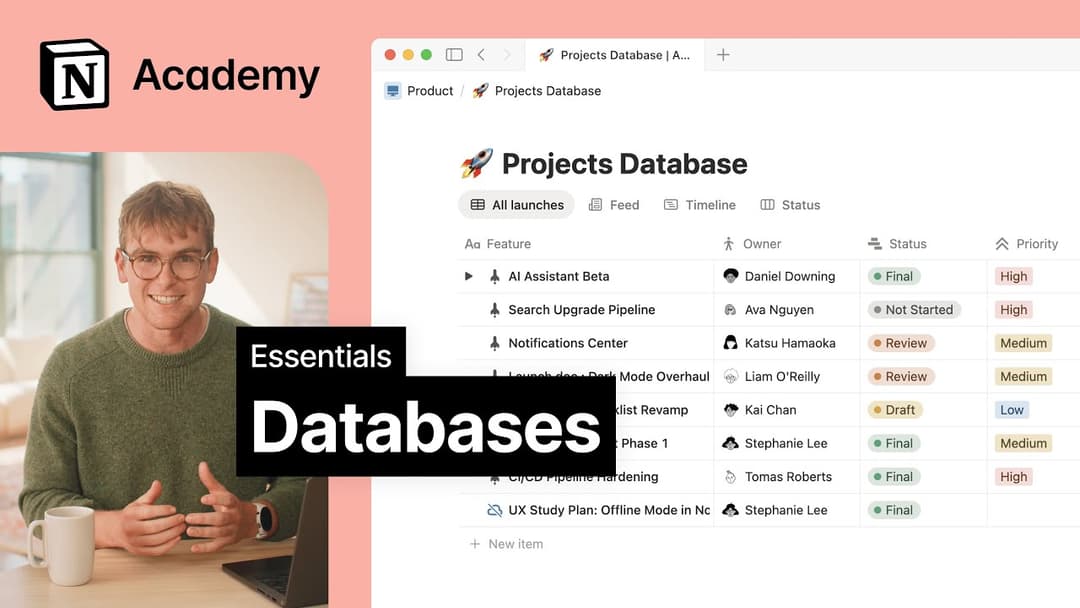
数据库视图让你根据自己的工作方式调整相同的信息。探索视图类型,以及如何使用筛选、排序、分组和布局来查找所需内容并保持井然有序。

热门主题

查看全部
 
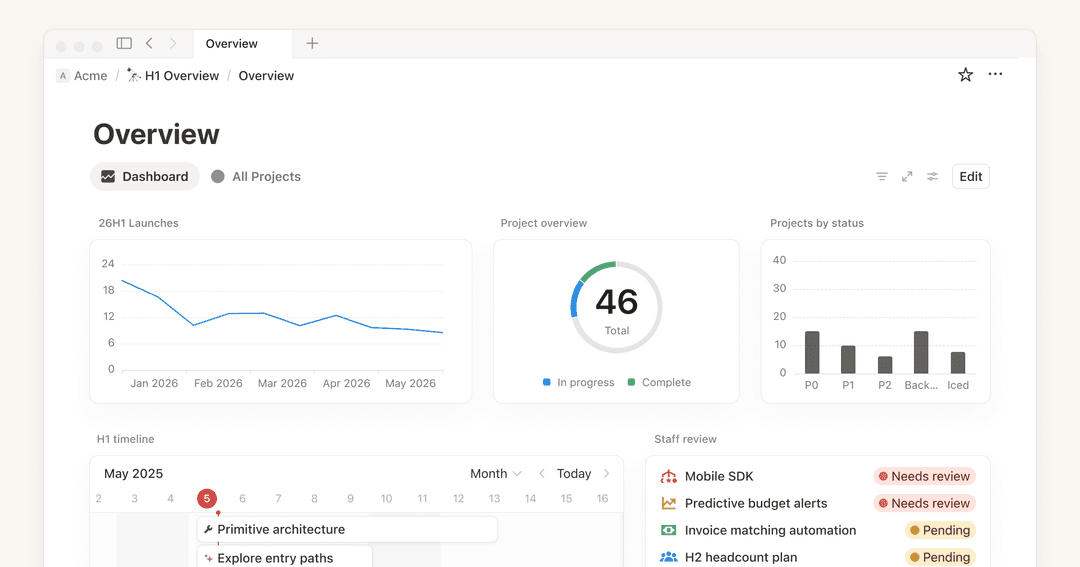
管理面板视图

帮助文档

管理面板视图

 
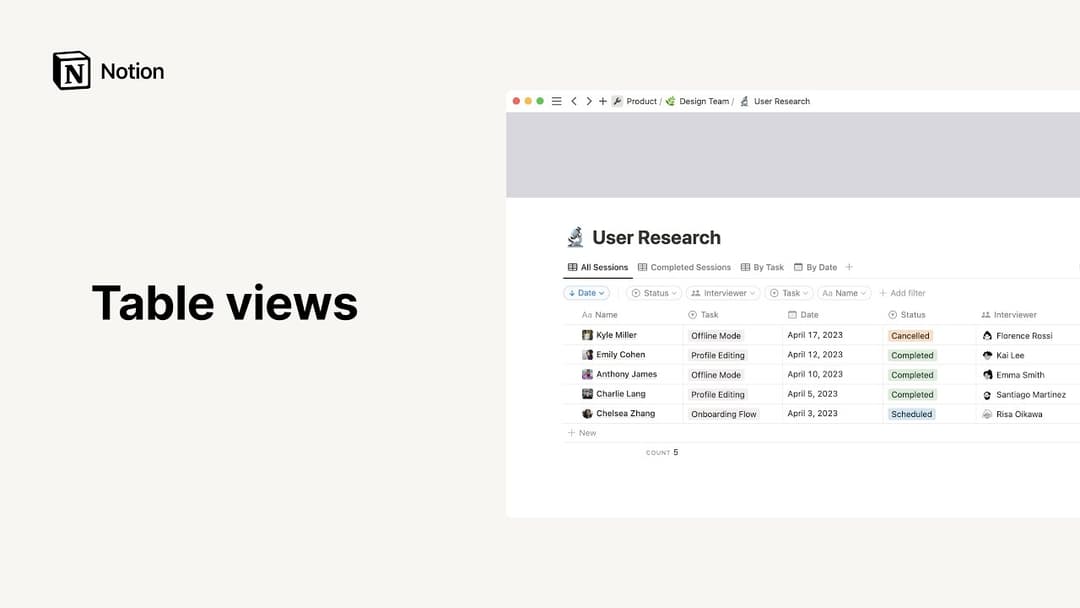
表格视图

帮助文档

表格视图

 
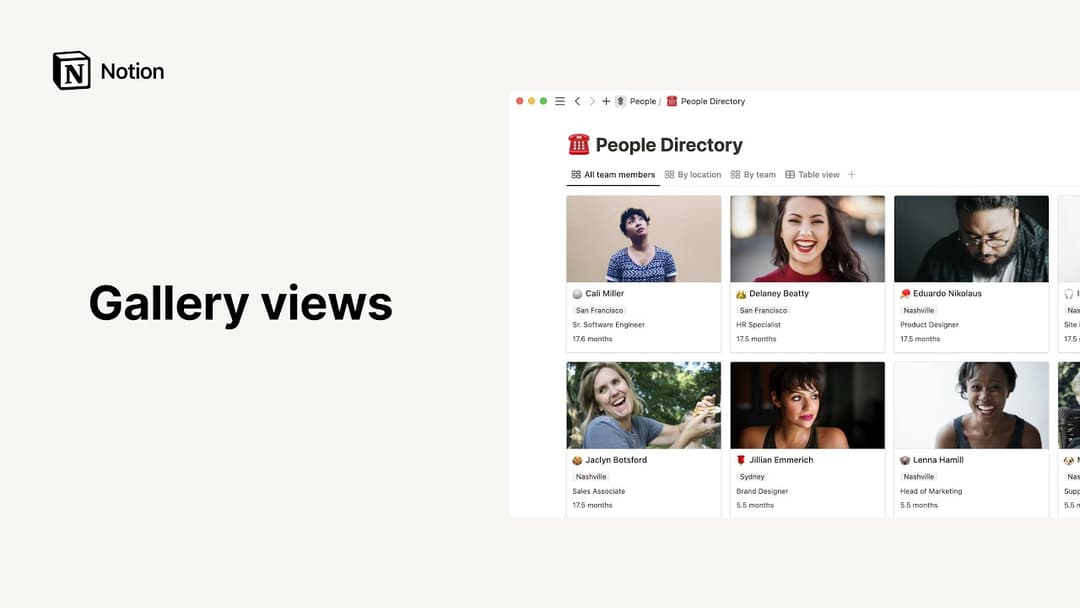
画廊视图

帮助文档

画廊视图

 
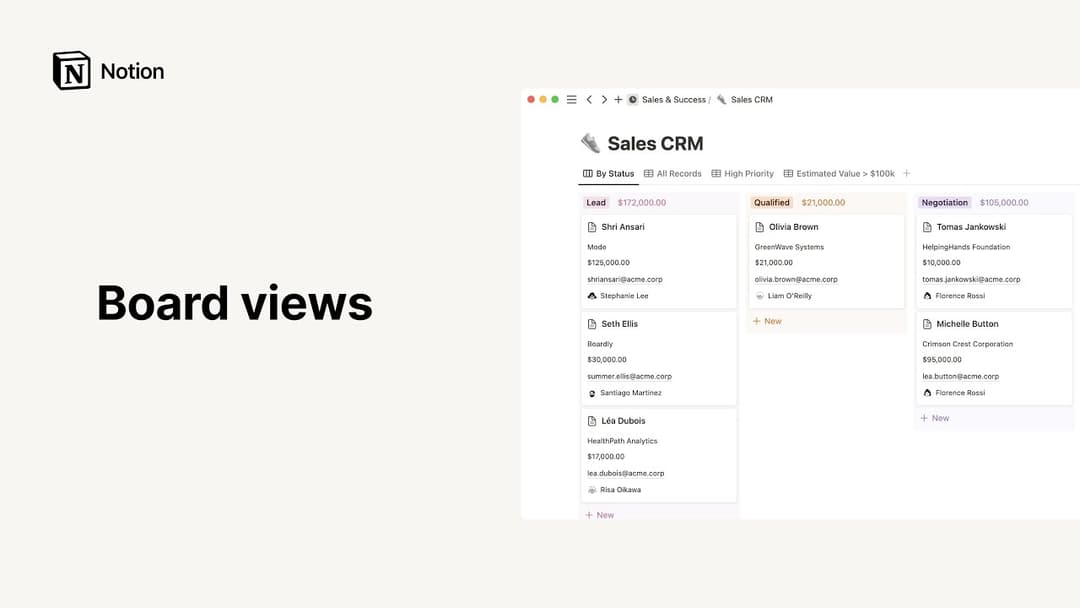
看板视图

帮助文档

看板视图

 
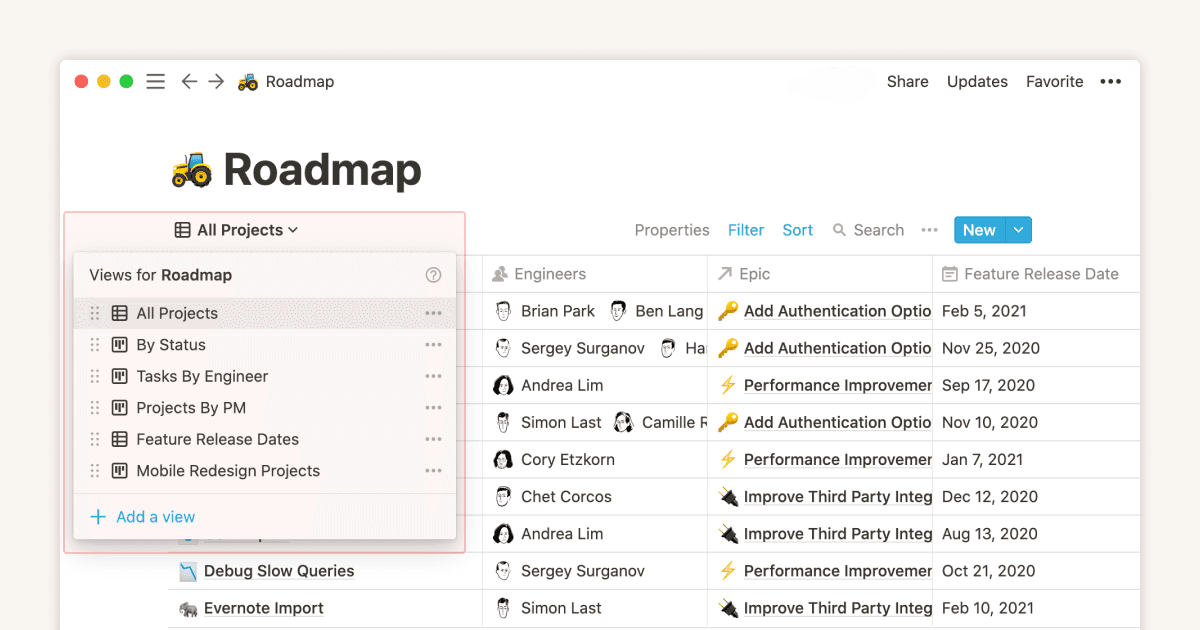
视图、筛选、排序和分组

帮助文档

视图、筛选、排序和分组

 
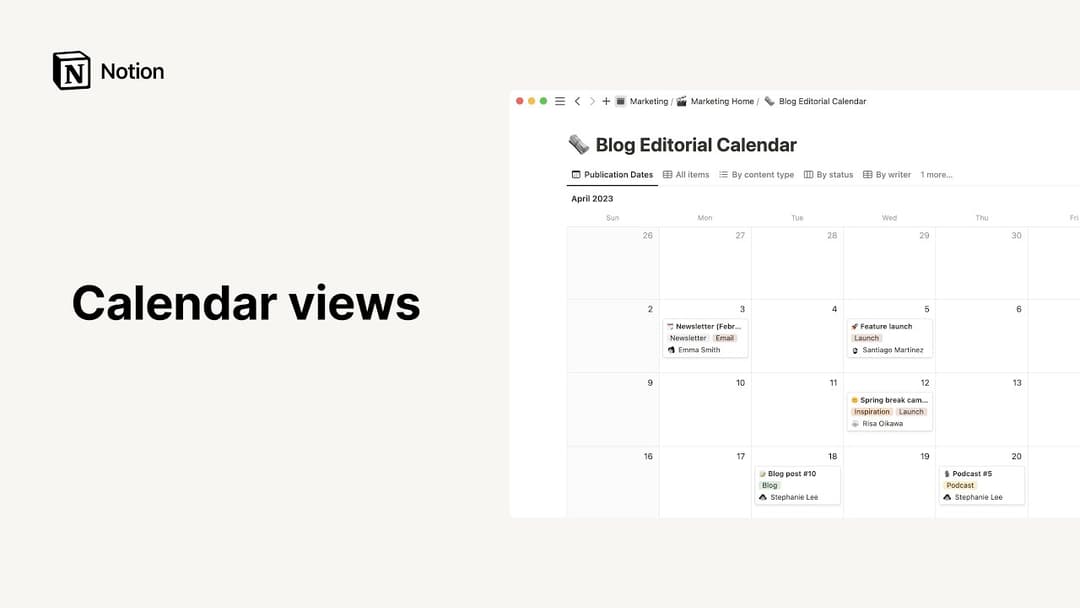
日历视图

帮助文档

日历视图

热门指南

查看全部

常见问题解答

How can I turn a full-page database into an inline database, or vice versa?

To change a full-page database into an inline database:

  1. Drag the full-page database from your sidebar into another page. It will become a sub-page of that page.

  2. Open the parent page, click the ⋮⋮ button next to the database sub-page, and select Turn into inline.

To change an inline database to a full-page database, drag an inline database block into your sidebar as a top-level page.

I don’t want my database pages to open on the side or in the center of my page. Is there anyway to open a database page in full-screen by default?

Yes! To do this:

  1. Open the settings menu at the top of your database.

  2. Select LayoutOpen pages inFull page.

如何在标签中包含表情符号,例如“🔥Urgent”?

使用你电脑上的表情符号选择器,即可在 Notion 页面或其他任何地方行内插入表情符号!以下是调出选择器的快捷键:

Mac:ctrl + cmd + space

Windows 10:windows key + .windows key + ;

仍有更多问题?给支持部门留言