
About
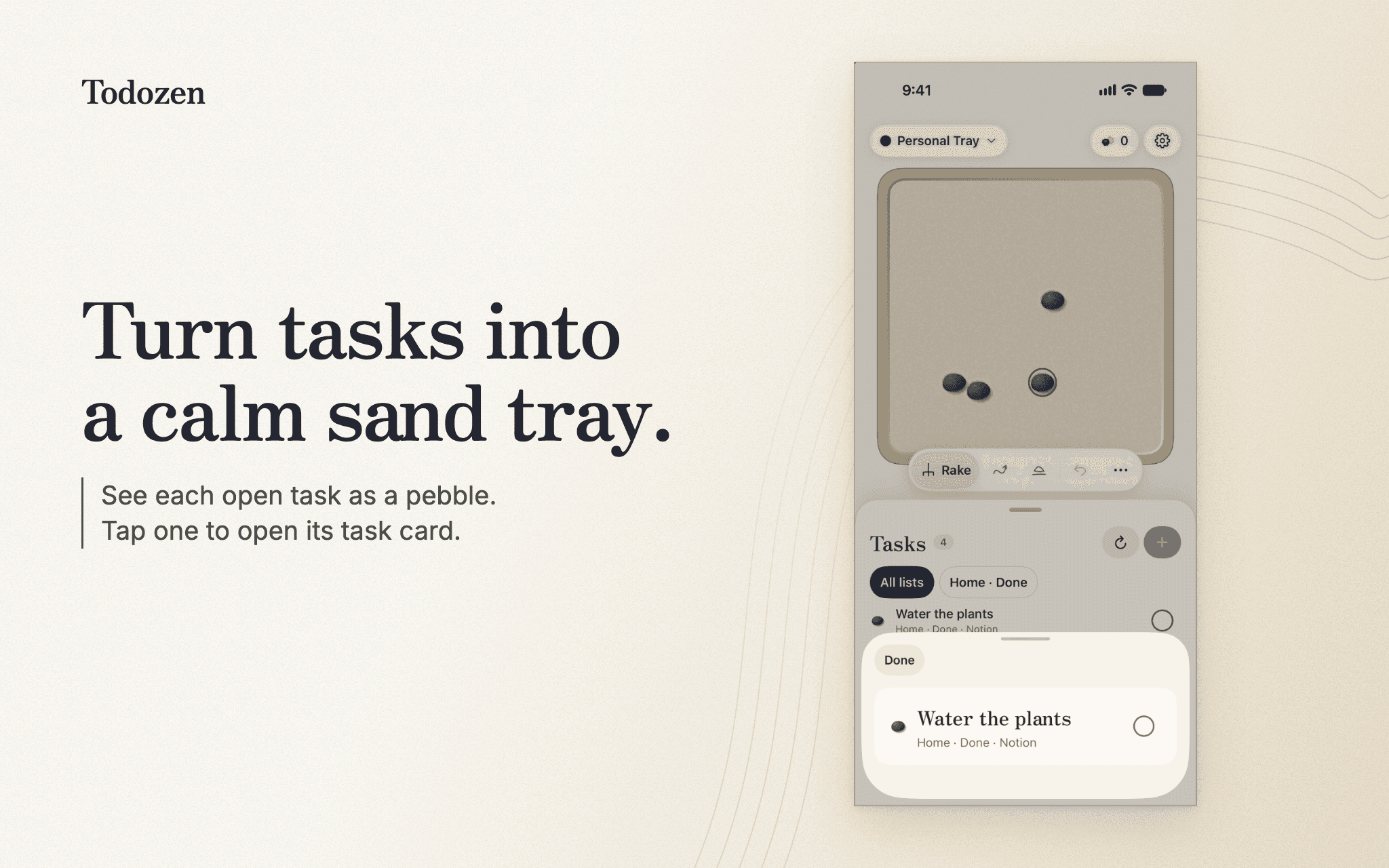
Todozen turns your tasks into a calm, raked sand tray. Connect a Notion database with a checkbox property, and Todozen shows its open pages as pebbles. Complete a pebble and Todozen updates the matching checkbox in Notion. Todozen also connects Apple Reminders, Todoist, Google Tasks, Microsoft To Do, and TickTick, with Home Screen widgets and shared trays.
Features
- Read & update contentCan read & update pages, databases, and blocks shared with this connection.
- View workspace usersReads basic profile details about workspace members and guests, including their email addresses.
How to use
Add a checkbox property to your Notion task database. In Todozen, open Settings, Connected apps, Notion and connect your workspace. Give Todozen access to the database, then select the database and checkbox property in Todozen. Your unchecked pages appear as pebbles. Complete a pebble to check off its page in Notion.