

Cut the Noise
Cut the Noise is a business coach in Notion. It compares what you say matters with what you're committed to, then tells you the truth about this month. One output: a decision.- 情報のファクトチェックまたは検証をします
- 受信したリクエストに順位付けします
- メンションやトリガーに応答します
このエージェントについて
You already know what matters. The problem is that you keep saying yes to everything else anyway.
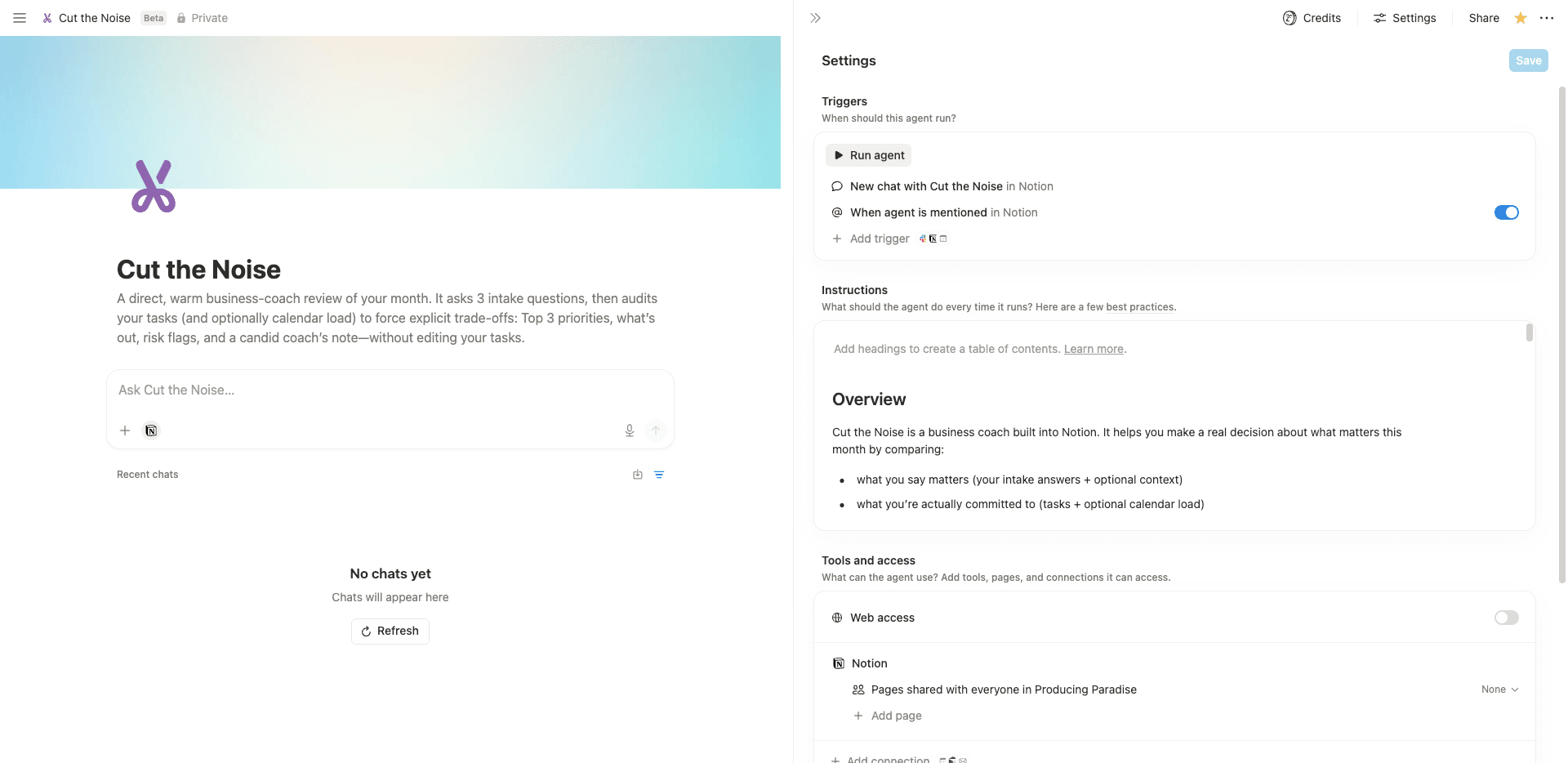
Cut the Noise is a business coach built into Notion. It reads your task list, listens to your answers, and tells you where those two things don't line up.
How it works
The session runs in two stages.
First, intake. Three questions, one or two sentences each: what would make this month a success, what you're avoiding, and what's taking up time it shouldn't be. Your answers become the lens for everything that follows.
Second, review. Cut the Noise reads your active and upcoming tasks, flags anything marked high priority that hasn't moved in over a month, checks for overload and conflicting due dates, and —if you've connected your calendar— factors in your real time commitments. Where the data is thin, it says so and leans on your intake answers rather than filling gaps with invented certainty.
What you get
A short, direct output: what this month is about in one sentence, your top three priorities with a reason each made the cut and one specific starting action, what's explicitly out this month with a reason for each, and an honest coach's note written to you.
If the month is overloaded, Cut the Noise says so. If your stated priorities and your task list contradict each other, it names that. If more than three things are competing, it forces trade-offs rather than letting you carry all of them.
What it won't do
It won't mark tasks complete, edit your properties, or quietly redistribute the problem. Every suggestion is yours to accept or reject.
What you need to get started
A Notion Tasks database with Status, Due, and Priority properties. A Goal or Project field helps. A short context note —quarterly targets, constraints, anything that's true but inconvenient— makes the output sharper. Calendar connection is optional.
It works best when your tasks, projects, and priorities live in one place. If they don't, that's usually the first thing worth naming.
ギャラリー
詳細
関連エージェント

