概要
monah is a quiet focus timer that lives on your Mac, next to your Notion tasks. It's built around the pomodoro rhythm: pick one task and stay with it. When the timer ends, the time is written back to your Notion database — no separate task system to manage. From there the data is yours: any view, formula, or dashboard you already use in Notion picks it up.
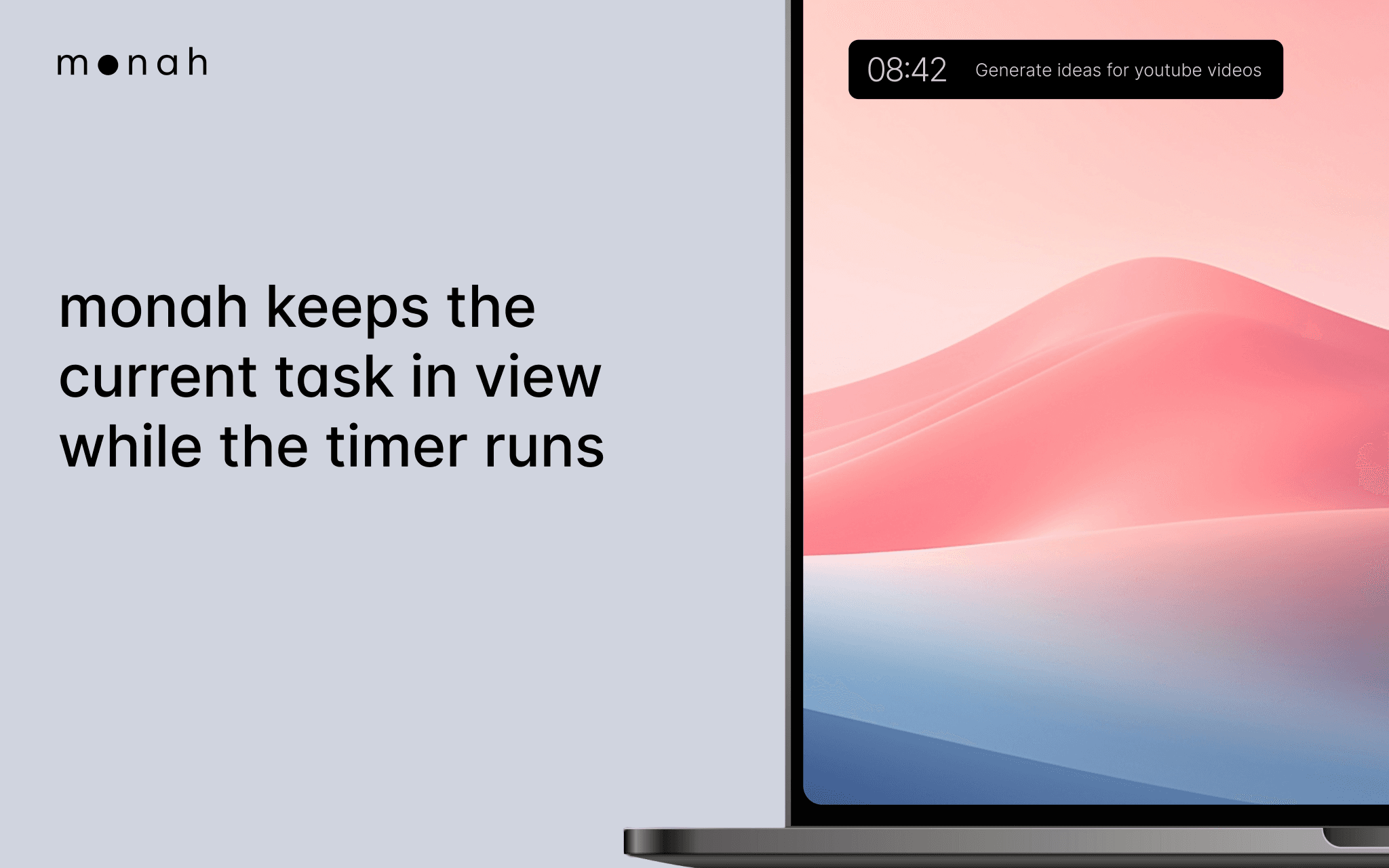
The widget stays small and out of the way. It shows the current task and the time left, so you have a steady signal of what you're working on right now.
monah is for people who already use Notion as their source of truth for work and don't want to drag focus into another tool. It is a quiet anchor for attention, not a productivity dashboard.
Designed for macOS. Works with any Notion database that has Status and a field to record tracked time.
機能
- コンテンツを読み取る、挿入、更新このコネクトと共有されているページ、データベース、ブロックを読み取る、挿入、更新できます。
- ワークスペースユーザーを表示するワークスペースメンバーとゲストに関する基本的なプロフィール情報(メールアドレスなど)を読み取ります。
使い方
- Download monah from monahapp.com.
- Open the app and click "Connect Notion".
- Choose the workspace and select the databases you want monah to access.
- Pick your Tasks database and the field where monah should record time.
- Choose a task, set an interval, and focus.