
GraceX
About
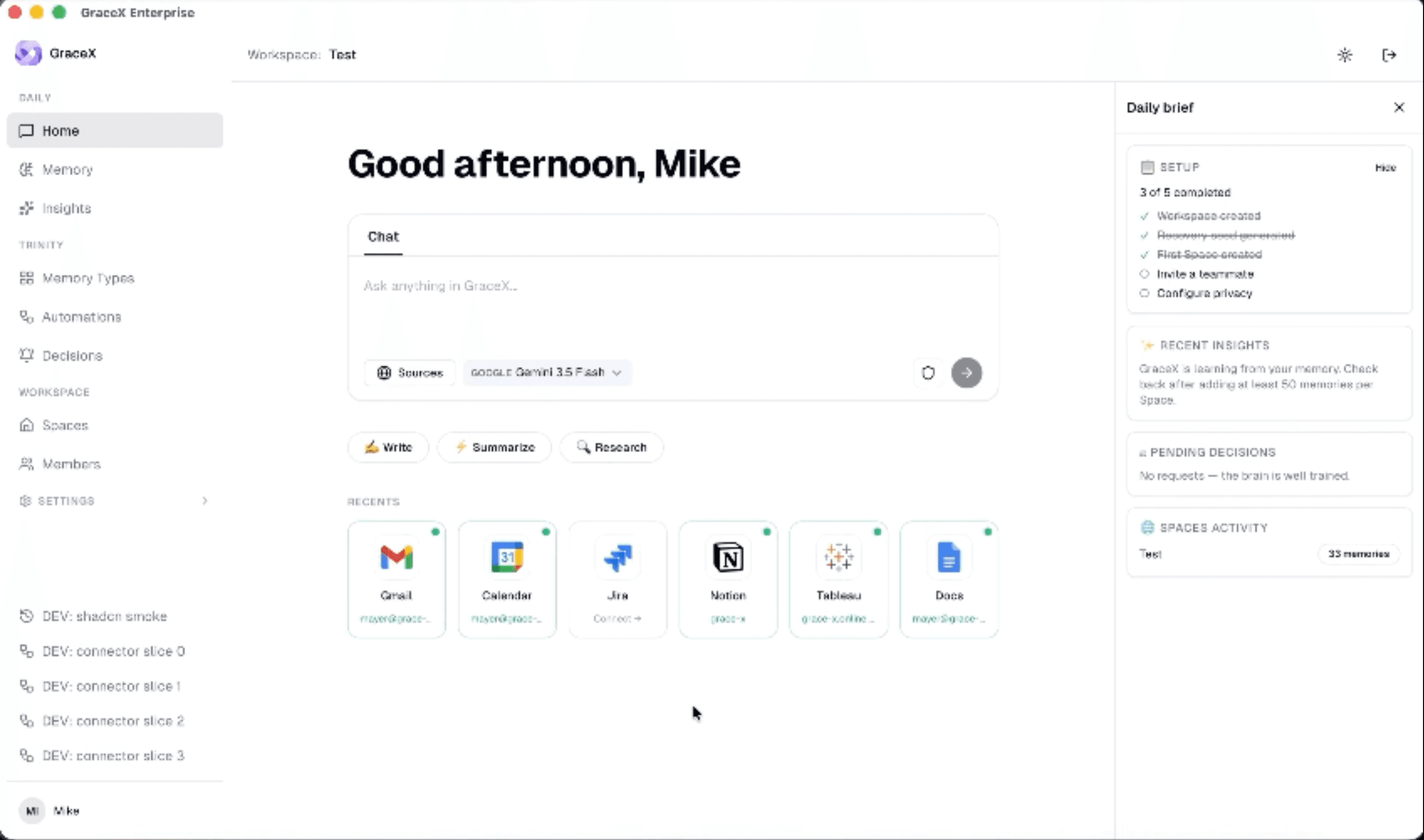
GraceX is a privacy-preserving Company Brain. It connects to the tools a company
already works in — Notion, Microsoft 365, Slack, Google Workspace and others — and
turns the knowledge scattered across them into a single adaptive memory: one place
where anyone on the team can ask a question in natural language and get an answer
grounded in the company's own documents, with a link back to the source.
This connection brings your Notion workspace into that memory.
WHAT IT DOES
• Read-only ingestion. GraceX reads the pages and databases you explicitly share
with the integration, extracts their text and properties, and indexes them as
searchable documents inside your GraceX workspace.
• You choose the scope. During the connection flow Notion asks you which pages and
databases to grant. GraceX can only see what you select — nothing else in the
workspace, and nothing you add later unless you share it too.
• It stays current. GraceX re-checks your shared pages on a schedule and picks up
edits incrementally, so answers reflect the current state of a page rather than a
one-off snapshot taken at setup.
• It notices removals. When a page is deleted, moved to trash, or unshared from the
integration, GraceX detects it and removes the corresponding content from the
company memory, so retired documents stop surfacing in answers.
• It keeps the source visible. Every ingested page keeps its Notion URL, title, last
edited time and database context, so an answer can always be traced back to the
page it came from.
WHAT IT DOES NOT DO
• It never writes to Notion. GraceX does not create, edit, move, duplicate or delete
pages, and does not read or post comments. The integration requests read
capabilities only.
• It does not read email addresses of Notion users. Author attribution uses display
names, not personal email addresses.
• It does not access anything you have not shared with the integration.
PRIVACY AND AI
Privacy is the product, not a setting. GraceX is built so that a company can use
frontier AI models on its own knowledge without handing personal data to them:
personal information is identified and anonymised before any prompt leaves the
platform, and re-associated only inside the customer's own environment. Customers
keep control of which model provider is used, and of what leaves their perimeter.
Access rights are enforced conservatively: content ingested from Notion is not made
world-readable by default, and permissions are resolved on the GraceX side before
anything is shown to a user.
Data handling, retention and deletion are described in the GraceX Privacy Policy.
Disconnecting the integration, or revoking it from Notion, stops all further access
immediately.
WHO IT IS FOR
Teams that keep meaningful knowledge in Notion — handbooks, product specs, meeting
notes, project databases, internal documentation — and want it answerable alongside
what lives in their other tools, without copying it into yet another silo and
without giving an AI vendor their personal data.
GraceX is built by GraceX Technologies S.r.l. (Rome, Italy).
Ominaisuudet
- Lukea, lisätä ja päivittää sisältöjäVoi lukea, lisätä ja päivittää sivuja, tietokantoja ja lohkoja, jotka on jaettu tämän yhteyden kanssa.
- Tarkastelee työtilan käyttäjiäLukee työtilan jäsenten ja vieraiden profiilin perustietoja, mukaan lukien heidän sähköpostiosoitteensa.
How to use
BEFORE YOU START
• A GraceX workspace, and an administrator account on it (only administrators can
connect a new data source).
• A Notion account with permission to share the pages you want GraceX to read.
STEP 1 — START THE CONNECTION FROM GRACEX
In GraceX, open Integrations, choose Notion, and select Connect. You will be sent to
Notion to authorise the integration.
STEP 2 — CHOOSE WHAT GRACEX CAN SEE
Notion asks you to select the workspace, then to pick the pages and databases to
grant access to. This selection is the boundary: GraceX can read what you select and
its sub-pages, and nothing else.
Recommendation: start with the top-level pages or teamspaces that hold the knowledge
you actually want answerable — a handbook, a documentation space, a project database.
You can widen the scope later at any time.
STEP 3 — CONFIRM
Approve the access. Notion returns you to GraceX, and the Notion connection appears
as Connected.
STEP 4 — FIRST SYNC
GraceX starts reading the shared pages right away. Small workspaces are searchable
within minutes; larger ones take longer, because Notion limits how fast any
integration may read. You do not need to keep the browser open. Once the first pass
completes, your Notion pages are answerable from GraceX like any other source.
ADDING OR REMOVING CONTENT LATER
To add a page: open it in Notion, use the ••• menu, choose Connections, and add
GraceX. It will be picked up on the next sync.
To remove a page: remove the GraceX connection from that page in Notion, or move the
page to trash. GraceX detects the removal and drops the content from the company
memory.
You can also re-run the connection flow from GraceX to grant a broader selection of
pages.
DISCONNECTING
From GraceX: open the Notion integration and choose Disconnect.
From Notion: Settings → Connections → GraceX → Disconnect.
Either action revokes access immediately and stops all further reading. Deletion of
already-ingested content follows the retention and erasure process described in the
GraceX Privacy Policy, and can be requested at any time.
TROUBLESHOOTING
• A page is missing from answers → it is almost certainly not shared with the
integration. Check the ••• → Connections menu on that page (or on its top-level
parent) in Notion.
• Recent edits are not reflected yet → syncing is incremental and periodic, not
instant. Give it a sync cycle.
• The connection shows as needing reconnection → the Notion grant was revoked or
expired. Reconnect from Integrations → Notion.
Questions or problems: [email protected] ; [email protected] — or see the GraceX documentation at https://grace-x.ai/.
Details
- Tekniikka
- Suojaus ja vaatimustenmukaisuus
- Tiedostojen hallinta