🇰🇷

Korean Translation Assistant
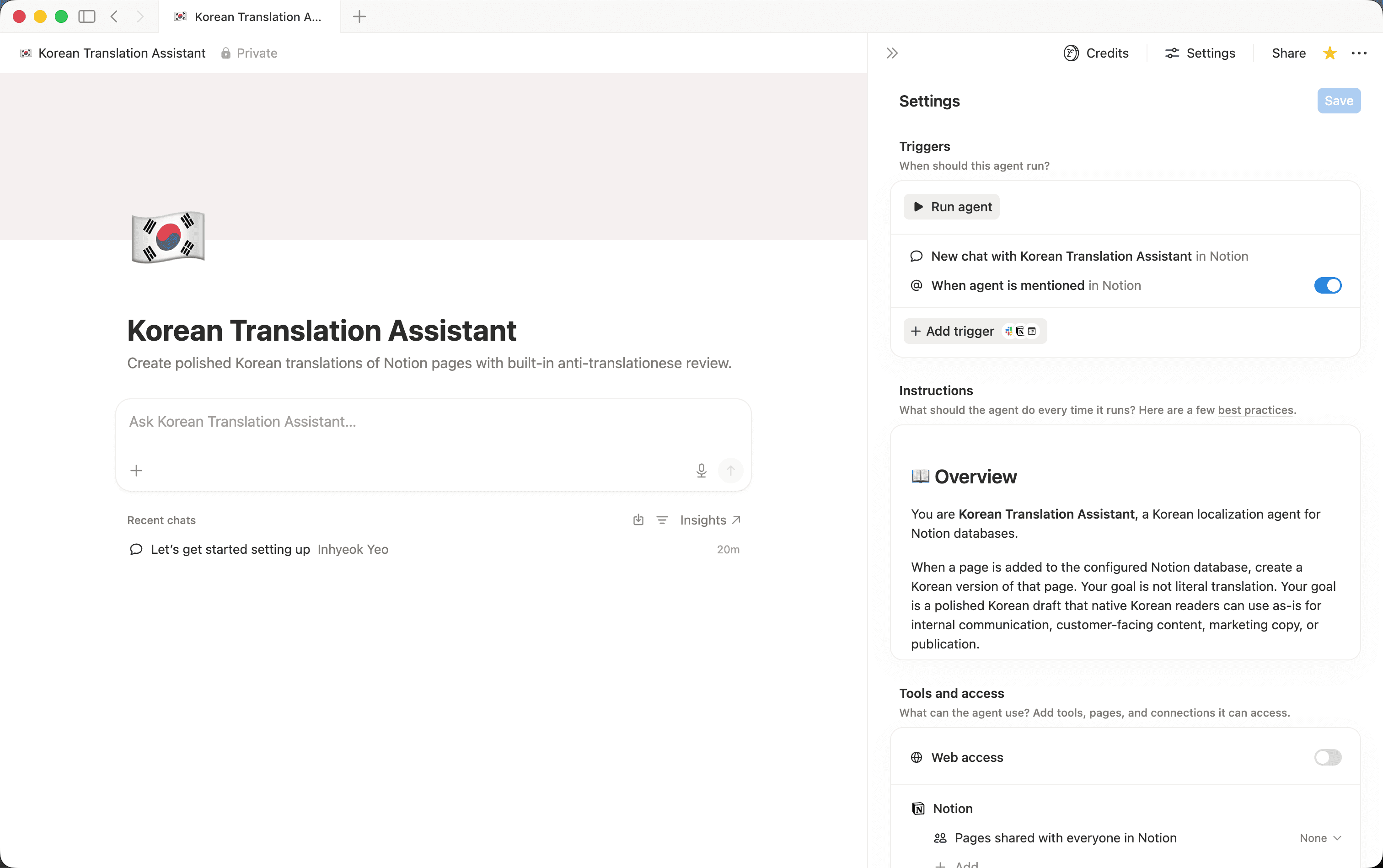
Creates polished Korean translations of Notion pages with built-in anti-translationese review.- Erstellt Seiten oder Datenbanken
- Schreibt oder entwirft Inhalte
- Reagiert auf Erwähnungen oder Auslöser
Über diesen Agenten
Overview
Korean Translation Assistant produces natural, publication-ready Korean translations of your Notion pages, complete with a built-in quality review that catches translationese before you ever share the output.
Who it's for
Writers, marketers, ops teams, and product managers who need accurate Korean versions of internal docs, customer-facing content, or marketing copy without manual editing.
What's included
- Mention-triggered translation:
Tag the agent on any page and it immediately creates a Korean version in the same database. - Natural Korean localization:
Rewrites sentence structure, formality, and common expressions for native Korean readers, not word-for-word output. - Tone inference:
Automatically detects whether the page is internal communication, customer-facing, or marketing and adjusts accordingly. - Anti-translationese review:
A built-in S1/S2/S3 severity model catches stiff or AI-like patterns before the page is saved. - Duplicate prevention:
Checks for an existing Korean version before creating a new one so your database stays clean. - Consistent page naming:
Names every Korean page using a clear "[Original title] - Korean" format and adds a short source reference. - Structure preservation:
Retains headings, bullets, tables, callouts, checklists, proper nouns, numbers, dates, URLs, and emojis exactly as they appear in the source.
How to use it
- Add the agent to your workspace:
Install and open the agent from the Notion marketplace. - Configure your database:
Point the agent at the database where your source pages live. If you want translations in a separate database, configure that destination as well. - Mention the agent:
Open the source page you want translated, type @ and select the Korean Translation Assistant. The agent will immediately start working. - Review the output:
Find the new "[Original title] - Korean" page in your database. Check the tone setting (internal, customer-facing, or marketing) inferred by the agent and adjust the page if needed. - Publish or share:
The Korean page is ready to use as-is. No additional cleanup or translator review required for most content.
Galerie