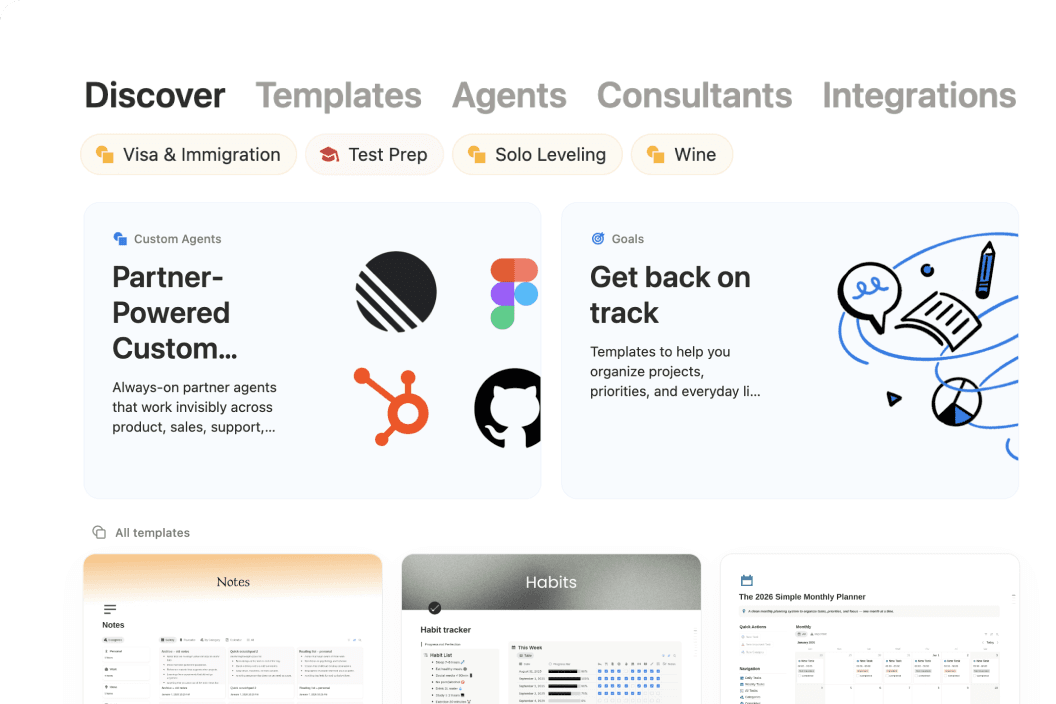
So... what is Notion?
Meet the AI workspace where teams and agents collaborate. Capture knowledge, answer questions, and push projects forward. All in one place.
Oh-oh! Offenbar verhindert dein Werbeblocker, dass das Video abgespielt wird.






See how Notion can work for you.
Notion Academy
Learn Notion basics, build smarter workflows, and validate your skills with badges & certifications.
Get started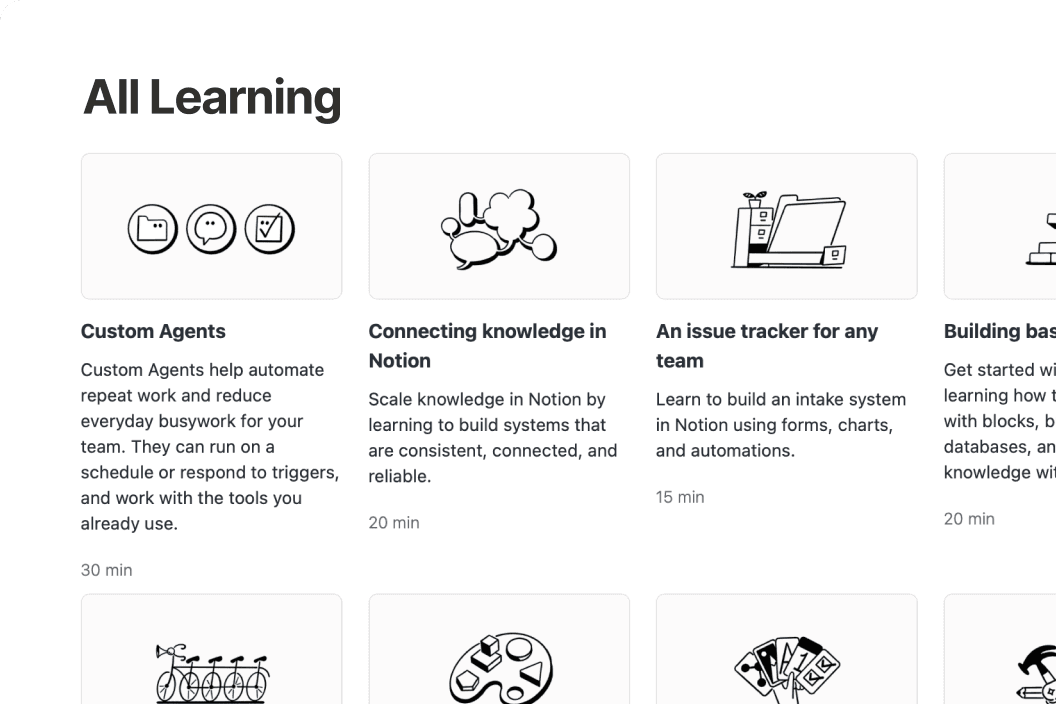
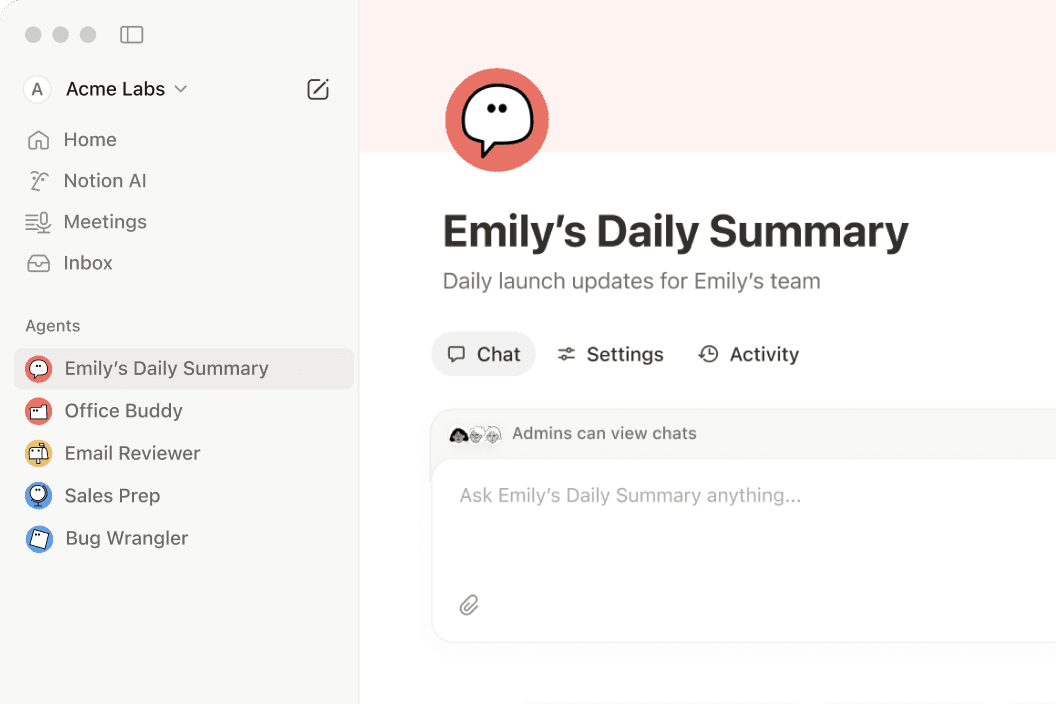
Anything you can do in Notion, your agents can do for you.
If it’s something that’s repetitive, we have a Notion Agent for it.
Questions & Answers
What is Notion used for?
Notion is a connected workspace that brings docs, wikis, projects, and databases together in one place. With Notion AI and custom agents built in, it also helps teams automate repetitive work—like weekly reporting, meeting follow-ups, and onboarding.
Is Notion free to use?
Yes. Notion's free plan includes unlimited pages, Notion AI, and core features like docs, wikis, and databases. Paid plans start at $10 per member per month (billed annually) for teams that need more advanced features, custom agents, and deeper integrations.
How is Notion different from other productivity tools?
Most tools solve just one problem—a wiki here, a task tracker there. Notion brings all of that into one connected workspace with flexible building blocks that adapt to how your team actually works, plus Notion AI to help find answers and move projects forward.
What are custom agents in Notion?
Custom agents are AI teammates you can build to handle multi-step tasks using context from your Notion workspace, connected apps like Slack and GitHub, and the web. They follow your instructions, work around the clock, and take action right where your team already works.
Can Notion replace multiple tools for my team?
Yes—many teams consolidate their separate doc editors, wikis, project trackers, and meeting note apps into Notion. With features like AI Meeting Notes and Enterprise Search, plus integrations with tools like Slack, Google Drive, and GitHub, nothing gets lost along the way.
Find the plan designed for your best work.
Free
Für Einzelpersonen zum Organisieren persönlicher Projekte und des Alltags.
Enthält:
Teste KI-Funktionen wie das Erstellen von Dokumenten oder das automatische Ausfüllen von Datenbanken
Erfasse, organisiere und reagiere auf Antworten direkt in Notion.
Veröffentliche eine Notion-Seite im Internet
Verbinde mehrere Google Kalender, um Arbeit und Termine an einem Ort zu verwalten.
Organisiere Hunderte oder Tausende von Elementen an nur einem Ort, wie Projekte oder Aufgaben
Plus
Für die Zusammenarbeit von kleinen Teams und Fachkräften.
Alles im Free Plan und:
Teste KI-Funktionen wie das Erstellen von Dokumenten oder das automatische Ausfüllen von Datenbanken
Entferne das Notion-Branding aus öffentlichen Formularen
Passe deine Kopfzeile individuell an, wähle zwischen einem hellen und dunklen Design, füge ein individuelles Favicon hinzu und binde Google Analytics ein.
Visualisiere Daten aus Datenbanken auf verschiedene Weisen (z. B. Ring-, Balken- und Liniendiagramme).
Blöcke sind Inhaltselemente, die du einer Seite hinzufügst (z. B. Kontrollkästchen für Aufgaben, Absätze, Aufzählungen usw.).
Für jede Datei, die du auf eine Notion-Seite oder in eine Datenbank hochlädst, kann eine Größenbeschränkung pro Datei gelten.
Stelle eine Verbindung zu einigen Tools wie Slack und Google Drive her
BusinessEmpfohlen
Für wachsende Unternehmen zur Optimierung der Teamarbeit.
Alles im Plus Plan und:
Erledigt die Arbeit für dich. Führt komplexe, mehrschrittige Aufgaben mithilfe von Notion, deinen verbundenen Apps und dem Internet durch.
Erledigt die Arbeit für dich. Führt komplexe, mehrschrittige Aufgaben mithilfe von Notion, deinen verbundenen Apps und dem Internet durch.
Automatisiere deine Meeting-Notizen und Follow-ups, ganz ohne Bots
Durchsuche verbundene Apps wie Slack, GitHub und mehr
Verwalte den Personalzugriff mit sicherem Single Sign-On.
Arbeite in Notion-Datenbanken mit anderen zusammen, ohne ihnen Zugriff auf die gesamte Datenbank zu erteilen. Beschränke den Zugriff auf die Zeilen, für die die Person zuständig ist.
Füge Seiten, die auf dem neuesten Stand sind, ein Verifizierungszeichen hinzu. Erscheint in Suchergebnissen und KI-Zitaten.
Erstelle Teamspaces, die nur Personen ansehen oder finden können, die du hinzugefügt hast. Ideal für vertrauliche Informationen wie Unternehmensplanung oder Leistungsbeurteilungen.
Bestätige den Besitz einer E-Mail-Domain, um auf erweiterte Sicherheitsfunktionen wie Single-Sign-On zuzugreifen.
Stelle eine Verbindung zu GitHub, Asana und mehr her