NotionNotion
Verbindungs-Icon

Notion AI Connector for Box

Search your Box files and folders in Notion

Info

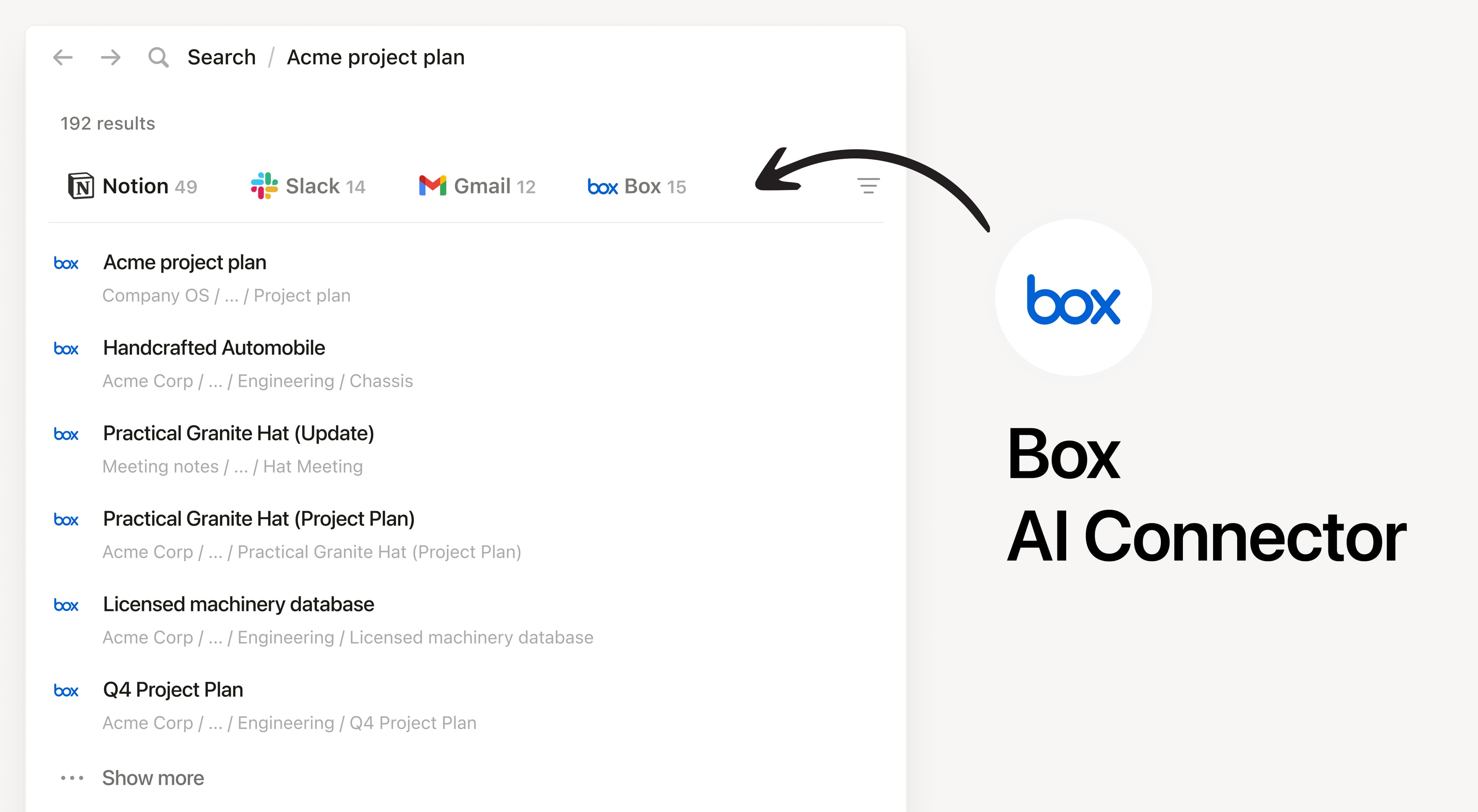
Install Notion’s AI Connector to your Box account. Search your files and folders hosted in Box to answer questions and summarize information without having to leave Notion.

Informationen zur Nutzung

Must be a Notion workspace owner on the Enterprise plan and Box Admin to connect.

In Notion, navigate to the Box AI Connector by going to Settings → Notion AI → AI Connectors tab → Box and follow the setup steps. You’ll be taken to Box to continue.

For detailed instructions, check out our Help Center.

After installation is complete, ask Notion AI to summarize the key decisions and action items in a specific file or compare two docs to list what changed.

Details

Erstellt von
Kategorie
  • Zusammenarbeit
  • Produktivität
Links für Entwickler/-innen
Alle hier erwähnten Marken von Drittanbietern (einschließlich Logos und Icons) sind Eigentum der jeweiligen Inhaber/-innen. Sofern nicht ausdrücklich als „Erstellt von Notion“ gekennzeichnet, werden Verbindungen von Notion weder unterstützt noch verwaltet. Die Produkte oder Dienste von Drittanbietern, mit denen Verbindungen verbunden sind, sind keine Notion-Anwendungen (gemäß der Definition im Abo-Rahmenvertrag von Notion oder den Persönlichen Nutzungsbedingungen, je nachdem, was zutrifft). Indem du eine Verbindung aktivierst oder die Notion-Connection-Galerie anderweitig nutzt, akzeptierst du die Bedingungen für die Connection-Galerie von Notion.