About
Selliq is an AI agent platform that lets companies build conversational automation for sales, support, and customer service — no code required. With the Notion connection, you turn your Notion pages into knowledge for your AI agents.
After connecting, you choose which Notion pages to share with Selliq. Your AI agents read that content and use it to answer customers accurately — drawing on the product docs, FAQs, pricing, policies, and playbooks you already keep in Notion. Pages stay in sync as “living documents”: when you edit a page in Notion, Selliq re-reads it so your agents always answer with the latest information.
Your content stays private. Selliq only reads the specific pages you share with the integration — nothing is published to the web — and you can disconnect at any time.
What you can do:
• Power your WhatsApp and sales AI agents with product and pricing docs kept in Notion
• Keep support answers consistent with FAQs and policies maintained in Notion
• Onboard new AI agents instantly with your process docs and playbooks
Features
- Read, insert, & update contentCan read, insert, & update pages, databases, and blocks shared with this connection.
- View workspace usersReads basic profile details about workspace members and guests, including their email addresses.
How to use
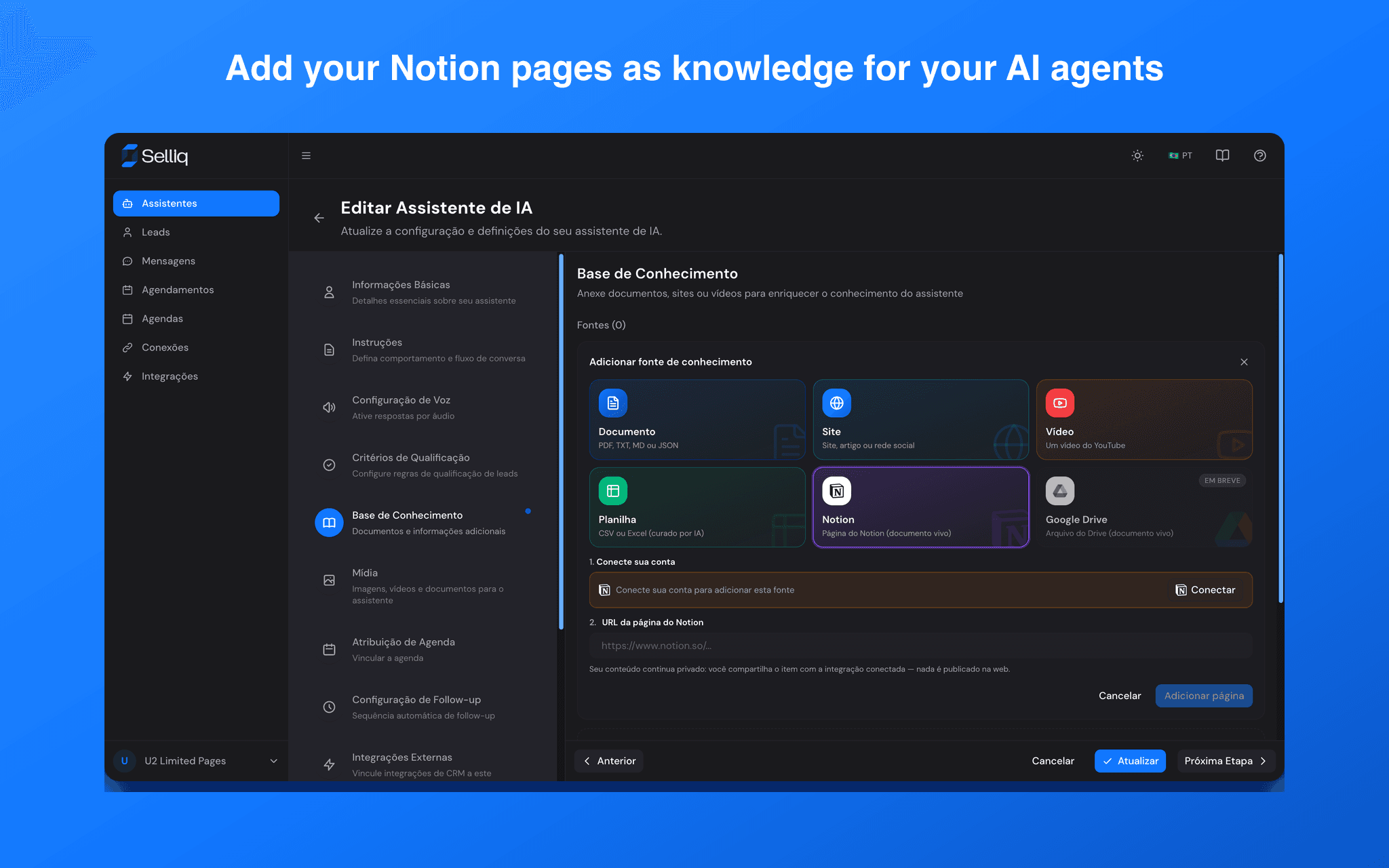
1. Sign in to Selliq at app.selliq.io and open an AI assistant → Knowledge Base.
2. Click “Add source” → “Notion”.
3. Click “Connect” and authorize Selliq to access your Notion workspace, then pick the pages you want to share.
4. Paste the URL of a shared Notion page to add it as a knowledge source.
5. Your AI agent now answers using that page — and updates you make in Notion sync automatically.
Questions? Email [email protected].