

About
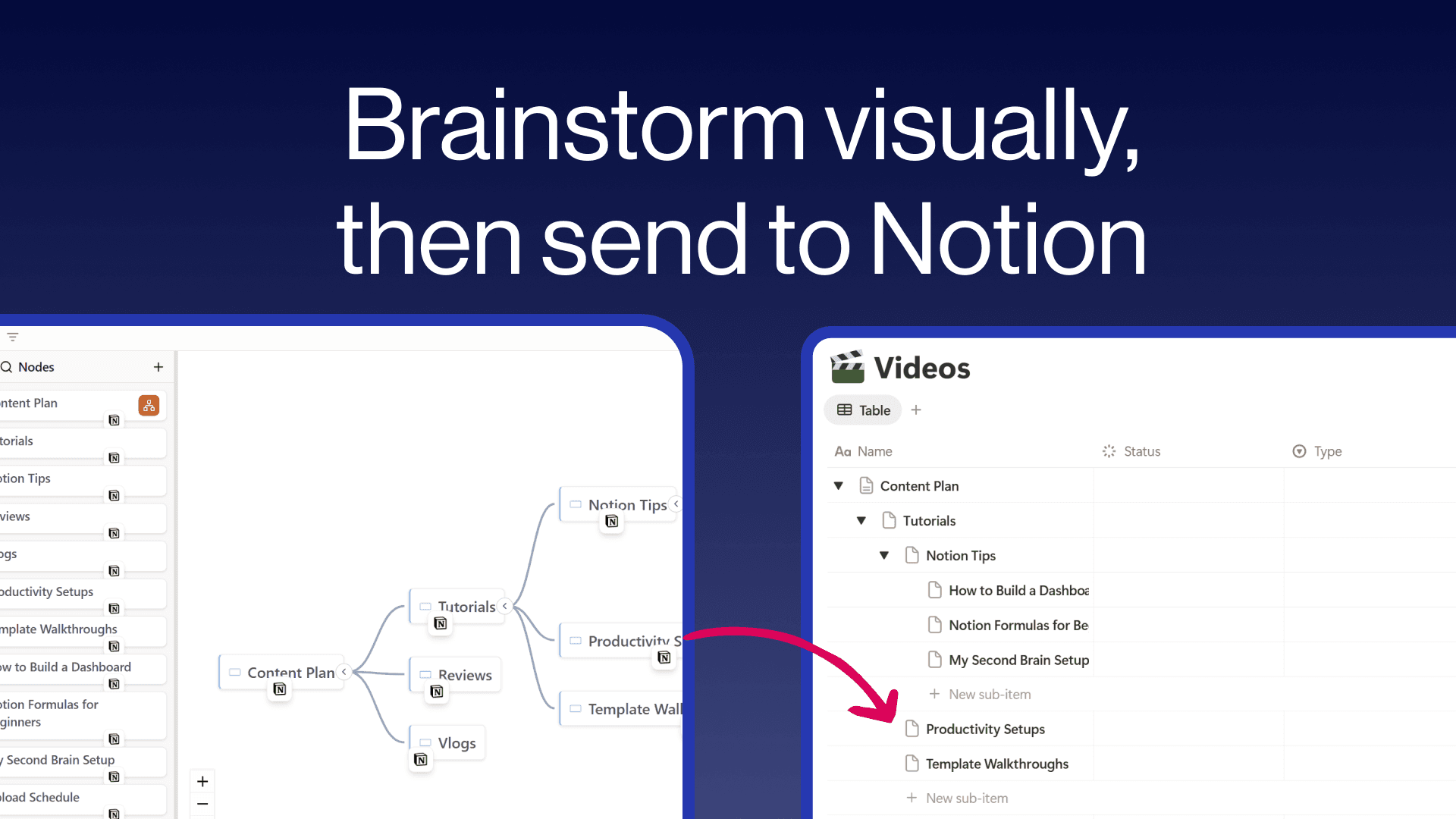
Create freeform mind maps and send them directly to your Notion databases. Build your ideas visually with an intuitive tree editor, then push individual nodes or your entire map to Notion with hierarchy preserved as sub-items. Embed interactive mind maps inside any Notion page so your team can explore them without leaving their workspace. Free to use with unlimited maps and nodes.
Features
- Read, insert, & update contentCan read, insert, & update pages, databases, and blocks shared with this connection.
- View workspace usersReads basic profile details about workspace members and guests, including their email addresses.
How to use
- Visit notionmindmap.com and click "Login with Notion"
- Select your workspace and the databases you want to connect
- Click "Create new Mindmap" to start brainstorming
- Add nodes using the + buttons that appear on hover
- Click the "..." menu on any node and choose "Send to" to push it to a Notion database
- Click "Share" to get an embed URL you can paste into any Notion page using /embed
Details

Category
- Collaboration
- Productivity
- Design
Developer links