

Info
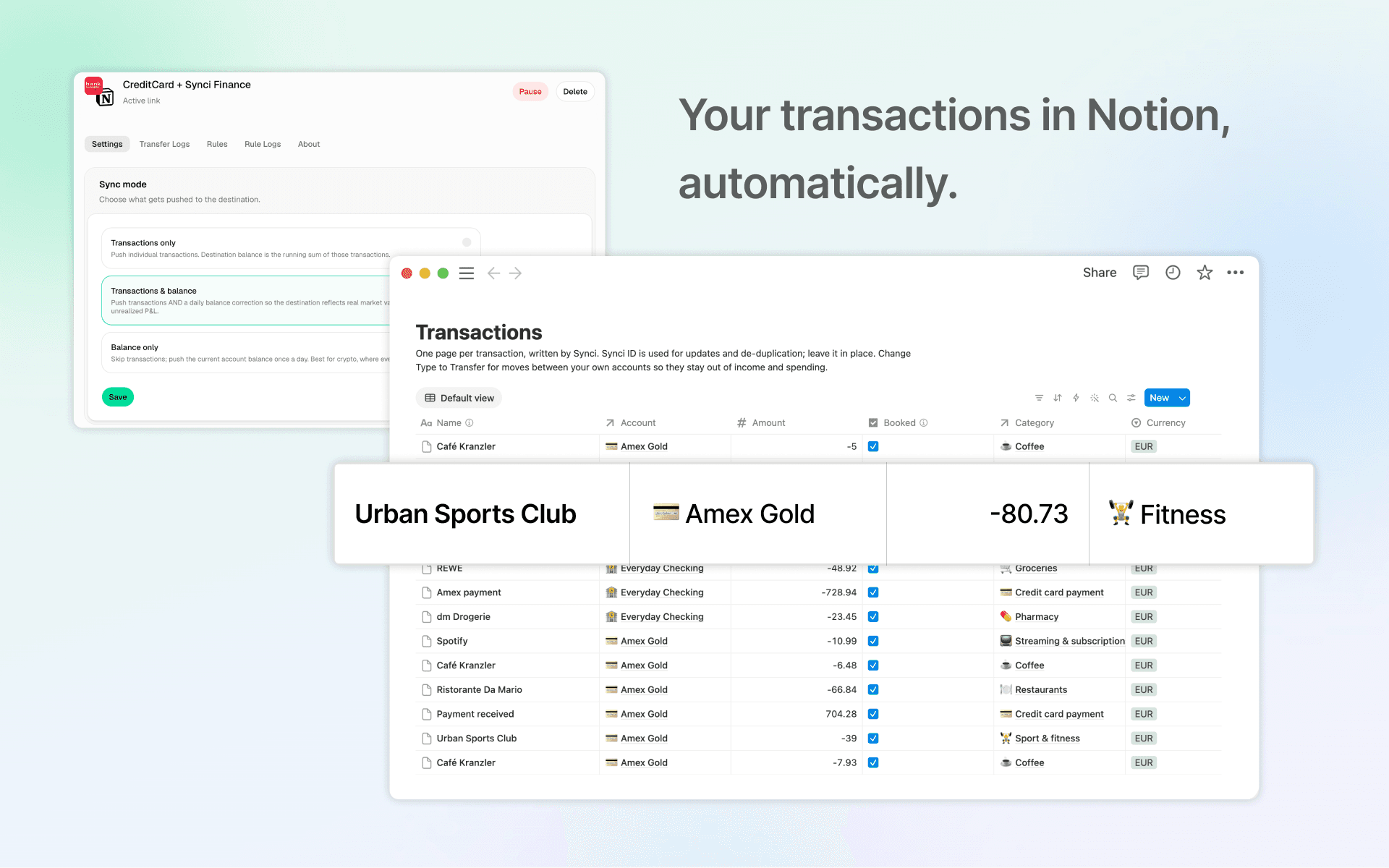
Synci connects your bank & brokerage accounts to Notion and keeps them in sync. Link a bank through its own regulated open banking login, choose the accounts you want, and new transactions and balance updates arrive in your Notion databases from then on. No CSV exports, no manual entry.
What gets synced: transactions with date, amount, currency, merchant and description; account balances (cleared and available); and a dated balance history for every account, so you can chart net worth over time. On the Pro plan, transactions also arrive with a clean merchant name and a spending category.
When you authorize Synci, Notion offers the Synci Finance template: a finished personal finance dashboard with Transactions, Accounts, Categories, Months and Balance History databases already related to each other, plus net worth and spending charts, monthly summaries with month-over-month comparison, per-category budgets and savings goals. Synci writes into it and the page keeps itself current. You can also share a page or database you already use and Synci maps into that instead.
Your edits are safe. Every page Synci writes carries a Synci ID, so a pending transaction is updated in place when the bank books it rather than duplicated. Categories and transaction types you change yourself are never overwritten, and anything you add to a page is left alone.
Coverage: 2,900+ banks across Europe and New Zealand through PSD2 and equivalent open banking APIs. Synci never sees or stores your bank credentials, and it can only read and write the Notion pages you share with it.
Pricing: per connected bank, from €2 per month billed yearly (Basic, sync every 6 hours) or €4.33 per month billed yearly (Pro, sync every 2 hours, merchant names and categories, two years of history). Every plan starts with a 14-day free trial; cancel during the trial and you are not charged. The template itself is free at synci.notion.site.
Funktionen
- Inhalte Lesen, einfügen und Update durchführenKann Seiten, Datenbanken und Blöcke lesen, einfügen und Update durchführen, die mit dieser Verbindung geteilt werden.
- Nutzer/-innen des Workspace anzeigenLiest grundlegende Profildetails über Workspace-Mitglieder und Gäste, einschließlich ihrer E-Mail-Adressen.
Informationen zur Nutzung
- Create a Synci account at
app.synci.io
and connect a bank or brokerage. You log in through your bank's own flow; Synci only receives read access to the accounts you approve. - In Synci, go to Notion and click
Create new connection
. Notion will ask which pages Synci may access. - On that screen, pick "Use a template provided by the developer" to get the Synci Finance dashboard. Or select an existing page or database of your own; Synci will map its fields into that.
- Back in Synci, choose which accounts to sync and how far back to import. The first sync runs immediately and usually finishes in a minute or two.
- Open your Notion page. Balances, transactions and charts are in place. From here your only jobs are optional: categorise anything in "Needs review", set a monthly budget on the categories you care about, and mark moves between your own accounts as Transfer.
Sync runs automatically every 2 or 6 hours depending on your plan. Manage connections, sync settings and history at app.synci.io. Help and troubleshooting: help.synci.io.
Details

- Finanzen