

Info
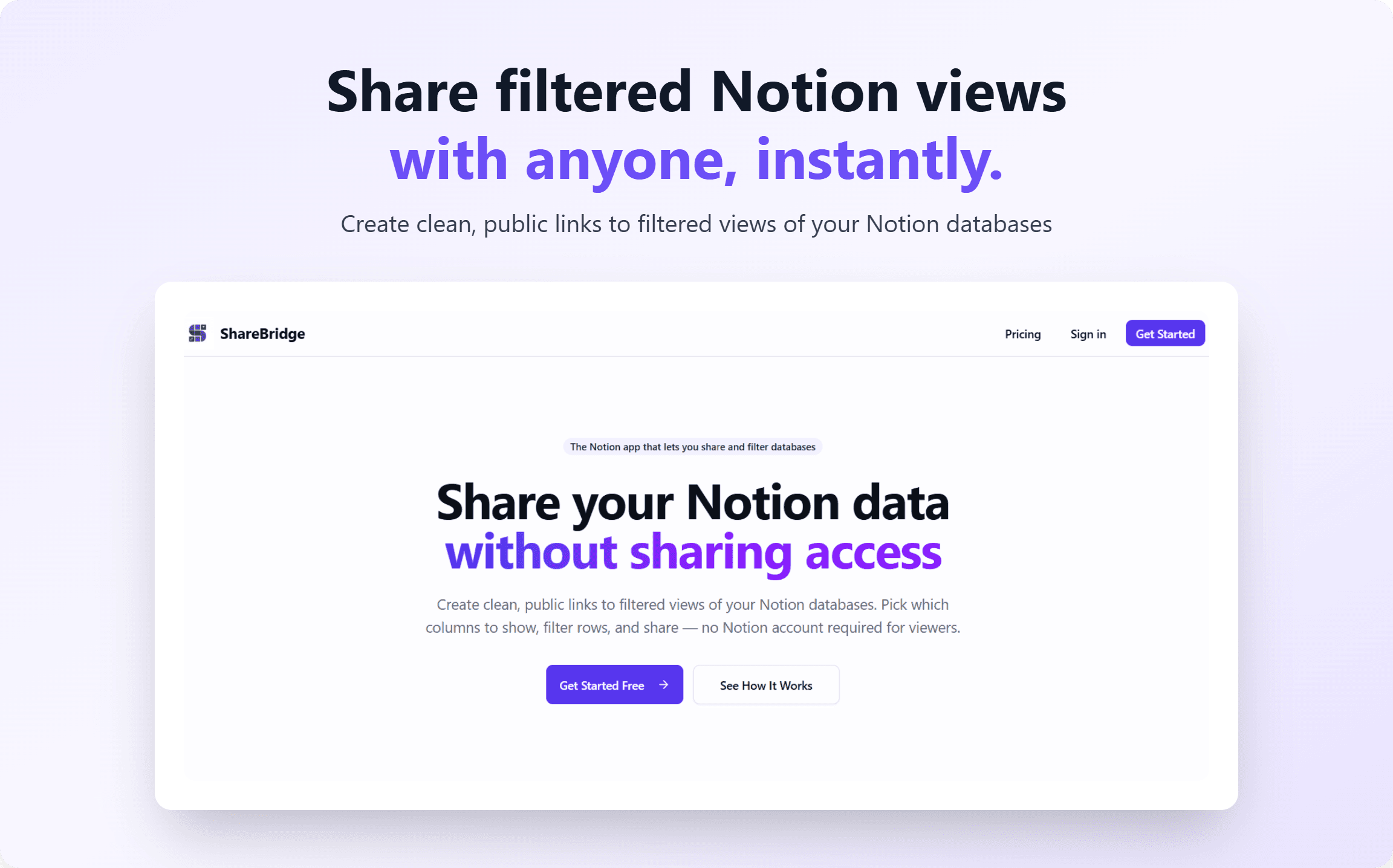
ShareBridge lets you share filtered views of your Notion databases via a public link. You get complete control over what's visible: you can choose exactly which columns to share and filter the rows based on specific properties. The best part? The people you share the link with don't even need a Notion account, and they can easily export the data to Excel, PDF, or HTML.
Funktionen
- Inhalte LesenKann Seiten, Datenbanken und Blöcke lesen, die mit dieser Verbindung geteilt werden.
- Nutzer/-innen des Workspace anzeigenLiest grundlegende Profildetails über Workspace-Mitglieder und Gäste, einschließlich ihrer E-Mail-Adressen.
Informationen zur Nutzung
- Create a ShareBridge account and connect it to your Notion workspace.
- Authorize ShareBridge to access the specific databases you want to share.
- From your ShareBridge dashboard, select a database to configure.
- Select Columns to Hide: Use the toggle switches to hide any sensitive database properties (e.g., internal notes, email addresses, or financial data) from the public view.
- Apply Row Filters: Set up custom rules to strictly control which rows are displayed. For example, you can filter rows by specific tags, select properties (like showing only tasks where Status is "Done"), or exclude specific entries.
- Generate your custom, secure share link and send it to your stakeholders!
Details
Erstellt von

Kategorie
- Produktivität
- Zusammenarbeit
- Sicherheit und Compliance
Links für Entwickler/-innen