
Info
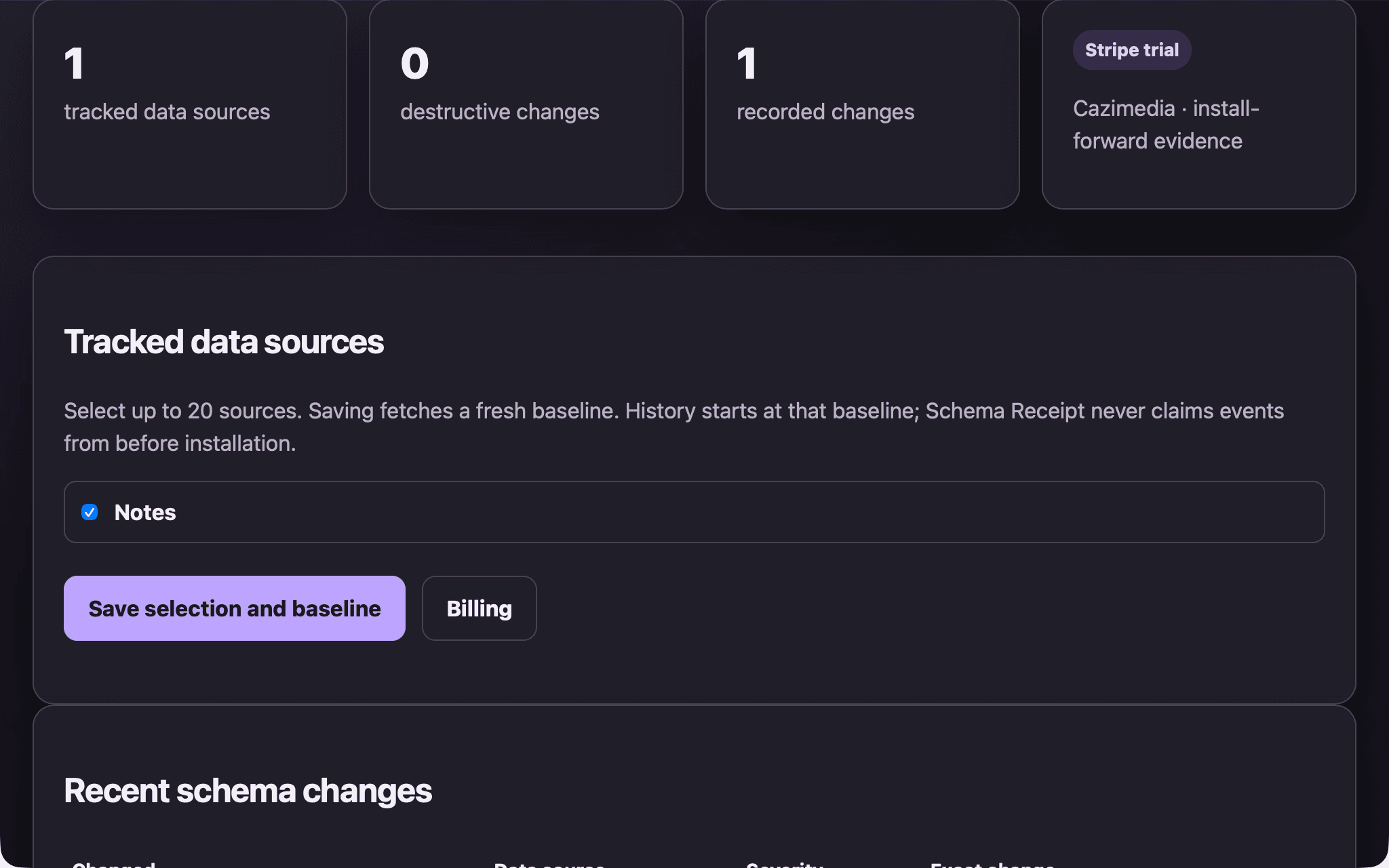
Schema Receipt gives Notion workspace owners and operations teams durable, install-forward evidence when selected database properties change. Save an exact baseline for up to 20 data sources, then review added, removed, renamed, type-changed, or configuration-changed properties. Destructive changes surface first, and any bounded date range can be exported as an integrity-checked CSV or PDF receipt.
The connection is read-only. It stores source and property IDs and names, property types, and configuration digests. It does not store Notion page text, row values, files, comments, or permissions. A 14-day no-card trial includes the complete evidence journey. Afterward, the price is $5 per authorizing user and workspace each month.
Funktionen
- Inhalte LesenKann Seiten, Datenbanken und Blöcke lesen, die mit dieser Verbindung geteilt werden.
Informationen zur Nutzung
1. Open the installation URL and choose Connect Notion.
2. Authorize read-only access in Notion and choose the pages that contain the databases you want to track.
3. In Schema Receipt, select up to 20 visible data sources and save the selection to create fresh baselines.
4. Change a property in Notion. Schema Receipt records exact, install-forward evidence after Notion delivers the event.
5. Review the exact diff or export an integrity-checked CSV or PDF receipt.
Need help? Email [email protected].
Details
- Sicherheit und Compliance
- Produktivität