 Orauria AI

Öffentliche API
Orauria AI
Info
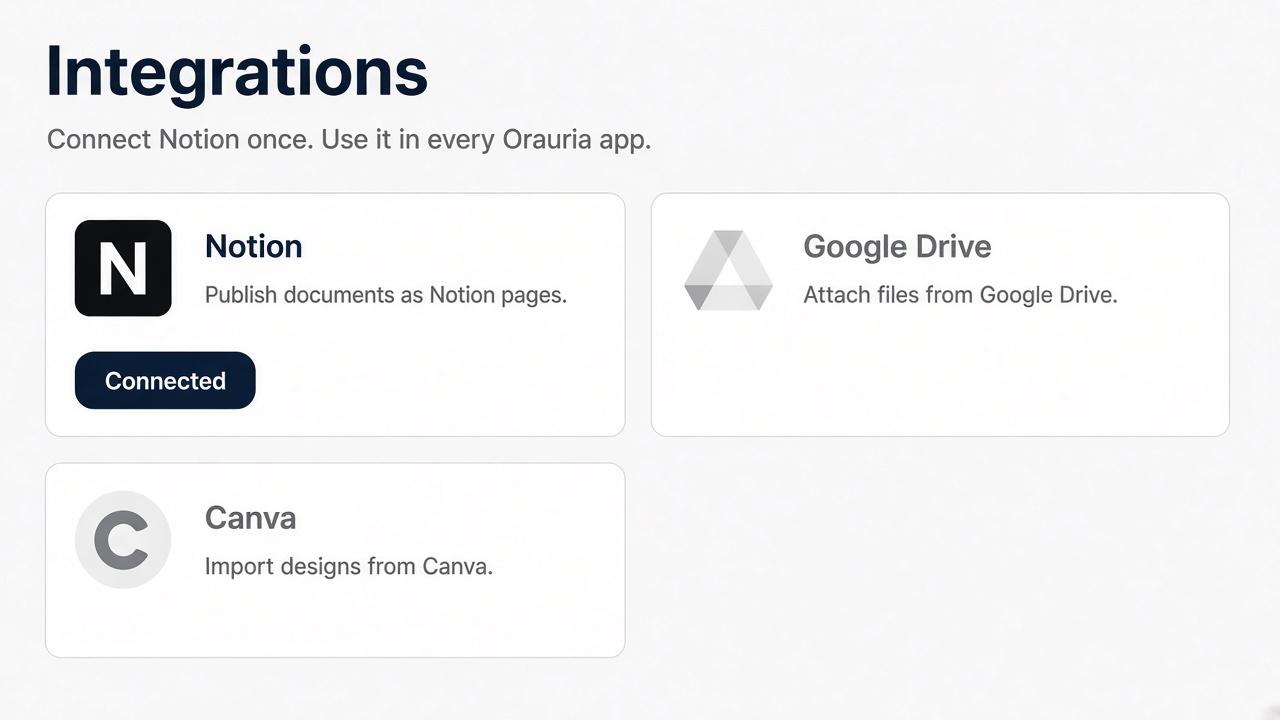
Orauria AI connects your Notion workspace so you can publish documents you create in Orauria into Notion pages you select. You approve the workspace and pages on Notion’s own screen. Orauria keeps the connection on your Orauria account.
Funktionen
- Inhalte Lesen, einfügen und Update durchführenKann Seiten, Datenbanken und Blöcke lesen, einfügen und Update durchführen, die mit dieser Verbindung geteilt werden.
- Kommentare Lesen und hinzufügenKann Kommentare zu den Seiten und Blöcken, auf die er zugreifen kann, lesen und hinzufügen.
- Nutzer/-innen des Workspace anzeigenLiest grundlegende Profildetails über Workspace-Mitglieder und Gäste, einschließlich ihrer E-Mail-Adressen.
Informationen zur Nutzung
1. Sign in at https://orauria.com.
2. Open Account, then Integrations.
3. Select Connect on Notion.
4. Choose your Notion workspace and the pages to share, then allow access.
5. You return to Orauria and Notion shows as connected.
Disconnect any time from Account → Integrations, or remove Orauria AI in Notion Settings → Connections.
Details
Erstellt von

Kategorie
- Produktivität
Links für Entwickler/-innen