
Info
Noota + Notion
Automatically send your AI meeting notes, summaries, action items, and transcripts from Noota to Notion after every meeting.
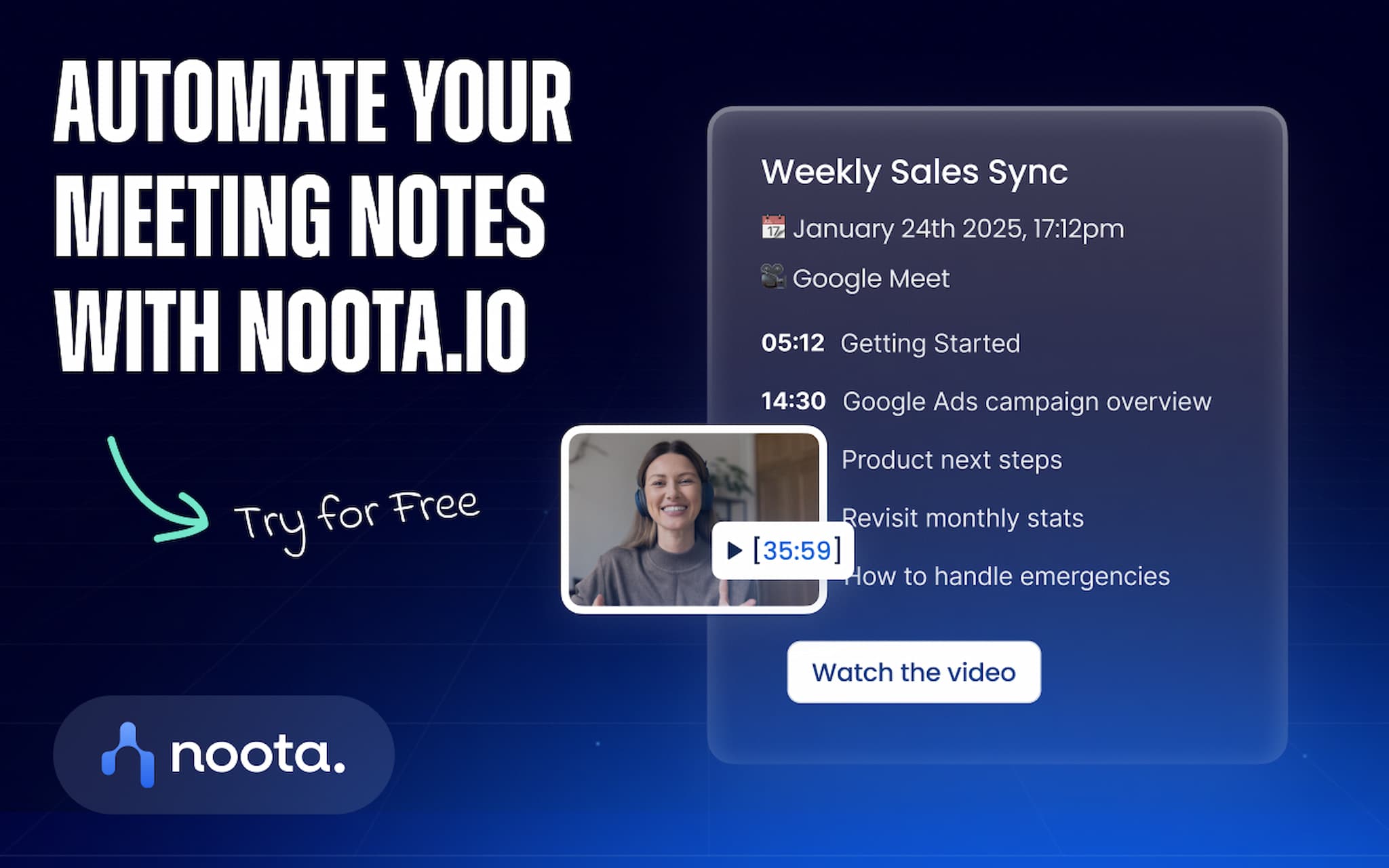
Noota is an AI note taker that records, transcribes, and summarizes your meetings. With the Notion integration, your meeting documentation is instantly organized in your Notion workspace, making it easy to search, share, and reuse.
Turn Meetings Into Knowledge
Save time by publishing meeting notes directly to your Notion pages or databases. Keep your team aligned with clear summaries, decisions, action items, and full transcripts stored in one central place.
What You Can Publish
To a Notion page:
- Meeting summary
- AI meeting notes
- Action items and decisions
- Full transcript
To a Notion database:
- Structured meeting report with one property per section
- Full transcript in the database entry body
Flexible Destinations
Choose where Noota should publish your meeting content: a Notion page, a Notion database, or your connected destinations.
Perfect For
Meeting management, meeting transcription, team collaboration, sales calls, customer success, project updates, and building a searchable company knowledge base in Notion.
Turn every conversation into organized, actionable knowledge with Noota and Notion.
Funktionen
- Inhalte Lesen, einfügen und Update durchführenKann Seiten, Datenbanken und Blöcke lesen, einfügen und Update durchführen, die mit dieser Verbindung geteilt werden.
- Nutzer/-innen des Workspace anzeigenLiest grundlegende Profildetails über Workspace-Mitglieder und Gäste, einschließlich ihrer E-Mail-Adressen.
Informationen zur Nutzung
1. Create your free Noota account
If you don't already have a Noota account, sign up for free:
2. Connect Notion to Noota
Go to the Automations page in Noota:
https://app.noota.io/dashboard/automations
When redirected to Notion, select the pages and databases you want Noota to access.
Don't worry if you're unsure which pages to choose, you can update your destinations at any time from Noota, add new pages, or remove existing ones.
3. Let Noota automate your meeting documentation
Once your meeting is finished, Noota automatically publishes your AI-generated meeting notes to Notion.
Depending on your configuration, notes can be created as:
- A new Notion page
- A new row in a Notion database
Your meeting summaries, action items, reports, and transcripts will be available instantly in your Notion workspace.
Details
- Produktivität