 Meerlume
Meerlume
Info
Meerlume builds chat assistants that take bookings, leads and orders for small businesses on WhatsApp, Telegram, Messenger, Instagram and your website.
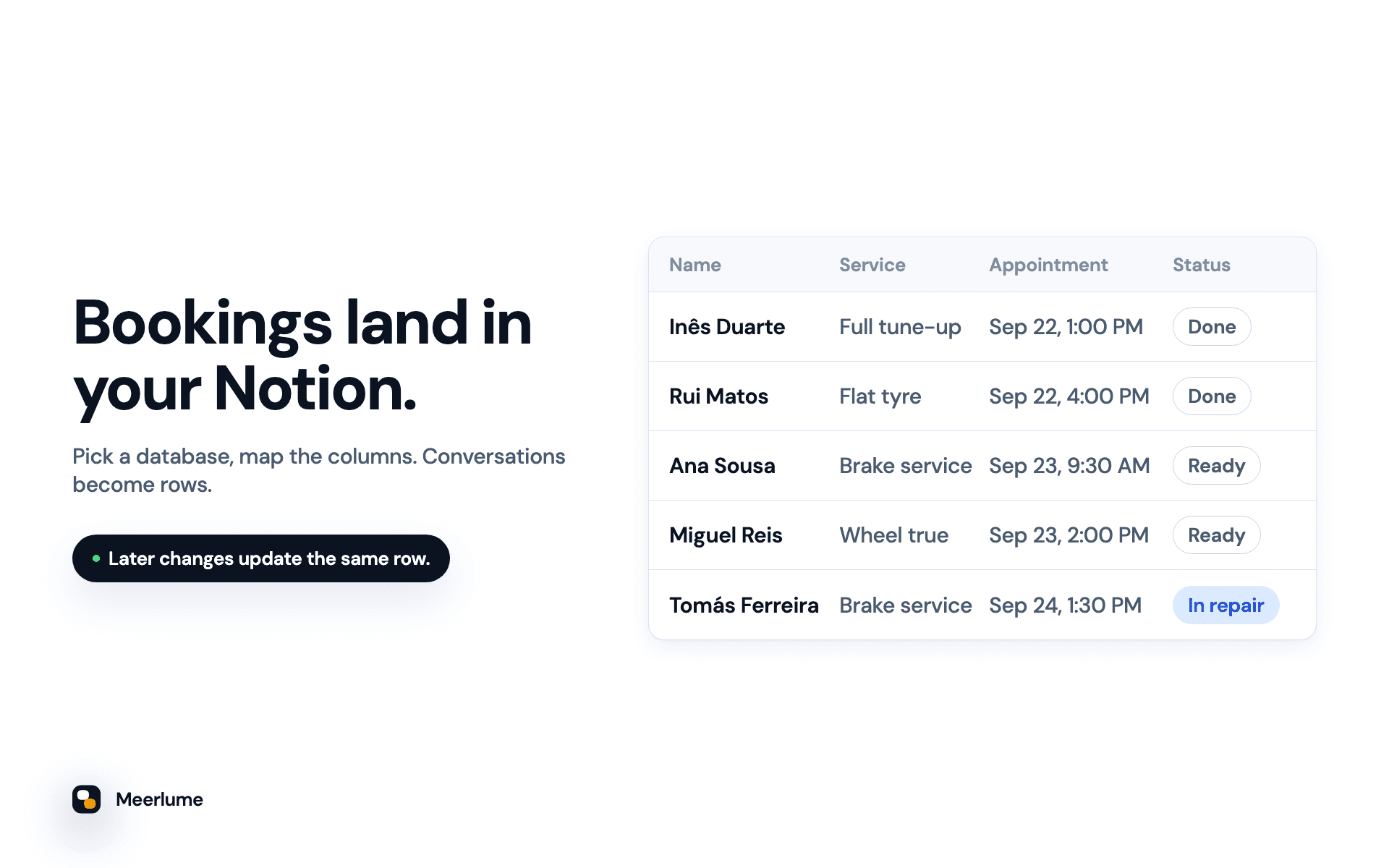
Connect Notion and every conversation that finishes becomes a page in a database you choose. The customer's answers go into your columns: name, phone, service, appointment time, and anything else your assistant asks.
The same page stays up to date. When you change a submission's status, or a customer reschedules or cancels their booking, Meerlume updates that page instead of adding a new one. Your database shows where each customer stands now, not a log of events.
• Use a database you already have, or let Meerlume build one with a column for every question
• Columns are matched by name, and you check the mapping before the first lead arrives
• Appointment times are written in your business time zone
• Renaming columns in Notion is safe
• Meerlume only sees the pages you share with it
Requires a Meerlume Growth plan or higher.
Funktionen
- Inhalte Lesen, einfügen und Update durchführenKann Seiten, Datenbanken und Blöcke lesen, einfügen und Update durchführen, die mit dieser Verbindung geteilt werden.
Informationen zur Nutzung
1. In Meerlume, open Integrations → Notion and choose Connect Notion.
2. In the Notion window, pick your workspace and select the database you want rows in, or a page where Meerlume should build a new database. Then allow access.
3. Back in Meerlume, choose Add a database, pick your assistant, and choose "A database I have" or "Build one for me".
4. Check the column mapping, then choose Add a test row. It writes a real row titled "Test from Meerlume" so you can see the result. Delete it when you're done.
From then on, every finished conversation lands in Notion. Full guide: https://meerlume.com/guides/connect-notion/
Details

- Customer Experience
- Vertrieb
- Automatisierungen