

Info
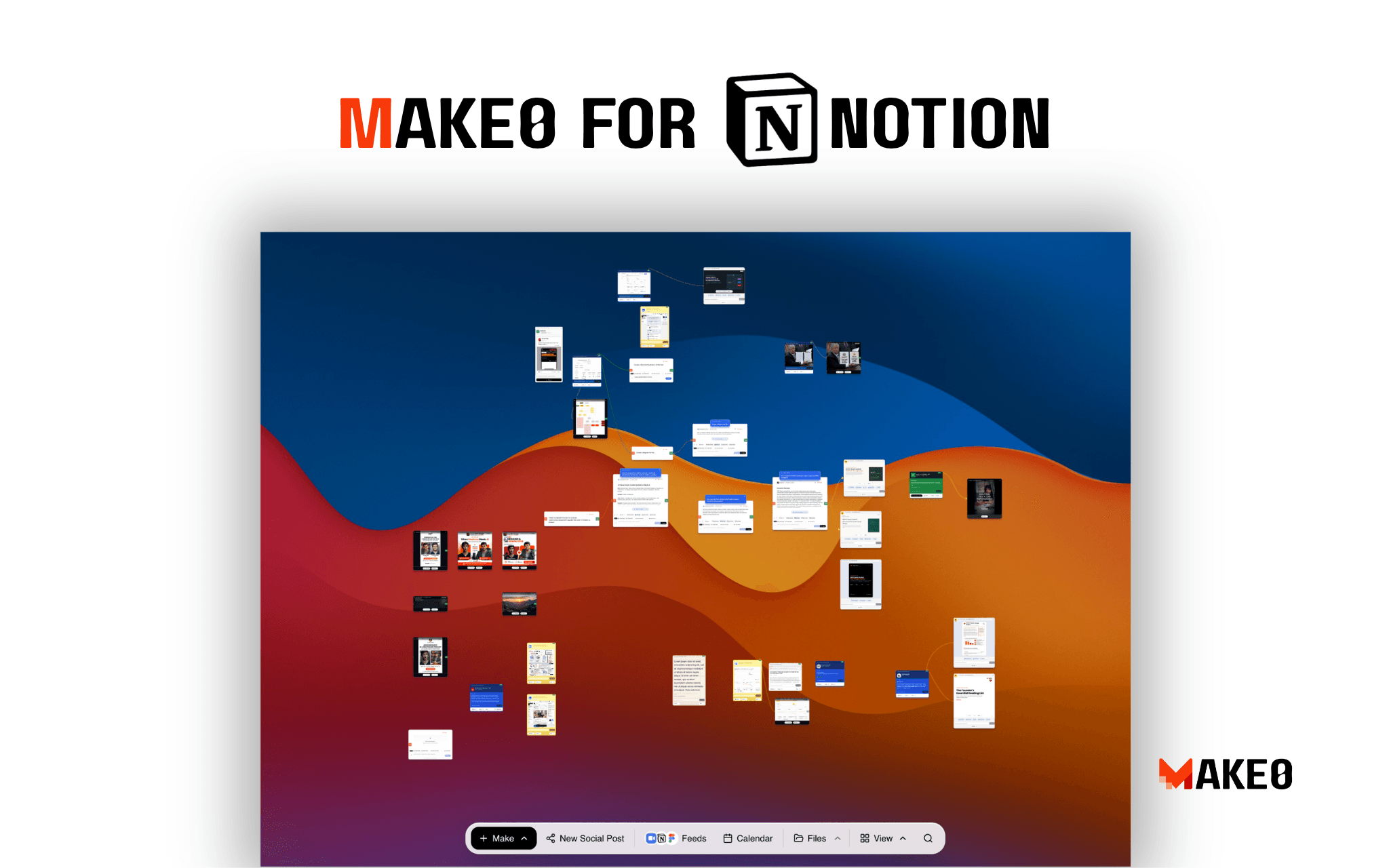
Make0 AI helps founders and product teams turn their work into publishable content.
Connect your Notion workspace and use product specs, meeting notes, research, changelogs, launch plans, and documentation as the starting point for AI-powered launch content.
Instead of starting with a blank prompt, Make0 understands your existing work and generates launch-ready assets you can review, edit, and publish.
Use Make0 AI to:
• Turn PRDs into launch posts
• Convert meeting notes into product updates
• Generate release notes from documentation
• Create presentation decks from product specs
• Produce LinkedIn posts, X threads, newsletters, and blog drafts
• Build reusable launch knowledge that improves over time
Make0 keeps your product knowledge connected so every new document becomes reusable context for future launches.
Funktionen
- Inhalte LesenKann Seiten, Datenbanken und Blöcke lesen, die mit dieser Verbindung geteilt werden.
- Nutzer/-innen des Workspace anzeigenLiest grundlegende Profildetails über Workspace-Mitglieder und Gäste.
Informationen zur Nutzung
How to get started
-
Sign in to your Make0 AI account.
If you don’t have an account yet, create one at
-
Open your dashboard
and click
Connected Apps
in the top-right corner.
-
Select Notion
from the list of available integrations and click
Connect
-
Authorize your Notion workspace
and choose the pages or databases you want Make0 AI to access. You can always update these permissions later from Notion.
-
Start creating content.
Your selected Notion pages become part of your Make0 workspace, where you can transform product specs, meeting notes, PRDs, research, and documentation into launch-ready posts, presentations, release notes, newsletters, and more.
Details

- Marketing
- Design