 KnitKnot AI
KnitKnot
Info
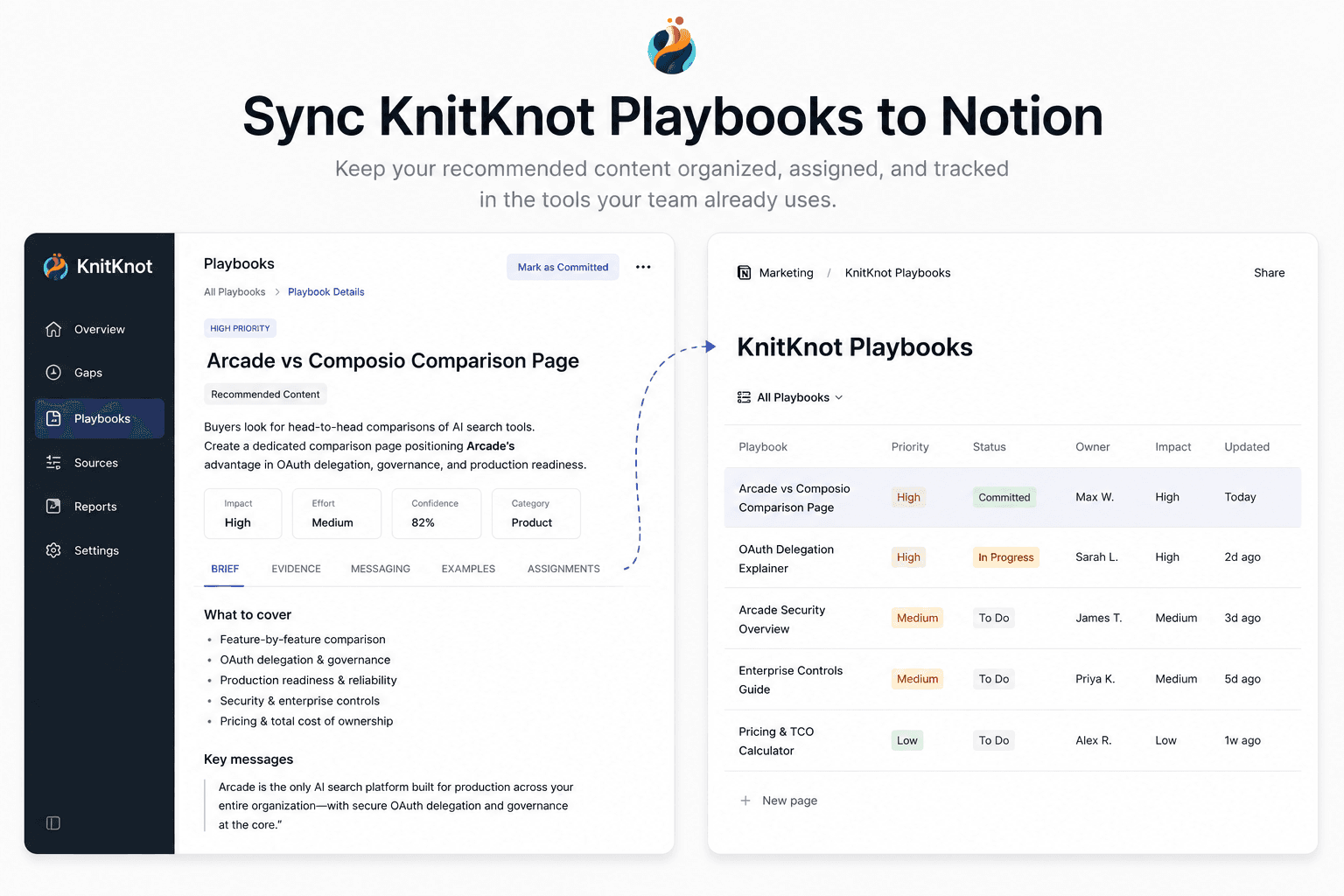
KnitKnot measures how AI assistants like ChatGPT and Claude represent your company, and turns the gaps into actionable content playbooks. This connection syncs the playbooks you've committed to into a Notion database, so your team can assign, track, and comment on them where they already work. KnitKnot keeps each page up to date as playbook status and evidence change.
Funktionen
- Inhalte Lesen, einfügen und Update durchführenKann Seiten, Datenbanken und Blöcke lesen, einfügen und Update durchführen, die mit dieser Verbindung geteilt werden.
- Nutzer/-innen des Workspace anzeigenLiest grundlegende Profildetails über Workspace-Mitglieder und Gäste, einschließlich ihrer E-Mail-Adressen.
Informationen zur Nutzung
1. In KnitKnot, go to Settings → Integrations and click Connect on the Notion card.
2. Approve access and select the Notion pages you want KnitKnot to use.
3. Back in KnitKnot, choose the parent page where your playbooks should live.
4. KnitKnot creates a "KnitKnot Playbooks" database there and syncs your committed playbooks. Pages update automatically — keep your own notes in comments or sub-pages.
Details

- Analysen