
Info
Drobber is a visual feedback tool for agencies and freelancers. Clients click on a live or staging website, or on a PDF, image or video, and pin a comment to the exact spot. They don't need an account to do it.
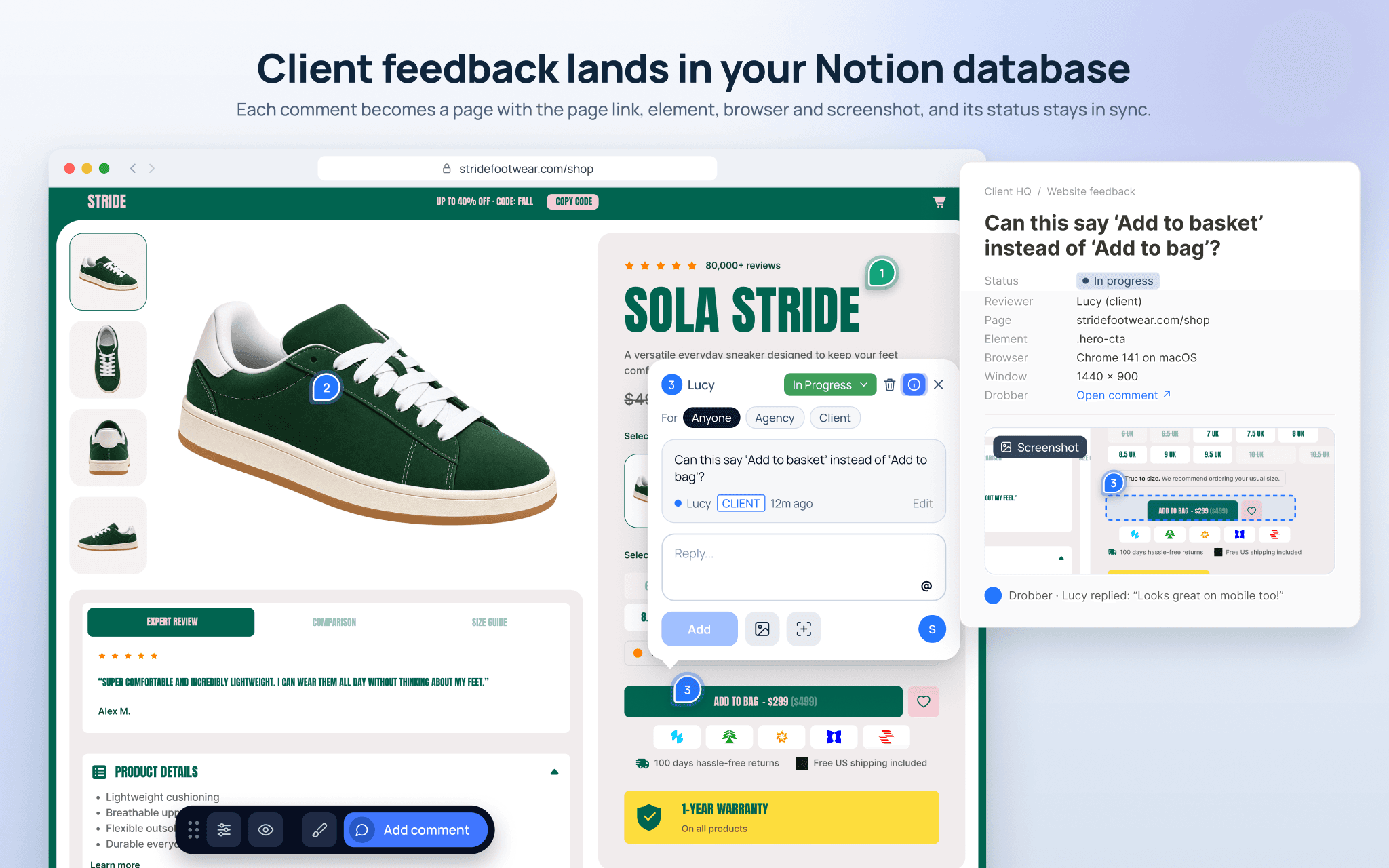
Connect Drobber to Notion and every comment becomes a page in the database you choose. Each page carries the comment, the page link, the element it was pinned to, the browser, device and window size, and any screenshot the reviewer added, with a link back to the comment in Drobber.
If your database has a Status property, it stays in step with the comment both ways: move a page to Done in Notion and the comment is resolved in Drobber, and the other way round. Replies and status changes are added to the page, so your team can track client feedback alongside the rest of the project in Notion.
Funktionen
- Inhalte Lesen, einfügen und Update durchführenKann Seiten, Datenbanken und Blöcke lesen, einfügen und Update durchführen, die mit dieser Verbindung geteilt werden.
- Kommentare Lesen und hinzufügenKann Kommentare zu den Seiten und Blöcken, auf die er zugreifen kann, lesen und hinzufügen.
Informationen zur Nutzung
- In Drobber, open Integrations and choose Notion.
- Click Connect, sign in to Notion and choose the pages Drobber can access.
- Pick the database new comments should go to. Add a Status property if you want statuses to sync both ways.
- Turn the integration on for each Drobber project you want to send to Notion.
You need a Drobber account. Every plan starts with a 14-day free trial.
Details
- Design