

Info
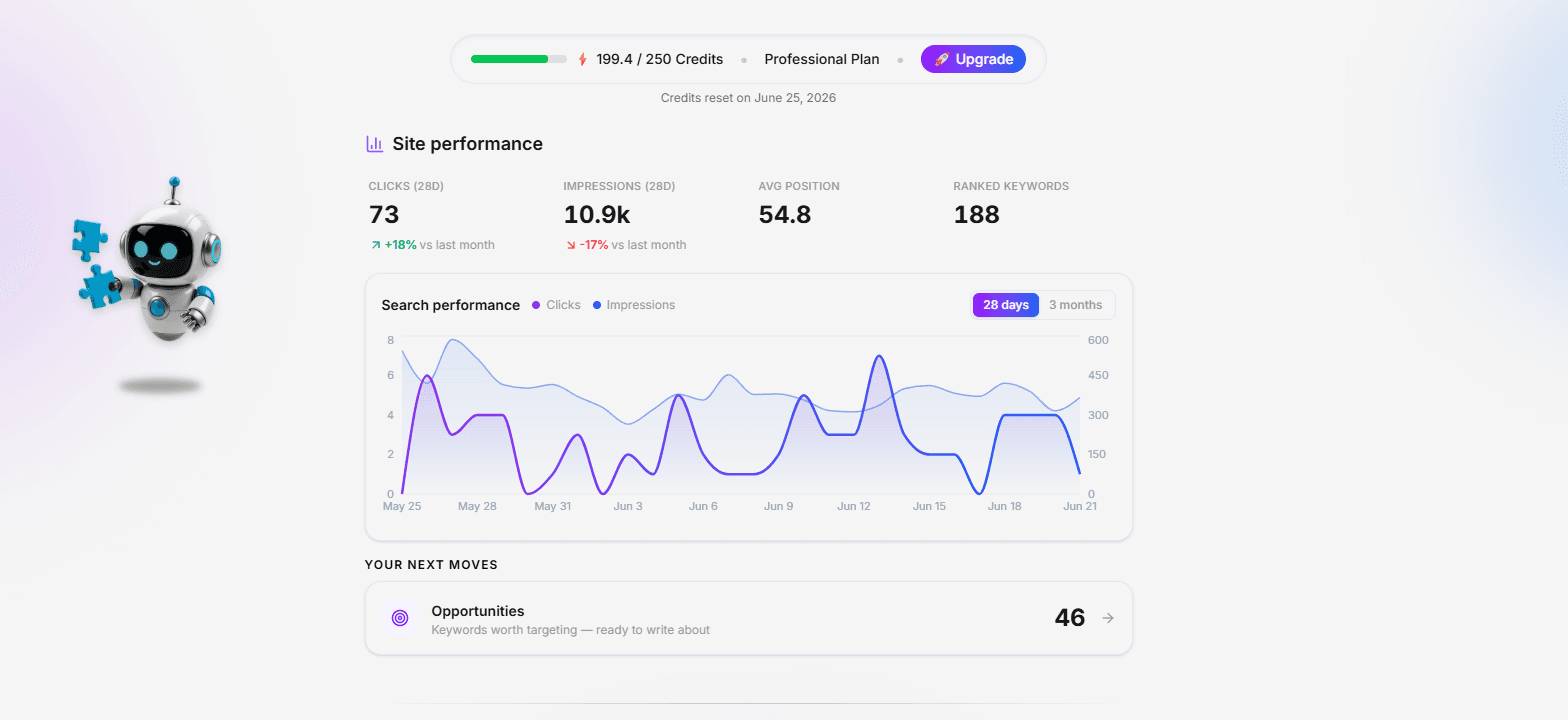
DraftSEO.ai is an AI-powered SEO content platform. It researches keywords, plans your content calendar, and writes ready-to-publish, SEO-optimized blog articles — so you can grow organic traffic on autopilot.
With the Notion connection, you can publish those articles directly into a Notion database, with no copy-paste. Connect your workspace, choose which database to share with DraftSEO, and publish any article with a single click — or set articles to publish automatically as they're generated, or schedule them for a future date.
How it works:
• Connect your Notion workspace via OAuth and select the database(s) you want to publish into.
• Pick an article in DraftSEO and choose "Publish to Notion."
• Each article is created as a new page in your chosen database.
What gets published:
• The full article — headings, paragraphs, lists, quotes, tables, code blocks, and links — converted into native Notion blocks.
• Images uploaded into Notion so they stay live and don't depend on an external URL.
• A page cover image.
• Tags mapped to a multi-select property, and an excerpt mapped to a text property, when your database has them.
• Republish at any time to update an existing page in place.
Permissions and privacy:
DraftSEO can only access the specific pages and databases you explicitly choose to share with it — nothing else in your workspace. It requests permission to read, insert, and update content so it can create and update article pages. It does not request access to your account's personal information.
DraftSEO is ideal for marketers, founders, and content teams who manage their blog, knowledge base, or content calendar in Notion and want AI-generated, SEO-ready articles delivered automatically.
Funktionen
- Inhalte Lesen, einfügen und Update durchführenKann Seiten, Datenbanken und Blöcke lesen, einfügen und Update durchführen, die mit dieser Verbindung geteilt werden.
- Nutzer/-innen des Workspace anzeigenLiest grundlegende Profildetails über Workspace-Mitglieder und Gäste, einschließlich ihrer E-Mail-Adressen.
Informationen zur Nutzung
Getting started takes about a minute.
1. Sign in to your DraftSEO.ai account at https://draftseo.ai (or create one).
2. Go to Profile → Integrations and select Notion.
3. Click "Connect Notion" and authorize DraftSEO. During authorization, choose the page(s) and database(s) you want DraftSEO to publish into.
(You can also share a database later: in Notion, open the database → click the ••• menu → Connections → add DraftSEO.)
4. Open any article in DraftSEO, click Publish, and choose Notion. Pick the target database, optionally add tags, and click Publish. Your article is created as a new page in that database — with its full content, images, and cover.
5. (Optional) Turn on auto-publish so new articles are sent to Notion automatically, or schedule a publish for later. Use Republish at any time to update an existing page in place.
DraftSEO only ever accesses the databases you choose to share — nothing else in your workspace.
Details

- Produktivität
- Marketing