 Firnity
NotiCord for Discord
Info
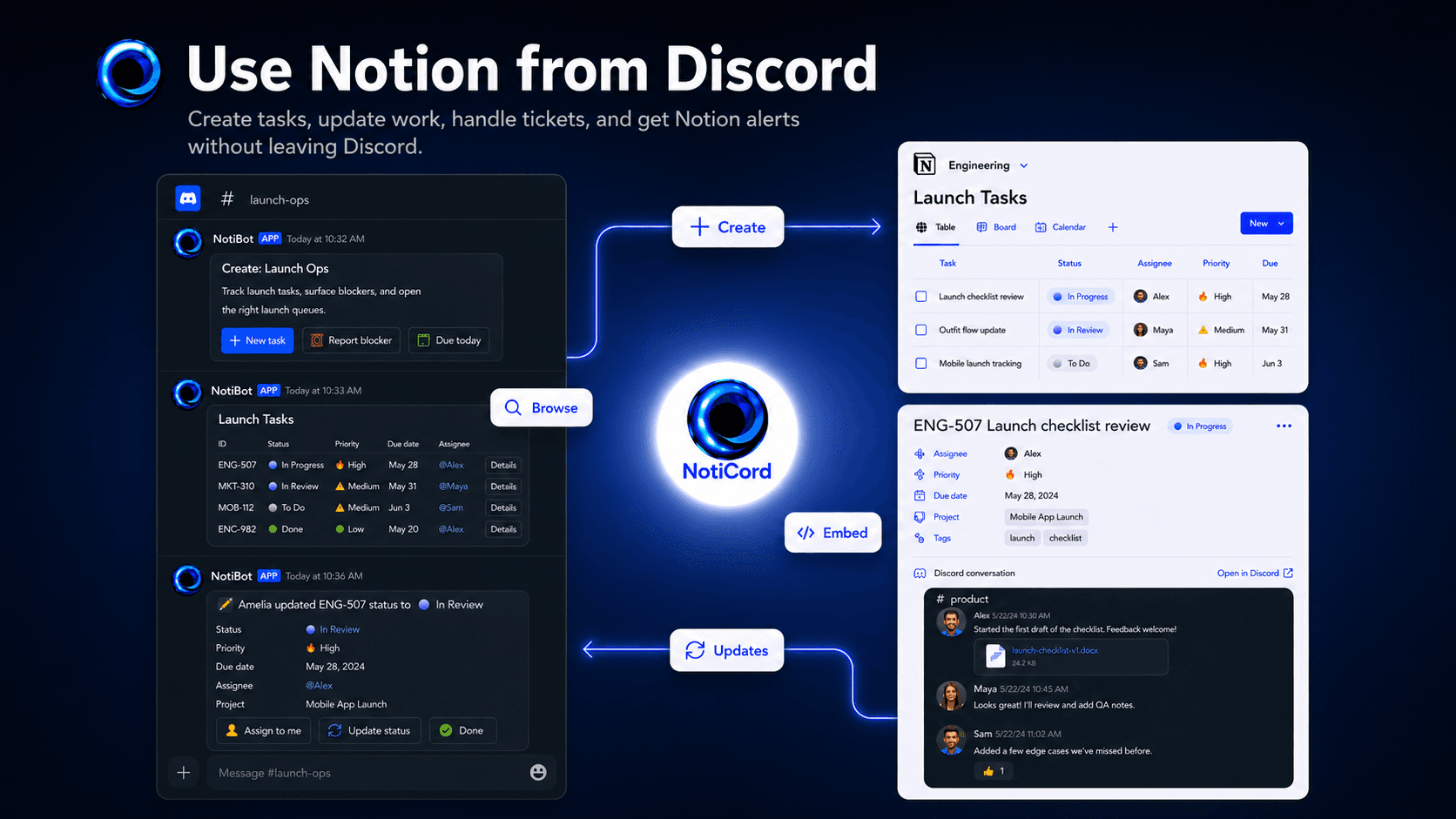
Bring Notion into your Discord server. Send page and database updates to the right channels, create tasks, tickets, docs, and requests from slash commands or panels, search Notion pages with /find, and update records with quick-action buttons. Embed read-only Discord channels in Notion pages and link accounts for synced @mentions.
Funktionen
- Inhalte Lesen, einfügen und Update durchführenKann Seiten, Datenbanken und Blöcke lesen, einfügen und Update durchführen, die mit dieser Verbindung geteilt werden.
- Kommentare Lesen und hinzufügenKann Kommentare zu den Seiten und Blöcken, auf die er zugreifen kann, lesen und hinzufügen.
- Nutzer/-innen des Workspace anzeigenLiest grundlegende Profildetails über Workspace-Mitglieder und Gäste, einschließlich ihrer E-Mail-Adressen.
Informationen zur Nutzung
1. Click "Login with Discord" at https://app.noticord.com
2. Authorize Discord and add the bot to your server
3. Connect your Notion workspace and select databases to share
4. Create a notification rule:
- Choose a Notion database and Discord channel
- Select events to track (Page Created, Page Updated)
5. Test it! Create a page in Notion and see it appear in Discord.
Full documentation: https://noticord.com/docs
Details
Erstellt von

Kategorie
- Produktivität
- Zusammenarbeit
- Kommunikation
Links für Entwickler/-innen