NotionNotion
Verbindungs-Icon

Deepnote

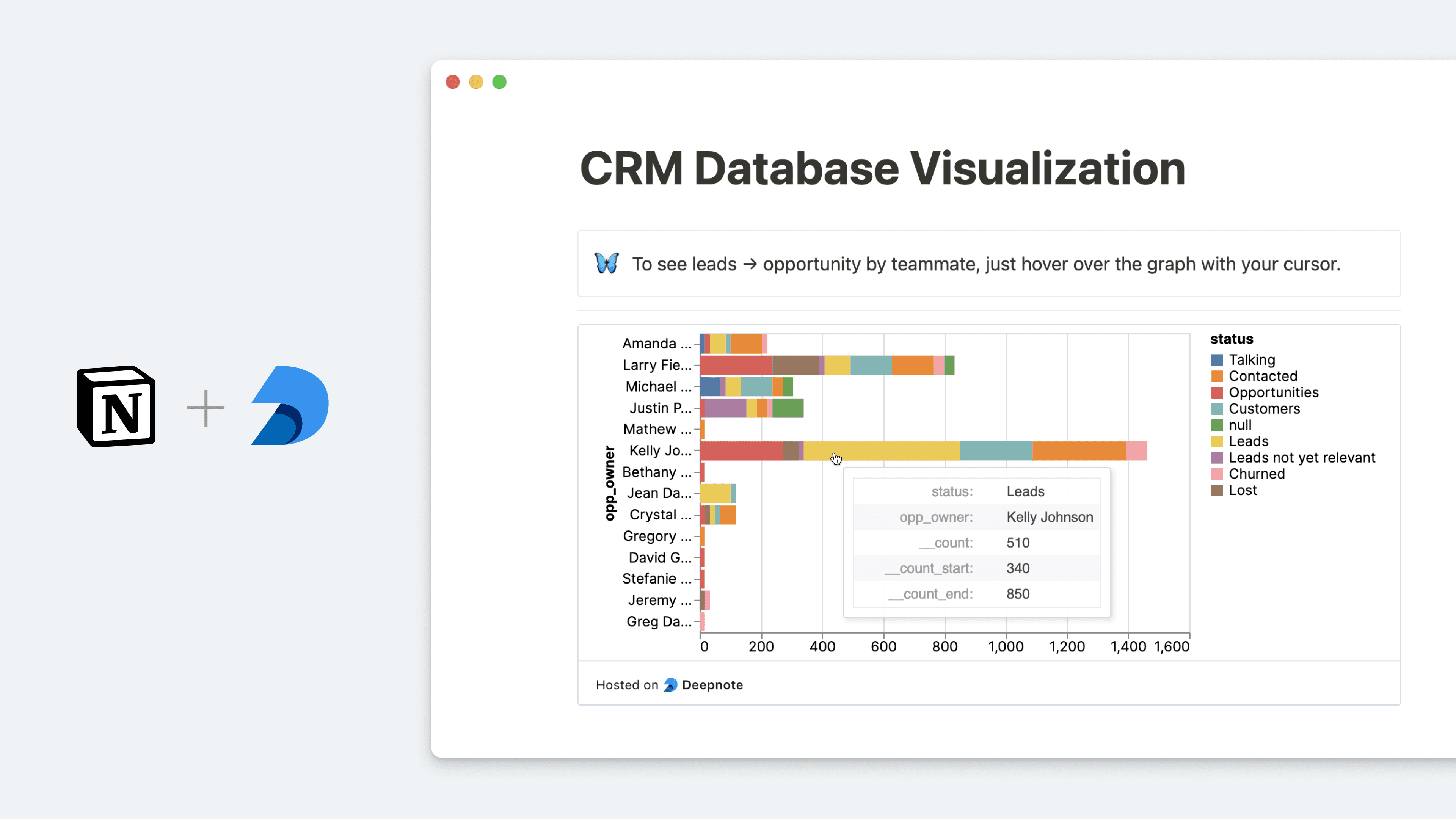
Query Notion databases and embed charts into your pages
  • Einbetten
Query Notion databases and embed charts into your pages

Info

Deepnote is a data science notebook that helps teams explore data with Python and SQL, build data visualizations and share insights that lead to action. With this integration, you can query data stored in your Notion databases and analyze it in Deepnote. After visualizing your data, you can then go full-circle and embed your Deepnote charts and blocks back into Notion, keeping your data insights and context all in one place.

Informationen zur Nutzung

  • In Deepnote, select the block you want to embed into Notion select Share block copy the Share block URL (formatted as https://embed.deepnote.com/...)

  • Paste the copied link into Notion, then select Embed Deepnote. You can also type /deepnote into a Notion page - a field will come up that allows you to paste Deepnote links

  • To learn more about how to query Notion databases in Deepnote and set up the integration, follow this guide

Details

Erstellt von
Kategorie
  • Analysen
Links für Entwickler/-innen
Alle hier erwähnten Marken von Drittanbietern (einschließlich Logos und Icons) sind Eigentum der jeweiligen Inhaber/-innen. Sofern nicht ausdrücklich als „Erstellt von Notion“ gekennzeichnet, werden Verbindungen von Notion weder unterstützt noch verwaltet. Die Produkte oder Dienste von Drittanbietern, mit denen Verbindungen verbunden sind, sind keine Notion-Anwendungen (gemäß der Definition im Abo-Rahmenvertrag von Notion oder den Persönlichen Nutzungsbedingungen, je nachdem, was zutrifft). Indem du eine Verbindung aktivierst oder die Notion-Connection-Galerie anderweitig nutzt, akzeptierst du die Bedingungen für die Connection-Galerie von Notion.