
CSV File Tools
Info
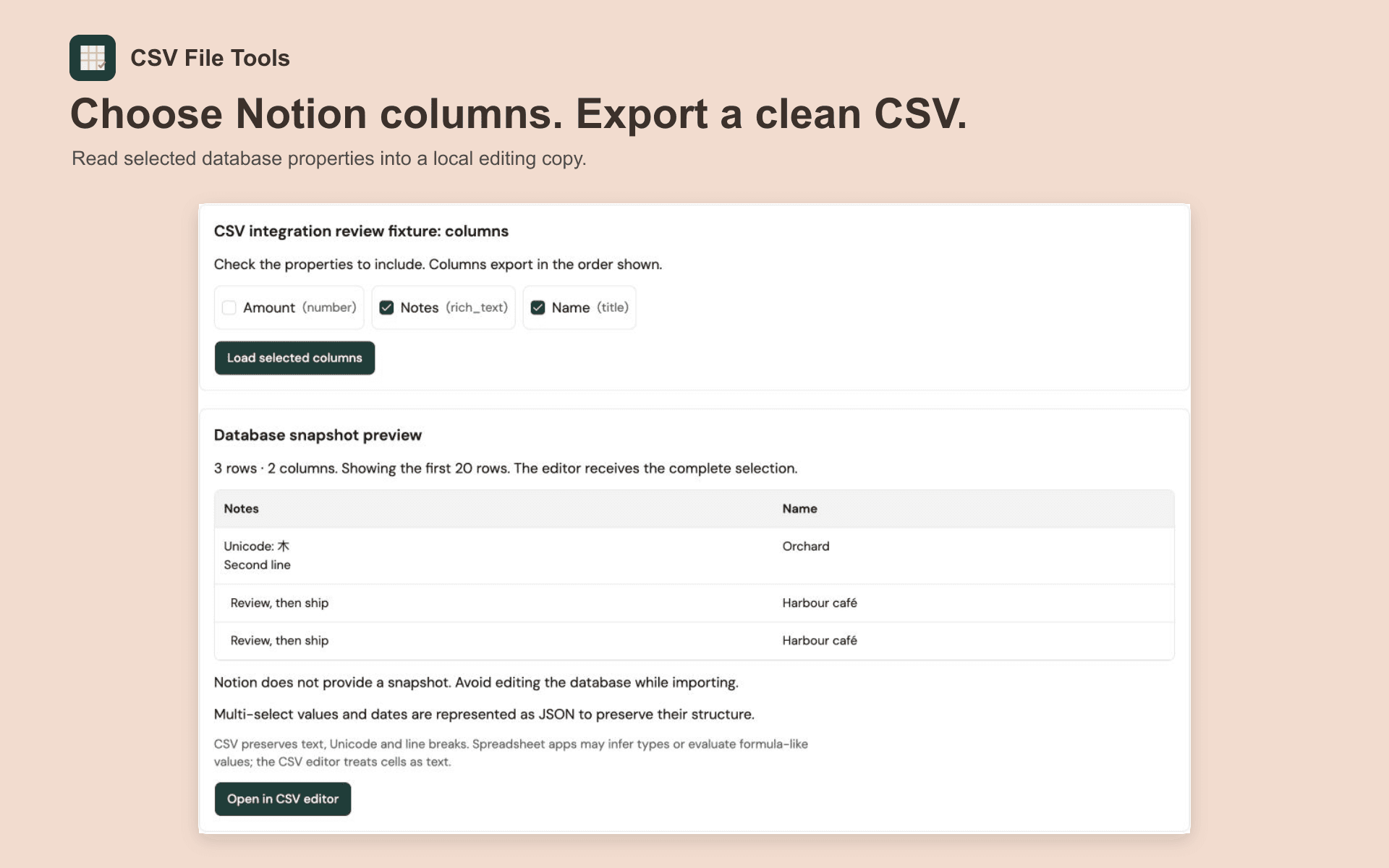
Choose a Notion database and the supported columns you need. Open a local copy in CSV File Tools to trim whitespace, remove duplicates and remove empty rows. Preview the result, apply changes with undo available, then download CSV.
Your original Notion database is unchanged. The connection reads selected database properties and does not import page bodies or attachment bytes.
Imports support up to 5,000 rows, 100 selected columns, 25,000 cells including headers and 2 MiB of CSV. Unsupported properties are shown but cannot be selected. Dates and multi-select values use JSON strings to preserve their structure.
Authorization lasts up to 15 minutes in the current tab. Reloading, closing the tab or expiration requires reconnecting. Refresh tokens are discarded. Imported copies remain editable locally after disconnecting.
Funktionen
- Inhalte LesenKann Seiten, Datenbanken und Blöcke lesen, die mit dieser Verbindung geteilt werden.
Informationen zur Nutzung
1. Open CSV File Tools using the installation link.
2. Choose Connect Notion and grant access only to pages containing the database you want to export.
3. Select Find databases, choose a database, then check the supported columns to include.
4. Select Load selected columns and review the snapshot.
5. Open in CSV editor. Use Clean CSV to preview whitespace trimming, duplicate removal and empty-row removal. Apply the result or download the cleaned CSV.
6. Choose Disconnect Notion when finished. Keep a downloaded copy of your edits.
Details
- Dateiverwaltung