

Info
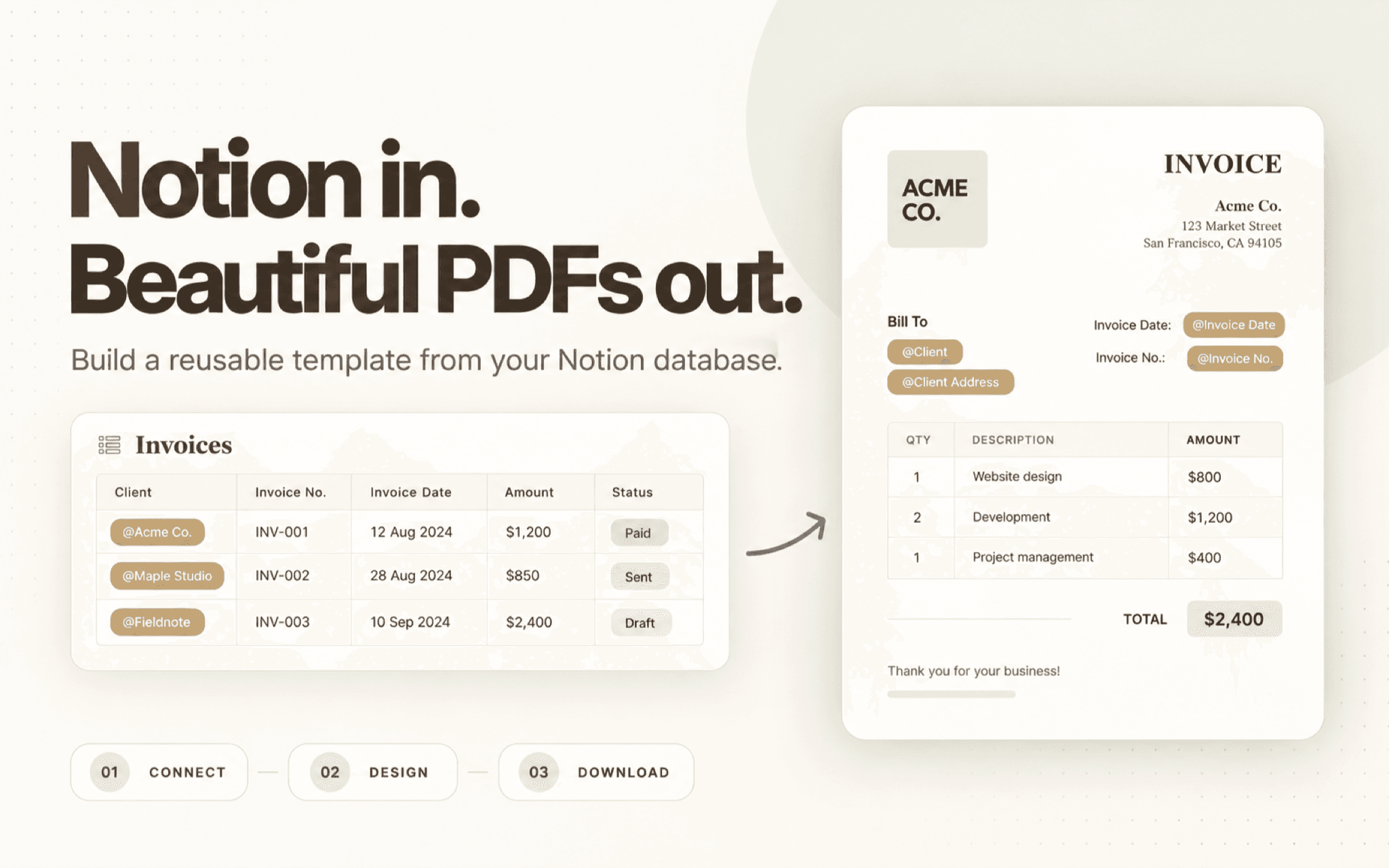
Create branded PDFs from your Notion database. Build a reusable template with text, tables, images, and your brand details. Insert Notion properties with @ references, choose a page, review the preview, and download a consistent PDF for invoices, proposals, reports, and other repeatable documents.
Funktionen
- Inhalte Lesen, einfügen und Update durchführenKann Seiten, Datenbanken und Blöcke lesen, einfügen und Update durchführen, die mit dieser Verbindung geteilt werden.
- Nutzer/-innen des Workspace anzeigenLiest grundlegende Profildetails über Workspace-Mitglieder und Gäste, einschließlich ihrer E-Mail-Adressen.
Informationen zur Nutzung
- Connect Notion - Authorize ZenCrumbs and select the pages or databases you want to use.
- Create a PDF template - Arrange text, tables, images, and brand details in the template editor.
- Add database properties - Use @ references to place property values, such as a client name, invoice amount, or project status.
- Choose a page and preview - Select a database page, review how its values appear, and adjust the template if needed.
- Download your PDF - Download the finished document to share with a client, teammate, or stakeholder.
Details
Erstellt von

Kategorie
- Produktivität
- Automatisierungen
- Design
Links für Entwickler/-innen