关于
monah is a quiet focus timer that lives on your Mac, next to your Notion tasks. It's built around the pomodoro rhythm: pick one task and stay with it. When the timer ends, the time is written back to your Notion database — no separate task system to manage. From there the data is yours: any view, formula, or dashboard you already use in Notion picks it up.
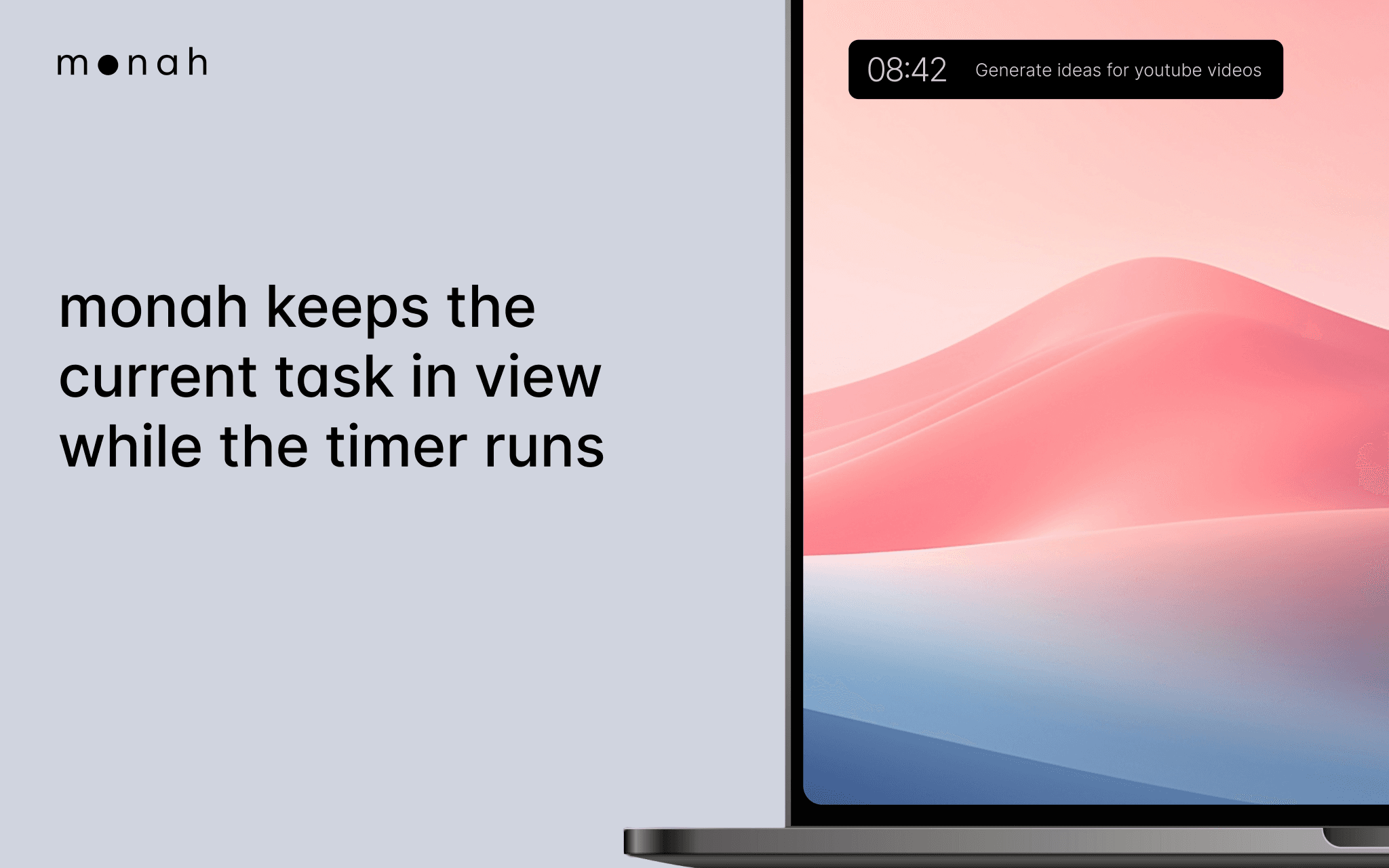
The widget stays small and out of the way. It shows the current task and the time left, so you have a steady signal of what you're working on right now.
monah is for people who already use Notion as their source of truth for work and don't want to drag focus into another tool. It is a quiet anchor for attention, not a productivity dashboard.
Designed for macOS. Works with any Notion database that has Status and a field to record tracked time.
功能
- 读取、插入和更新内容可以读取、插入和更新与此连接共享的页面、数据库和区块。
- 查看工作空间用户读取有关工作空间成员和访客的基本档案详细信息,包括其电子邮件地址。
如何使用
- Download monah from monahapp.com.
- Open the app and click "Connect Notion".
- Choose the workspace and select the databases you want monah to access.
- Pick your Tasks database and the field where monah should record time.
- Choose a task, set an interval, and focus.