Biểu tượng liên kết

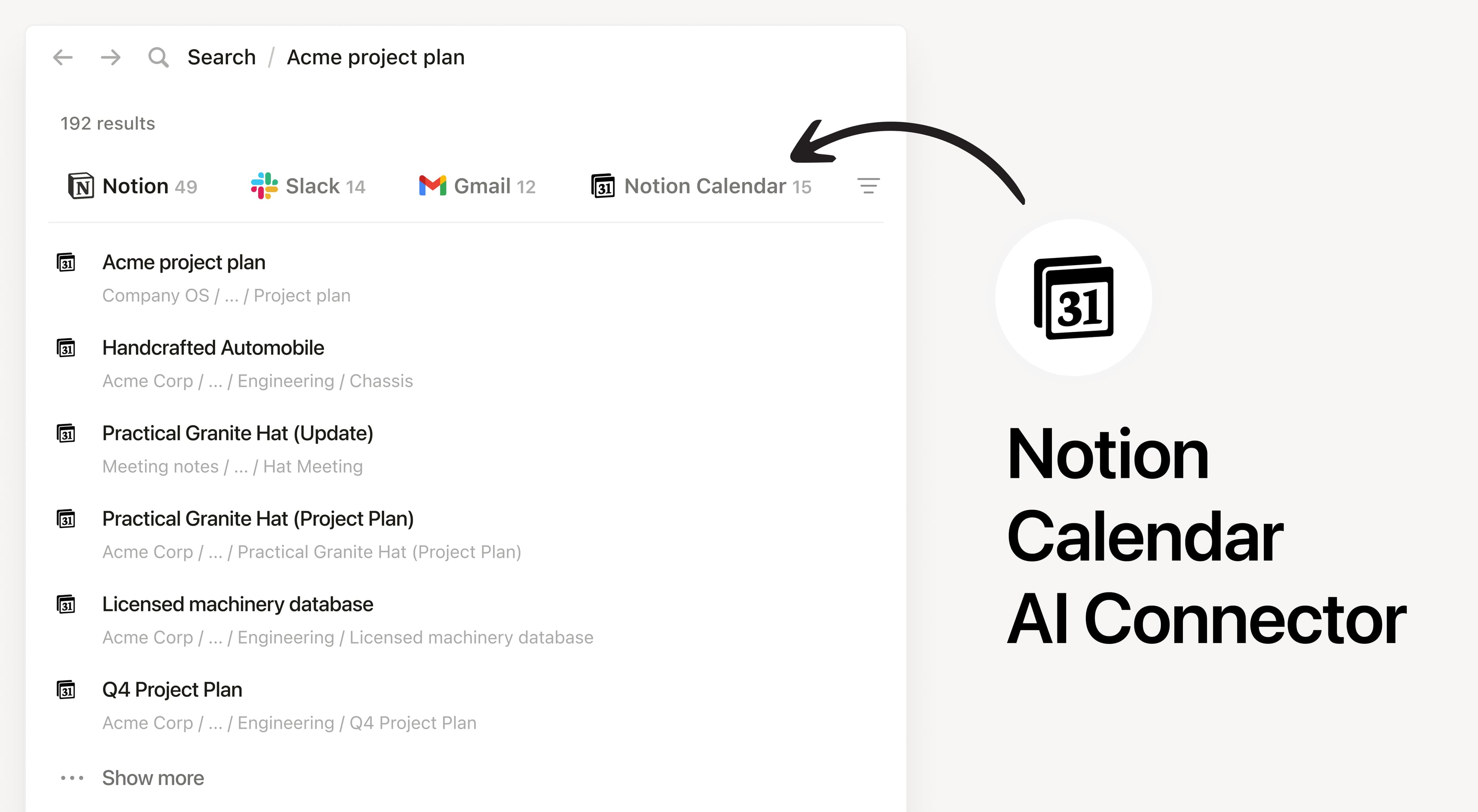
Notion AI Connector for Notion Calendar

Overview

Install Notion’s AI Connector to your Notion Calendar to search and reference your calendar events directly in Notion. Notion AI only searches your own calendar events and won’t show other users’ events.

How to use

Anyone on any Notion plan can connect Notion Calendar to Notion AI, Users must create a Notion Calendar account. At this time, your Notion Calendar account must match the email you use to log into your Notion workspace.

In Notion, navigate to the Notion Calendar AI Connector by going to SettingsNotion AI AI Connectors Notion Calendar and follow the setup steps.

For detailed instructions, check out our Help Center.

After installation is complete, ask Notion AI to brief you on your schedule for the upcoming week or summarize action items from meetings you’ve attended.

Tất cả các nhãn hiệu của bên thứ ba (bao gồm logo và biểu tượng) được tham chiếu ở đây là tài sản của chủ sở hữu tương ứng. Notion không hỗ trợ hay duy trì tích hợp, trừ khi được ghi rõ là Made by Notion (Do Notion tạo). Các sản phẩm hoặc dịch vụ của bên thứ ba được kết nối với tích hợp được gọi là Ứng dụng không phải của Notion (như được định nghĩa trong Hợp đồng nguyên tắc về gói đăng ký hoặc Điều khoản sử dụng cá nhân của Notion, nếu có). Bằng cách bật bất kỳ tích hợp nào hoặc sử dụng Thư viện tích hợp Notion, bạn đồng ý với Điều khoản Thư viện tích hợp của Notion.