정보
monah is a quiet focus timer that lives on your Mac, next to your Notion tasks. It's built around the pomodoro rhythm: pick one task and stay with it. When the timer ends, the time is written back to your Notion database — no separate task system to manage. From there the data is yours: any view, formula, or dashboard you already use in Notion picks it up.
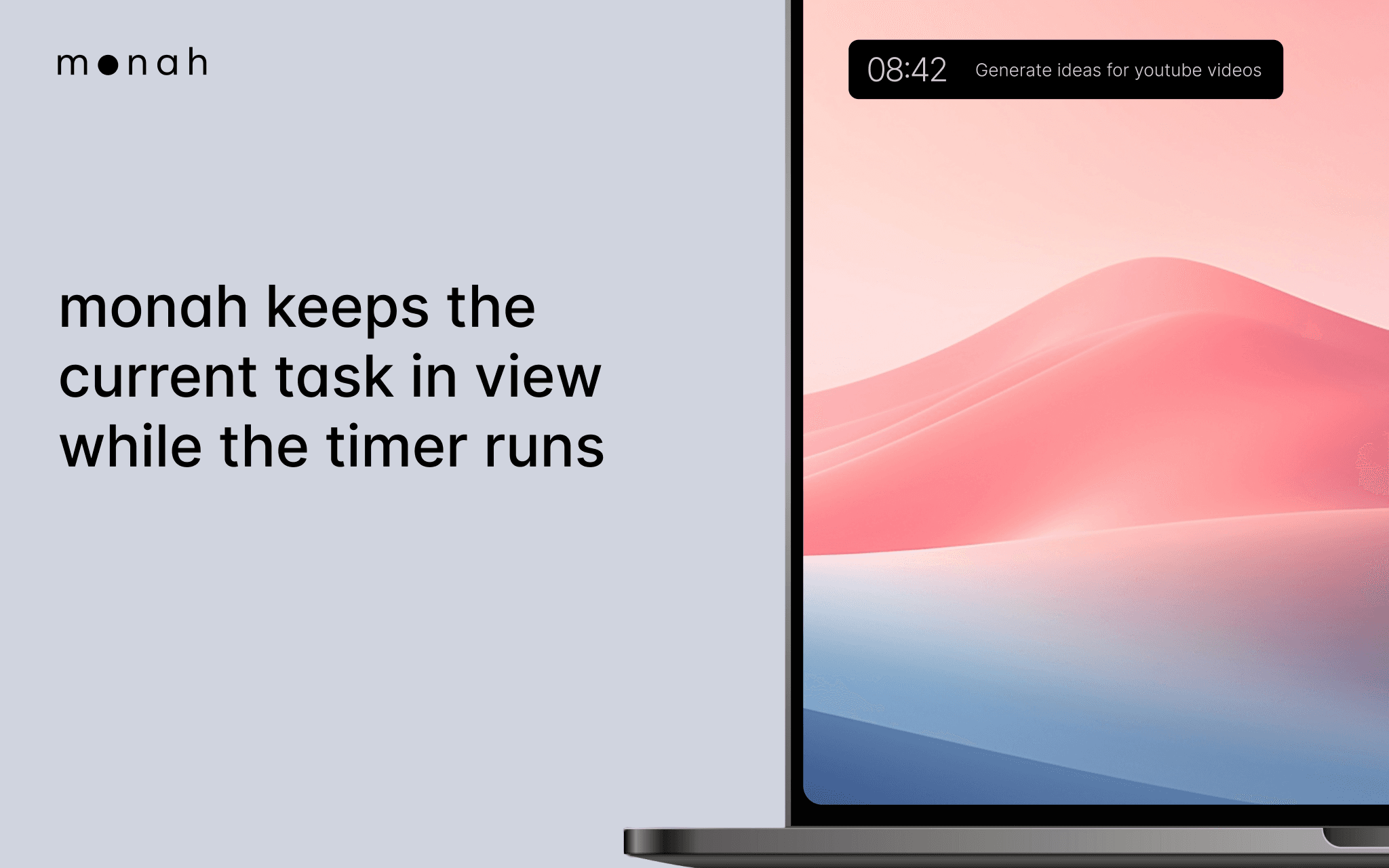
The widget stays small and out of the way. It shows the current task and the time left, so you have a steady signal of what you're working on right now.
monah is for people who already use Notion as their source of truth for work and don't want to drag focus into another tool. It is a quiet anchor for attention, not a productivity dashboard.
Designed for macOS. Works with any Notion database that has Status and a field to record tracked time.
기능
- 콘텐츠 읽기, 삽입 및 업데이트이 연결과 공유된 페이지, 데이터베이스, 블록을 읽기, 삽입 및 업데이트 수 있습니다.
- 워크스페이스 사용자 보기이메일 주소를 포함한 워크스페이스 멤버와 게스트에 대한 기본 프로필 상세정보를 읽습니다.
사용 방법
- Download monah from monahapp.com.
- Open the app and click "Connect Notion".
- Choose the workspace and select the databases you want monah to access.
- Pick your Tasks database and the field where monah should record time.
- Choose a task, set an interval, and focus.