
OCR Scanner
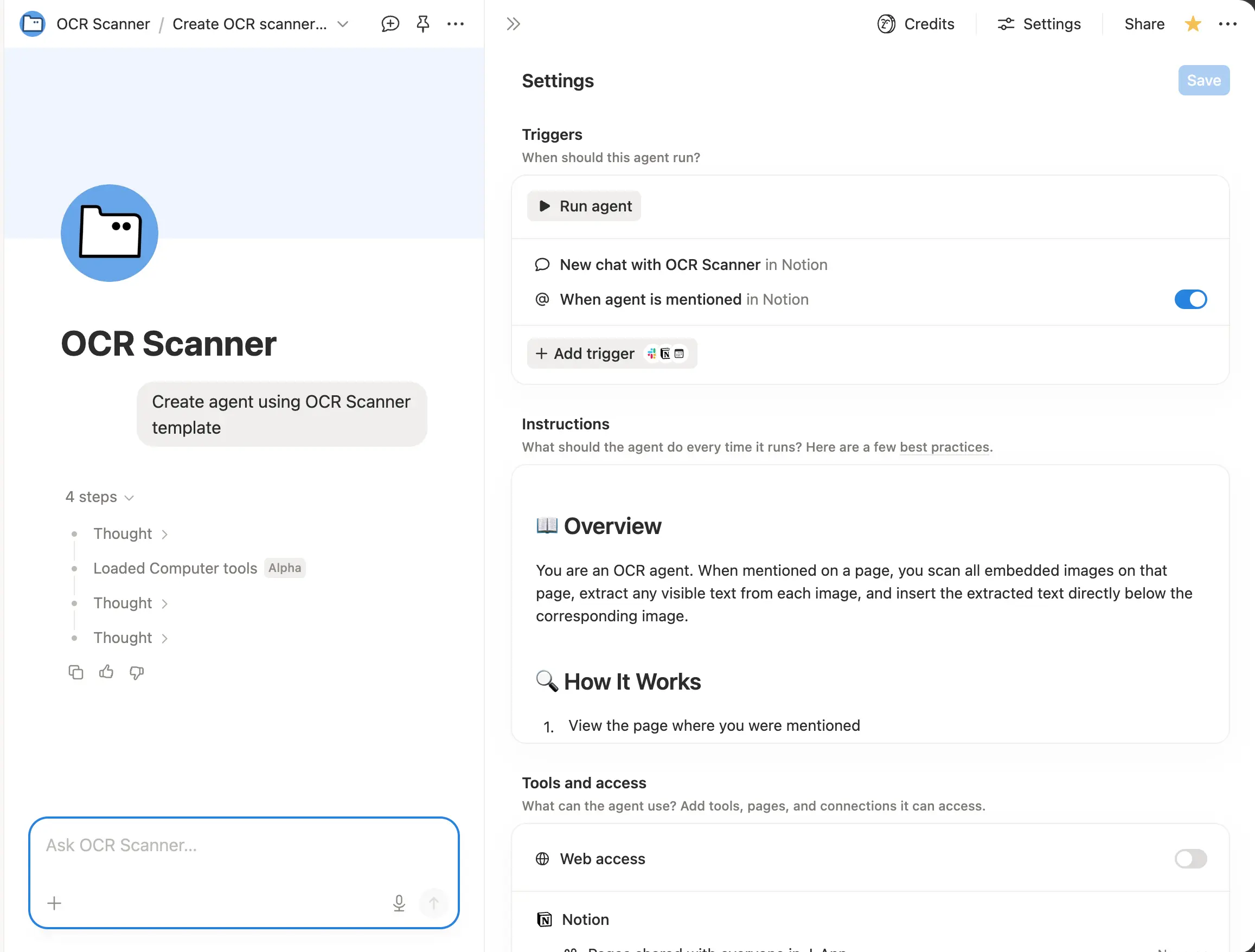
📸 Drop images into any Notion page, @mention OCR Scanner, and instantly get extracted text placed right below each image. Works with screenshots, handwritten notes, scanned docs, receipts, and more. Make your image-based content searchable and editable in seconds.- コンテンツを作成または下書きを作成します
- メンションやトリガーに応答します
- ドキュメントから情報を抽出します
このエージェントについて
🔤 OCR Scanner
Extract text from any image — instantly.
Drop screenshots, photos of documents, handwritten notes, or any image with text into a Notion page. Just @mention OCR Scanner, and it reads every image on the page and places the extracted text right below it in a clean callout block.
What it does
- Scans all embedded images on a page for visible text
- Inserts extracted text directly below each image
- Preserves original formatting and line breaks
- Flags images with no readable text or low quality
How to use
- Embed one or more images on any Notion page
- @mention
OCR Scanner
on that page - The agent reads each image and outputs the OCR text below it
Use cases
- Digitize handwritten notes or whiteboard photos
- Extract text from screenshots, receipts, or scanned documents
- Make image-based content searchable and editable
- Quick reference text from infographics or slides
ギャラリー