

Convert to FigJam diagram
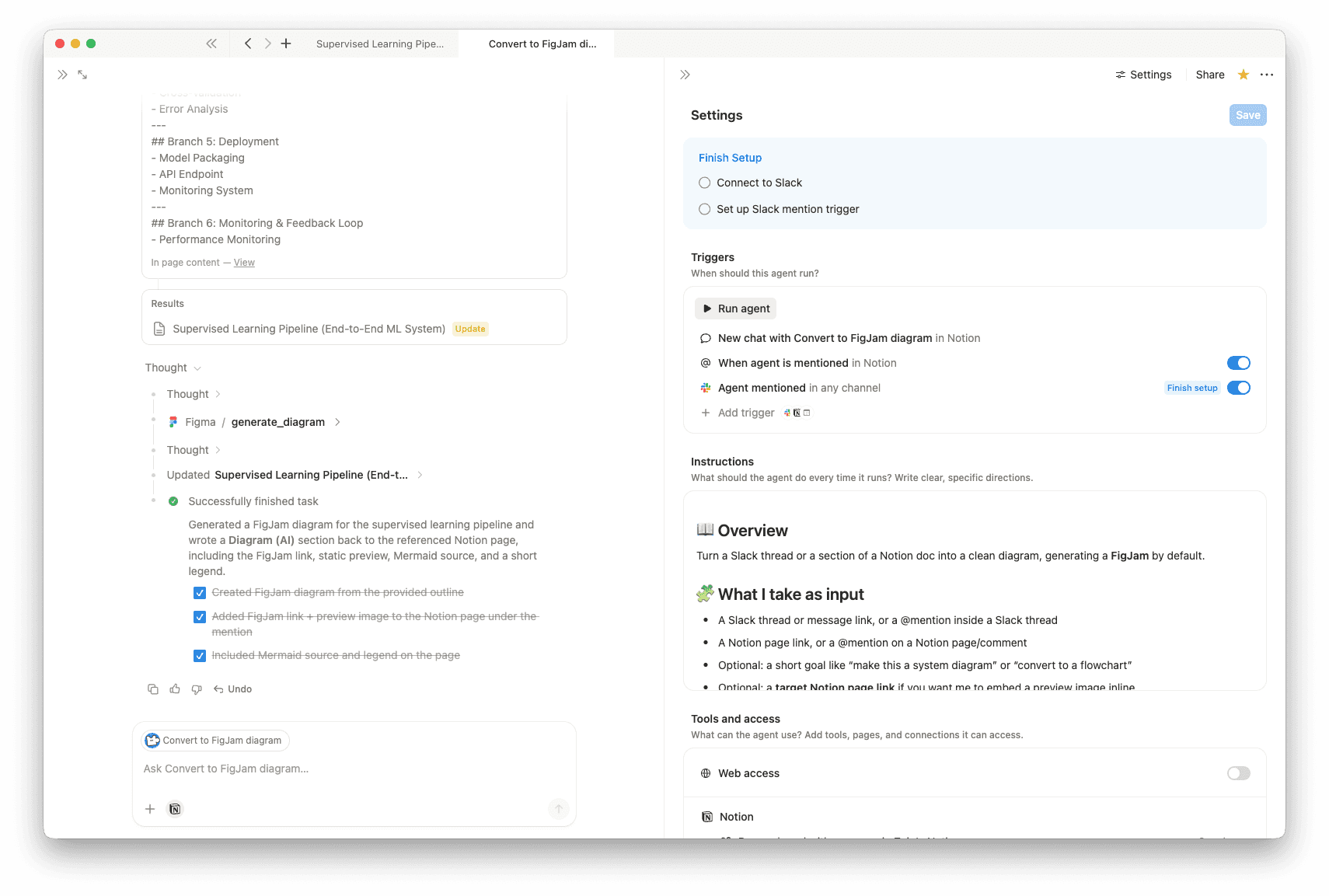
Turn any Slack thread or Notion doc section into a clean diagram, automatically generating a FigJam board. Get a shareable FigJam link plus the Mermaid source and node list, with an option to write the result back into your Notion page when you @mention it.- 構造化された出力(リスト、表など)を生成します
- 可視化やグラフを作成します
- メンションやトリガーに応答します
このエージェントについて
Convert to FigJam diagram turns Slack threads or Notion pages into clear diagrams, automatically generating a FigJam board when available. It pulls out the key actors, steps, decisions, inputs, outputs, and constraints, then returns a shareable diagram you can quickly refine.
What it works with
- Slack message or thread links
- Notion page links or @mentions
- An optional goal (for example, “make this a flowchart”)
- An optional target Notion page (to embed a preview)
What you get
- FigJam link
- Static preview image (when available)
- Mermaid source (easy to edit)
- FigJam-ready node and arrow list
- Short legend
- Minimal follow-up questions, only if needed
Write-back to Notion
- If you @mention the agent on a page and it has edit access, it can add a “Diagram (AI)” section near your mention with the link, preview, and source.
ギャラリー
詳細
関連エージェント

ELI5: help me understand anythingThis agent turns messy info from Slack, PRs, docs, and emails into a very simple explanation. It also rewrites it as a clear professional summary with risks, decisions, and next steps, plus a short TL;DR you can paste.
無料

Clear my mailDelivers a Slack daily email digest with smart categorization, urgency flags, and action suggestions.
無料