

概要
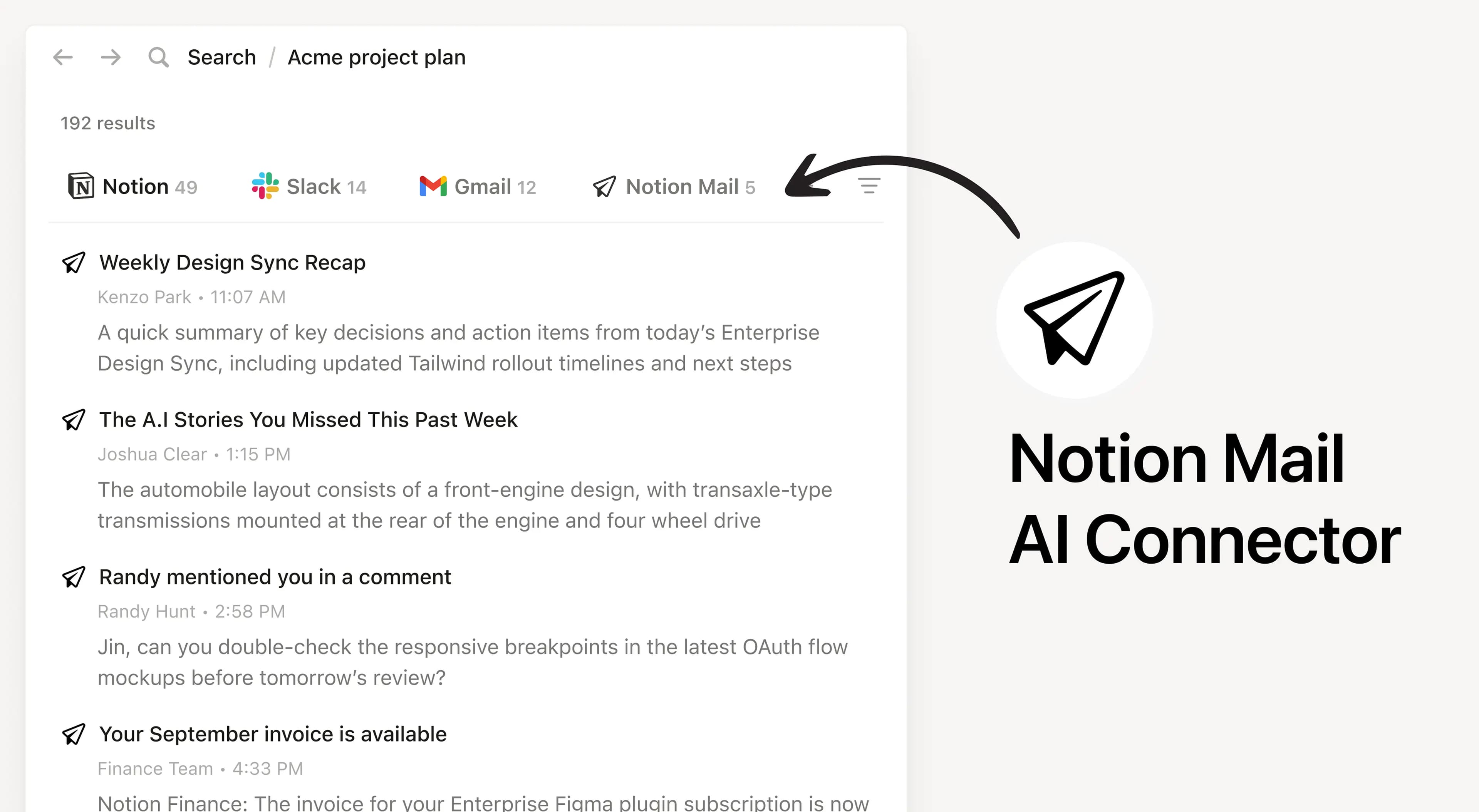
Install Notion’s AI Connector to your Notion Mail account. Available on all plans, subject to Notion AI’s complimentary responses with unlimited usage on the Business and Enterprise plans. Easily find and summarize email threads, search your inbox with natural language, and access important communications seamlessly across Notion tools.
使い方
Anyone on any Notion plan can connect Notion Mail to Notion AI. Users must create a Notion Mail account in order to set up the connection successfully. At this time, the email you use for Notion Mail must match with the email you use for your Notion workspace.
In Notion, navigate to Notion Mail Connector by going to Settings → Notion AI → AI Connectors → Notion Mail and follow the setup steps.
For detailed instructions, check out our Help Center.
After installation is complete, ask Notion AI to summarize recent emails from a specific sender or search for emails about a particular topic for quick access.
