
Subscription confirmation logger
Logs recurring subscriptions from labeled confirmation emails into a structured tracker.- Päivittää tietokannan ominaisuuksia
- Poimii tietoja asiakirjoista
- Valvoo muutoksia tai käynnistimiä
Tietoja tästä palvelijasta
Overview
Automatically captures recurring subscription details from confirmation emails and keeps a clean, up-to-date tracker in Notion, making it easy to monitor renewals and costs over time.
Who it's for
Anyone who wants to stop manually logging subscriptions, including individuals, freelancers, or small teams managing multiple recurring services.
What's included
- Email label trigger: Watches for a designated label applied to confirmation emails and processes them automatically
- Smart extraction: Pulls out subscription name, vendor, price, currency, billing cycle, plan name, seat count, and renewal terms from email content and attachments
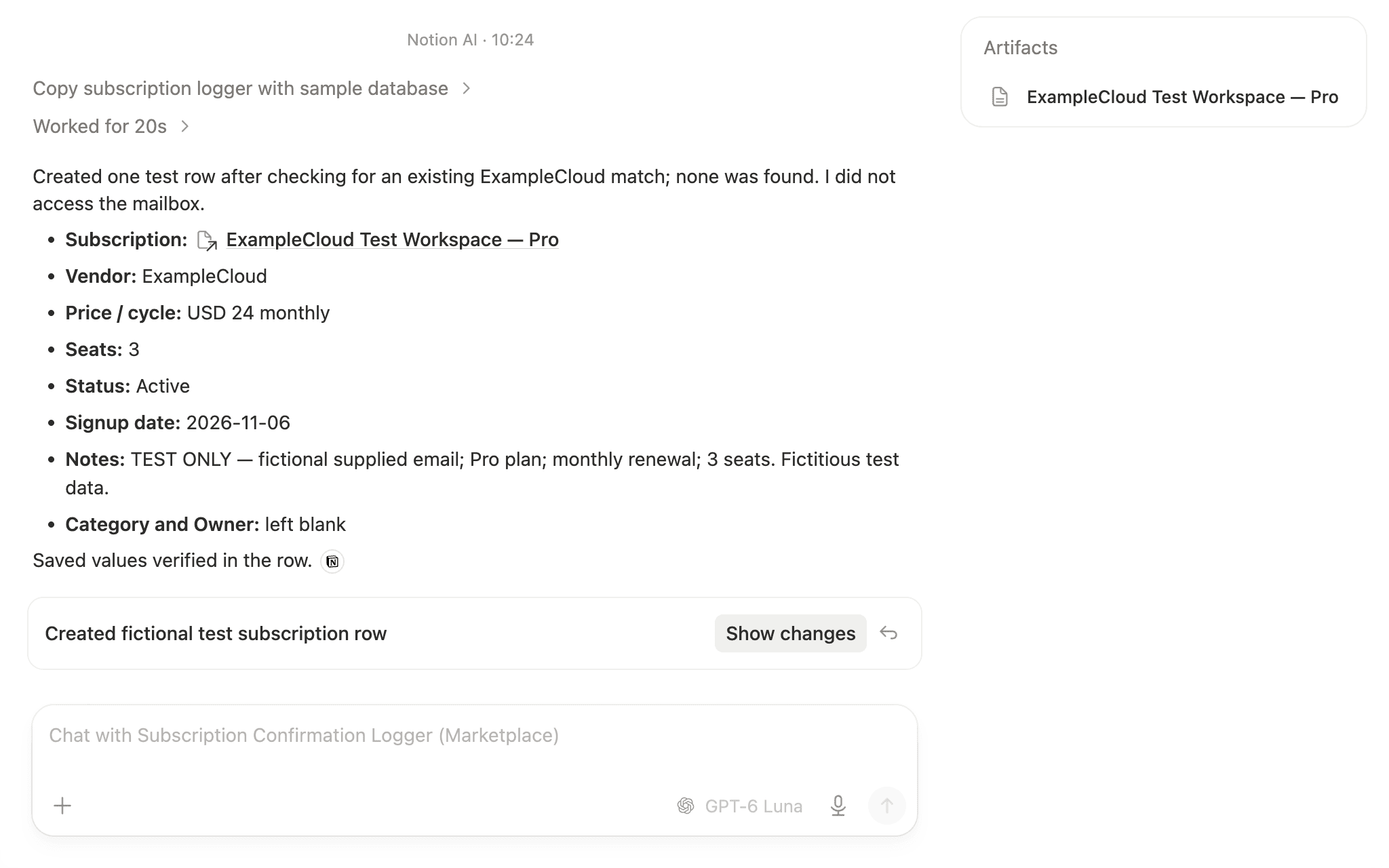
- Duplicate detection: Searches the existing tracker before creating a new record, updating a match or asking for clarification when the match is ambiguous
- Status management: Sets new records to Active by default, or Trial when the email indicates it, without overwriting existing statuses
- Notes field: Stores plan names, renewal terms, source links, and any context that does not fit structured properties
- Embedded database: A built-in Subscriptions database with calculated fields for Next Renewal, Monthly Cost, and Annual Cost
- Manual logging: Also accepts subscription emails pasted directly in chat for on-demand logging
How to use it
- Connect your mailbox: In the agent's settings, link your email account with read-only access so it can process incoming messages.
- Create a label: Add a label named
Subscription Confirmation(or your preferred name) in your email client, then configure the agent's label-applied trigger to match it. - Grant database access: In Tools and access, give the agent edit access to the embedded Subscriptions database inside the agent page, making sure it points to your own copy.
- Clean up example rows: Remove the sample rows that come pre-loaded in the tracker before you start adding real subscriptions.
- Test and enable: Apply the label to a real confirmation email, verify the resulting row looks correct, then enable the trigger and publish the agent.
Galleria