

About this agent
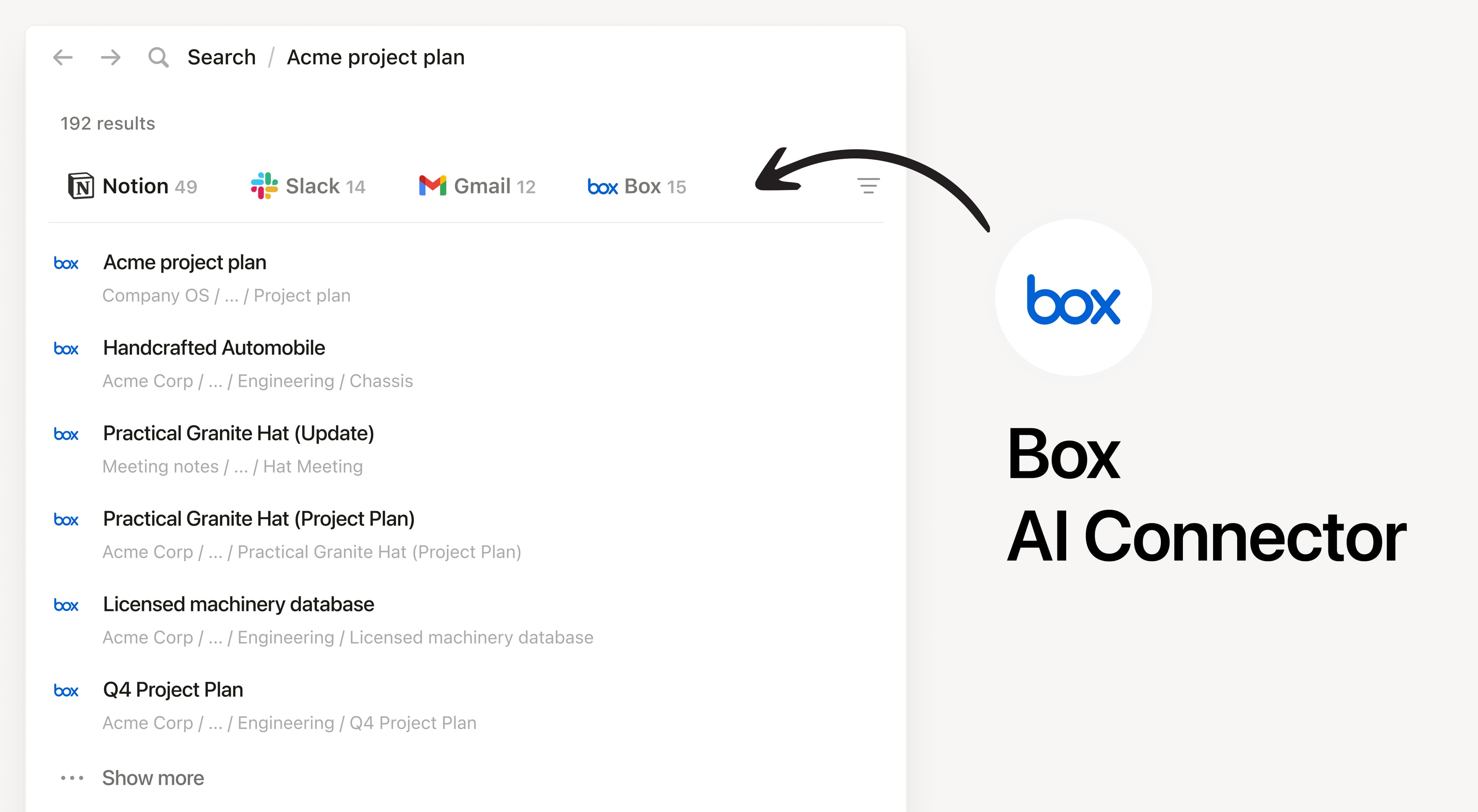
Install Notion’s AI Connector to your Box account. Search your files and folders hosted in Box to answer questions and summarize information without having to leave Notion.
How to use
Must be a Notion workspace owner on the Enterprise plan and Box Admin to connect.
In Notion, navigate to the Box AI Connector by going to Settings → Notion AI → AI Connectors tab → Box and follow the setup steps. You’ll be taken to Box to continue.
For detailed instructions, check out our Help Center.
After installation is complete, ask Notion AI to summarize the key decisions and action items in a specific file or compare two docs to list what changed.
