So... what is Notion?
Meet the AI workspace where teams and agents collaborate. Capture knowledge, answer questions, and push projects forward. All in one place.
哎呀! 你的广告拦截器好像正在阻止视频播放。





See how Notion can work for you.
Notion Academy
Learn Notion basics, build smarter workflows, and validate your skills with badges & certifications.
Get started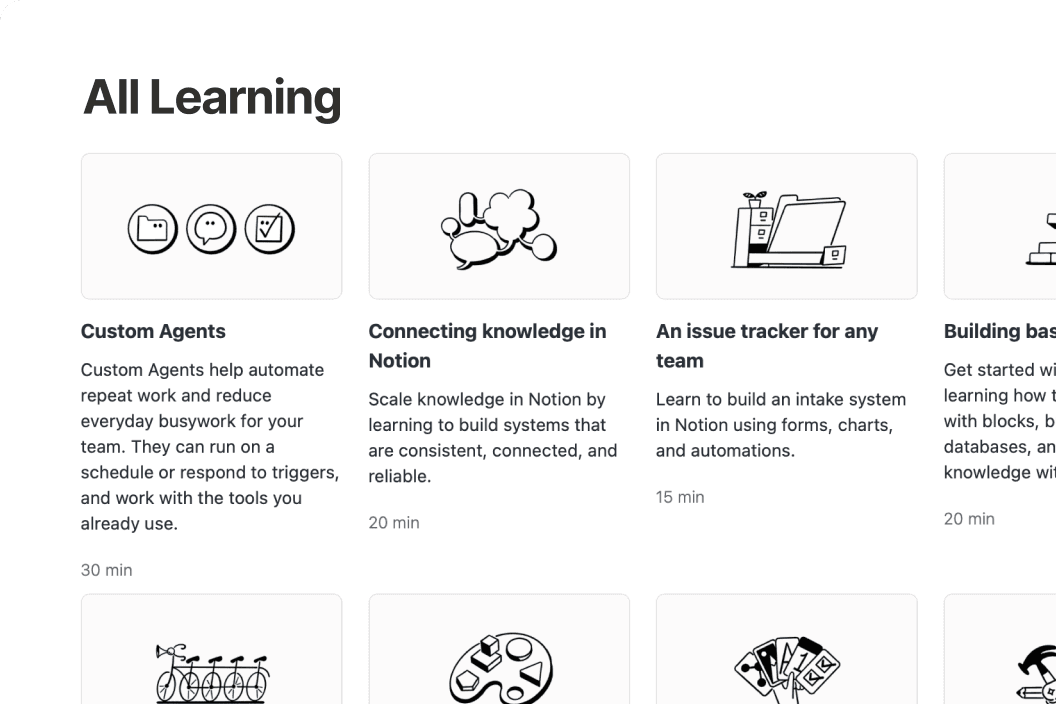
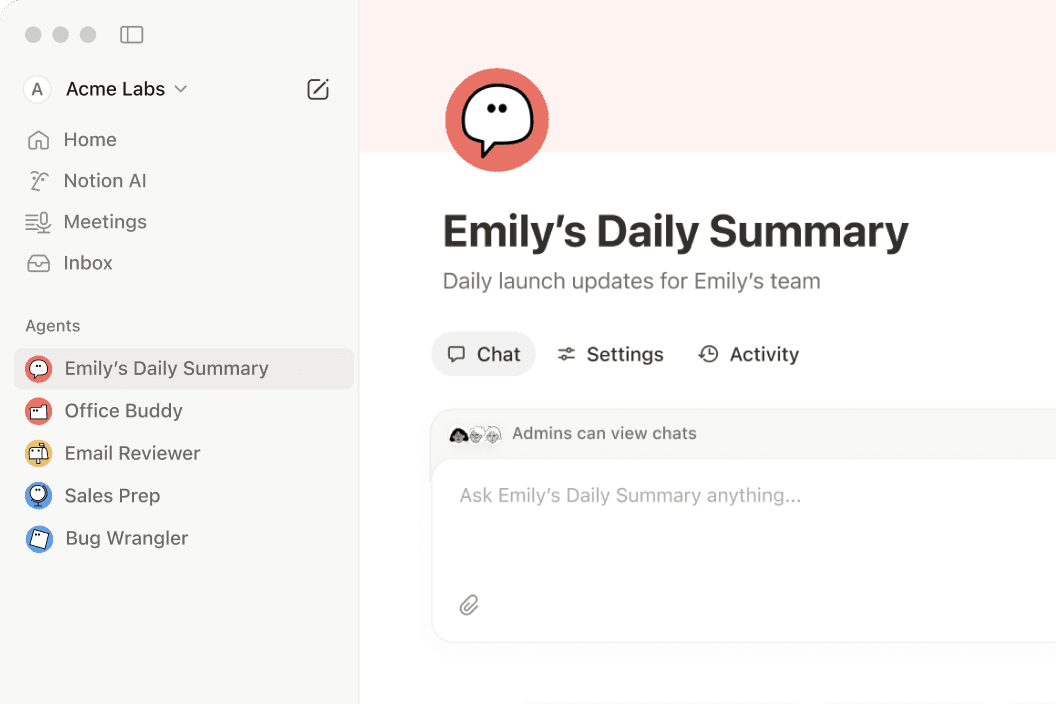
Anything you can do in Notion, your agents can do for you.
If it’s something that’s repetitive, we have a Notion Agent for it.
Questions & Answers
What is Notion used for?
Notion is a connected workspace that brings docs, wikis, projects, and databases together in one place. With Notion AI and custom agents built in, it also helps teams automate repetitive work—like weekly reporting, meeting follow-ups, and onboarding.
Is Notion free to use?
Yes. Notion's free plan includes unlimited pages, Notion AI, and core features like docs, wikis, and databases. Paid plans start at $10 per member per month (billed annually) for teams that need more advanced features, custom agents, and deeper integrations.
How is Notion different from other productivity tools?
Most tools solve just one problem—a wiki here, a task tracker there. Notion brings all of that into one connected workspace with flexible building blocks that adapt to how your team actually works, plus Notion AI to help find answers and move projects forward.
What are custom agents in Notion?
Custom agents are AI teammates you can build to handle multi-step tasks using context from your Notion workspace, connected apps like Slack and GitHub, and the web. They follow your instructions, work around the clock, and take action right where your team already works.
Can Notion replace multiple tools for my team?
Yes—many teams consolidate their separate doc editors, wikis, project trackers, and meeting note apps into Notion. With features like AI Meeting Notes and Enterprise Search, plus integrations with tools like Slack, Google Drive, and GitHub, nothing gets lost along the way.
Find the plan designed for your best work.
免费
为管理个人的项目和生活而生。
包括:
试用 AI 功能,如生成文档或自动填充数据库
在 Notion 中直接捕捉、整理和回复信息。
将 Notion 页面发布到网上
连接多个 Google 日历以共同管理工作和时间。
在同一个平台整理成百上千个事项,如项目或任务
Plus 版
为小型团队和专业人士的携手共赢而生。
免费版的全部功能,以及:
试用 AI 功能,如生成文档或自动填充数据库
移除公共表单中的 Notion 品牌标识
自定义顶部标题,选择浅色或深色主题,添加自定义图标,并与 Google Analytics 集成。
以不同方式显示数据库中的数据(如环状图、柱状图和折线图)。
区块是你添加到一个页面的内容片段(例如待办事项复选框、段落、要点等)。
每个文件的大小限制可能适用于你上传至Notion页面或数据库的任何文件。
连接到 Slack、Google 云端硬盘等平台
商业版推荐
为助力企业成长,简化工作流程而生。
Plus 版的全部功能,以及:
为你服务。使用来自 Notion、你的已关联应用和网络的背景信息来完成复杂的多步骤任务。
AI 代理可自主处理重复性任务,解放你的团队。免费试用,试用结束后每 1000 个积分只需 $10。
自动生成会议记录和跟进事项,无需与机器对话
搜索 Slack、GitHub 等已关联应用中的内容
通过安全的单点登录管理大规模的员工访问。
在 Notion 数据库中进行协作,而无需授予对整个数据库的访问权限。将访问权限限制为分配给协作者的行。
向最近更新的页面添加已验证徽章。出现在搜索结果和 AI 引用中。
除了你添加的成员,任何人都不能查看或发现创建的团队协作区。这是敏感信息(如公司规划或绩效评估)是的合适选择。
拥有已验证电子邮件域名即可使用单点登录等高级安全功能。
连接到 GitHub、Asana 等平台