ไอคอนการเชื่อมต่อ

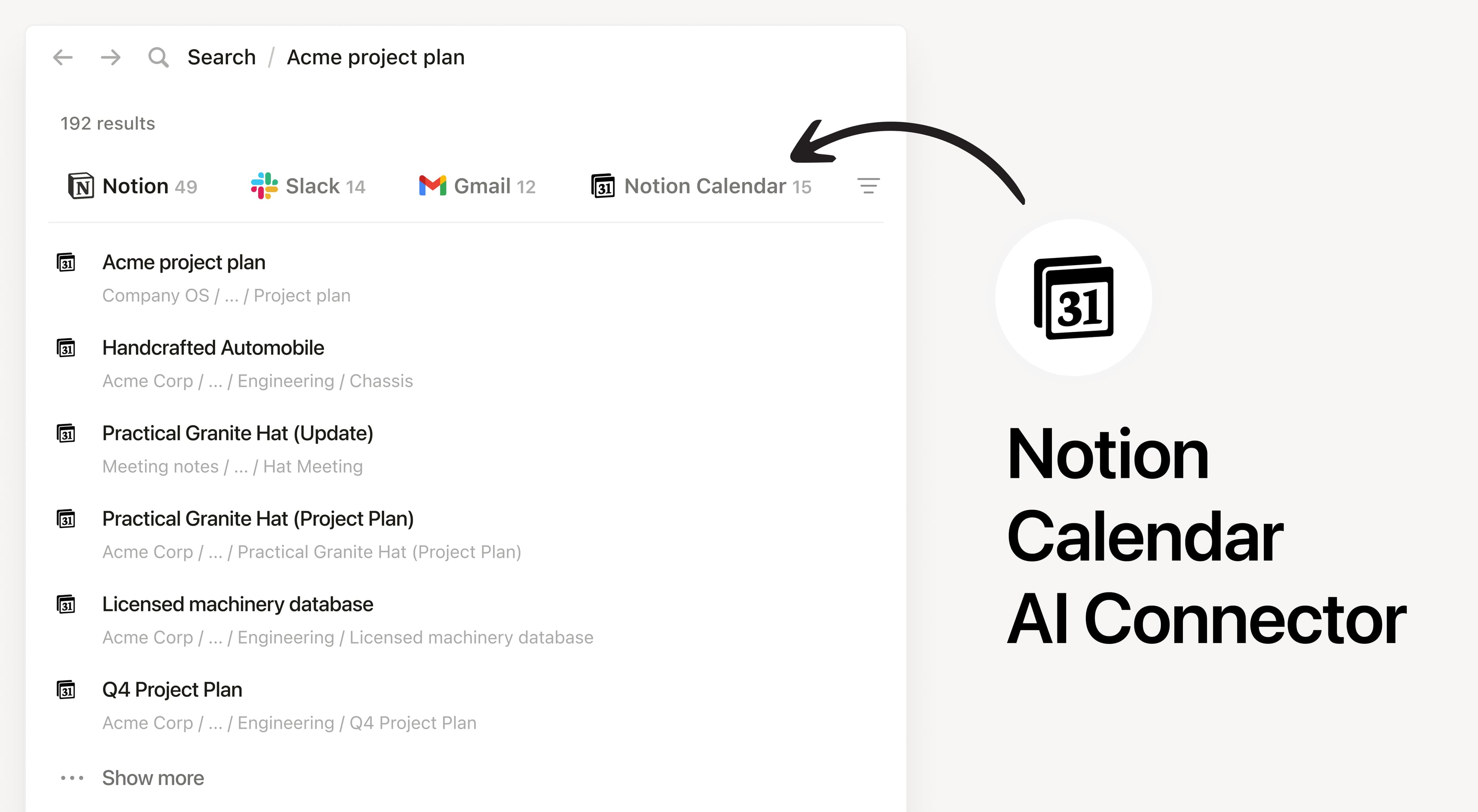
Notion AI Connector for Notion Calendar

Overview

Install Notion’s AI Connector to your Notion Calendar to search and reference your calendar events directly in Notion. Notion AI only searches your own calendar events and won’t show other users’ events.

How to use

Anyone on any Notion plan can connect Notion Calendar to Notion AI, Users must create a Notion Calendar account. At this time, your Notion Calendar account must match the email you use to log into your Notion workspace.

In Notion, navigate to the Notion Calendar AI Connector by going to SettingsNotion AI AI Connectors Notion Calendar and follow the setup steps.

For detailed instructions, check out our Help Center.

After installation is complete, ask Notion AI to brief you on your schedule for the upcoming week or summarize action items from meetings you’ve attended.

เครื่องหมายการค้าของบุคคลที่ 3 ทั้งหมด (รวมถึงโลโก้และไอคอน) ที่แสดงในที่นี้เป็นทรัพย์สินของเจ้าของที่เกี่ยวข้อง Notion ไม่รองรับหรือดูแลการผสานการทำงาน เว้นแต่จะระบุอย่างชัดเจนว่าสร้างโดย Notion (Made by Notion) ผลิตภัณฑ์หรือบริการของบุคคลที่ 3 ที่เชื่อมต่อเป็นแอพพลิเคชันที่ไม่ใช่ของ Notion (ตามที่กำหนดไว้ใน ข้อตกลงการสมัครใช้บริการฉบับหลักหรือ เงื่อนไขการใช้งานส่วนบุคคลตามความเกี่ยวข้อง) การเปิดใช้งานการผสานการทำงานหรือใช้แกลเลอรีผสานการทำงานของ Notion ถือเป็นการยอมรับ เงื่อนไขของแกลเลอรีการผสานการทำงาน.