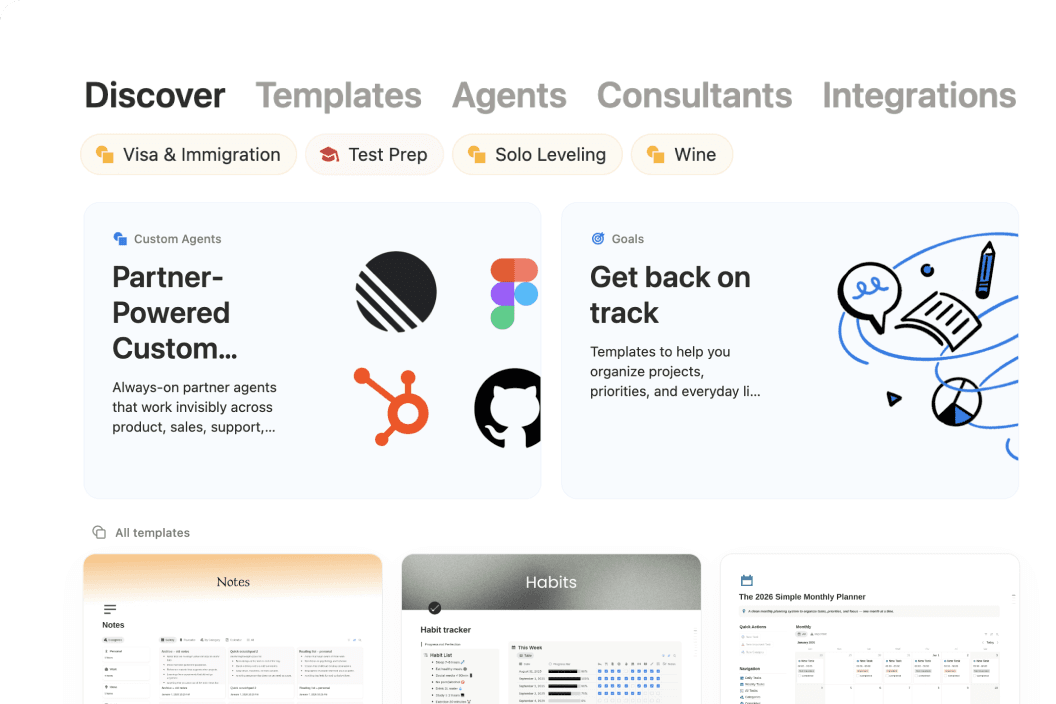
So... what is Notion?
Meet the AI workspace where teams and agents collaborate. Capture knowledge, answer questions, and push projects forward. All in one place.
문제가 발생했습니다. 광고 차단기로 인해 동영상이 재생되지 않는 것 같습니다.






See how Notion can work for you.
Notion Academy
Learn Notion basics, build smarter workflows, and validate your skills with badges & certifications.
Get started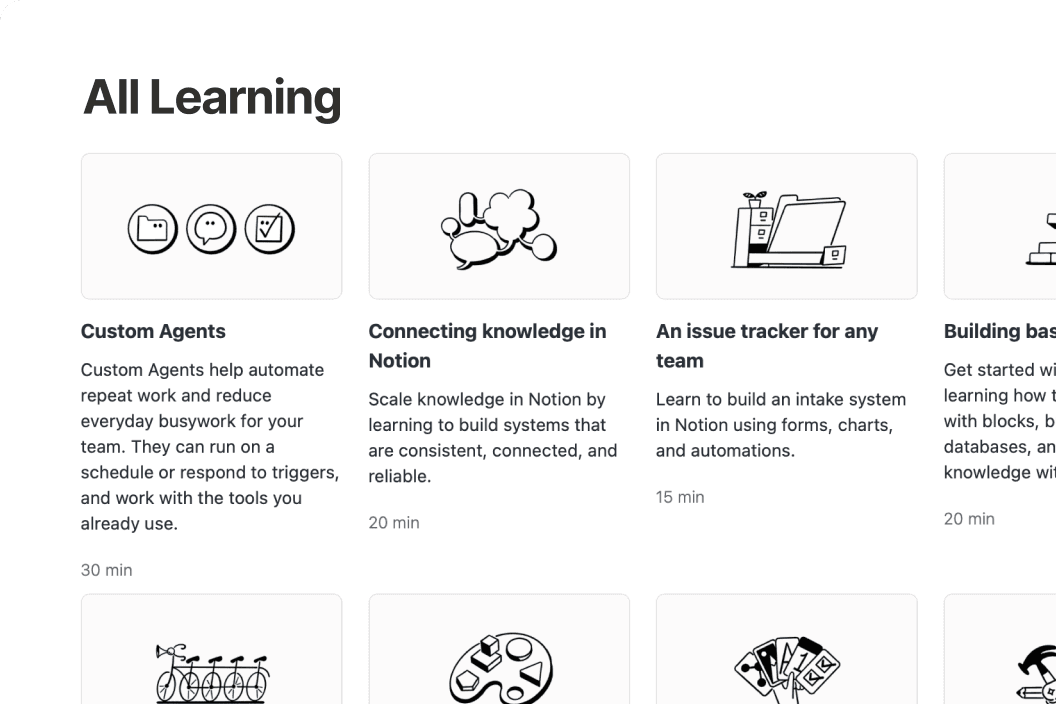
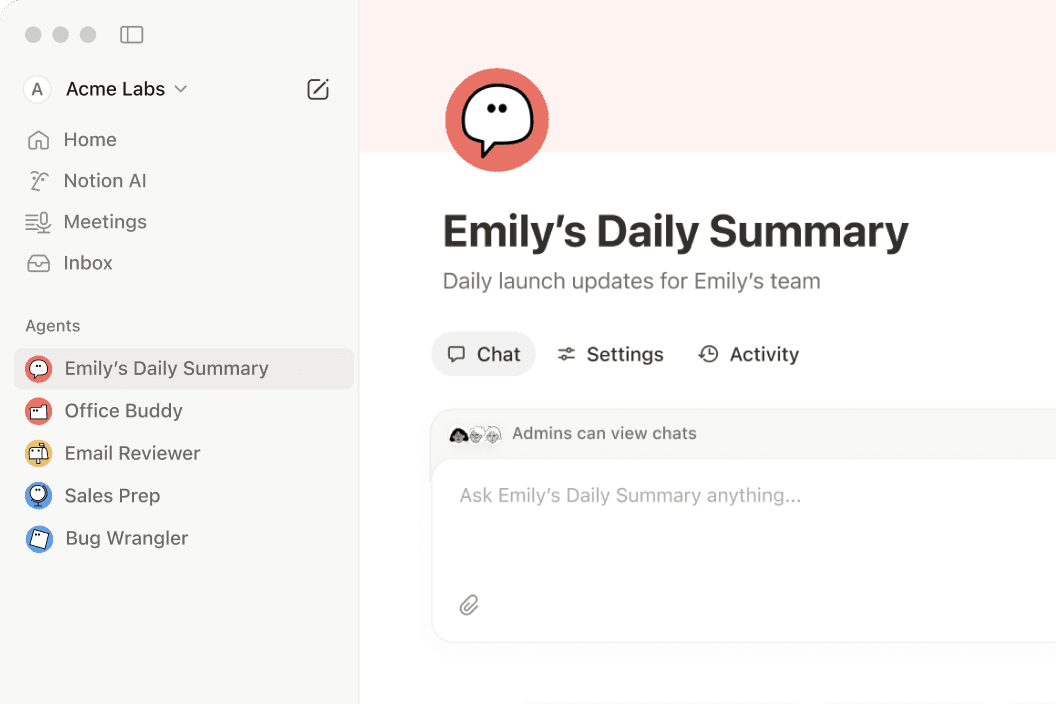
Anything you can do in Notion, your agents can do for you.
If it’s something that’s repetitive, we have a Notion Agent for it.
Questions & Answers
What is Notion used for?
Notion is a connected workspace that brings docs, wikis, projects, and databases together in one place. With Notion AI and custom agents built in, it also helps teams automate repetitive work—like weekly reporting, meeting follow-ups, and onboarding.
Is Notion free to use?
Yes. Notion's free plan includes unlimited pages, Notion AI, and core features like docs, wikis, and databases. Paid plans start at $10 per member per month (billed annually) for teams that need more advanced features, custom agents, and deeper integrations.
How is Notion different from other productivity tools?
Most tools solve just one problem—a wiki here, a task tracker there. Notion brings all of that into one connected workspace with flexible building blocks that adapt to how your team actually works, plus Notion AI to help find answers and move projects forward.
What are custom agents in Notion?
Custom agents are AI teammates you can build to handle multi-step tasks using context from your Notion workspace, connected apps like Slack and GitHub, and the web. They follow your instructions, work around the clock, and take action right where your team already works.
Can Notion replace multiple tools for my team?
Yes—many teams consolidate their separate doc editors, wikis, project trackers, and meeting note apps into Notion. With features like AI Meeting Notes and Enterprise Search, plus integrations with tools like Slack, Google Drive, and GitHub, nothing gets lost along the way.
Find the plan designed for your best work.
무료
나만의 프로젝트와 작업을 구성하고자 하는 개인
포함 사항:
문서 생성, 데이터베이스 자동 채우기와 같은 AI 기능 체험판
Notion 내에서 바로 응답을 확인하고, 정리하고, 조치를 취하세요.
Notion 페이지를 웹에 게시하세요.
원하는 만큼 많은 캘린더 계정을 연결해 업무와 시간을 함께 관리하세요.
프로젝트나 작업처럼 수백 또는 수천 개의 항목을 한 곳에 정리하세요.
플러스
전문가들과 협업이 필요한 소규모 팀
무료 요금제의 모든 기능 +
문서 생성, 데이터베이스 자동 채우기와 같은 AI 기능 체험판
공개 폼에서 Notion 브랜딩을 제거하세요.
상단 제목을 원하는 대로 지정하고, 밝거나 어두운 테마를 선택하고, 사용자 지정 파비콘을 추가하고, Google 애널리틱스와 통합할 수 있습니다.
데이터베이스의 데이터를 다양한 방식(예: 도넛 차트, 막대 차트, 꺾은선형 차트)으로 시각화할 수 있습니다.
블록은 페이지에 추가하는 콘텐츠입니다. 체크박스, 단락, 글머리 기호 등도 모두 블록입니다.
Notion 페이지나 데이터베이스에 업로드하는 모든 파일에 크기 제한이 적용될 수 있습니다.
Slack 및 Google Drive와 같은 일부 도구에 연결하기
비즈니스권장 사항
간소화된 협업 시스템이 필요한 성장 중인 기업
플러스 요금제의 모든 기능 +
Notion, 연결된 앱, 웹에서 제공되는 정보를 활용해 복잡하고 단계가 많은 작업을 나를 대신해 완료해 줍니다.
AI 에이전트가 반복적인 작업을 자율적으로 처리하므로 팀원이 직접 처리할 필요가 없습니다. 무료 체험 후 1,000크레딧당 US$10에 사용해 보세요.
봇 없이 회의록과 후속 작업을 자동화하세요.
Slack, GitHub 등 연결된 앱 전반에서 검색하세요.
안전한 SSO(통합로그인)로 여러 직원들의 액세스를 한번에 관리하세요.
전체 데이터베이스에 대한 사용 권한을 부여하지 않고 Notion 데이터베이스에서 공동 작업합니다. 공동 작업자가 할당된 행에 대한 사용 권한을 제한합니다.
최신 페이지에 검증 배지를 추가하세요. 검색 결과와 AI 인용에 표시됩니다.
내가 추가한 사람 외에는 누구도 보거나 검색할 수 없는 팀스페이스를 만듭니다. 회사 전략 플래닝이나 직원 성과 평가 등의 민감한 정보를 관리해야 할 때 유용합니다.
이메일 도메인 소유권을 인증하여 SSO(통합로그인)를 포함한 고급 보안 기능을 이용하세요.
GitHub, Asana 등과 연결하기