概要
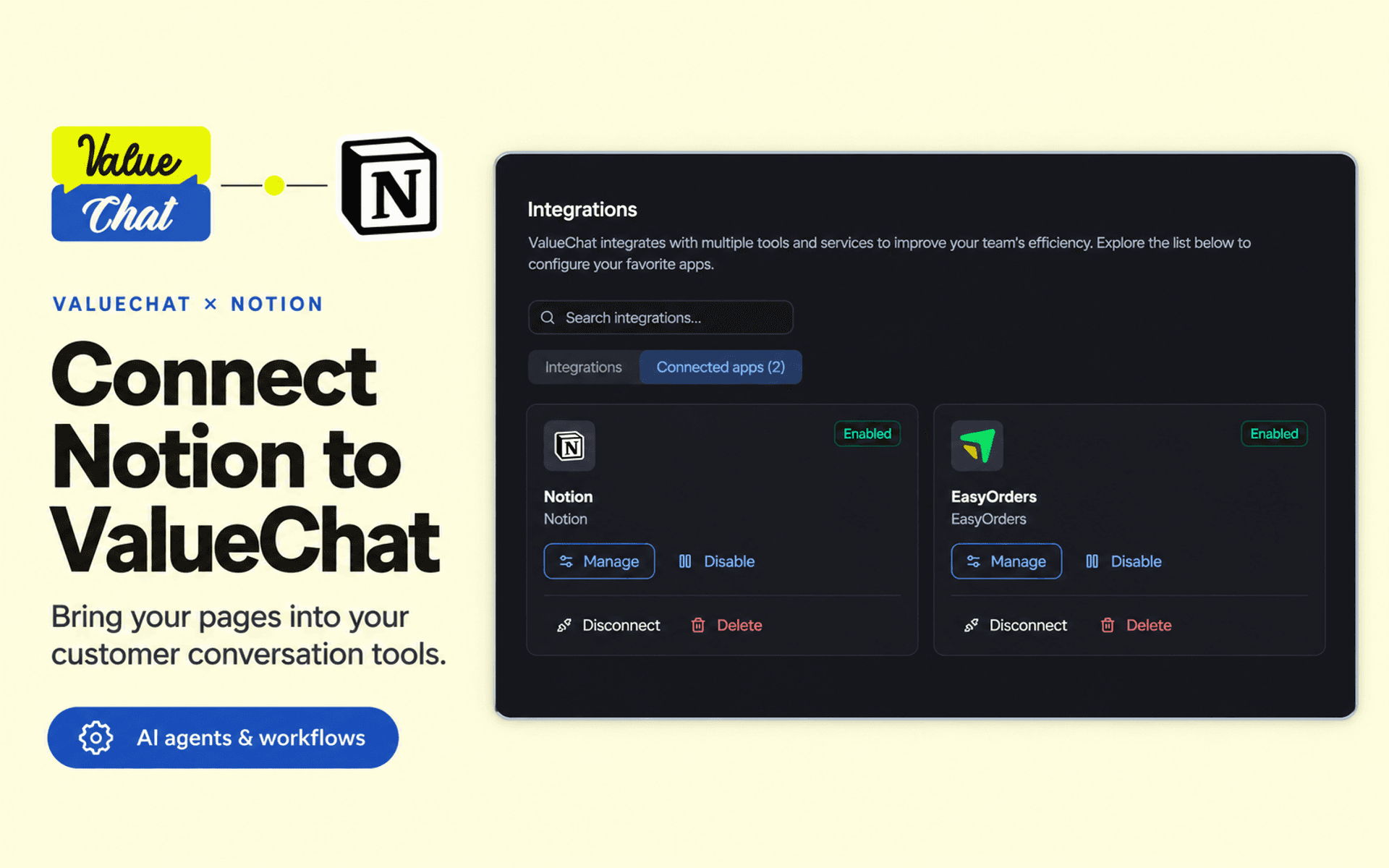
ValueChat connects your customer conversations, AI agents, and workflows with Notion.
Give your agents access to selected Notion pages so they can find information, read page properties and content, create child pages, and append notes when needed.
Use the connection to:
• Find and read information from your selected pages.
• Create a page to capture a customer request or conversation summary.
• Append notes and updates to an existing page.
• Run supported Notion actions from ValueChat AI agents and workflows.
Connect through Notion OAuth without entering an API token. During authorization, choose which pages to make available. In ValueChat, configure which supported actions each agent or workflow can use.
A ValueChat account and a Notion account are required.
機能
- コンテンツを読み取る、挿入、更新このコネクトと共有されているページ、データベース、ブロックを読み取る、挿入、更新できます。
- コメントを読み取る、追加アクセスできるページとブロックにコメントを読み取る、追加ことができます。
- ワークスペースユーザーを表示するワークスペースメンバーとゲストに関する基本的なプロフィール情報(メールアドレスなど)を読み取ります。
使い方
1. Sign in to ValueChat or create an account.
2. Open the workspace where you want to use Notion.
3. Go to Settings → Integrations, find Notion, and click Connect.
4. Sign in to Notion, choose your workspace and pages, and approve the connection.
5. Return to ValueChat and add the connected Notion app to an AI agent or workflow.
6. Select the actions you want to allow and explain when they should be used.
7. Test with a sample page: search for it, read its content, or ask the agent to create a child page or append a note.